Trainers using a range of video files
You want to play demonstration videos directly from local storage. Check that the picture, sound and any subtitles work with the specific TV model.


Choose a smart TV for training demonstrations based on whether your specific video files work on the model, including their sound and any subtitles, and whether they can be seen clearly from the seats you plan to use. If you often display still images, bear in mind Sony’s warning that OLED screens may suffer permanent image retention. An HDMI player could be an alternative if the built-in USB player won’t play your files.
You want to play demonstration videos directly from local storage. Check that the picture, sound and any subtitles work with the specific TV model.
You show practical steps to several people at once. The key question is whether everyone can see the content clearly, including those sitting at the sides and towards the back.
You’re planning repeat demonstrations or long periods displaying a still image. Take the screen technology and the specific model’s energy information into account.
Start by checking your media files and training room. You can then work out which connections and display features matter most for your setup.
| What you need | What to check | Who it matters most to |
|---|---|---|
| Playing local files | Check the video and audio codecs, USB file system and any subtitle requirements in the manual for the specific model. LG Deutschland and Sony Deutschland note that playback depends on the model and file. | If you often want to play different videos directly from storage, checking your own files for compatibility should come first. Around 36% of consumers prioritise this. |
| Making sure the whole group can see the picture | Check typical video details from the back and sides of the room, under the lighting conditions you expect to use. | If you have several rows of seats, you’ll want to make sure practical steps remain clear away from the centre, too. Around 29% of consumers prioritise visibility for the group. |
| Regular demonstrations | Consider still images that are displayed for long periods or shown repeatedly. Sony warns that OLED screens may suffer permanent image retention if the same image is displayed for a long time or repeatedly. | If menus or instructions often stay on screen for a long time, assess the display technology against how you’ll actually use it. Around 21% of consumers prioritise regular use and still images. |
| Easy connections and setup | Check the USB and HDMI connections on the specific model, and plan who will connect the storage device or player. Samsung Deutschland lists connection options for each model. | If several trainers will use the TV, switching between storage, a computer and a demonstration should be practical for everyday training. Around 14% of consumers prioritise easy connections and setup. |
Having a USB port doesn’t mean the TV will play every file. The file extension, codec and supported file system can all make a difference.
Check the media details of your most important videos against the manual for the exact model. If possible, test the sound and subtitles, too.
Depending on the format, you may need to spend extra time preparing the files or use an external player.
A large screen alone doesn’t tell you whether everyone in the training room will be able to see fine details.
Check typical video content from the seats at the sides and back, under the lighting conditions you expect to use.
Sony warns that OLED screens may suffer permanent image retention if the same image is displayed for a long time or repeatedly.
Before choosing a model, consider how long menus, instructions and break screens will actually stay on screen.
BRAVIA models are worth considering if you want to check USB playback against the manual for the specific device.
LG models are worth considering if you check your required videos and subtitles against the specific model in advance.
Samsung smart TVs are an option if you want to use USB storage or an external player and check the connections on the specific model.
TCL models are worth comparing as LCD or Mini LED options for a training room.
This Joybuy selection features smart TVs for demonstrations using local training files. Before buying, check the connections you’ll need and test your specific files on the model you’re considering.
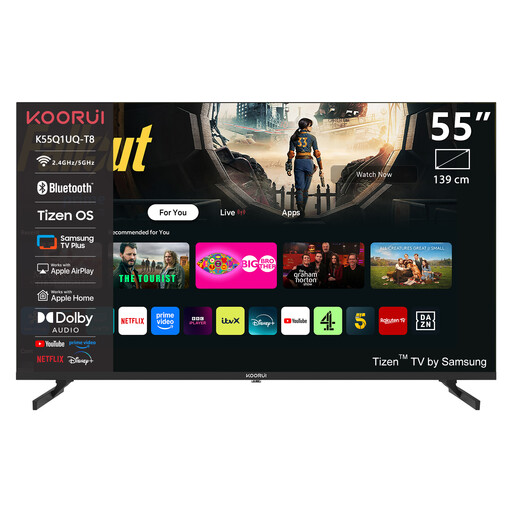 No image available
For local demonstrations, check in advance that this model plays your video and audio files and has the connection you need.
55 inches; 4K UHD; QLED; Tizen OS.
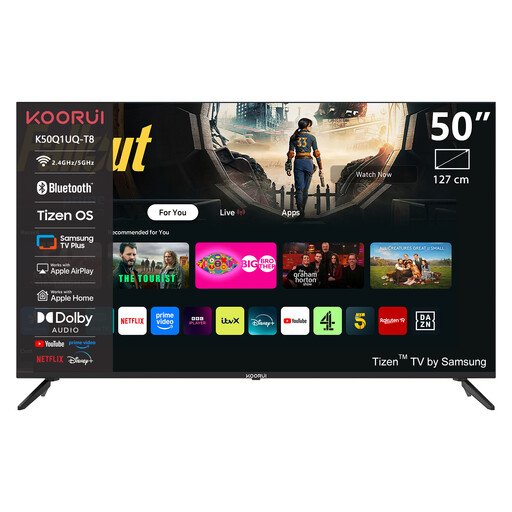 No image available
For local demonstrations, check in advance that this model plays your video and audio files and has the connection you need.
50 inches; 4K UHD; QLED; Tizen OS.
 No image available
The product name lists USB and HDMI connections, but you should still check file compatibility for this model and test your training files before use.
43 inches; 4K Ultra HD; LED; Titan OS; 3 × HDMI; 2 × USB.
HDR10+ and HLG; 60 Hz; Dolby Atmos; Bluetooth 4.2; VESA 200 × 100 mm.
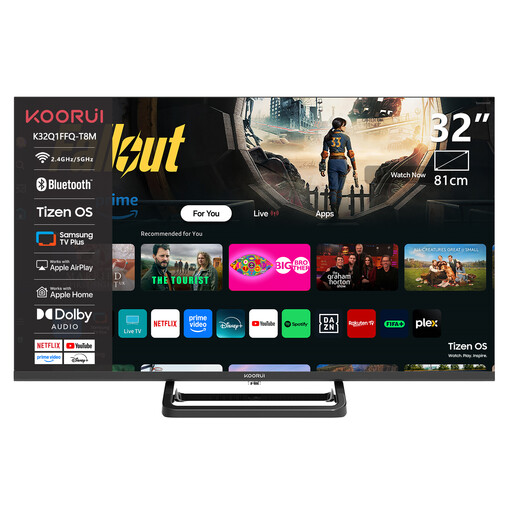 No image available
For local demonstrations, check in advance that this model plays your video and audio files and has the connection you need.
32 inches; HD 720P; LED; HDMI; USB; Wi-Fi.
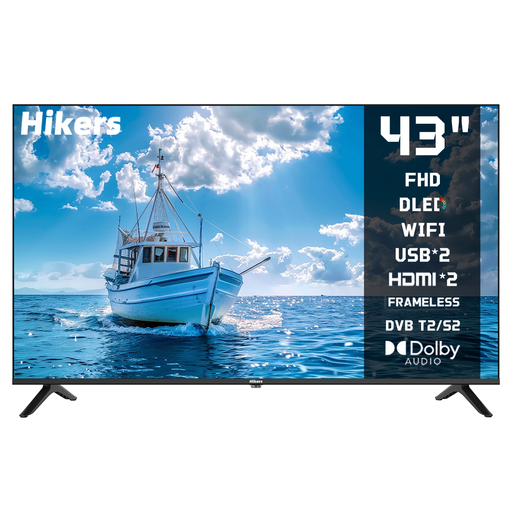 No image available
The product name lists USB and HDMI connections. Check that your specific files will play and that the model has the connections you need before planning to use it for training.
43 inches; FHD; LED; VIDAA; Wi-Fi; Bluetooth.
Triple tuner: DVB-C/S/S2/T/T2.
No. The file extension alone isn’t enough: check the video and audio codecs and any other requirements in the manual for the specific model, and test one of your own files.
Check the codec and USB file system. For external subtitles, also check the file name and subtitle format. LG Deutschland describes possible codec and subtitle issues with USB playback; test the specific file on the model you plan to use.
Compare the energy and power specifications for the specific devices on the same basis. To estimate your own costs, you’ll also need the expected operating hours and your electricity tariff. EUR-Lex outlines EU requirements for energy labelling of electronic displays.
Not automatically. Section 60a of the German Copyright Act (UrhG) covers certain uses to illustrate teaching, subject to conditions and exceptions, including at vocational training institutions. For the specific files, institution and planned use, check whether a licence or statutory permission applies. Having a local copy doesn’t answer this question on its own.
Search the manufacturer’s support site using the full model number. For example, TCL has a dedicated support page for the 55C7L; this doesn’t mean other models have the same level of support.