Wide seating area
If several people will be watching dance videos, including from seats at the side, you’ll want a picture that changes as little as possible from those angles. RTINGS describes how viewing angles vary between LCD panel types.


If several people will be watching dance videos from seats at the side, check how the specific TV model performs from your seating positions. OLED may be an obvious option, but it doesn’t guarantee a consistent picture. An IPS or ADS LCD is also worth considering if the specific model performs well from the side and you’re happy with the potential contrast trade-off. Also check that the TV can play your files through your intended connection, and try the motion settings with a video you know well.
If several people will be watching dance videos, including from seats at the side, you’ll want a picture that changes as little as possible from those angles. RTINGS describes how viewing angles vary between LCD panel types.
If you want to play recordings from a USB drive or a connected device, check the file format and codec against the specifications for the specific TV model. Sony Germany and LG Germany list requirements that vary by model and playback method.
With fast steps and camera pans, how the TV handles motion and which settings you can adjust both matter. RTINGS notes that motion smoothing can introduce artefacts.
First check how the picture looks from the seats you’ll actually use, then make sure your files will play. Finally, consider the motion settings and the conditions in your room.
| What to consider | What to check before buying | Who is it most important for? |
|---|---|---|
| Picture from the side | Check the panel type and viewing-angle tests for the specific model; don’t rely on labels such as QLED or Mini LED alone. | If I want to watch with others from several seats at the side, I want colours and brightness to remain as consistent as possible. That’s why around 31 % of consumers put picture quality when viewed from the side first. |
| Playing your own recordings | Check the file extension and video and audio codecs against the model’s manual. If you’re using a connected device, check how it connects too. | If I want to watch the dance videos I already have, the picture and sound need to work with the TV or a connected player. Around 25 % of consumers prioritise playing their existing files. |
| Fast motion | Look for motion tests specific to the model and compare the smoothing settings on and off with your own content. | If I want to make out fast steps and camera pans clearly, natural-looking motion matters more to me than maximum smoothing. Around 19 % of consumers focus above all on natural motion. |
| Bright room | Assess the specific TV’s reflections and brightness in similar lighting conditions to your room. Brightness is no substitute for a viewing-angle test. | If windows or lights shine on the screen during the day, I want to be able to make out important details in the picture. Around 13 % of consumers prioritise using a TV in a bright room. |
| Size and energy use | Measure your viewing distance and available space; compare the energy consumption of similar TVs using their EU energy labels. | If I need to fit the TV into a particular room and consider the running costs, both its size and energy use matter. Around 12 % of consumers prioritise a suitable size and running costs. |
The backlighting or colour layer alone won’t tell you how consistent the picture will look from a seat at the side.
Check the panel type and, if possible, a viewing-angle test for the exact model on offer.
The video or audio codec and file system also need to be compatible with the TV’s playback capabilities.
Compare a typical recording with the formats listed for the model. If it isn’t compatible, you may need to use a different connection or convert the file.
Extra frames can cause visible errors and make the picture look unnatural.
Try several settings with your own recordings instead of assuming that a high level of smoothing is best.
A larger screen needs to suit your viewing distance and where you plan to put it. Energy use may also be a factor.
Measure the room and viewing distance, then compare energy consumption on the EU energy label. Check for any delivery or installation costs before you buy.
The C5 OLED range is one specific OLED option for a wide seating area.
The K-55XR8A OLED model is an option if you want to play your own recordings.
The TV-55Z95BEG OLED model is listed with a built-in media player and several connections.
The 65C7K is a QD Mini LED LCD option to compare with OLED.
This selection of Joybuy products includes Smart TVs in different sizes, with a range of display and Smart TV specifications. Check the viewing angle of the specific model and make sure your recordings are compatible with its supported playback formats.
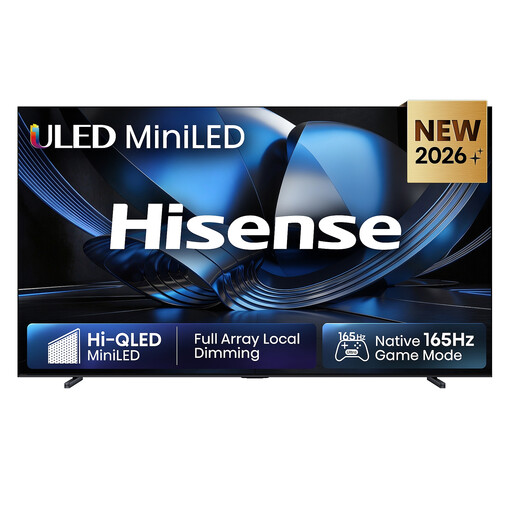 No image available
With a listed screen size of 100 inches, it’s especially important to check the space you have and your viewing distance before choosing.
Product specifications: 100 inches, 4K, ULED Mini LED, 165 Hz, Dolby Atmos and VIDAA Smart OS.
The size and display specifications don’t prove that the viewing angle will remain consistent or that your files will play. Check both for the specific variant.
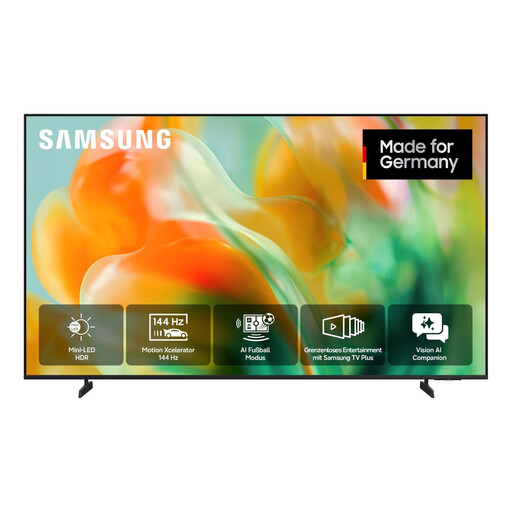 No image available
The listed 65-inch size can help you narrow down your options. Check that it suits your viewing distance and the angles in your room.
Product specifications: 65 inches or 163 cm, Mini LED, 4K UHD and Smart TV.
These specifications don’t tell you how consistent the picture will look from seats at the side or whether your files will play.
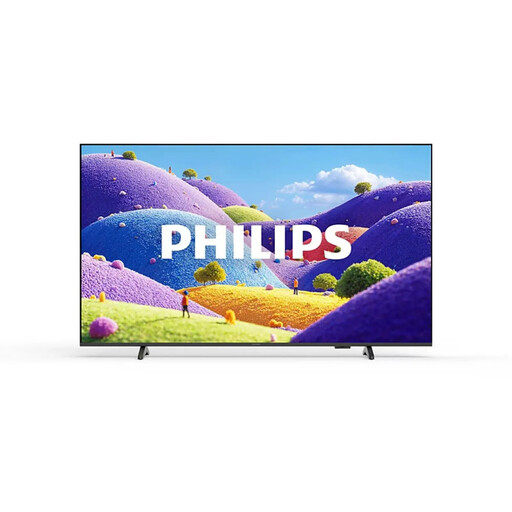 No image available
If you plan to use an external device for playback, the listed connections are worth checking. Make sure they match your player.
Product specifications: 75 inches, 4K UHD, HDR10+, Titan OS, three HDMI ports and two USB ports.
The connection specifications alone don’t guarantee that a particular USB drive or file will work.
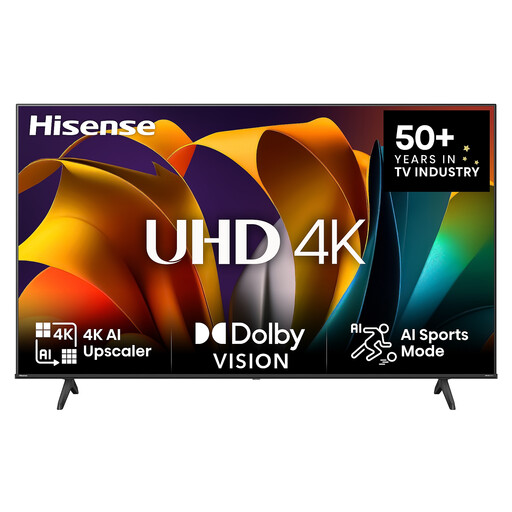 No image available
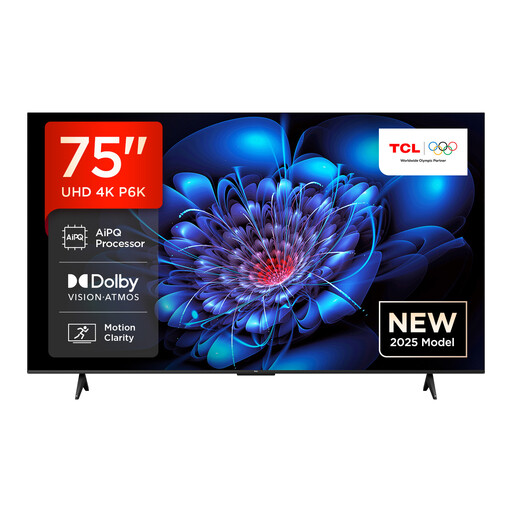
If you’re considering a 75-inch screen, first check that the viewing distance and available space suit your room.
Product specifications: 75 inches, 4K UHD, 60 Hz and Smart TV features.
These specifications don’t confirm how the picture looks from the side or whether a particular dance video will play.
 No image available
The product description claims a wider viewing angle for the HVA panel. Even so, check how the picture looks from the seats you’ll actually use.
Product specifications: 75 inches, Direct LED, 4K HDR and Google TV.
The panel type alone doesn’t tell you how consistently colours and brightness will look from your viewing angle.
No, not automatically. The file format and codecs need to be compatible with the TV. Check the details of your recording against the model’s manual. Connecting an external player through a suitable input is another way to play your files.
Start by comparing a video you know well with motion smoothing set to a low level and with the feature switched off. Extra frames can make movement look smoother, but may also introduce artefacts or make the picture look unnatural.
Measure your viewing distance and the space available, then compare energy consumption on the EU energy label. Check with the retailer for any delivery or installation costs before you buy.
For TVs, the EU energy label shows, among other things, energy consumption per 1,000 hours of use. Germany’s Federal Environment Agency says large old appliances can be returned to a recycling centre. When you buy a similar replacement, you can also return your old appliance free of charge, including when buying online with delivery. Arrange the return with the retailer.
If essential updates are missing, your consumer rights for goods with digital elements may apply. The Verbraucherzentrale explains these rights; the remedies available in an individual case depend on the purchase and the specific fault.