What should you look for when buying?
By the sofa, first check whether you can adjust the airflow and direction comfortably at close range. Then consider noise, how widely the air is distributed and how much space the fan takes up.
| What matters |
What to check |
Who is this important to? |
| A gentle breeze by the sofa |
Adjustable low settings and tilt; consider the distance from the fan to your seat. |
If a light breeze is enough for me on the sofa, I want to be able to direct the airflow without being constantly blown on. Around 31% of consumers put easily adjustable airflow first. |
| Noise while working |
Assess the noise and airflow on the same setting; check the conditions behind any decibel rating. |
When I’m on a call or concentrating, I want a setting that moves enough air without distracting me with its noise. Around 25% of consumers prioritise a quiet working environment. |
| Airflow across several areas |
Check for horizontal and, where available, vertical oscillation, as well as tilt and fan height. |
If I move between the sofa and my desk, I want the airflow to reach both areas rather than being directed at me all the time. Around 19% of consumers prioritise airflow across several areas. |
| Purchase price and electricity use |
Compare power consumption on the setting you’ll use, as well as the timer and what’s included. |
If I use a fan frequently, I want to consider the power consumption of my preferred setting and how long I’ll run it before estimating ongoing costs. Around 13% of consumers focus on comparing the purchase price with electricity use. |
| Safe placement |
Check the space available, stability, socket location and cable routing by the sofa. |
If there’s little room beside the sofa, I want to work out in advance where the fan can stand safely and how the cable will run. Around 12% of consumers prioritise flexible, safe placement. |
Joybuy products for airflow where you sit
This selection includes fans for directed airflow where you sit, as well as models with an adjustable direction or oscillation.
 No image available
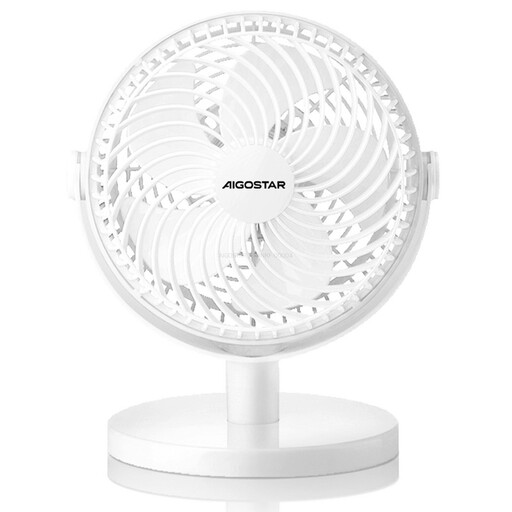
Aigostar USB desk fan, 5 blades, 2 speeds, 360° adjustable head
An option for directed airflow at a single seat, if you can place a desk fan within reach.
USB-powered; two speeds; 360° adjustable head.
Joybuy
 No image available
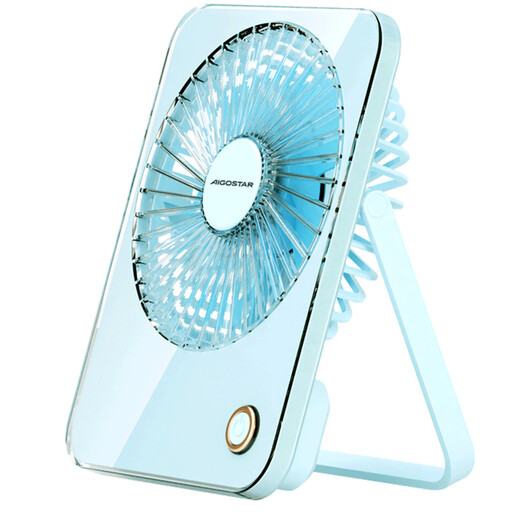
Aigostar portable USB desk fan, 3 Inch, 3 speeds, 3600 mAh
This portable model could suit you if you want airflow where you sit and the flexibility to position the fan as needed.
Rechargeable 3600 mAh battery; three speed settings; 180° folding stand.
Joybuy
 No image available
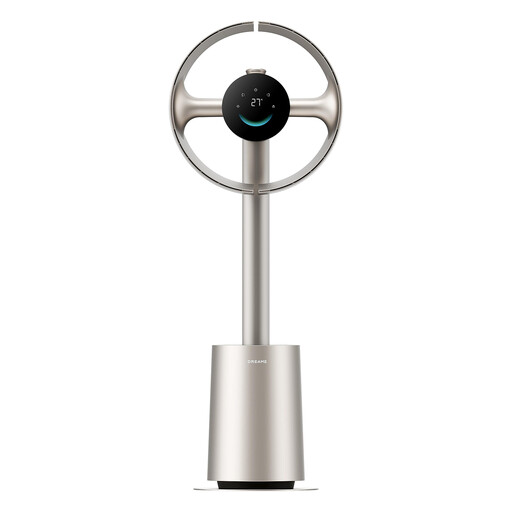
Dreame MF10 Air Bladeless Fan, Titan Gold
The oscillation features may be useful if you want airflow to reach more than one direction or seating area.
180° horizontal and 90° vertical oscillation; Wi-Fi app control; touchscreen display; 55 W.
Joybuy
 No image available
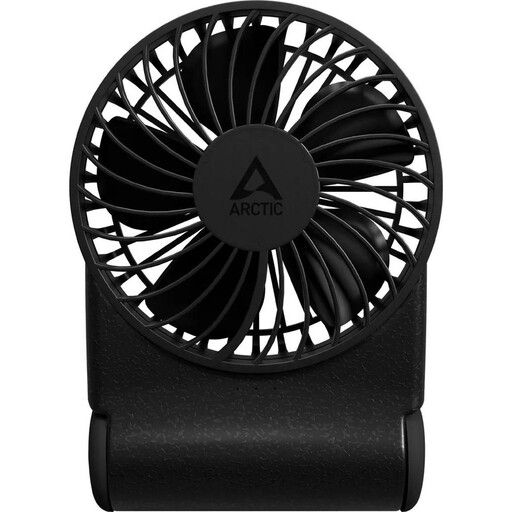
ARCTIC Summair 2Go handheld fan with stand
According to the product description, the stand also lets you use it on a flat surface if you want a handheld fan that can sit beside you.
USB-C connection; USB-A cable included; continuously adjustable direction.
Joybuy
 No image available
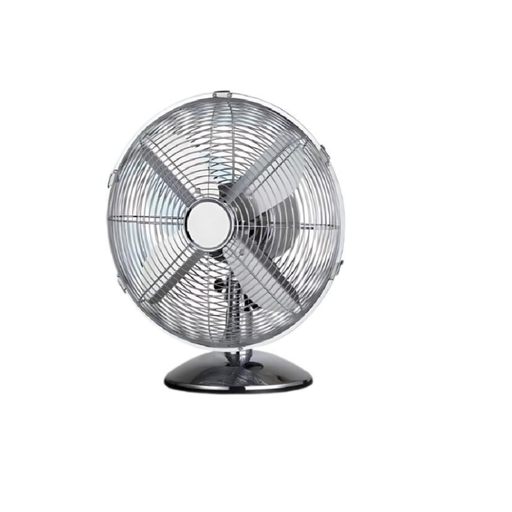
AKAI desk fan, 30 cm, 35 W, 3 speeds
A possible choice if an oscillating desk fan with manually adjustable tilt suits the spot where you plan to use it.
30 cm diameter; 35 W; three speeds; automatic left-to-right oscillation; manually adjustable tilt.
Joybuy
Frequently asked questions
Will an air circulator lower the temperature in your home office or replace ventilation?
No. Air movement can make your skin feel cooler, but according to the German Environment Agency, it won’t lower the room temperature. If you need fresh air, you should still ventilate. In hot summer weather, the Verbraucherzentrale recommends ventilating for longer when the outdoor air is cooler, if possible.
How should I position and maintain a fan beside the sofa?
Place the fan on a stable, level surface and keep its air inlets and outlets clear. Route the cable so nobody can pull on it or trip over it. Follow the instructions for your specific model. Switch the fan off and unplug it before cleaning.
How can I compare the electricity costs of fans?
Compare the power consumption on the setting you’ll actually use. To work out your own estimate: watts ÷ 1,000 × hours of use = kilowatt-hours; kilowatt-hours × your electricity price in EUR/kWh = electricity cost. A figure for the lowest setting doesn’t automatically show how much power the fan uses at a higher airflow setting.
What rights apply when buying a fan online in Germany?
Consumers generally have a right to withdraw from a typical distance contract; § 355 BGB sets out a 14-day period. When the period starts and which statutory exceptions apply depend on the contract and relevant legislation, including § 312g BGB. A retailer’s voluntary returns policy is separate from these rights.
What safety information should I check for an electric fan?
Look for clear product identification, manufacturer details, the required CE marking and German-language instructions with the necessary usage and safety warnings. The Bundesnetzagentur lists these points as part of its market surveillance.


