People with sofas that seat several
If you want to distribute air along the sofa, look for adjustable positioning and switchable oscillation. The COMPUTER BILD comparison and Rowenta’s model information cover these adjustment options.


For a sofa with several seats, a stable pedestal fan is a sensible choice. Look for one with adjustable height and tilt so you can direct it towards the sofa, and switchable oscillation. If you’re chatting or watching TV, consider how much airflow the fan delivers on the setting you’ll actually use, and how noisy it is at that speed. A fan moves air, but it doesn’t lower the room temperature.
If you want to distribute air along the sofa, look for adjustable positioning and switchable oscillation. The COMPUTER BILD comparison and Rowenta’s model information cover these adjustment options.
When you’re relaxing together, you’ll want enough airflow without the fan noise getting in the way of conversation or the TV. COMPUTER BILD and Philips mention or compare different speeds and settings for this purpose.
If you move the fan depending on how you’re using it, consider its stability and controls, and whether it runs on a battery. The assessment of the SwitchBot Stand Fan PRO in the COMPUTER BILD comparison applies to this test model.
First, check that the airflow reaches the seats you want it to. Then compare noise levels, adjustability and how practical the fan will be in its intended position.
The proportions below show which consideration matters most to consumers buying a pedestal fan for a shared sofa.
| Consideration | What to look for when buying | Who it matters most to |
|---|---|---|
| Distributing air across several seats | Check the oscillation, tilt and height adjustment where you plan to position the fan. | When several people are sitting on the sofa, I want to be able to spread the airflow around rather than direct it at just the nearest seat. Around 36 % of consumers say air distribution matters most to them. |
| Noise when chatting or watching TV | Assess the noise level and usable airflow at the same speed; if noise is given in dB, check which speed it applies to. | When chatting or watching TV, I want a noticeable breeze that doesn’t drown out the conversation. Around 29 % of consumers say quiet operation matters most to them. |
| Gently adjustable airflow | Check the lower speed settings, positioning and whether oscillation can be switched off. | If you don’t want a constant direct breeze at the nearest seat, adjustable settings can help. Around 14 % of consumers say gently adjustable airflow matters most to them. |
| Practical positioning and cleaning | Consider the base, the space needed for the oscillation range and the cable route where you plan to position it; follow the fan’s cleaning instructions. | In a shared room, I want to find a suitable, stable spot and be able to look after the fan properly. Positioning and cleaning are the top consideration for around 14 % of consumers. |
| Power consumption | Consider the power rating in watts and how long you expect to use the fan each day. | If the fan runs regularly, I want to be able to estimate its energy use based on its power rating and how often I use it. Around 7 % of consumers say ongoing energy use matters most to them. |
A noise rating may refer to a specific speed setting. Rowenta explicitly gives 45 dB(A) for the VU5640 at its minimum speed, so this figure doesn’t necessarily describe how noisy it is at higher speeds.
Compare noise levels and usable airflow at the speed you’re actually likely to use by the sofa.
A fan moves air and can make people in its direct airflow feel cooler. But it doesn’t lower the room temperature, as the Verbraucherzentrale explains.
Before buying, consider whether you want a breeze by the sofa or actual cooling for the room.
The oscillation range alone doesn’t tell you how well the airflow will reach each seat. Stability, height and positioning vary between the models tested in the COMPUTER BILD comparison.
Check the adjustment options where you plan to put the fan, and consider the sofa, walkway and oscillation range together.
The 3000 Series of pedestal fans includes the CX3550/01, which offers app control and several adjustment options.
Turbo Silence Extreme pedestal fans offer quiet modes and adjustable airflow, depending on the model.
The PolyFan PRO reviewed in the COMPUTER BILD comparison offers several speed settings and oscillation.
The Stand Fan PRO tested in the COMPUTER BILD comparison may suit you if you need to move the fan around and want battery operation.
The DC Motor Pedestal Fan PRO tested in the COMPUTER BILD comparison may appeal to buyers looking for several speed settings and adjustable air distribution.
This selection includes pedestal and air circulation fans with details on positioning, oscillation or height adjustment. Check which of these features matter for your sofa and where you plan to put the fan.
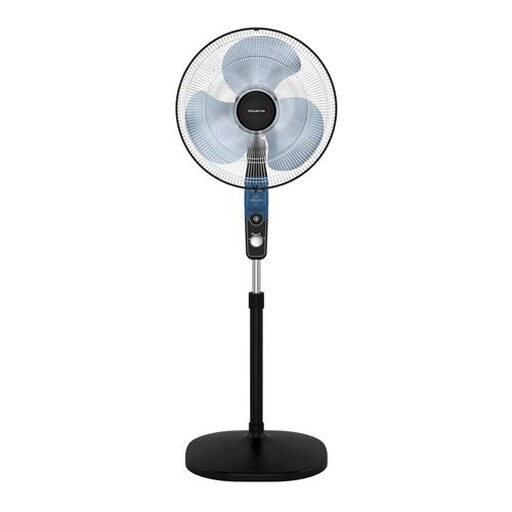 No image available
Automatic horizontal oscillation can direct air towards several seats in turn.
It has three speed settings, height adjustment up to 130 cm and manual tilt. The front grille must be securely fitted during use; the fan is intended for dry indoor spaces.
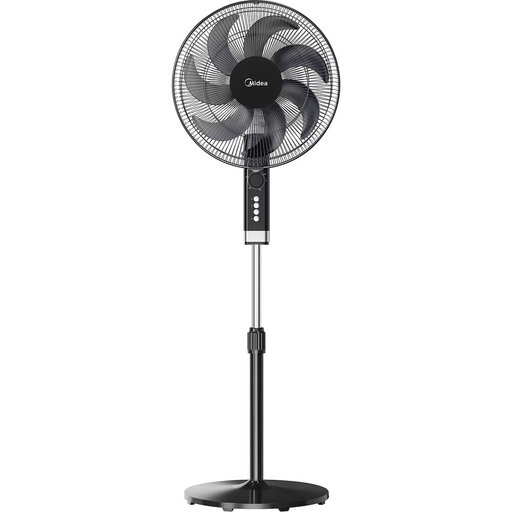 No image available
The stated 60° oscillation is useful when considering how air will be distributed within the fan’s sweep.
The model has three speed settings and a timer that can be set for 1 to 2 hours. It should be placed on a stable, level surface.
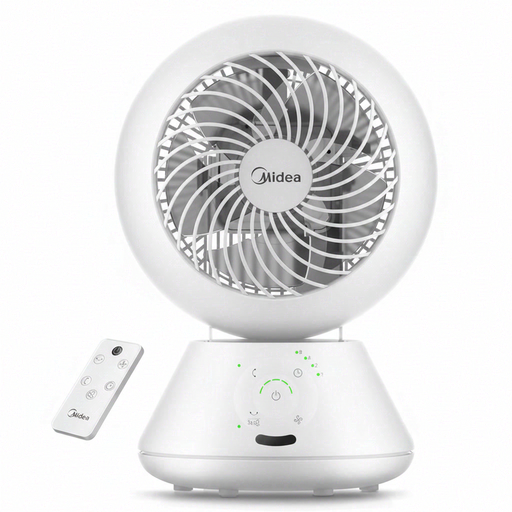 No image available
The stated horizontal and vertical oscillation can help you assess how air will be distributed around the sofa.
Features include five speed settings, 120° horizontal and 105° vertical oscillation, a remote control and a touch control panel. The 28 dB noise rating refers to the minimum level.
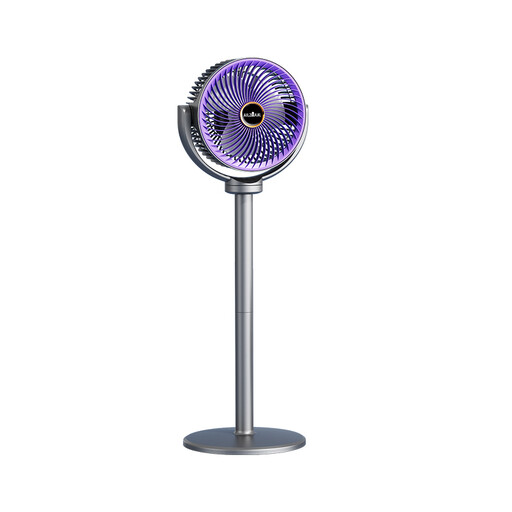 No image available
If you move the fan around, the stated battery operation and adjustable height may be worth considering.
Features include five speed settings, a head that tilts by 90° and three height settings: 29 cm, 53 cm and 76 cm.
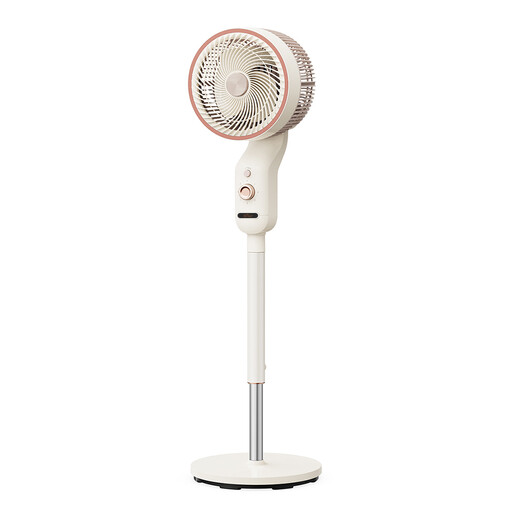 No image available
You can compare the adjustable height with the position you want beside the sofa.
The product title lists three speed settings and height adjustment from 34 to 41 Inches. 360° air circulation is also stated.
No. A pedestal fan moves air, but it doesn’t lower the room temperature. People in its direct airflow may feel cooler, as the Verbraucherzentrale explains. If the air outside is cooler than the air indoors, opening the windows as well may help.
Adjust the height and tilt towards the seats you want to reach, then check which areas the switchable oscillation covers from the fan’s intended position. Also consider the base and cable route, and follow the instructions and warnings for your particular fan.
Follow the instructions for the model you buy. For example, Dreo recommends cleaning the TurboPoly Fan 513S about once a month, or every two months if it’s used less often. This manufacturer’s recommendation doesn’t automatically apply to other fans.
The relevant product safety requirements depend on the specific fan. The Bundesnetzagentur lists CE marking, product and manufacturer identification, and instructions and warnings in German among the points checked during market surveillance. If a product is faulty, statutory rights against the seller are separate from a voluntary guarantee, as the Verbraucherzentrale explains.