PS5 Players Who Want More Tactile Gameplay
When you play PS5 games that support tactile effects, haptic feedback and adaptive triggers give you physical responses to in-game actions. That makes supported gameplay feel more involving.


The Sony DualSense Wireless Controller for PS5 brings tactile feedback and intuitive controls to supported games. Use it with a PS5, Windows PC, Mac or mobile device via Bluetooth or USB-C; adaptive triggers, motion sensors and a touchpad add further ways to interact. The built-in microphone, 3.5 mm headset jack and Create button support chat and sharing gameplay moments, while the rechargeable battery suits regular play. A versatile choice for PS5 players and anyone looking for a controller for compatible devices.
The right game controller depends on the device you play on, how it feels in your hands and whether you prefer a wired or wireless connection. Check these essentials before comparing prices or extra features.
Start with compatibility, then consider comfort and the way you play.
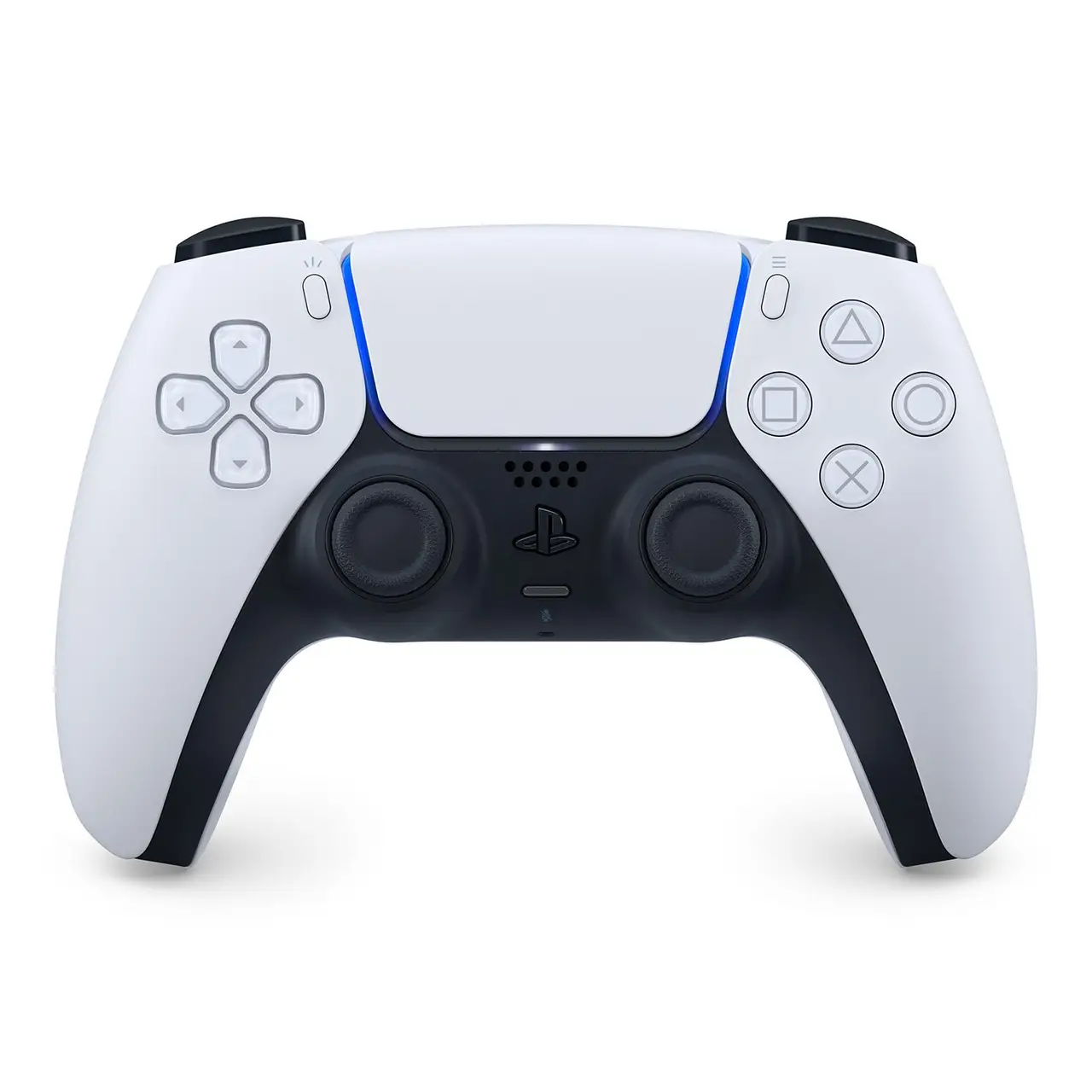
Step into supported games with haptic feedback that adds tactile responses to the action, helping each moment feel more engaging in your hands. Adaptive triggers bring another layer of interaction, with trigger responses that reflect supported in-game activities. Together, these features make the DualSense more than a way to control the game: they add a physical dimension to play and help create a closer connection with what is happening on screen. Pick it up for a PS5 session and enjoy expressive controls designed around immersive gameplay.
Make the controller part of your setup across a range of devices: connect to a PS5, Windows PC, Mac or mobile device using Bluetooth or USB-C. The built-in motion sensors support intuitive movement, while the touchpad gives you another way to interact with compatible games and features. When inspiration strikes, use the Create button to support sharing gameplay moments. This combination of connection options and thoughtful controls makes it easy to bring familiar DualSense features to different play setups, whether you are at your console or using a compatible device.
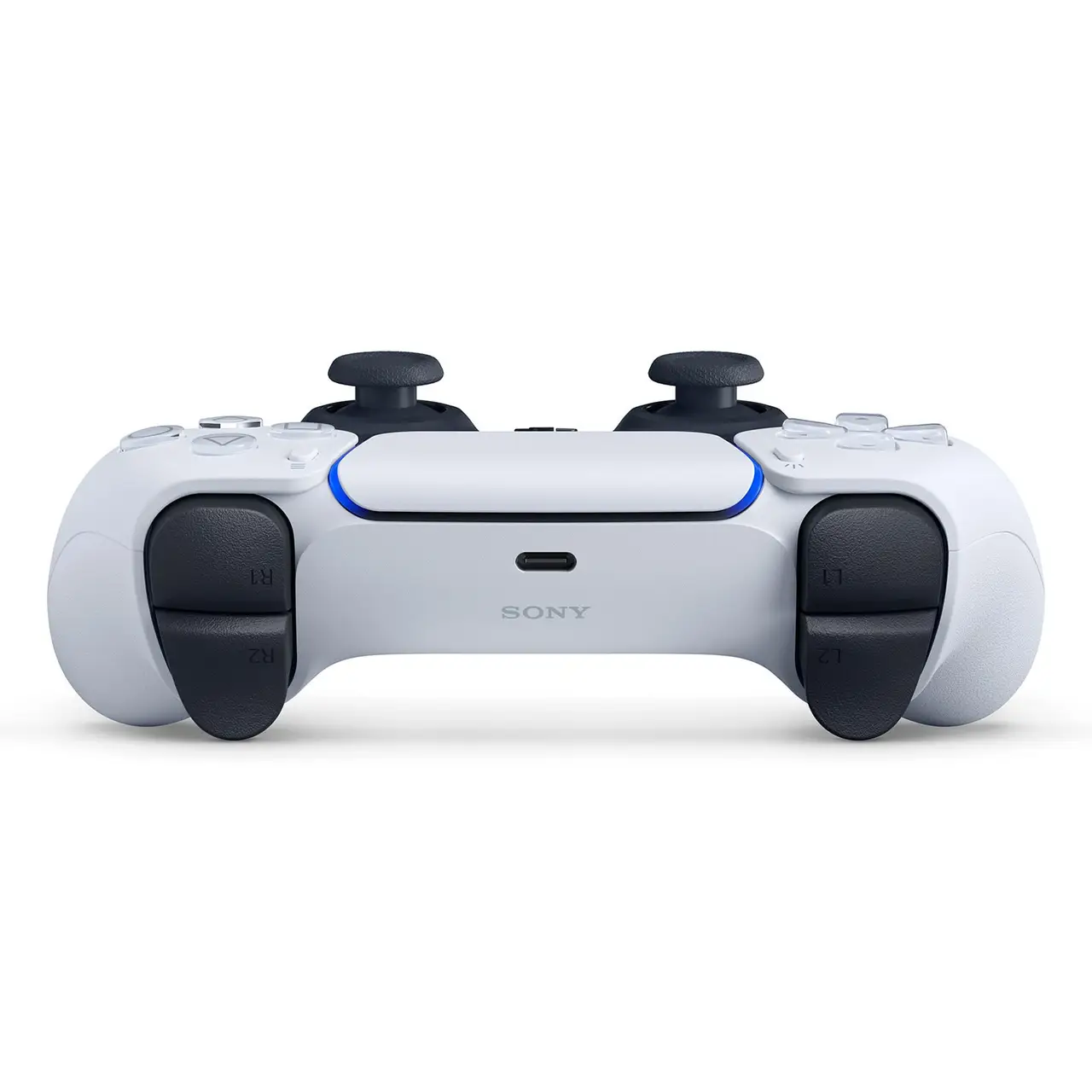
Keep communication and gameplay close at hand with the controller’s built-in microphone and 3.5 mm headset jack, giving you convenient options for chat and audio accessories. The Create button adds a simple route to sharing gameplay moments, while the rechargeable battery helps keep the controller ready for your next session. With key features gathered in one wireless controller, you can move naturally between playing, chatting and capturing moments. Pair it with a compatible device and enjoy a practical, engaging setup shaped around the way you like to play.
When you play PS5 games that support tactile effects, haptic feedback and adaptive triggers give you physical responses to in-game actions. That makes supported gameplay feel more involving.
If you play on a PS5 as well as a Windows PC, Mac or mobile device, connect the controller via Bluetooth or USB-C. You can use the same controller across your different gaming set-ups.
When you want to talk while playing, use the built-in microphone or connect a headset to the 3.5 mm jack. You can keep in-game chat close at hand as you play.
When you have a gameplay moment worth sharing, use the Create button to share it. You can pass along the moments you want others to see.
Yes, this DualSense connects to a PS5, Windows PC, Mac, iOS device or Android device via Bluetooth, and it can also connect by USB-C. On PS5, haptic feedback, adaptive triggers, the touchpad and motion sensors support compatible games. Choose Bluetooth for wireless play or USB-C for a wired connection.
Charge the built-in lithium-ion battery through a USB port using a 5 V supply, with up to 1.5 A recommended; a PS5 USB port is a straightforward option. If the controller overheats, smokes or smells burnt, stop using it and disconnect the cable. You can then address the issue before charging again.
Yes, the DualSense can handle voice chat through its built-in microphone, so you can speak to teammates without plugging in a headset. For private audio, connect a headset to the controller’s 3.5 mm jack. The integrated speaker and volume controls keep key audio functions close at hand during PS5 play.
Discover more of your favourite brands on Joybuy and enjoy great deals.