People who listen to spoken-word records while they work
If you often play LPs or singles, you may appreciate automatic start-up and tonearm return. Audio-Technica, Sony and Denon list these features on selected models.


First, check the speed of your spoken-word records. If you have historic shellac records, also make sure the stylus is suitable for their grooves: a player that supports 33⅓ and 45 rpm is no substitute for a suitably equipped 78 rpm model. If you listen frequently while you work, automatic operation can save you a few steps; for digitising, a suitable USB output is important. You should also match the phono or line output to the input on your existing system.
If you often play LPs or singles, you may appreciate automatic start-up and tonearm return. Audio-Technica, Sony and Denon list these features on selected models.
With shellac records, you need both the right speed and a stylus suited to their grooves. Dual and Audio-Technica list 78 rpm support on selected models; check the manufacturers’ details about pre-fitted cartridges separately.
If you want to save recordings on your computer, look for a suitable USB output. Audio-Technica lists a USB output on its manual AT-LP120XUSB.
Start by checking which records you own. Then consider the controls, connections and whether you want to record to a computer.
| Priority | What to check | Who is this especially important for? |
|---|---|---|
| Easy operation | Check for automatic start, stop and tonearm return, as well as the supported speeds. | If I often play records while working, I want to handle the tonearm as little as possible. Around 33% of consumers put ease of use first. |
| The right record format | Check the speed, pre-fitted cartridge and whether the stylus is suitable for the shellac records you own. | If I own historic shellac records, the player needs to support both the required speed and suitable tracking. Around 25% of consumers prioritise compatibility with their collection. |
| Connecting to your system | Compare the inputs on your amplifier or active speakers with the phono/line output, and Bluetooth if needed. | If I want to keep using my existing speakers, headphones or amplifier, the signal path needs to match their inputs. Around 25% of consumers focus mainly on connection compatibility. |
| Digitising | Check for a USB output. For shellac recordings, also consider the speed and whether the stylus is suitable. | If I want to save spoken-word recordings on my computer, I need a suitable USB recording connection; shellac records also need to be played back correctly. Around 17% of consumers put digitisation first. |
Speed and suitability for the grooves of historic records are two separate things. You may also need a suitable stylus or cartridge system.
Check both for the specific model and the cartridge you plan to use.
You may need to buy a suitable cartridge or replacement stylus for playback.
A standard AUX or line input needs a suitably pre-amplified signal. A phono output requires a compatible phono input or a separate phono preamp.
Compare your system’s inputs with the player’s output, and check the setting on any switchable preamp.
Depending on your existing system, you may need a separate phono preamp or other compatible audio equipment.
According to the manufacturers, the Sony PS-LX310BT and Denon DP-300F support 33⅓ and 45 rpm. The automatic Dual CS 529 also supports 78 rpm, but that does not automatically make its pre-fitted stylus suitable for shellac.
First identify the formats in your collection, then compare the controls.
The manufacturer’s range includes a fully automatic entry-level model for 33⅓ and 45 rpm records, as well as the manual AT-LP120XUSB, which offers USB and three speeds.
Sony describes the PS-LX310BT as a fully automatic player for 33⅓ and 45 rpm records, with Bluetooth and a wired connection.
Denon describes the DP-300F as a fully automatic turntable with a switchable phono preamp.
Dual describes the CS 529 as fully automatic, with three speeds and a detachable headshell.
This selection includes turntables with features for automatic listening, connecting to audio systems and, in some cases, recording to a computer. If you own shellac records, check the specific product listing for both 78 rpm support and a suitable stylus.
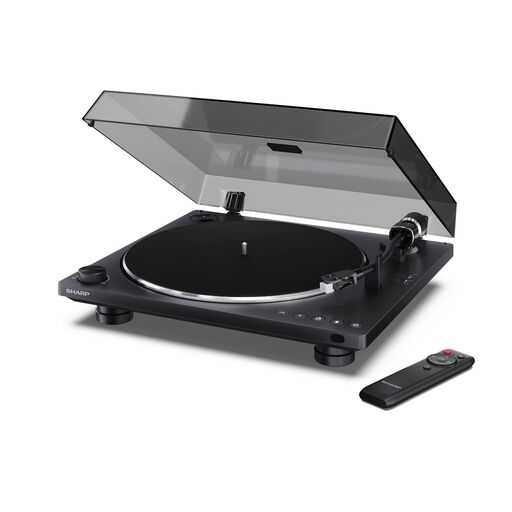 No image available
For automatic listening and the USB-C recording function mentioned in the product name; Bluetooth 5.4 is also listed.
The product name also mentions an Audio-Technica cartridge and a dust cover.
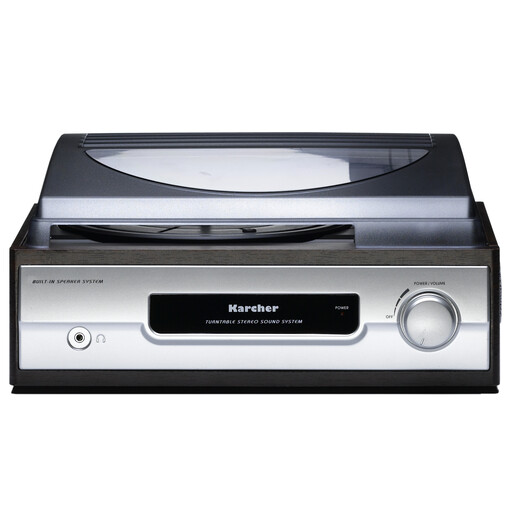 No image available
An option if you want to play records at 33 or 45 rpm and use the built-in stereo speakers.
The product name also mentions an auto-stop function, a headphone socket and a line output.
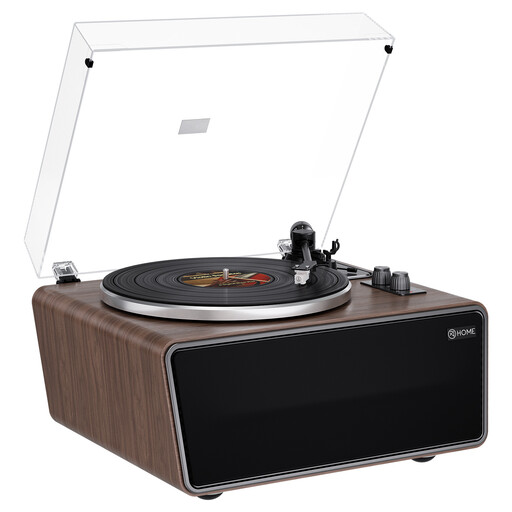 No image available
For an all-in-one set-up with four built-in speakers and a phono preamp.
The product name lists an AT-3600L (MM) cartridge and a Walnut finish.
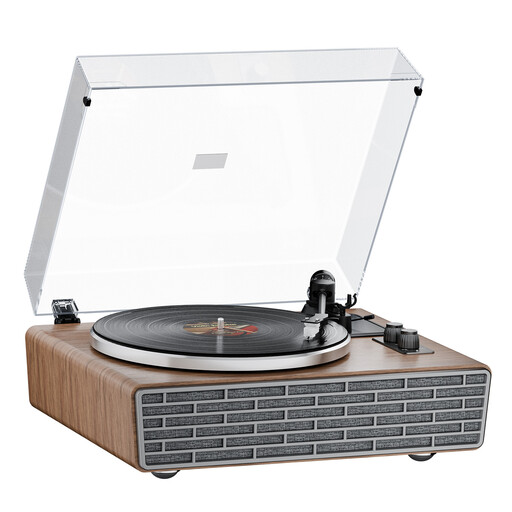 No image available
For playback through the built-in speakers or via Bluetooth, if these connection options suit your working environment.
The product name lists a belt drive, an AT cartridge and a transparent dust cover.
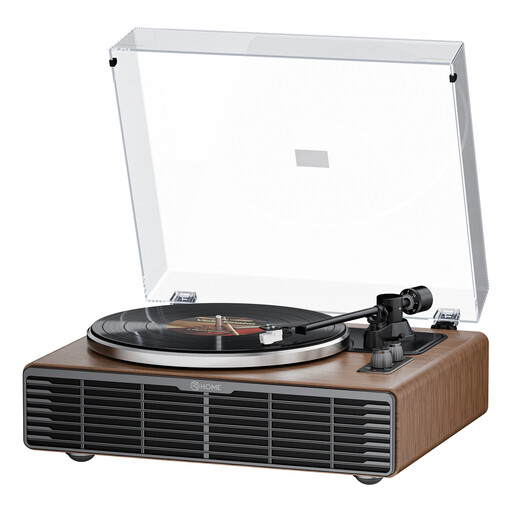 No image available
For a system where Bluetooth or the RCA phono/line output mentioned in the product name is the right connection for you.
The product name also lists four speakers, a belt drive and an AT3600L cartridge.
No. You also need a stylus or cartridge system suited to shellac grooves. The AT-VM95E listed for the Audio-Technica AT-LP120XUSB is not the separately available AT-VM95SP.
First, check your speakers’ input. For a line or AUX input, you can use the turntable’s line output with its built-in phono preamp switched on. For a phono output, you need a compatible phono input or a separate phono preamp.
Place it on a level surface, not on or immediately next to a speaker. Audio-Technica recommends this for the AT-LP120XUSB to avoid vibration and acoustic sound pressure.
A USB output can let you connect the turntable to a computer to record spoken-word records. USB is listed for the Audio-Technica AT-LP120XUSB; for shellac recordings, you also need to consider the correct speed and stylus.