Reporter right by the supporters
When the crowd is loud, it’s important to be able to position the boom microphone precisely. Audio-Technica and Sennheiser describe directional microphones for their respective broadcast models.


For sports reporting in front of a loud crowd, a positionable directional boom microphone is a sensible starting point. Only a test at the venue will show whether it captures your voice at the right level alongside the stadium atmosphere. Choose your monitoring setup based on whether you need to focus more on the talkback feed or keep one ear free for announcements and the crowd. Also check the connections, cables and any microphone power required by your recording device.
When the crowd is loud, it’s important to be able to position the boom microphone precisely. Audio-Technica and Sennheiser describe directional microphones for their respective broadcast models.
Decide whether you mainly need to hear the talkback feed or also need to pick up announcements and reactions at the venue. Sennheiser describes the HMD 26 as having a swivelling earcup, while Shure lists the BRH31M as a single-sided broadcast headset.
If you’re using an existing recording device, the microphone and headphone signals, cables and any required power supply all need to be compatible. Connection options vary between models such as the Audio-Technica BPHS1, the beyerdynamic DT 297 PV MK II and the RØDE NTH-100M.
First check how your voice is captured amid the crowd noise, then consider your preferred monitoring setup, and finally check the complete signal path to your recording device.
| Consideration | What to check before buying | Who is this important for? |
|---|---|---|
| Voice and crowd noise | Check the polar pattern and adjustable microphone boom for the exact model variant; listen to a test recording made at the venue. | If I’m speaking by the supporters, my voice needs to remain clear in the report without losing the stadium atmosphere I want to capture. Around 36% of consumers put speech clarity amid crowd noise first. |
| Monitoring and surroundings | Choose between a two-sided, single-sided or swivelling earcup; test the recording and talkback feed separately. | If I need to hear the talkback feed while also listening out for announcements or reactions at the venue, the right monitoring setup matters. Around 29% of consumers prioritise the balance between the talkback feed and awareness of their surroundings. |
| Compatible recording setup | Check the microphone input, headphone output, connector pinout and any required microphone power against the complete model and cable variant. | If I want to keep using my existing recorder or interface, the signal path must actually be compatible. Around 21% of consumers put compatibility first. |
| Comfort and what’s included | Check the fit for your planned wearing time and, for the exact variant, take account of the cable and any suitable replacement parts. | For longer reports, I want to wear the headset comfortably and know which parts I’ll need. Around 14% of consumers prioritise extended use and ongoing costs. |
The earcups’ isolation mainly affects what you hear while monitoring. It doesn’t prove that the microphone will record cleanly or filter out crowd noise.
Assess the speaker’s voice and the stadium atmosphere you want to capture together in a test recording made in real conditions.
The microphone and headphones may have separate connections. The manufacturer says that no connection cable is included with the DT 297 PV MK II or the Sennheiser HMD 26, article number 700318.
Check the exact model variant, both signal paths, any power supply required and the box contents against your recording device.
Keeping one ear free makes it easier to hear cues at the venue directly, but it also leaves you more exposed to crowd noise.
Before you start, decide whether the production talkback feed or awareness of your immediate surroundings takes priority.
The BPHS range includes broadcast headsets that the manufacturer describes as suitable for sports broadcasting.
According to the manufacturer, the HMD 26, article number 700318, is designed for broadcast work, including outdoors.
The DT 297 PV MK II in the 250-ohm version is a broadcast headset with a condenser microphone and cardioid polar pattern.
The NTH-100M may suit a compatible 3.5 mm TRRS recording setup.
The BRH31M is a single-sided headset for broadcast applications where you need to remain aware of sounds at the venue.
The Joybuy products below range from gaming headsets to headphones and earbuds with microphones. For sports reporting, pay particular attention to the signal path and test how well your voice is captured amid crowd noise at the venue.
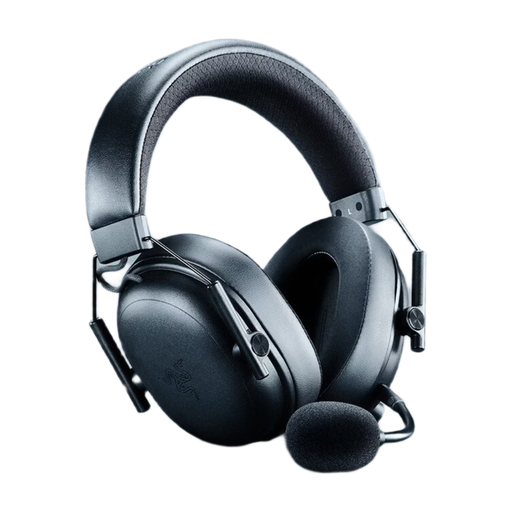 No image available
This could be an option if you’re looking for a wireless gaming headset with a detachable microphone that can be positioned close to your mouth. Before using it for sports reporting, test the voice recording and connection at the venue.
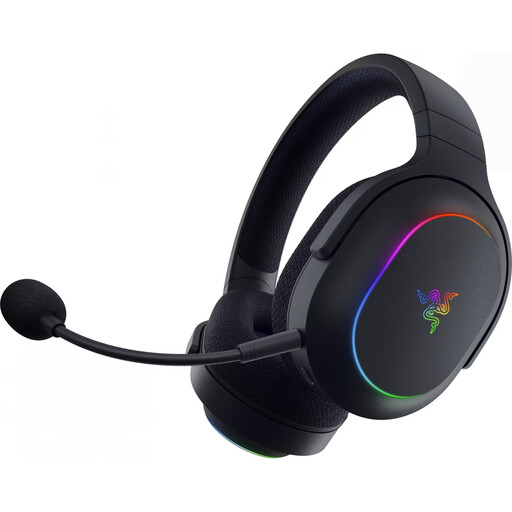 No image available
This could be an option for wireless monitoring and voice communication. Check that the microphone recording and connection to your recording device are suitable for sports reporting.
The product name lists dual wireless connectivity via 2.4 GHz and Bluetooth 5.3.
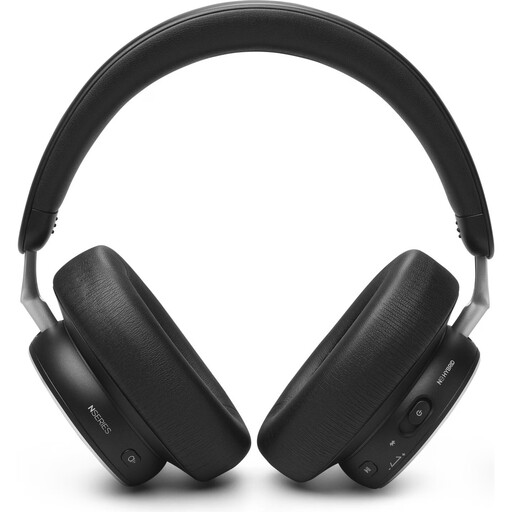 No image available
This could be an option for monitoring and voice communication. Check microphone recording and the connection separately before planning to use this model for a report.
The product name lists Bluetooth 5.3 and a wired 3.5 mm option.
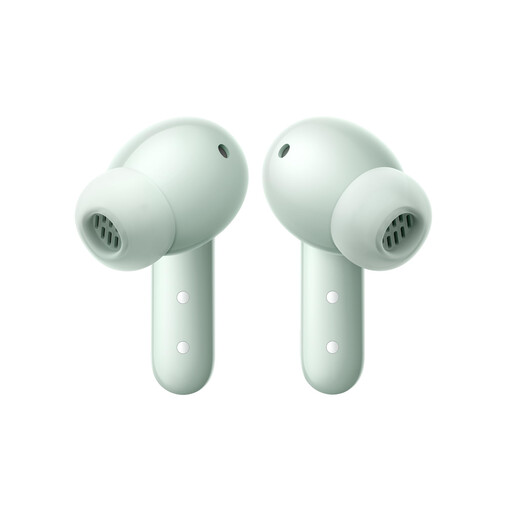 No image available
These wireless in-ear headphones could be an option for mobile monitoring and calls. Before using them for sports reporting, check that the microphone recording and connection are compatible with your recording device.
The product name lists Bluetooth 5.4 and a closed in-ear design.
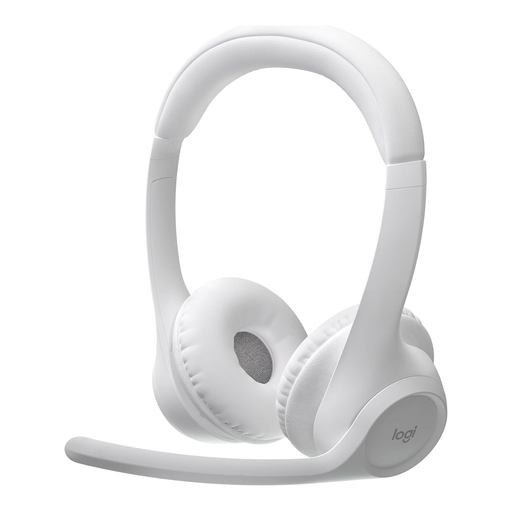 No image available
This could be an option for voice communication in the presence of background noise. Test how well your voice is captured amid crowd noise and adjust the microphone settings before use.
The product description lists a dual-beamforming microphone designed to reduce background noise, as well as adjustable microphone levels and sidetone through Logi Tune.
No. Closed-back earcups mainly affect how much outside noise you hear while monitoring. The microphone’s polar pattern and position are among the factors that affect the recording. Check the result with a test in real conditions.
Check the route from the microphone to the input and from the headphone output to the headphones separately. The Audio-Technica BPHS1 connects the microphone and headphones via XLR and a 6.3 mm jack; the beyerdynamic DT 297 PV MK II needs a cable selected separately. Position the microphone boom, then listen back to a saved test recording.
It depends on the model and recording device. You’ll need to plan for a suitable connection cable for the beyerdynamic DT 297 PV MK II and the Sennheiser HMD 26, article number 700318. If you want to connect the RØDE NTH-100M to an XLR microphone input, RØDE describes a suitable adapter that provides the required plug-in power. Check what’s included with the specific variant.
Not in every case: Section 201 of the German Criminal Code (StGB) prohibits recording another person’s privately spoken words without authorisation. Whether a particular conversation is private and whether you have authorisation depends on the circumstances; general stadium noise is not automatically treated in the same way. The Federal Ministry of Justice and the Federal Office of Justice list this provision in the German Criminal Code. Before recording, clarify the arrangements for planned interviews and conversations that will clearly be captured.