For a separately powered access point with no plans to split the network, a switch with the right Ethernet ports will do the job. If the network cable also needs to supply power, the PoE standard, power per port and total power budget must all suit the specific access point. To keep guest and work networks separate, the access point, switch and gateway must be configured together – a VLAN-capable switch alone won’t isolate guests.
Which switch is right for you?
Studio with a PoE access point
If you want to power the access point through its network cable, the switch’s PoE standard and power output must meet the access point’s requirements. TP-Link Germany and NETGEAR Germany list these requirements for their respective switch models.
Studio with a guest network
If guests and work devices need to use separate networks, the access point, switch and gateway must be configured to work together. The Ubiquiti Help Center explains the VLAN configuration required across this connection.
Studio with several wired devices
If you’re connecting other devices by cable as well as the access point, count the ports you’ll need and check that their speeds match your devices. TP-Link Germany and NETGEAR Germany, for example, list the port options available on their switches.
What to look for when buying
First, check whether your access point needs power over Ethernet. Then consider whether you want to separate your networks, and how many ports you need and at what speeds. These technical checks are based on information from TP-Link Germany and NETGEAR Germany, as well as VLAN guidance from the Ubiquiti Help Center.
| What matters |
What to check before buying |
Who it matters most to |
| Power supply |
Check that the PoE standard, power per port and total power budget match the specific access point. |
If you want the access point to receive power through the same Ethernet cable, the standard and available power must be right. Around 36% of consumers put power supply first. |
| Network separation |
Check VLAN support and the configuration of the access point, switch ports and gateway. |
If guests and work devices need to use separate networks, the VLAN configuration must work all the way through to the gateway. Around 29% of consumers prioritise network separation. |
| Number of ports |
Count the ports needed for the access point, uplink and other wired devices; remember to account for PoE ports separately. |
If you’re wiring in several devices as well as the access point, make sure you have enough ports for the devices and uplink. Around 21% of consumers prioritise the number of connections. |
| Port speed |
Compare the Ethernet ports on the access point and the other devices in the network. |
If the access point and the rest of the network support faster wired connections, port speed is important. Around 14% of consumers prioritise higher port speeds. |
Common buying mistakes
-
Confusing the number of PoE ports with the total power available
Having lots of PoE ports doesn’t mean every connected device can receive the power it needs at the same time. NETGEAR Germany lists the GS308PP with an initial total power budget of 83 W; reaching 123 W requires an optional power supply.
Add up the power requirements of your planned devices and check the maximum power allowed on each individual port as well.
-
Assuming VLAN support automatically isolates guest devices
Network separation must work across the access point, switch ports and gateway. According to the Ubiquiti Help Center, missing VLAN tags can prevent devices from connecting to the intended Wi-Fi network.
Check the configuration across the entire connection, then test that guests really are separated from work devices.
-
Choosing a multi-gigabit switch just because of your Wi-Fi
A 2.5 Gbit/s port on a switch doesn’t tell you what speeds your existing access point or gateway supports. NETGEAR Germany describes the MS108UP as an unmanaged switch with 1G and 2.5G ports.
Before choosing a switch, compare the Ethernet ports on your access point and every other device in the network.
Relevant switch brands for connecting an access point
TP-Link
The range includes basic Gigabit switches, as well as PoE and managed options. Features vary by model.
- TP-Link Germany lists eight Gigabit ports for the TL-SG108, and four PoE+ ports for the TL-SG108PE, with up to 30 W per port and 64 W in total.
- The TL-SG108 is designed for simple connections without switch configuration. Not every model from the brand offers PoE or VLAN management.
NETGEAR
The models mentioned cover unmanaged Gigabit PoE and multi-gigabit PoE options.
- NETGEAR Germany lists eight PoE+ ports and an 83 W total power budget for the GS308PP. The MS108UP offers 1G and 2.5G ports with different PoE options.
- A separate power supply is required for the GS308PP to reach 123 W. The MS108UP doesn’t offer managed VLAN port configuration.
Ubiquiti
The UniFi Lite 8 PoE is worth considering if its intended UniFi Network set-up suits your studio.
- According to the technical specifications, four of its eight Gigabit ports support PoE+; total PoE power is 52 W.
- Before adding it to your network, check that the planned software set-up and total power requirements are right for your network.
D-Link
The DGS-1100-08PV2 is a smart-managed option with Gigabit PoE and VLAN features.
- D-Link lists eight Gigabit PoE ports, a 64 W PoE budget and fanless operation for this model.
- If you’re connecting several access points, their combined power requirements must stay within the total budget. The manufacturer’s figures are not an independent performance measurement.
Joybuy products
The following Joybuy products are worth considering for wired access point set-ups that need PoE, VLAN management or extra Ethernet ports. Check that the power supply and port features match your existing devices.
 No image available
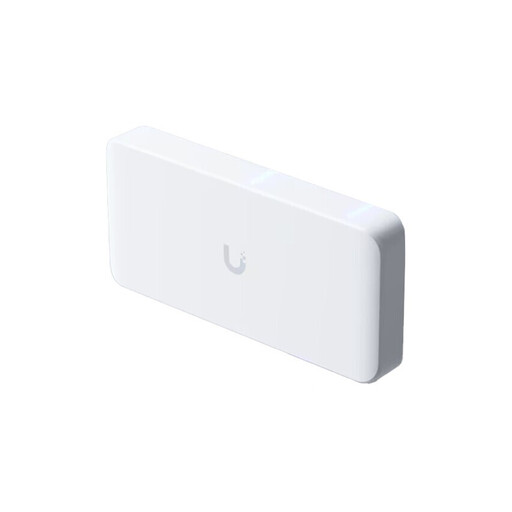
Ubiquiti UniFi Flex 2.5G PoE, 8-port, 10-GbE uplink
For a compatible multi-gigabit PoE access point when you need VLAN configuration.
Specifications list eight 2.5-GbE ports, PoE++ and a 10-GbE uplink. The AC/DC power adapter isn’t included; alternatively, the switch can be powered via the PoE+++ input.
View at Joybuy
 No image available
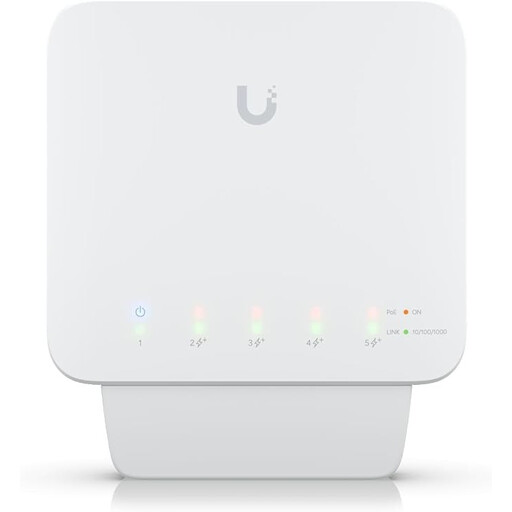
Ubiquiti UniFi Switch Flex (USW-Flex), 5-port Gigabit PoE+ outdoor, 46 W
For Gigabit access points and installations that need VLANs or port isolation.
It has four PoE+ outputs and supports VLANs. You’ll need a compatible PoE++ source or a 60 W PoE power supply; a power supply isn’t included.
View at Joybuy
 No image available
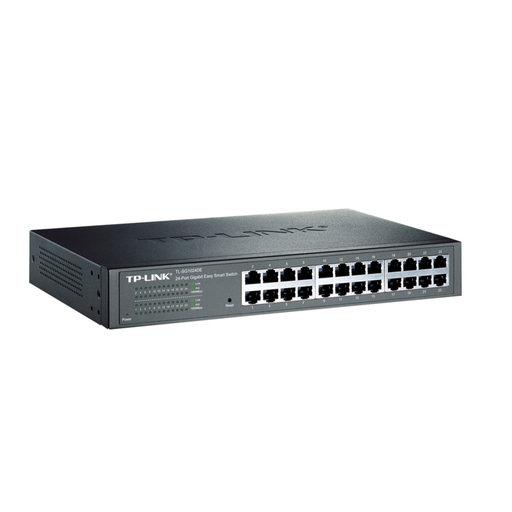
TP-Link TL-SG1024DE managed Layer 2 Gigabit switch
A managed option if you want to connect other devices by cable as well as the access point, and configure VLANs.
Check that the number of ports you need and your preferred VLAN configuration suit your access point, uplink and other devices.
View at Joybuy
 No image available
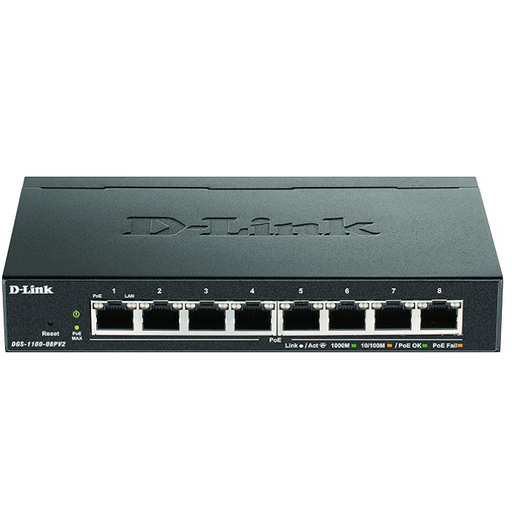
D-Link DGS-1100-08PV2 managed Gigabit PoE switch
For a compatible PoE access point when you need managed network features.
D-Link lists eight Gigabit PoE ports, VLAN features and a total PoE budget of 64 W for this model. Make sure the combined power consumption of all PoE devices stays within this budget.
View at Joybuy
 No image available
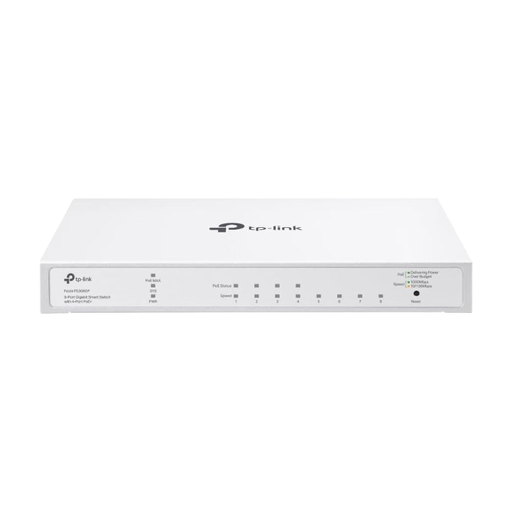
TP-Link Festa FS308GP, 8-port Gigabit switch with 4 PoE+ ports
For a compatible 802.3af/at access point and other wired devices.
Specifications list four PoE+ ports, up to 30 W per port and a total power budget of 62 W. Allow for the combined power requirements of all connected PoE devices.
View at Joybuy
Frequently asked questions about switches for wired access points
Do I need a PoE switch for every wired access point?
No. It depends on how you power the specific access point. If it’s powered another way, a non-PoE switch can provide the data connection. If the same cable also needs to carry power, the PoE standard, power per port and total power budget must all be right.
Why might my guest Wi-Fi not work after I connect a VLAN-capable switch?
Check the VLAN assignment on the access point and on every port through to the gateway. The Ubiquiti Help Center notes that missing permitted VLAN tags or an incorrect native VLAN setting can prevent Wi-Fi connections. The exact settings depend on the devices in your network.
How can I keep guest Wi-Fi separate from work devices?
Assign the guest Wi-Fi to the intended network, carry its VLAN across the relevant ports, and set up isolation or access rules on the gateway. A VLAN-capable switch alone doesn’t ensure complete guest isolation; the access point, switch and gateway must work together.
Do I need to register a Wi-Fi frequency to use a wired switch?
Wi-Fi frequency rules apply to the access point you connect, not to the switch’s Ethernet function. The German Federal Network Agency lists a general allocation for 2.4 GHz until 2033 under Vfg. 128/2023; the current German rules for radio use apply to the access point.


