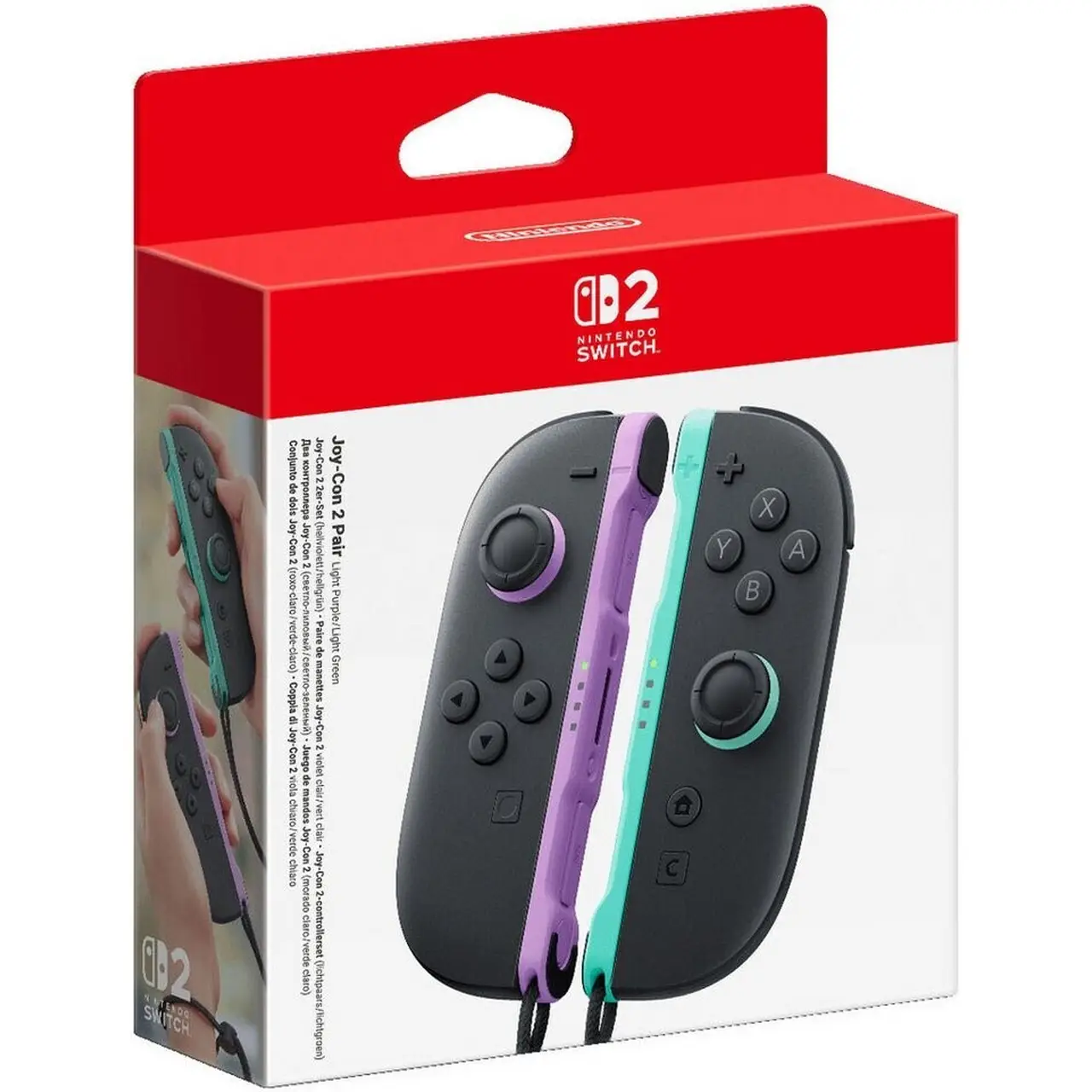
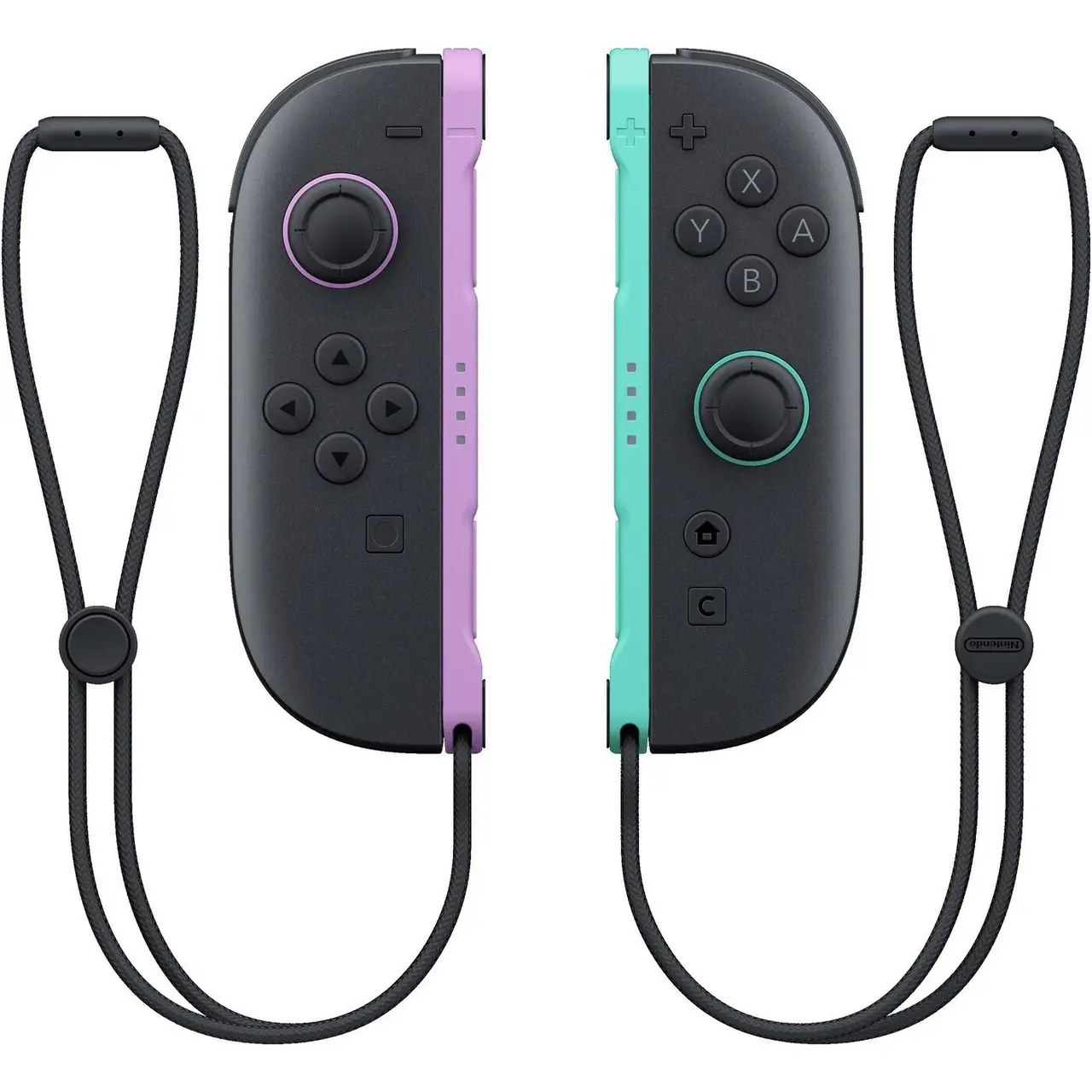
Add a pair of Light Purple and Light Green Joy-Con 2 controllers to your Nintendo Switch 2 setup and enjoy flexible play at home or with friends. The set includes one left and one right controller, plus wrist straps, with motion controls, HD Rumble 2 and a C Button for starting GameChat with one press. Mouse mode is available in compatible games, while the pair is suited to local multiplayer in supported titles—ideal for Switch 2 players who want a convenient way to play together.
How to Choose the Right Gaming Controller Set
When comparing gaming controller sets, start with the console and games you plan to use them with, then consider comfort, connectivity and how the set will hold up to regular play. Checking these details helps you choose a set that suits your setup rather than relying on appearance alone.
Key Features to Consider
Use these practical criteria to narrow down your options before buying:
- Console compatibility and contents: Check that the set is designed for your console and supports the games you play, as controller layouts and features can vary. Confirm exactly what is included, such as the number of controllers, straps or charging accessories.
- Comfort and control layout: Consider the controllers’ size, shape, button placement and weight, especially if you play for long sessions or share them with other players. A comfortable grip and easy-to-reach controls can make a noticeable difference during gameplay.
- Connection, battery and durability: For a wireless set, check the connection type, expected battery life and how the controllers recharge; wired options avoid battery charging but need a suitable cable and setup. Look for sturdy construction and clear care or warranty information if the set will see frequent use.
Brighten Game Night: Joy-Con 2 Made to Play Together
Feel Every Move with Motion Controls and HD Rumble 2
Bring a more hands-on feel to compatible games with motion controls that respond to your movements. HD Rumble 2 adds detailed tactile feedback, helping in-game moments feel more vivid as you play. Together, these features make the Joy-Con 2 pair a lively choice for a wide range of play styles, from active motion-based experiences to games where every vibration adds atmosphere. The Light Purple and Light Green colours bring a fresh look to your Nintendo Switch 2 setup, ready for solo sessions or shared play.
Start GameChat Quickly and Explore Mouse Mode
A dedicated C Button puts GameChat within easy reach, so you can start a conversation with one press and bring friends into the moment. In compatible games, mouse mode offers another way to interact, adding versatility to the Joy-Con 2 experience. These thoughtful features give the pair extra ways to fit into your gaming routine, whether you are catching up with fellow players or trying a fresh control style. With one left and one right controller in the set, you have a ready-made pair for Nintendo Switch 2 play.
Share the Fun with a Complete Wireless Pair
Make local multiplayer easy to enjoy with a wireless set that includes one left and one right Joy-Con 2 controller. Pass a controller to a friend and enjoy compatible games together, with each player ready to join the action. The included wrist straps add a convenient way to wear the controllers during play, while the Light Purple and Light Green finish gives each side a cheerful look. From spontaneous sessions to planned game nights, this versatile pair brings a welcoming, colourful touch to shared Nintendo Switch 2 gaming.
Nintendo Switch 2 Joy-Con 2 Pair: Who It Suits
Players Adding Local Multiplayer
When you want to play together locally, the left and right
Joy-Con 2 controllers give you a complete pair for compatible
multiplayer games, and the wrist straps give you a practical
way to keep the controllers attached during play, making it
easier to share a session.
Players Using Mouse Mode
When a compatible game supports mouse mode, you can use these
Joy-Con 2 controllers for mouse-style input, giving you
another way to control the game and more choice in how you
play.
Players Who Use Motion Controls
When you play games that use motion controls, you can use
movement as an input, while HD Rumble 2 adds tactile feedback
during play, making compatible games feel more hands-on.
Players Who Start GameChat Often
When you want to start GameChat, press the C Button on a
Joy-Con 2 to launch it with one press, so you can get into a
conversation quickly.
Frequently Asked Questions
Do these Joy-Con 2 controllers work with Nintendo Switch 2?
This Nintendo Switch 2 Joy-Con 2 pair is designed for use with Nintendo Switch 2. It connects wirelessly and adds motion controls, HD Rumble 2, a C Button for starting GameChat and mouse mode in compatible games. Check that your game supports the feature you want, then enjoy the light purple and light green controllers with your console.
Can two people play with this Joy-Con 2 set?
Yes, the set has one left and one right Joy-Con 2 controller for local multiplayer in compatible games. Each player can use one controller where the game supports that setup, and the pair of wrist straps gives both players a way to secure their controller during play. It is a handy way to join a friend for a game at home.
Should I use the wrist straps with Joy-Con 2 motion controls?
For motion-controlled play, attach a wrist strap to each Joy-Con 2 and secure it around your wrist before you start. This helps keep a controller from slipping if you move your hands during a game. The set includes two straps, so both players can use one and enjoy motion play with a more secure grip.
Don't just buy, Joybuy
Discover more of your favourite brands on Joybuy with great deals!