Small Teams Sharing Work Files
When your team needs a central place for working files, use the NAS’s file management and protection functions to organise shared content and help safeguard it; your everyday work has a more orderly home.


The Synology DS925+ is a four-bay NAS for keeping files, photos and business data organised in one place. With dual 2.5GbE ports and M.2 NVMe SSD caching, it supports fast transfers and a range of storage and protection tasks. Use it for file and photo management, virtualisation or surveillance at home or in a small business; add a DX525 expansion unit to extend capacity to nine drive bays and up to 180 TB. A flexible option for households and teams with growing data needs.
Choosing a NAS means balancing storage capacity, performance and ease of management against your budget and intended use. Consider how many people and devices will access it, what you need to store, and whether it will be used for file sharing, media or business data.
Compare these essentials before choosing a NAS, and check whether the drives are included or need to be bought separately.
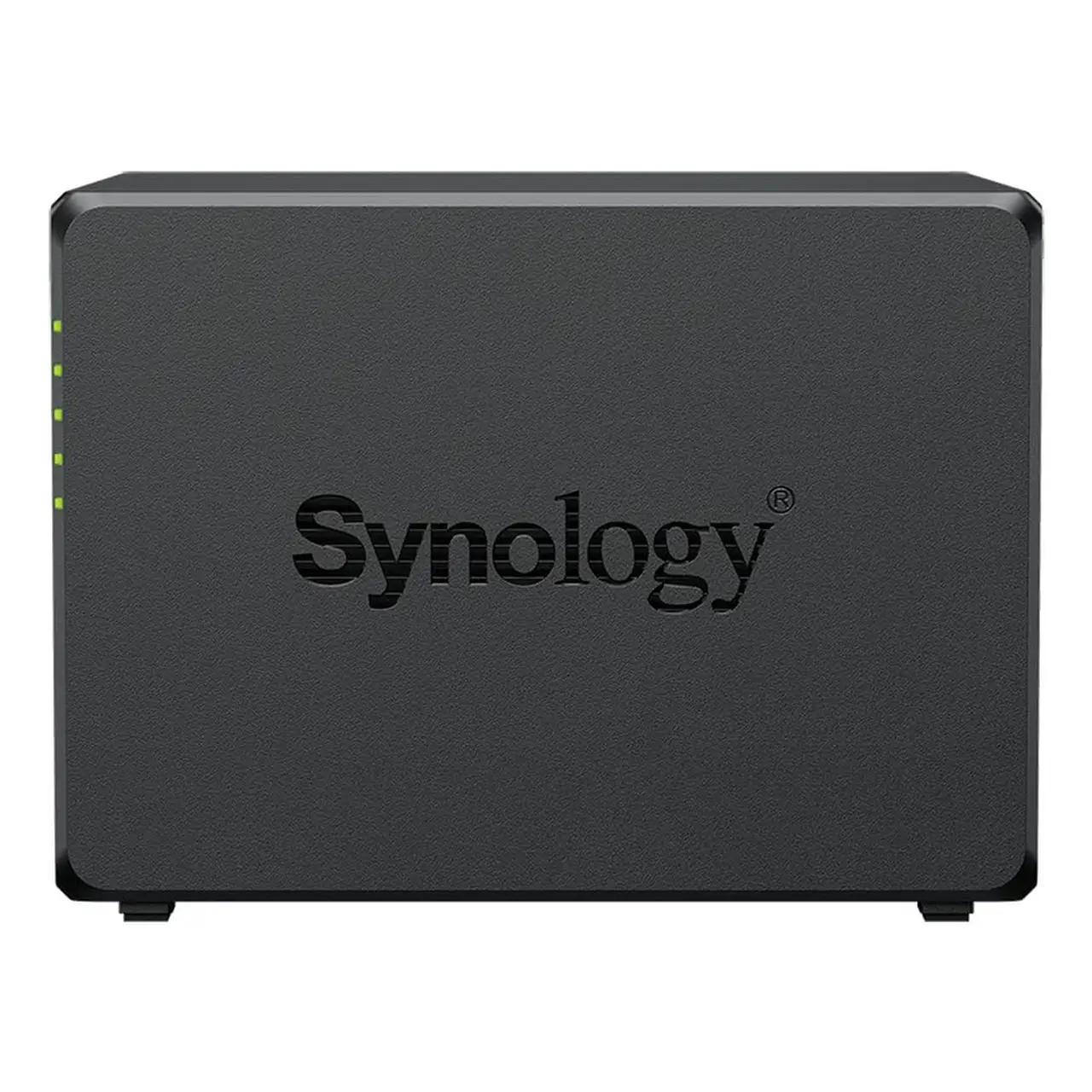
Give everyday file access a capable foundation with the Synology DS925+ and its dual 2.5GbE ports. The two network connections bring fast connectivity to a home or business setup, while M.2 NVMe SSD caching can help make frequently accessed data more responsive. For large transfers, the system offers sequential read speeds of up to 522 MB/s and write speeds of up to 565 MB/s. Together, these features make the four-bay NAS a versatile hub for bringing your storage and network performance together.
Bring useful digital workflows together on a NAS made for home or business use. The DS925+ supports file and photo management, giving you a central place to organise important content. Its capabilities also extend to data protection, virtualisation and surveillance, so the system can support a range of storage and operational needs. Whether you are arranging a growing photo collection, managing shared files or building out a broader setup, the DS925+ offers a flexible platform for your data. Its combination of management and protection functions makes it a compelling choice for a variety of everyday and business tasks.
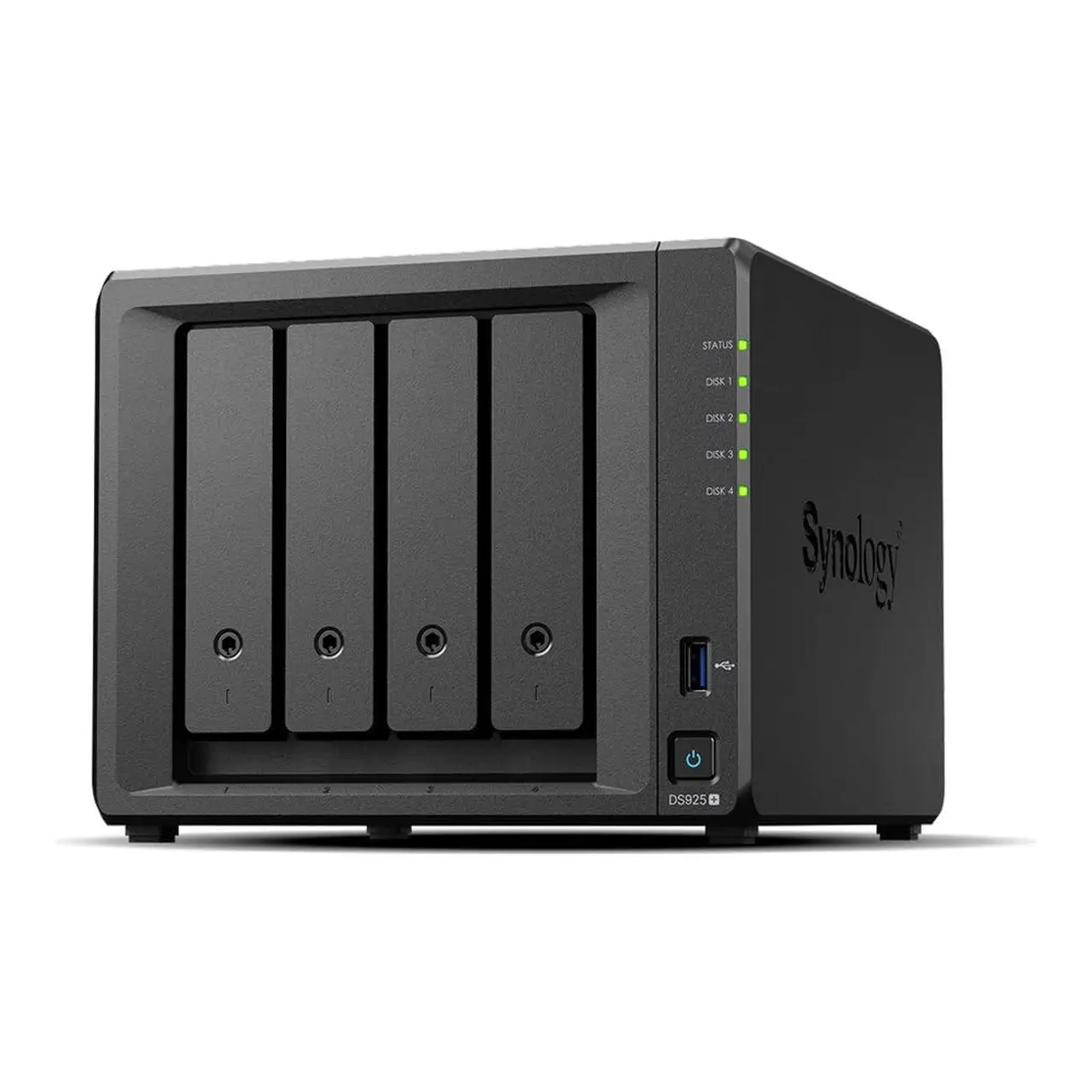
Start with four drive bays and shape your storage around the needs of your home or business. When your data collection grows, add a DX525 expansion unit to increase the system to nine drive bays and support up to 180 TB of storage. This expandable approach gives you room to plan for a changing mix of files, photos and other data, while keeping the DS925+ at the heart of your setup. With flexible capacity alongside file management, data protection and other useful functions, it is a practical foundation for storage that can grow with your plans.
When your team needs a central place for working files, use the NAS’s file management and protection functions to organise shared content and help safeguard it; your everyday work has a more orderly home.
If household photos and files are spread across devices, use the photo and file management tools to bring them into one library, while M.2 NVMe caching helps frequently accessed content open more promptly; you get a simpler collection to browse and manage.
If you run virtual machines for testing or business services, use the NAS’s virtualisation functions to support those workloads alongside your stored files; you can keep your setup centralised and easier to manage.
When surveillance is part of managing your site, use the NAS’s surveillance functions alongside its storage; you can keep monitoring and file management together in one place.
The Synology DS925+ offers sequential read speeds of up to 522 MB/s and write speeds of up to 565 MB/s. Its two 2.5GbE network ports support fast connections to your home or business network, while M.2 NVMe SSD caching can help with storage performance. Actual transfer speeds depend on your drives and network setup.
Yes, you can expand the DS925+ from four drive bays to as many as nine by connecting a Synology DX525 expansion unit. With the expansion, the system supports up to 180 TB of storage, giving you room to grow your file, photo and business-data library over time.
Keep the DS925+ dry and use its supplied power adapter or a certified replacement. Clean the metal enclosure with a soft, dry cloth, and do not open it for repairs. When it reaches the end of its life, take it to a local electrical-waste collection point rather than putting it in household rubbish.
Discover more of your favourite brands on Joybuy with great offers.