One sofa seat
If you only need airflow at your own seat, you can direct it where you want without setting up a large pedestal fan.


For a regular spot on the sofa, choose a stable, tilting fan whose airflow can be comfortably adjusted at the speed you’ll actually use. If you want it to reach several seats, look for an oscillating function. A rechargeable model may suit a spot without a nearby socket, while noise on a low setting matters when you’re reading or watching TV. A fan moves air but does not lower the room temperature, as the German Consumer Advice Centre explains.
If you only need airflow at your own seat, you can direct it where you want without setting up a large pedestal fan.
If you’ll be using the fan for a long time, comfort at your chosen speed and the noise it makes are important. A manufacturer’s low-noise rating doesn’t necessarily apply at every speed.
If you want to reach several seats, consider an oscillating fan or a rechargeable model that’s easy to move. They meet different needs: moving airflow between seats or using the fan somewhere without a socket.
First, check where you can place the fan and which area it needs to cover. Then compare the speed you’ll need, the noise it makes and how it’s powered.
| What matters | What to check | Who is it most relevant to? |
|---|---|---|
| A breeze at your seat | Check the speed settings, tilt and direction from the spot where you plan to place the fan. | If I sit close to the fan, I want to be able to set a gentle, targeted airflow. Around 31% of consumers put a comfortable breeze at their seat first. |
| Noise while reading or watching TV | Compare noise ratings only when they refer to the same speed, and check that the speed still moves enough air. | I don’t want the airflow to disturb me while reading or watching TV. For around 25% of consumers, quiet operation at the required speed is a priority. |
| Several seats | Look for horizontal oscillation and a suitable range of movement. When the fan oscillates, it only directs airflow at each seat for part of the time. | If I move between different seats on the sofa, I don’t want the fan to reach just one of them. Around 19% of consumers prioritise airflow for several seats. |
| Space and power supply | Check the space available for the base and the power connection. For rechargeable fans, also check the battery, charging time and runtime at your chosen speed. | If space is limited or there’s no socket where I want to put the fan, flexible placement matters to me. Around 13% of consumers prioritise this. |
| Power consumption and features | Compare power consumption in watts and planned hours of use on the same basis. Consider extra features only if they solve a specific placement or operating issue. | If I use the fan regularly, I want to estimate its energy use and avoid unnecessary features. Around 12% of consumers prioritise consumption and features. |
A fan moves air and can make you feel cooler where you’re sitting, but it isn’t an air conditioner and won’t lower the room temperature. The German Consumer Advice Centre makes this point too.
Before you buy, decide whether you need a breeze on the sofa or for the room itself to be cooled.
Meaco’s claim of up to 40 hours for the Sefte 10 Table Pro applies on the lowest setting. Rowenta’s 32 dB(A) rating also refers to a low speed. Neither figure automatically applies when the fan is running more powerfully.
Compare ratings for the speed that will actually be comfortable on your sofa.
A Rowenta listing gives VU2740F0 in the title and VU5260 in the description. This doesn’t confirm that it’s the VU2750 model you researched.
Before choosing a fan, check the full model number and features against consistent product information.
The Sefte 10 Table Pro combines a table-top design with a rechargeable battery and horizontal and vertical oscillation. This may be useful if you move the fan around or want airflow across several seats.
The mains-powered Turbo Silence Extreme+ VU2750 is an option for a fixed spot, with controls you can use from the sofa.
The HT900E is described as a tilting floor or compact table fan for targeted airflow.
The TurboPoly Table Fan 511S is aimed at buyers looking for several modes and digital controls.
The Cool CF1 is a table-top model with no freely visible fan blades and a Sleep mode.
This selection includes adjustable table fans for a regular spot on the sofa, as well as oscillating and rechargeable models for several seats or flexible placement.
 No image available
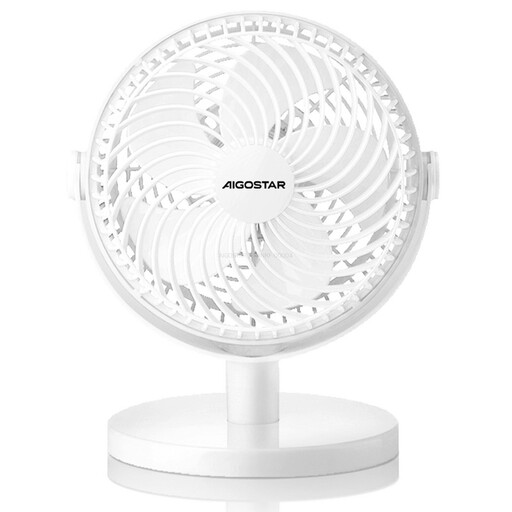
For a regular seat where you want to direct the airflow precisely.
Two speeds, a head adjustable through 360° and USB power. A suitable USB power source is required.
 No image available
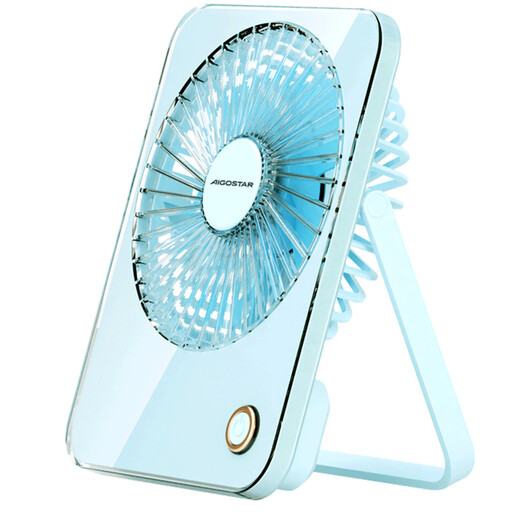
For flexible placement without needing a socket right next to the fan.
Built-in 3600-mAh battery, USB charging, three speeds and a design that folds through 180°.
 No image available
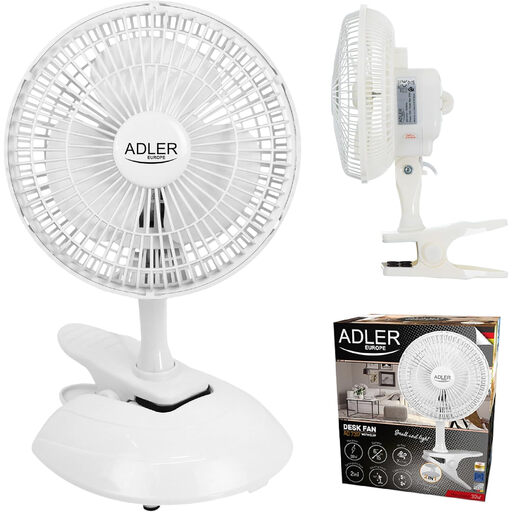
For a fixed spot where you want to angle the airflow or attach the fan to a suitable edge.
Two speeds, 16° tilt, a base or clip and mains power; the stated power consumption is 30 W. A suitable edge is needed for clip mounting.
 No image available
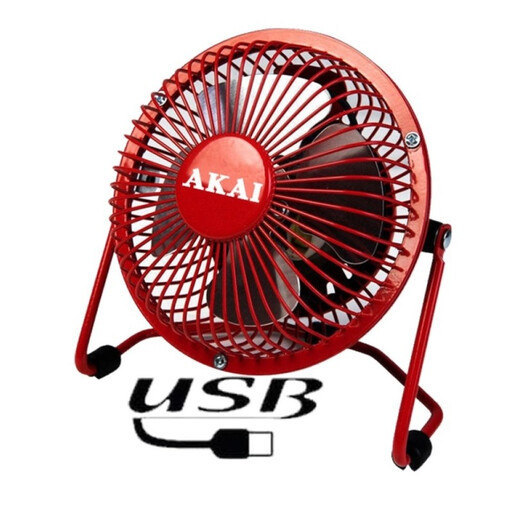
For several nearby seats you want the airflow to reach in turn.
Automatic horizontal oscillation, manual tilt and three speeds. Mains-powered at 220 bis 240 V AC; supplied in a randomly selected colour: grey, red or green.
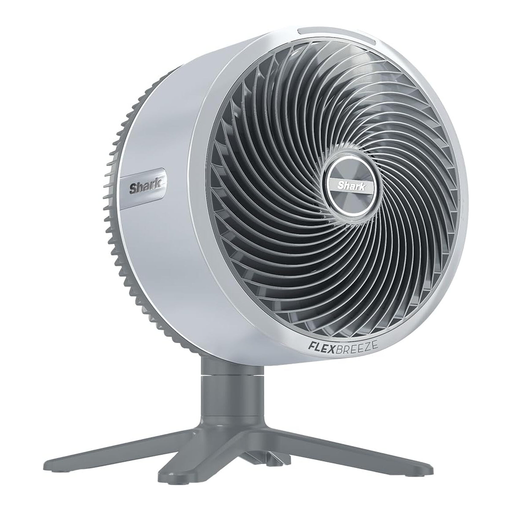 No image available
For flexible placement and airflow across several seats.
Rechargeable or mains-powered, five speeds, side-to-side oscillation and 55° tilt. The stated runtime of up to 24 hours applies on the lowest setting with oscillation switched off.
No. A table fan moves air and can make you feel cooler where you’re sitting, but it doesn’t lower the room temperature. In hot weather, the German Consumer Advice Centre also recommends using suitable sun protection and ventilating when the air outside is cooler.
Choose a stable surface and angle the fan so the selected speed reaches your seat. Unplug a mains-powered fan before cleaning. Don’t immerse the motor or electrical components in water, and follow the instructions for your model.
Multiply the power consumption in watts by the number of hours it runs, then divide the result by 1,000. This gives you the calculated energy use in kilowatt-hours for those operating conditions. A manufacturer’s maximum power rating doesn’t necessarily reflect consumption at every speed.
Not necessarily. Check which speed and operating conditions the runtime refers to. Meaco’s claim of up to 40 hours for the Sefte 10 Table Pro applies on the lowest setting. According to the product description, the Shark FlexBreeze TableMate’s claim of up to 24 hours applies on the lowest setting with oscillation switched off.
No. Your statutory rights cover faults and apply against the seller. A manufacturer’s guarantee is an additional voluntary offer subject to the guarantor’s terms. The German Consumer Advice Centre points out that these are different rights and benefits.