Sofa users sitting some distance from the fan
You need the airflow to reach your seat, not just the area directly in front of the fan. That makes positioning and suitable speed settings more important than an especially compact design.


When choosing a table fan for use by the sofa, first check that you can direct the airflow towards your seat and that the fan will stand securely without awkward cable routing. Next, consider how loud it is on the setting you actually need and, if there’s no socket within reach, check the battery operation and runtime at each speed. A fan circulates air and can cool your skin, but it doesn’t lower the room temperature (German Environment Agency).
You need the airflow to reach your seat, not just the area directly in front of the fan. That makes positioning and suitable speed settings more important than an especially compact design.
If you use the same room for studying or watching TV, check how loud the fan is on the setting that gives you enough airflow on the sofa.
If you need to position the fan flexibly, weigh up cordless operation against the need to recharge it and its runtime at different settings.
Start by considering the distance from the fan to your seat and how you’ll position it. Then weigh up the airflow you need against noise, space and power supply.
| What matters | What to look for | Who it matters most to |
|---|---|---|
| Airflow where you sit on the sofa | Check the distance and height between the fan and sofa, whether the head can be directed towards you, and whether the speed settings are suitable. If you have several seats, an oscillating function is useful. | If the fan is next to the sofa, I want to be able to direct the airflow towards my seat; around 36% of consumers put airflow where they sit on the sofa first. |
| Noise while studying or watching TV | Check the noise figures and the setting they apply to, then consider how loud the fan is on a setting that works for the distance between you and the fan. | When studying or watching TV, I want to know how loud the fan will be on the setting I need; around 29% of consumers prioritise keeping noise to a minimum. |
| Space and power supply | Check the base, dimensions, stability and cable routing. If there’s no socket nearby, weigh up battery operation and runtime at each setting. | If space is limited or there’s no socket within reach, I need a practical setup and a suitable power supply; around 21% of consumers see these as their main concerns. |
| Energy use during operation | Consider the power consumption in watts and how long you plan to use the fan at the setting you’ll actually choose. | If I use the fan regularly, I want to make sure its power consumption and runtime suit the way I’ll use it; around 14% of consumers put energy use first. |
Rowenta quotes 38 dB(A) for the VU2730 on its lowest setting. Meaco’s figure of 24–48 dB(A) for the Sefte 10 Table covers different operating conditions. Figures like these don’t automatically tell you how loud the fan will be when it’s producing more airflow.
Where possible, compare noise and airflow at the settings you’d actually use.
Meaco states that the Sefte 10 Table Pro runs for up to 40 hours on its lowest setting. You can’t assume it will last as long when producing more airflow.
If you’re considering a battery-powered model, check the runtime at the setting you’ll need for the distance from the sofa.
If you need stronger airflow, more frequent charging could interrupt cordless use.
A similar model number alone doesn’t prove that the features and specifications are the same.
Before you buy, check the full model number and the key specifications on the product page.
The details below apply to the product ranges mentioned and are not a general assessment of each brand.
Table fans for directing airflow towards the sofa, including models with an oscillating function.
Table air circulators with horizontal and vertical airflow; the Sefte 10 Table Pro is designed for cordless use with a rechargeable battery.
Compact table air circulators such as the 511S offer another design for directing airflow.
The selection includes classic table fans with adjustable or oscillating airflow, as well as compact models and fans for cordless use.
 No image available
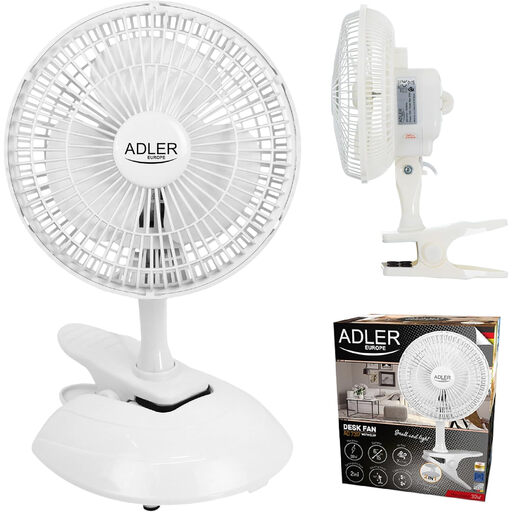
Set it up with the table base or clip to suit the space you have available.
Blade diameter: 15 cm; 2 speed settings; 30 W.
 No image available
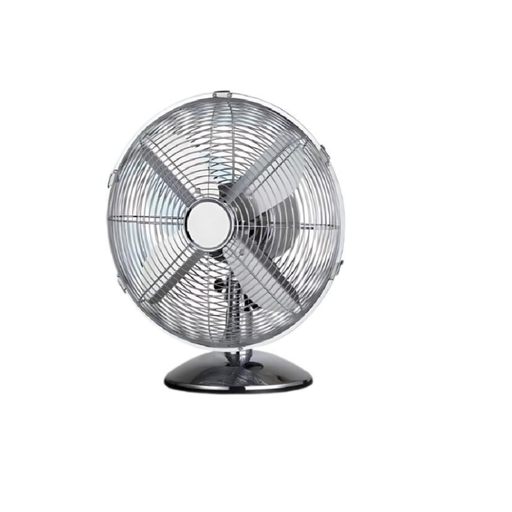
Adjust the tilt manually to direct the airflow; automatic left-to-right oscillation spreads it across a wider area.
3 speed settings; 4 aluminium blades; manually adjustable tilt.
 No image available
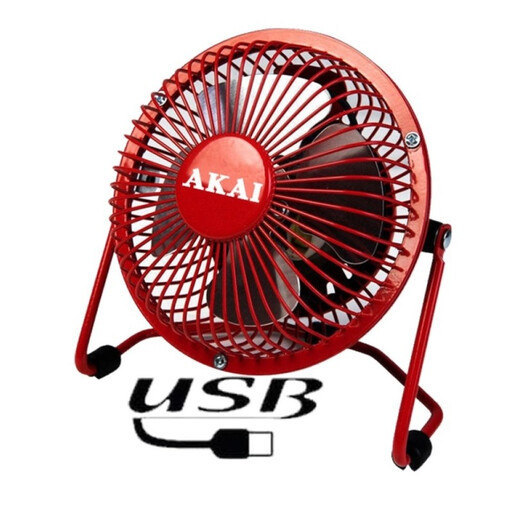
Manual tilt adjustment helps direct the airflow; automatic horizontal oscillation spreads it across a wider area.
Colour selected at random: grey, red or green.
 No image available
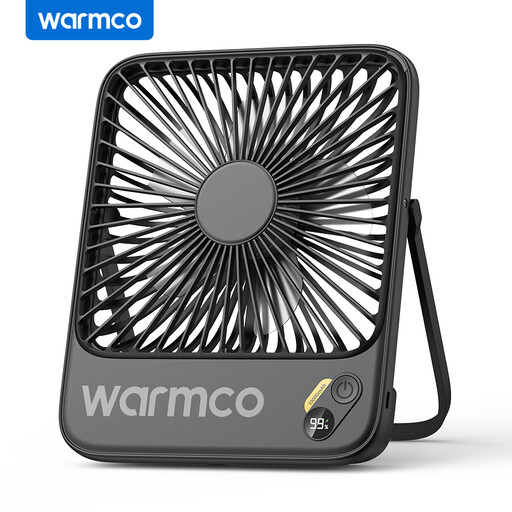
Battery operation is useful if there’s no socket where you want to place the fan; runtime depends on the setting you use.
4 speed settings; USB-C; up to 24 hours’ runtime on the lowest setting.
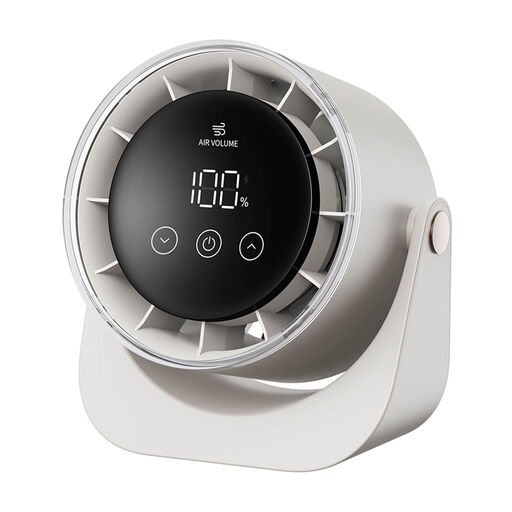 No image available
The adjustable tilt helps direct airflow towards your seat, while the range of settings lets you fine-tune the airflow.
100 speed settings; 90° tilt; up to 10 hours’ runtime on a low setting.
No. A table fan circulates air and can cool your skin, but it doesn’t lower the room temperature, as the German Environment Agency points out. The Verbraucherzentrale recommends airing the room when it’s cooler outside than in, and using sun protection when sunlight streams in.
Place the fan on a stable surface, direct the airflow towards your seat and make sure the cable is routed safely. Rowenta recommends unplugging the fan before cleaning and letting cleaned parts dry completely before reconnecting it. Only dismantle the fan as instructed for the specific model.
Your statutory rights apply against the seller and are separate from any voluntary manufacturer’s guarantee. Online purchases also generally come with a 14-day right to cancel; the Verbraucherzentrale explains that the conditions depend on the specific purchase.
The German Federal Network Agency recommends checking that the CE marking is correct, the manufacturer can be identified, and instructions and warnings are provided in German. The European Commission explains that CE marking is only required for products covered by relevant harmonised EU rules; it isn’t an independent quality mark. The applicable requirements also depend on the design of the appliance and its power supply.