For longer texts and precise page layouts, first make sure the document app you need works well with your keyboard. If you want to annotate sources by hand, check stylus compatibility and exactly what’s included in the box. Then weigh screen size against the space and weight you can manage at the library table, and open cloud files while online before you need to work offline. Also check whether the software features you need require a subscription.
Who benefits from each priority?
For frequent handout writers
If you write and edit longer texts, check the keyboard, layout features, PDF export and any app licence you’ll need. Microsoft describes a way to save PDFs in its mobile apps; available features can depend on the device and subscription.
For annotating sources
If you want to annotate library materials or PDF templates by hand, check stylus compatibility with the specific model and whether the stylus is included. Samsung says the Galaxy Tab S10 FE comes with an S Pen; Apple lists compatible Pencil models for the iPad Air, but doesn’t include a Pencil with the device.
For working on the move or offline
If you often change where you work or can’t rely on having Wi-Fi, consider the tablet’s size and weight, and open any cloud documents you need while you’re online. Microsoft Support recommends downloading and opening files before working offline.
What should you look for when buying?
First, check that your preferred device supports the document app and features you need. Then consider whether you need a stylus, where you’ll be working and whether you might need offline access. These factors will help you decide which features matter for your handout workflow.
| Priority |
What to check before buying |
Who should pay particular attention? |
| Longer texts and layout |
Check the document app, the layout features you need, whether a keyboard is included and whether you can export PDFs. |
If I’m editing longer handouts, I need the right typing and layout features. Around 33% of consumers put text entry and page layout first. |
| Stylus annotations |
Check stylus compatibility for the exact model variant, and confirm what’s actually included in the box. |
If I want to mark passages directly in sources or PDFs, the stylus needs to work with my tablet and suit the app I use. Around 27% of consumers prioritise handwritten annotations in their sources. |
| Space and offline access |
Consider the tablet’s size for your desk and for carrying around; download and open any cloud files you need in advance. |
If desk space is limited or the Wi-Fi connection is unreliable, I still want to be able to access my materials. Around 20% of consumers prioritise portability and prepared offline access. |
| Windows workflow |
Check that the specific configuration supports the programmes and file formats you need; check accessories separately. |
If my handout depends on a particular Windows programme, switching devices shouldn’t interrupt my workflow. Around 20% of consumers prioritise the Windows compatibility they need. |
Which buying mistakes should you avoid?
-
Assuming stylus compatibility means one is included
A compatible stylus doesn’t necessarily come with the tablet. Samsung says the Galaxy Tab S10 FE comes with an S Pen; Apple lists compatible Pencil models for the iPad Air, but doesn’t include a Pencil in the device package.
Check the full model number, the right stylus and the contents of the box for the specific variant.
-
Expecting a large tablet to be a complete Word workstation
For iOS devices, Microsoft distinguishes between free core editing on screens up to 10.1 inches and additional features that may require a qualifying Microsoft 365 subscription.
Try a typical handout template and check the features you need, the licence terms and whether a keyboard is included.
-
Waiting until you’re at the library table to download cloud files
For the offline workflow described by Microsoft, download and open any cloud documents you need while online beforehand.
Open the files on your device in advance, then check after working whether your changes have synced.
-
Trusting a retailer’s product title without checking the model number
In a Samsung listing on Joybuy, the model name X520 in the title didn’t match the technical model number SM-X210NDBAEUB; Samsung lists the Galaxy Tab S10 FE model number as SM-X520NZAREUB.
Compare the title, full model number and key specifications. Don’t treat a listing with conflicting details as a confirmed variant.
Which brands are worth considering?
Apple
The iPad Air is available in 11-inch and 13-inch versions, offering different amounts of workspace.
- Apple lists the 11-inch Wi-Fi model at 464 g and says it supports Apple Pencil Pro and Apple Pencil (USB-C).
- Apple doesn’t list a Pencil in the box with the device; stylus support alone won’t cover every part of your handout workflow.
Samsung
The Galaxy Tab S10 FE is an Android option for handwritten annotations.
- Samsung lists a 10.9-inch display for the Galaxy Tab S10 FE and says it comes with an S Pen.
- Check the exact model number and whether your document and PDF apps are compatible; the stylus information doesn’t automatically mean you’ll have everything you need for a complete workflow.
Lenovo
The Tab P12 with a matte display is available in a 12.7-inch version described as a Pen and Folio bundle.
- Lenovo lists a Pen and Folio as included in this specific bundle.
- A attachable keyboard is mentioned, but isn’t listed as part of this bundle. Check what’s included with the variant you choose.
Microsoft
The 1st Edition Surface Pro 12-inch is a Windows 2-in-1 option if you need a Windows workflow.
- Microsoft describes using it with the Surface Slim Pen and an attachable Surface Pro 12-inch Keyboard.
- Check that your specific desktop programmes will work, and whether the keyboard and stylus are included in the configuration you choose.
Xiaomi
The Pad 7 is another tablet option for which Xiaomi lists a Focus Pen and Focus Keyboard.
- Xiaomi lists the Focus Pen as compatible with the Pad 7.
- According to Xiaomi, the Pad 7 and Focus Keyboard are sold separately, so check what’s included in the specific offer.
Joybuy products for writing on the go
The Joybuy offers below are for tablets suited to writing on the go; some product titles also list accessories such as a keyboard, mouse or stylus. Compare the model details and box contents with your document and note-taking needs.
 No image available
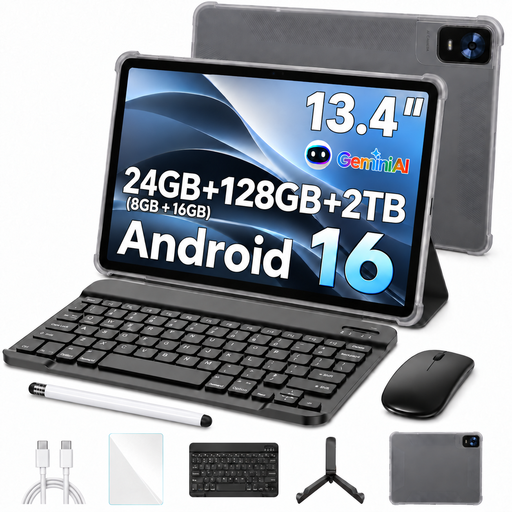
Android 16 tablet, 13.4 inches, 256 GB
The product title lists a keyboard and passive stylus as bundle items for writing and taking notes on the go.
13.4-inch FHD+ display; 256 GB storage; keyboard, mouse, passive stylus and stand case, according to the product title.
View on Joybuy
 No image available
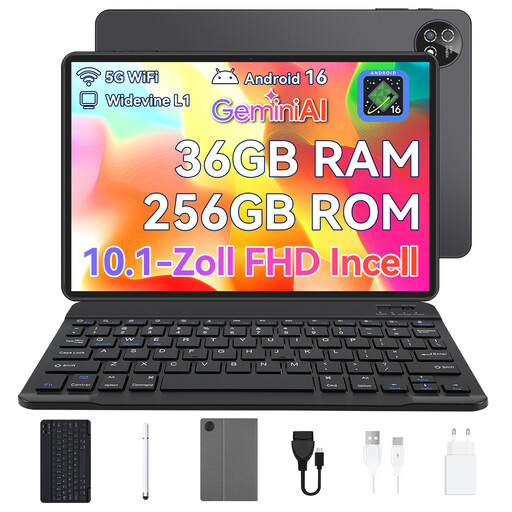
Android 16 tablet, 13.4 inches, 128 GB
The product title lists a keyboard and passive stylus as bundle items for writing and taking notes on the go.
13.4-inch FHD+ display; 128 GB storage; keyboard, mouse, passive stylus and stand case, according to the product title.
View on Joybuy
 No image available
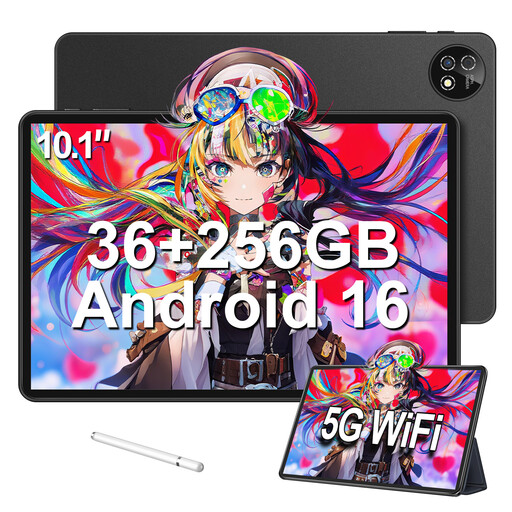
VANWIN Android 16 tablet, 10.1 inches, 256 GB
The keyboard listed in the product title is designed for typing; check that the device’s features suit the document app you use.
10.1 inches; Unisoc T310 octa-core processor; 256 GB storage; keyboard and protective case, according to the product title.
View on Joybuy
 No image available
Android 16 touchscreen tablet, 10.1 inches, 256 GB
The product title lists a keyboard and protective case as items in the set for working on the go.
10.1 inches; 256 GB storage; expandable by up to 1 TB with a TF card, according to the product title; keyboard, mouse and protective case included in the set.
View on Joybuy
 No image available
Apple iPad Air M4, 11 inches, Wi-Fi, 128 GB, Blue
The 11-inch size is a compact option for carrying between workspaces; Apple lists the 11-inch Wi-Fi model at 464 g.
Supports Apple Pencil Pro and Apple Pencil (USB-C); Apple doesn’t list a Pencil or Magic Keyboard as included accessories.
View on Joybuy
Frequently asked questions
Can I finish a handout in the library without Wi-Fi?
Yes, as long as the files you need are available offline on your device. Microsoft Support recommends downloading and opening cloud documents while online beforehand; test the process with your document app and template. Any pending changes can sync when you reconnect.
How do I save my finished document as a PDF?
Microsoft describes a way to save PDFs in its mobile Office apps using the print option on Android and an export option on iOS. Check the exported file and where it’s saved before sharing the handout.
Can I use Word in full on a larger tablet without a subscription?
Not necessarily: Microsoft describes free core editing on iOS devices with a screen size of up to 10.1 inches, while additional features require a qualifying Microsoft 365 subscription. Check the applicable licence terms for your device and account, and for the layout tools you need.
Does a compatible stylus always come with the tablet?
No. Compatibility doesn’t automatically mean the stylus is included. Samsung says the Galaxy Tab S10 FE comes with an S Pen; Apple lists compatible Pencil models for the iPad Air, but doesn’t include a Pencil with the device. Check what’s in the box for the specific variant.
Can I simply use library books or images in my class handout?
Not just because the handout is for teaching. The German Patent and Trade Mark Office refers to specific copyright rules for teaching and agreements between federal states and rights holders. Check the usage rights for the specific work, the extent of the material you want to use and how you plan to distribute it.


