Handwritten field notes
If you want to capture sketches, shorthand or margin notes and turn them into text later, stylus compatibility and what’s actually included are important factors to consider.


For taking field notes on the train, choose a tablet based on how you plan to work: a stylus for handwritten annotations, a keyboard for longer transcripts, and a Windows tablet only if you need a specific desktop application. Before buying, check what accessories are included and test your app’s offline workflow; train Wi-Fi is not a reliable basis for a workflow that depends entirely on the cloud. The screen size and accessories also need to fit the space available at your seat.
If you want to capture sketches, shorthand or margin notes and turn them into text later, stylus compatibility and what’s actually included are important factors to consider.
For detailed observation notes, you’ll need a keyboard that fits your tablet and enough space to work with your source material and text in the way you prefer.
If you need to keep working without a reliable connection, check how your specific note-taking or transcription app works offline.
First, decide whether you’ll mainly be writing by hand or typing longer texts. Then check your app’s offline workflow and how much space you’ll have at your seat.
| What matters | What to check before buying | Who it matters most to |
|---|---|---|
| Handwriting and stylus | Check stylus compatibility with the exact model and version, as well as what’s included with the tablet and stylus. | If I want to capture sketches and quick margin notes directly, the right stylus matters more than having the widest choice of keyboards. Around 31% of consumers prioritise handwriting. |
| Keyboard and working space | Check that the keyboard is compatible with the exact model and has the right layout; consider how you’ll work with your source material and type your text. | If I’m typing longer observation notes, a suitable keyboard and usable working space are important. Around 25% of consumers prioritise typing longer texts. |
| Offline work | Test with the app you use to see whether you can open and edit the files you need offline, then sync them later; check the available storage too. | If I need to keep working when the connection drops, I want to know how my app works offline before setting off. Around 25% of consumers prioritise uninterrupted work without a connection. |
| Space and battery life | Compare the device dimensions, including its case or keyboard, with your usual seat space; only compare battery life figures if they’re based on the same test conditions. | If I’m working on a tablet in a confined space, the screen and accessories need to fit the room available. Around 19% of consumers prioritise ease of use and battery life. |
A tablet may be compatible with certain styluses without one being included in the specific offer. Samsung says an S Pen is included with the Galaxy Tab S10 FE range; Apple lists compatible Pencil models for the 11-inch iPad Air, but doesn’t say they’re included.
Check what’s included with the specific offer, rather than relying on the compatibility list alone.
According to Microsoft Support, certain other Surface Pro keyboards aren’t compatible with the Surface Pro 12-inch.
Check the full device and accessory names before placing your order.
Deutsche Bahn says that Wi-Fi on long-distance trains depends on the mobile network. A draft that’s only available online could disrupt your workflow if the connection drops.
Test with your specific app and a sample note to see whether you can open and edit templates and notes offline.
The devices compared here have different screen sizes. Deutsche Bahn notes that fixed or fold-down tables are available at many ICE seats, but doesn’t say that every seat has one.
When comparing devices, consider their overall size with accessories and the space you usually have on the train.
An Android option for handwritten notes, the Galaxy Tab S10 FE.
The 11-inch iPad Air is a good fit for a workflow that already uses iPadOS.
The REDMI Pad 2 Pro is an Android option with a larger screen and the option to use a stylus.
The Tab P12 bundle we researched combines a larger tablet with a stylus and keyboard.
The Surface Pro 12-inch is worth considering if a Windows application you need is part of your workflow.
This selection includes devices for handwritten notes and longer texts. Check that the accessories and offline workflow suit your needs for each model.
 No image available
The product details say a keyboard is included for typing longer texts.
They also list a 3.2K screen, 8 GB RAM and 128 GB storage.
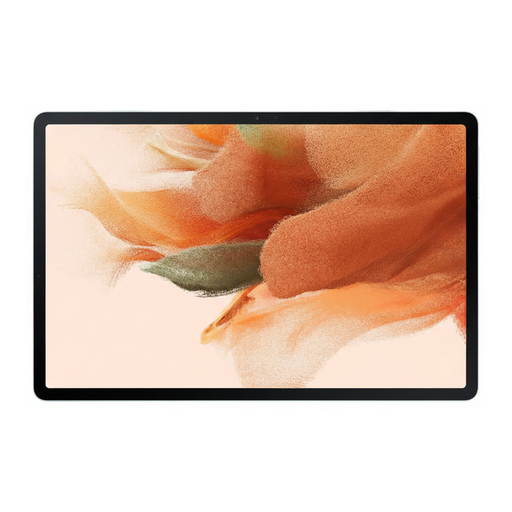 No image available
The included S Pen can be used for handwritten notes and sketches.
The product details list a 12.4-inch screen and 64 GB of internal storage.
The screen needs a fair amount of space on a small train table.
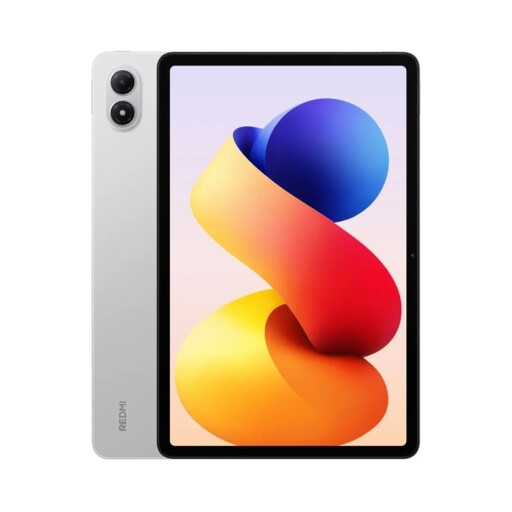 No image available
The 12.1-inch screen gives you plenty of room to work, but takes up space at your seat.
Xiaomi lists a weight of 610 g and a 12,000 mAh (typ) battery for this model; these figures don’t tell you how long it will last during transcription.
The product details list 128 GB of storage. Check that this is enough for the files you need in your offline workflow.
 No image available
The product description says a stylus is included and notes can be stored locally.
According to the product description, the device supports speech transcription in 16 languages, but needs an internet connection for this; local notes are described separately.
 No image available
The bundle includes a stylus and Bluetooth keyboard for handwritten notes and longer texts.
The keyboard has an English layout, which may differ from the layout you’re used to when typing longer texts in German.
The 12.7-inch screen can take up a lot of room on a small train table.
Don’t assume it is. Deutsche Bahn explains that the train’s connection depends on mobile networks. Before travelling, test with your specific app to see whether you can open and edit templates and notes offline, then sync them afterwards.
No. Microsoft lists a compatible keyboard for the Surface Pro 12-inch and notes that certain 13-inch Surface Pro keyboards, among others, aren’t compatible. Check the exact device and keyboard names before buying.
If you’re processing personal data for work or on behalf of an organisation, check the permitted workflow with the relevant person or team. The Federal Commissioner for Data Protection and Freedom of Information explains the requirements for processing personal data and describes encryption as a way to protect confidentiality. For public train Wi-Fi, Deutsche Bahn recommends using a VPN or HTTPS; this doesn’t amount to blanket approval for any particular cloud app.
Recording another person’s non-public spoken words without authorisation may be an offence under § 201 of the German Criminal Code (StGB). Whether a particular statement or recording falls under this provision, and whether authorisation applies, depends on the circumstances; owning a tablet does not give you permission to record.
When you buy as a consumer in the EU, you have statutory rights against the seller if the goods are faulty. The EU consumer portal Your Europe states that the minimum guarantee lasts for two years from the date you receive the goods. An additional manufacturer’s warranty doesn’t replace these rights; check the terms separately for business purchases.