What should you look for when choosing?
When choosing a tablet for reading folklore collections on a long flight, start by deciding what matters most to you. Then check that it works with your specific books and apps.
| Priority |
What to check before buying |
Who is this important to? |
| Offline access |
Check the operating system and available apps. Download your titles in advance and open them without an internet connection. |
If I want to access my specific collection during the flight, the app I plan to use needs to work with the downloaded titles. Around 33% of consumers say offline access is their main priority. |
| How pages are displayed |
Open a typical page and check how the text and images appear, whether you can adjust the font and how much zooming is needed. Compare the display size with the tablet’s weight and the space it takes up. |
If you want to read scans, illustrations or pages with a fixed layout, check that they’re legible in the view you prefer. Around 27% of consumers say page display is their main priority. |
| Portability |
Compare the weight and size of the exact version with how you plan to hold it while reading. |
If I’m going to hold the device at my seat for a long time, I want it to feel comfortable without compromising on the page view I need. Around 20% of consumers say portability is their main priority. |
| Power and taking it on a flight |
Manufacturer figures don’t automatically reflect reading time. Check the conditions behind the battery-life claims and your airline’s rules. According to EASA, batteries over 100 Wh and up to 160 Wh inclusive require approval from the airline; batteries over 160 Wh are not permitted. |
If you want to rely as little as possible on charging during a long flight, consider the reading app you use and how you plan to use it. Around 20% of consumers say power is their main priority. |
Joybuy tablets for reading on a flight
The Joybuy products below include compact and larger tablets to suit different preferences for portability and page display.
 No image available
SAMSUNG Galaxy Tab A11+ X230, 11-inch, Wi-Fi, 6 GB RAM, 128 GB, Grey
The 11-inch format may suit you if you want to read folklore collections with larger pages or a fixed layout.
The product description lists a resolution of 1,920 × 1,200 pixels and a weight of 482 g.
View at Joybuy
 No image available
Microsoft Surface Pro 12 with Snapdragon Plus, 24 GB RAM, 1 TB, Platinum
The larger display may suit collections with images or a fixed layout. Check that the size and weight work for the way you like to read.
The product description lists a 12-inch touchscreen with a resolution of 2,196 × 1,464 pixels, a weight of 686 g and Windows 11 Home.
View at Joybuy
 No image available
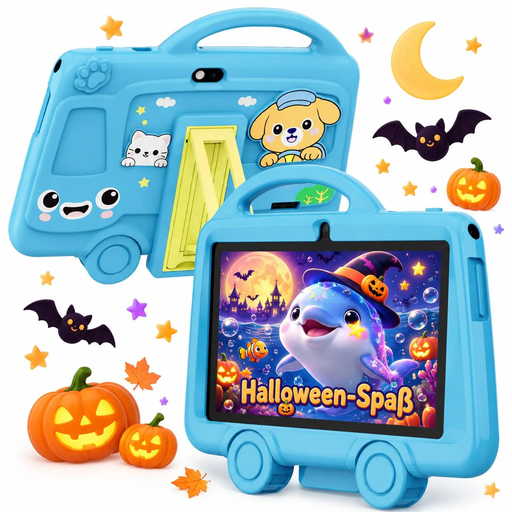
TABWEE K8 Kids' Tablet, 7-inch, 2 GB RAM, 32 GB storage
The 7-inch format may appeal if you want a small device to hold while reading. Check that it supports your preferred reading app and displays your collection as you’d like.
The product title lists a resolution of 1,024 × 600 pixels and a 3,000 mAh battery. The description lists 11.4 Wh.
View at Joybuy
 No image available
GOODTEL G11 Android 15, 11-inch, 16 GB RAM (8+8 virtual), 256 GB, with EVA case
The 11-inch display may suit pages with images or a fixed layout. Compare its size with the weight you’re comfortable holding while you read.
The product description lists a resolution of 2,176 × 1,600 pixels, Android 15 and 256 GB of storage. The 16 GB RAM is specified as 8+8 virtual.
View at Joybuy
 No image available
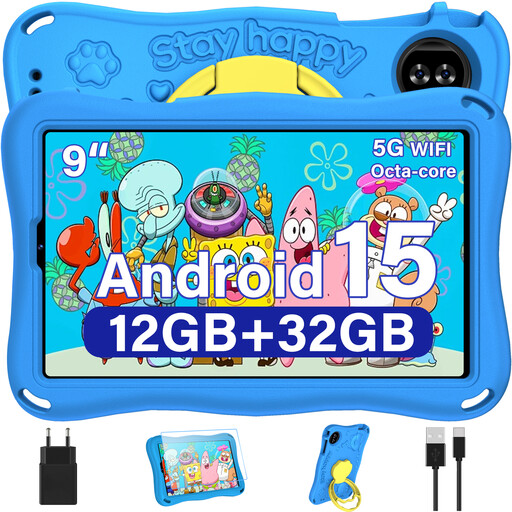
YESTEL T15 2026 Kids' Tablet, 9-inch, Android 15, with EVA case
The 9-inch format offers a more compact screen if you’re looking for a handier device than an 11- or 12-inch tablet.
The product title lists a resolution of 1,340 × 800 pixels, 12 GB RAM, 1 TB TF expansion and a 5,000 mAh battery.
View at Joybuy
Frequently asked questions
Is it enough for my books to appear in the app library?
No. Download the titles you want to read to your device before the flight, then try opening them with your device offline. Google Play Help explains how to download books for offline reading. Apple also notes that books bought on other devices need to be downloaded to the iPad. Onleihe Help reports that offline reading is restricted on some devices.
Can I use any tablet with Onleihe 3?
No. According to Onleihe Help, the Onleihe 3 app requires at least Android 10 or iOS 15.1. Even with a compatible operating system, borrowed media may not work reliably offline on all devices, according to the service provider. Test the title you plan to read before you travel.
Can I use my tablet on a plane, and where should I carry it?
Whether you can use it depends on your airline’s rules. EASA recommends carrying portable electronic devices in your hand luggage. According to its guidance, batteries over 100 Wh and up to 160 Wh inclusive require approval from the airline, while devices with batteries over 160 Wh are not permitted. Check your airline’s rules as well.
What should I know about compliance and faults when buying in Germany?
For the specific wireless tablet, check for the CE marking and the required compliance documents and accompanying information in German. The Federal Network Agency outlines the relevant checks for retailers. When you buy from a seller in the EU, you’re generally entitled to at least two years of legal protection against faulty goods from the date you receive them, as explained by Your Europe, the European Union’s consumer portal. Any additional manufacturer’s guarantee is separate from this.


