Puzzle fans without reliable Wi-Fi
You want to play at your holiday cottage even when the connection is weak. Check the app, downloads and features you need before setting off by testing them offline.


First, choose a tablet that offers the word puzzles you want to play, then check before your trip whether the content and features you need work without an internet connection. A compact device may suit you if you usually play while holding your tablet; a larger screen gives you more room for grids and the on-screen keyboard. Manufacturers’ battery figures are no substitute for testing your game at your usual screen brightness.
You want to play at your holiday cottage even when the connection is weak. Check the app, downloads and features you need before setting off by testing them offline.
You want to see clues, grids and the on-screen keyboard clearly, so compare how they look on compact and larger displays.
You play for longer on the sofa or while travelling, and weigh up screen size against the dimensions and weight of the specific model.
First, check that your chosen game is available on the specific device and works offline. Then compare the display, portability and charging equipment to suit how you plan to use it.
| What matters | What to check | Who is it important to? |
|---|---|---|
| App and offline mode | Search for the game in the app store on the specific device; test puzzles, clues and saved progress in aeroplane mode before your trip. | If I want to play at my holiday cottage even when the Wi-Fi is weak, I check that my game is available and has the offline features I need. Around 33% of consumers put app compatibility and playing without an internet connection first. |
| Readability | View a typical puzzle with the keyboard open from your usual viewing distance. | When the letter grids are small, I want to see the grid and clues clearly. Around 27% of consumers prioritise how easy their puzzle screen is to read. |
| Portability | Compare the size and weight of the specific version; try out your preferred playing position if possible. | If I play for longer while holding my tablet, a comfortable size matters to me. Around 20% of consumers put portability first. |
| Battery and charging | Don’t assume capacity equals battery life; check what comes with the version you choose, including charging accessories. | If I want to play puzzles between charging opportunities, I look for a long-lasting battery and a suitable charger. Around 20% of consumers prioritise battery life and charging equipment. |
Google Play isn’t supported on Fire tablets. So a game available there won’t necessarily be available on a Fire device.
Search for the game you want in the app store on the specific Fire tablet before deciding which device to buy.
A figure in mAh and a battery life in hours describe different things. The capacity Xiaomi gives for the Redmi Pad 2 isn’t a measured playing time; the figure for the Fire HD 8 refers to mixed entertainment use.
Compare the conditions behind each figure, and test your game at your usual screen brightness before your trip.
Xiaomi states that a mains charger isn’t included with the Redmi Pad 2.
Check what comes with the specific version and whether you already have a compatible mains charger.
The Galaxy Tab A11 and Galaxy Tab A11+ are compact and larger options for different puzzle layouts.
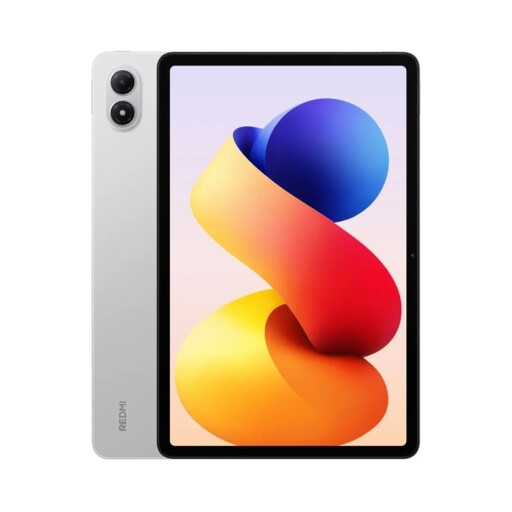
The Redmi Pad 2 is an 11-inch option if you want to compare a larger display with a stated resolution.
The iPad (A16) is an 11-inch option if the games you want are available for iPad.
The Joybuy models below offer either larger displays or more compact sizes for different playing positions. Check that the game you want is available on the specific device and has the offline features you need.
 No image available
A larger Android option if you’d like more room for grids and clues.
11-inch, Wi-Fi, 6 GB RAM and 128 GB storage.
 No image available
A larger display for puzzles where you want to see the grid and on-screen keyboard at the same time.
11-inch, 2,176 × 1,600 pixels, 16 GB RAM (8+8 virtual), 256 GB storage and 10,000 mAh.
The product description lists access to Google Play; you should still check that the specific game you want is available.
 No image available
A larger display option if you want more space to view grids and clues.
12.1-inch, 2.5K and 12,000 mAh (typical).
 No image available
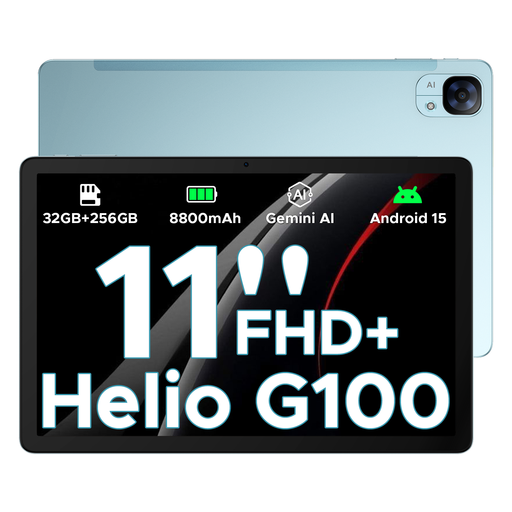
A larger Android tablet for a puzzle layout with more screen space.
11-inch, FHD+, 90 Hz and 8,800 mAh.
 No image available
A more compact size if you prefer holding a smaller tablet while you play.
Android 14, 8.8-inch, 12 GB RAM, 256 GB storage and 7,300 mAh.
The product title states that a mains charger isn’t included.
No, you can’t tell from the tablet model alone. Google Play describes only some games as playable offline. Download the specific puzzles you want before setting off, then use aeroplane mode to check that the features you need and your saved progress are available.
No. Google Play isn’t supported on Fire tablets. Check whether the game you want is available in the app store for the specific device version.
Check what comes with the exact version. Xiaomi states that a mains charger isn’t included with the Redmi Pad 2; a mains charger is also not included with one Fire HD 8 version that was checked.
According to the Verbraucherzentrale, the statutory rights you have against the seller generally apply for two years; these are separate from a voluntary manufacturer’s guarantee. Online purchases also generally come with a 14-day right to cancel, subject to statutory requirements and exceptions.
As part of its market surveillance, the Bundesnetzagentur lists checks including correct CE marking, identifiable manufacturer details and German-language instructions with the required information. This general guidance doesn’t confirm that an individual product listing complies.