Readers who need large print
You want to read novels in a comfortable font size, with suitable line spacing. The key factors are the reading settings and the format of the specific edition. Kobo and Kindle offer reading options for supported books.


A tablet can be a good choice for reading classic novels in large print, provided the reading app and edition let you adjust the text. A large screen alone isn’t enough. A tablet is especially useful if you also want to use library apps, read web content or run other apps. PDFs often require you to zoom in on the page, while an e-reader may be a better fit if you mainly read compatible, reflowable e-books.
You want to read novels in a comfortable font size, with suitable line spacing. The key factors are the reading settings and the format of the specific edition. Kobo and Kindle offer reading options for supported books.
You use library books or freely available classic texts, so it’s worth checking that the source, app and device all work together. For Onleihe 3, the provider specifies minimum operating system versions. Project Gutenberg provides full texts that are in the public domain.
You want to use other apps on the same device, and need to weigh screen space against portability. Apple, Samsung and Lenovo offer tablets in different sizes and with different operating systems.
Start by opening a typical book in your preferred reading app. Then decide which screen size and extra features suit the way you read.
| What matters to you | What to check before buying | Who is this important to? |
|---|---|---|
| Large, adjustable text in books | Open a sample in your preferred app and check the font size, line spacing and page margins. | If I want to read novels in significantly larger print, what matters is how the text looks in the book itself. Around 36% of consumers give adjustable text in books their highest priority. |
| Book source and file format | Check the edition and source in advance. For Onleihe 3, the provider specifies at least Android 10 or iOS 15.1. For PDFs, test the zoom options in the app you plan to use. | If I want to read library classics or my own files, the source, device and app all need to work together. Around 29% of consumers put access to suitable books and formats first. |
| Comfort during long reading sessions | Compare the dimensions and weight of the specific model, and think about how you usually hold it while reading. | When reading longer novels, I want to be able to hold the device comfortably without losing the screen space I need for large print. Around 21% of consumers prioritise comfort when reading. |
| Additional apps | Check that the apps you need are available for the specific operating system and model. | If I want to use apps as well as read books, I want to check in advance that they’re available on the device. Around 14% of consumers put additional apps first. |
The text options available also depend on the reading app and whether the specific book supports visual adjustments.
Before choosing a device, open a typical edition in your preferred app and set the text display to the size you want.
Kobo says its e-readers let you zoom in on PDF pages, rather than change the text size or style.
If adjustable text is important to you, check the file format and test the specific file in the app you plan to use.
Google Play isn’t supported on the 2023 Fire HD 10.
Check whether you can install and use each reading or library app you need on the exact model you’re considering.
The iPad (A16) is an 11-inch option for readers who want to use iPadOS and other apps.
The Galaxy Tab A11+ is an 11-inch Android option. The Galaxy Tab A11 is a different, smaller model.
The Tab M11 is an 11-inch Android option, also available with a stylus.
Kobo e-readers are worth considering if you mainly read compatible e-books and don’t need tablet apps.
The Joybuy products below are tablets for digital books and additional apps. Whether you can enlarge the text in a particular book still depends on the edition and the reading app you use.
 No image available
The listed 12-inch touchscreen may give you room for a larger view of your book. Text options depend on the reading app and edition.
Windows 11 Home; 12-inch touchscreen with 2196 × 1464 pixels.
 No image available
The 11-inch display gives you space for digital books. Check that the app and edition you want to use let you adjust the text.
Android 15; 16 GB RAM (8 GB + 8 GB virtual); 256 GB storage.
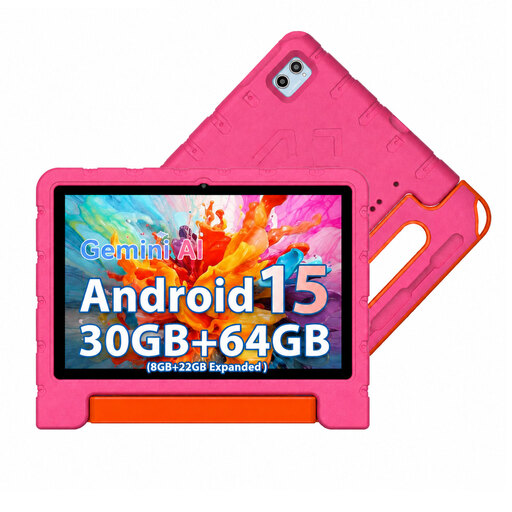 No image available
The listed 10.1-inch display provides space for reading, as long as the book file and app support the text size you want.
30 GB RAM (8 GB + 22 GB expanded); 64 GB ROM; includes case, OTG adapter and screen protector.
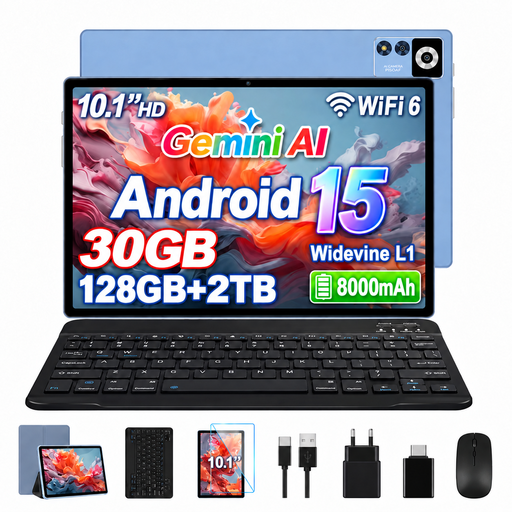 No image available
This model has a 10.1-inch display for reading digital books. Check the text size available in the app you plan to use.
128 GB ROM; 8 GB RAM plus 22 GB virtual RAM.
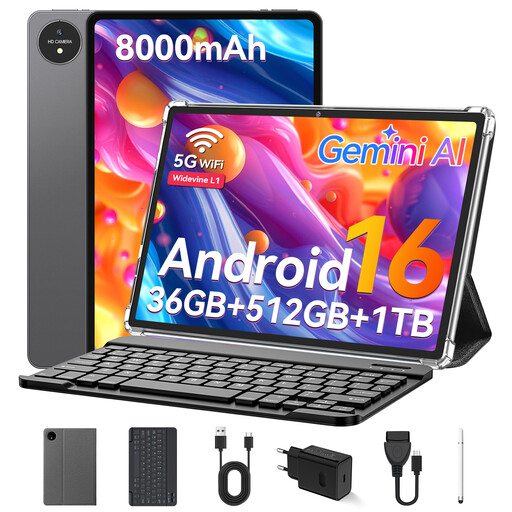 No image available
The 11-inch display gives you space for digital books. Whether you can enlarge the text depends on the app and file format.
32 GB RAM; 512 GB ROM; supports 1 TB TF storage, according to the product name.
No. Check the text size in the book itself. Kobo and Kindle have their own reading settings, although Kindle’s visual adjustments are only available for supported books.
For Onleihe 3, the provider requires a library card and login details, as well as at least Android 10 or iOS 15.1 for the app. Check that your library and the specific device work with the way you plan to borrow books.
Not necessarily. Kobo describes page zoom for PDFs on its e-readers, but not changes to text size or style. Test the specific PDF in the tablet app you plan to use before relying on being able to enlarge the text.
An e-reader is worth considering if you mainly read compatible, reflowable e-books and don’t need tablet apps. Kobo explains how to adjust font size and line spacing on its e-readers. PDFs work differently from adjustable e-books.