Sort photos offline
You want to browse your pictures during the journey, even if the train’s Wi-Fi is slow or unavailable. The key question is whether the photos you need are already stored on the tablet or on connected storage.


Start by considering where your photos are stored and how you work with your files. Cloud photos need to be available locally before your journey, while cards and drives require a compatible connection and a suitable file app. Deutsche Bahn warns that Wi-Fi speeds can vary. A larger display gives you more room to work, but takes up more space at your seat.
You want to browse your pictures during the journey, even if the train’s Wi-Fi is slow or unavailable. The key question is whether the photos you need are already stored on the tablet or on connected storage.
Your archive is stored on SD cards or external drives. Check that the connection, file system and file app are compatible with your storage device, and that the transfer process works as expected.
You want to view several shots in a limited space. Weigh up the extra screen space against the weight and portability of the specific tablet model.
First, check where your photos are stored and how you’ll get them onto the tablet. Then decide what screen size and level of portability will work at your seat.
| What you need | What to check | Who will find this especially important? |
|---|---|---|
| Offline access | Check that there’s enough storage for the photos you need locally, and that your chosen app works offline. | If I want to work during the journey without relying on Wi-Fi, the pictures I need must be available locally beforehand. Around 33% of consumers prioritise offline access. |
| Transferring files | Check the connection, adapter, file system and compatibility with your specific storage device. | If you want to transfer an existing archive from a card or drive, you’ll need a reliable way to get it into your file or photo app. Around 27% of consumers prioritise file transfer. |
| Portability at your seat | Compare the weight and screen size of the exact model with how you plan to use it. | If I’m going to use the tablet in a confined space or hold it for a long time, portability matters more to me than extra screen space. Around 20% of consumers prioritise portability and endurance. |
| Browsing pictures clearly | Check the screen size and how images look in the photo app you’ll actually use. | If you want to compare lots of shots, you may prefer a larger working area and be willing to sacrifice some portability. Around 20% of consumers prioritise a clear view of their pictures. |
Backing up photos to the cloud doesn’t automatically mean you can open them locally during a journey without a reliable internet connection.
Download the pictures you need before you travel and test your planned workflow without a network connection.
External storage requirements vary by device, including file system, connection and power supply. Samsung also requires compatible devices and storage media for file operations with external storage.
Test the storage device and file format with a sample copy before sorting through your photos. Depending on the device you already have, you may need an adapter, card reader or extra power supply.
For the iPad Air and Galaxy Tab FE sizes mentioned here, the manufacturer says the larger version is also heavier.
Think about whether you’ll mostly use the tablet on a tray table to compare pictures or hold it at your seat, then check the weight of the specific model.
The iPad Air and Files app may suit you if your photo workflow is already geared towards Apple devices, or if you want to connect a compatible external storage device.
The Galaxy Tab S10 FE and S10 FE+ are worth considering for local files and management through ‘My Files’, if the storage expansion on the model you choose suits your workflow.
The Pad 10 and MagicPad2 are larger Android tablets for anyone who values screen space for viewing pictures more than maximum portability.
The Tab P12 is an example of an Android tablet with a larger working area, if you have enough space for it at your seat.
The Pixel Tablet may suit an Android and Google Photos workflow if you make the pictures you need available on the device before your journey.
Joybuy tablets for viewing and organising a photo archive locally on the train.
 No image available
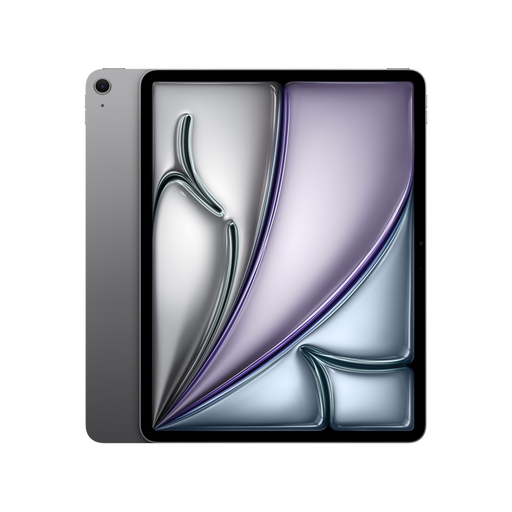
If you’d like more room to compare pictures, the 13-inch display gives you a larger working area. Apple lists this model at 616 g.
128 GB storage; Wi-Fi.
External drives need a compatible file system and connection; hard drives may require an additional power supply.
 No image available
If you want a tablet that’s easy to handle at your train seat, the 11-inch size is one option. Apple lists this model at 464 g.
256 GB storage; Wi-Fi.
External drives need a compatible file system and connection; hard drives may need an additional power supply.
 No image available
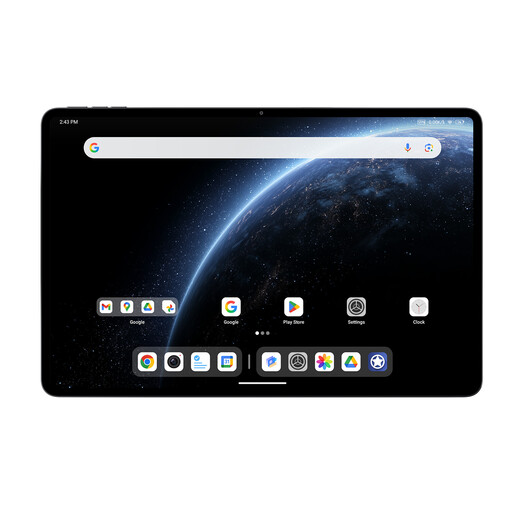
If screen space and local storage are your priorities when browsing pictures, this model has a 12.95-inch display and 256 GB storage, according to the product name.
12 GB RAM; Qualcomm Snapdragon 7+ Gen 3.
Before you buy, test your own files to check that your preferred photo app and transfer method will work with your archive.
 No image available
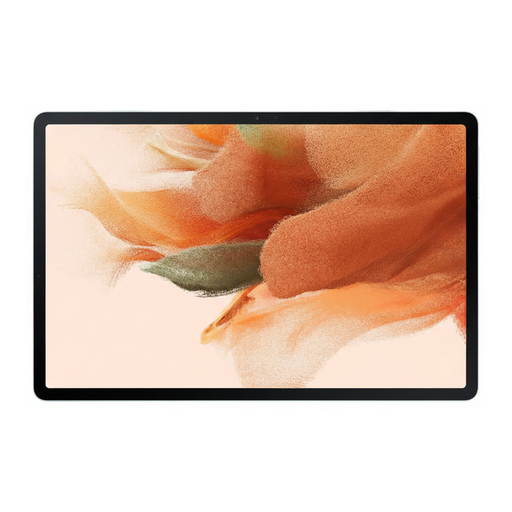
If you’re considering a Galaxy tablet for your photo archive, test your files to see whether this specific version suits your storage and transfer workflow.
64 GB storage; Wi-Fi.
 No image available
If you prefer a larger screen for sorting pictures, the HONOR Pad 10 has a 12.1-inch display, according to the product name.
256 GB storage; Wi-Fi.
Check that your photo app and storage device will work with this specific version.
If you want to work without an internet connection, the pictures you need must be accessible locally or on a compatible connected storage device. Deutsche Bahn warns that connection speeds can vary and recommends avoiding large downloads where possible.
Test it with your file format and a representative photo. Check that the device recognises the storage medium, opens the file and can make a copy that you can read again. Apple lists the supported file systems for iPad drives and notes that additional power may be needed. Samsung describes file operations with supported SD or USB storage through ‘My Files’.
No. Google describes backing up to your account and downloading to an Android device as separate processes. Before deleting anything, check that the backup you want is complete and that a separate copy is still available.
For a consumer purchase, the seller is generally responsible for the statutory guarantee; this is separate from any voluntary warranty. The Verbraucherzentrale states that new goods generally have a two-year statutory guarantee period. Distance sales contracts also generally come with a right to cancel: the federal portal gives a period of 14 days and notes that conditions and exceptions apply.
Not just because you’re using a tablet on the train. According to the Federal Commissioner for Data Protection, the GDPR doesn’t apply to processing that is exclusively personal or household-related. Publishing photos of other people online may fall outside this exemption. For professional archives or planned publication, the specific purpose needs to be considered separately.