What to look for when buying
First check the stylus and offline access, then consider the space available at your seat, how you’ll enter text and what’s included with the complete device set-up.
| What matters |
What to check before buying |
Who it matters most to |
| Handwritten edits |
Check the exact tablet variant, compatible stylus and what’s included. Samsung says the Galaxy Tab S10 FE comes with an S Pen; Apple lists the Pencil models supported by the iPad (A16), and says that a USB-C adapter is needed to pair and charge the 1st generation Pencil. |
If you mark mistakes directly in your course materials, you’ll need a stylus that works with your tablet; around 25% of consumers put handwritten edits first. |
| Offline access |
Make your study materials and attachments available offline before you travel, and test that you can edit them. Deutsche Bahn says Wi-Fi is available across its ICE fleet, but only on parts of its Intercity fleet and selected regional trains; Microsoft Support and Goodnotes Support explain their apps’ specific offline requirements. |
If I need to keep working when the connection is unreliable, I want to be able to open my notes beforehand and sync changes later; around 25% of consumers prioritise offline access. |
| Space at your seat |
Compare the size, the actual weight of the variant you’ve chosen and the space needed with a case or keyboard. Apple lists the Wi-Fi iPad mini (A17 Pro) as 8.3 inches and 293 g; Samsung lists the Galaxy Tab S12 Ultra as 14.6 inches. |
If you often read and make short notes without a table, you’ll need a format that’s easy to handle at your seat; around 20% of consumers put portability first. |
| Longer typing sessions |
Check that the keyboard is compatible with your complete tablet model, as well as its layout and what’s included. Apple sells the Magic Keyboard Folio for the iPad (A16) separately; Microsoft lists an optional Type Cover for the Surface Go 4 for Business. |
If I’m rewriting longer passages, I want to type comfortably without bringing an unsuitable keyboard; around 15% of consumers prioritise longer typing sessions. |
| All the accessories you need |
Check what’s included with the specific offer and which accessories you actually need. Samsung says the Galaxy Tab S10 FE comes with an S Pen; the Magic Keyboard Folio for the iPad (A16) is sold separately. |
If you’re putting together a complete set-up for study notes, remember to factor in a stylus, keyboard and the app you need; around 15% of consumers focus primarily on the accessories they need. |
Joybuy products for study notes
Joybuy tablets that can be assessed for taking study notes on the go based on their listed screen and accessory features.
 No image available
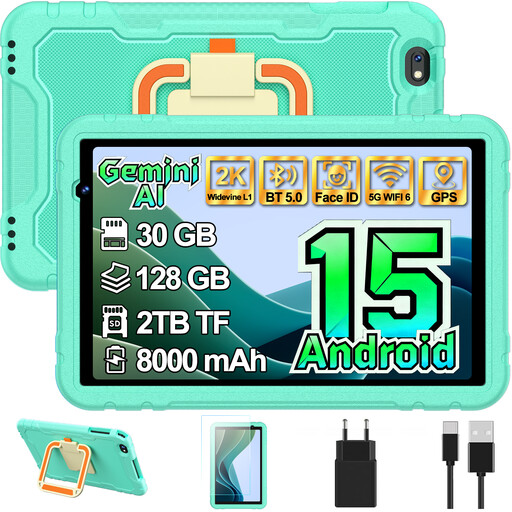
GOODTEL G7 Kids, 10.1 inches, Android 15
The product name describes this as a kids’ tablet. For study notes, check that a specifically supported stylus works with your note-taking app.
10.1-inch screen; Android 15.
View at Joybuy
 No image available
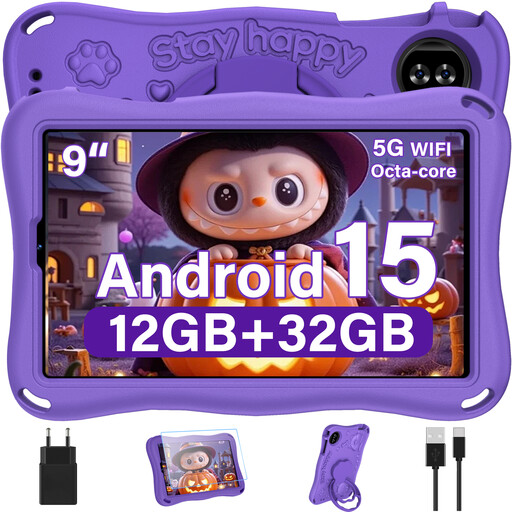
YESTEL T15 2026 Kids, 9 inches, Android 15
The product name describes this as a kids’ tablet. Before making handwritten edits, check that the stylus is compatible and that your note-taking app has the features you need.
9-inch screen; Android 15.
View at Joybuy
 No image available
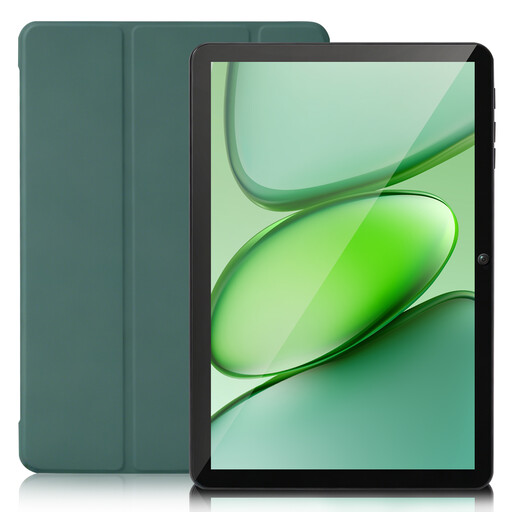
SUMTAB 10-inch Tablet, Android 15
The 10-inch format helps you weigh up writing space against the room available at your seat. For handwritten edits, check that the stylus, tablet and app are compatible.
10-inch touchscreen; Android 15.
View at Joybuy
 No image available
VANWIN YC101T310K30, 10.1 inches, with keyboard and case
The keyboard listed in the product name could be useful for longer typing sessions. Before you travel, check that the size and stand suit the way you work.
10.1-inch touchscreen; keyboard and case listed in the product name.
View at Joybuy
 No image available
TECLAST P50T, 11 inches, Android 16
The 11-inch format gives you an idea of how much space it may take up at your seat. Before making handwritten edits, check that the stylus and app features suit the way you work.
11-inch screen; Android 16.
View at Joybuy
Frequently asked questions
Can I edit my notes on the train without internet access?
Yes, as long as the files you need are available offline in the app you’re using. Microsoft Support explains that OneNote on iPad can sync pages and attachments offline, then sync any pending changes later. Goodnotes Support recommends opening important documents online beforehand and checking that they’re available offline.
Is the train Wi-Fi good enough to download study materials during the journey?
It’s best not to rely on it. Deutsche Bahn says Wi-Fi is available across its ICE fleet, but only on parts of its Intercity fleet and selected regional trains; speeds can vary. Download the documents you need before you travel, if possible.
Do I need to buy a keyboard for longer typing sessions?
Not necessarily; it depends on whether you’re comfortable using the on-screen keyboard. If you want a physical keyboard, check model compatibility and what’s included: Apple sells the Magic Keyboard Folio for the iPad (A16) separately, while Microsoft lists an optional Type Cover for the Surface Go 4 for Business.
Will a stylus from my tablet’s brand automatically work with my device?
No. Check compatibility against the full model name. Apple lists the Apple Pencil (USB-C) and 1st generation Apple Pencil for the iPad (A16); the latter requires a USB-C adapter for pairing and charging. Xiaomi lists the Focus Pen for certain Pad models, but this doesn’t confirm compatibility with the REDMI Pad 2 Pro.
How can I check the relevant compliance information for a tablet in Germany?
Check the information for the specific device and its wireless technology, rather than treating the product description as a compliance check in itself. The Bundesnetzagentur lists CE marking, product and manufacturer identification, German-language instructions and conformity documents among the things to check. According to Your Europe, by applying the CE mark, the manufacturer declares that the product meets the relevant EU requirements.


