What should you look for when buying?
First, check that your learning app and files work the way you want to use them while travelling. Then compare the screen format, how easy the device is to handle and what accessories you’ll need for the specific version you’re considering.
| Buying priority |
What to look for |
Who it matters most to |
| Offline access and app |
Check that your specific learning app is available on the tablet and that you can open the list you use offline. |
If I want to study in my hotel without reliable Wi-Fi, I’ll want to save my list in advance and test it without a connection. Around 33% of consumers place the greatest importance on offline access and app compatibility. |
| Reading area |
Open a typical flashcard or document page in the orientation you plan to use, and check that the text size works for you. |
What matters to me is whether I can see a full PDF page or a longer table clearly on the screen. That’s why around 27% of consumers prioritise the reading area for document pages. |
| Portability |
Compare the dimensions and weight of the exact version, and its case if applicable, with how you plan to hold and use it. |
If I’m going to review short entries in my hand while travelling or in my room, a device that’s easy to hold matters more than seeing a whole document page at once. Around 20% of consumers prioritise portability. |
| Accessories and total cost |
Check whether you need a stylus or charger and exactly what’s included with the version you choose. |
If you want to work out the total package you’ll need, including accessories, check what’s included with the specific version. Around 20% of consumers put this first. |
Joybuy products
The Joybuy offers below include a range of screen sizes, from compact to larger formats, for vocabulary lists and document pages. Before buying, check that your specific learning app is available on the device you’re considering.
 No image available
Samsung Galaxy Tab A11+ X230, 11-inch, Wi-Fi, 6 GB RAM, 128 GB, Grey
The 11-inch format is worth considering if you’d like more screen space for reviewing lists.
11 inches; 6 GB RAM; 128 GB storage. Check compatibility with your specific learning app.
Joybuy
 No image available
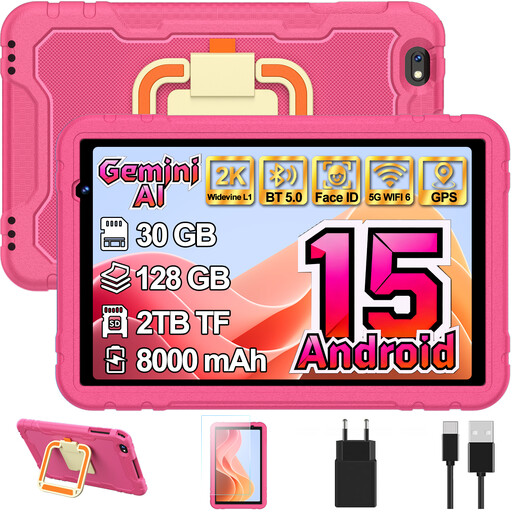
GOODTEL G7 Kids, 10.1-inch, Android 15, 128 GB, Red
The 10.1-inch screen may suit you if you prefer a larger display when looking through lists.
10.1 inches; Android 15; 128 GB storage. Check whether your learning app is available on this device.
Joybuy
 No image available
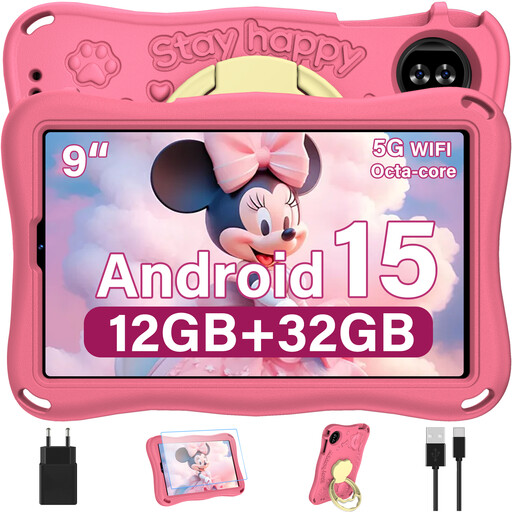
YESTEL T15 Kids, 9-inch, Android 15, Pink
The 9-inch format is a more compact option for short or resizable entries.
9 inches; 1,340 × 800 pixels; Android 15. Check that your lists are easy to read in the app you want to use.
Joybuy
 No image available
UXD S1, 13.4-inch, Android 16, 256 GB, with accessories
The large screen and stand mentioned in the product name may suit you if you want to view lists or document pages on a surface.
13.4 inches; 2K screen; 32 GB RAM (8 GB + 24 GB virtual); 256 GB storage. The product name lists a keyboard, mouse, stylus, case and stand; check what’s included with the version you choose.
Joybuy
 No image available
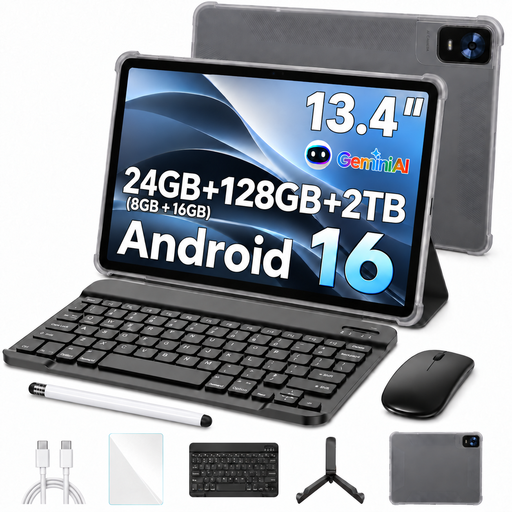
13.4-inch Android 16 tablet, 128 GB, with accessories
The large screen may be useful if you want to review full lists or document pages on a surface.
13.4 inches; FHD+; 128 GB storage. The product name lists a keyboard, mouse, passive stylus, case and stand; check what’s included with the version you choose.
Joybuy
Frequently asked questions
How can I prepare a vocabulary list for a hotel room without reliable Wi-Fi?
Save the specific list for offline use before you travel and test it without a connection. For Google Docs, Sheets and Slides on Android, Google explains how to use the “Make available offline” feature; other learning apps have their own features.
Do I need to buy a stylus separately for handwritten notes?
It depends on the specific offer. Apple lists compatible Pencil models for the iPad (A16), but the box contents are listed as the iPad and a USB‑C cable. Lenovo describes the stylus for the Idea Tab reviewed as optional and sold separately, despite “+ Pen” in the product name. Check what’s included with the version you choose.
Will I need a separate power adapter for a new tablet in Germany?
Not necessarily: EU rules allow devices and chargers to be sold separately and require information about charging requirements. Xiaomi explicitly states that no power adapter is included with the REDMI Pad 2. Check what’s included with the version you choose, its charging requirements and whether a charger you already own is suitable.
What are my rights when buying a tablet online in Germany?
For a typical online purchase by a consumer, you usually have a 14-day right to cancel, and you need to notify the seller that you’re cancelling. Separately, statutory claims for defects on an ordinary movable item generally expire two years after delivery. Verbraucherzentrale explains the right to cancel; Section 438 of the BGB governs the limitation period for claims relating to defects.
Is USB-C mandatory on new tablets for the EU market?
The EU’s common charging requirements have applied to tablets since 28 December 2024; USB-C is the harmonised charging port. This doesn’t mean a power adapter has to be included in the box.


