What to look for when buying
First, check whether your specific learning app and the media you need work offline. Then use screen size and weight to help you choose a device for quick revision or longer lists.
| Priority |
What to check before buying |
Who it matters to |
| Easy to handle in your seat |
Check the weight and dimensions of the specific version, and try your preferred text size on the available screen area. |
If I’m revising short runs of flashcards in a cramped seat, I want a device that’s easy to hold and put away. Around 33% of consumers put ease of handling first. |
| Offline access |
Download your decks and any images or audio files you need, then open them in the app without an internet connection before setting off. |
If you want to access prepared cards and media during your journey, even when the connection is patchy, test how offline access works beforehand. Around 25% of consumers prioritise this. |
| Reading longer lists |
Try your own list at your preferred text size; don’t assume that screen size alone guarantees readability. |
If I’m reading longer entries or extra materials, a clear display matters more than having the smallest possible device. Around 25% of consumers prioritise readability. |
| Learning app and syncing |
Check that the specific app is available for the operating system, and check its import and syncing features. |
If you want to keep using existing decks in your usual app, check compatibility and syncing before choosing a device. Around 17% of consumers put this first. |
Joybuy tablets for studying vocabulary on the train
These Android tablets range from 8.68 to 10.1 inches diagonally. Choose between a more compact size and extra screen space for longer lists, depending on your journey. Check app compatibility and the connectivity options for the version you’re considering.
 No image available
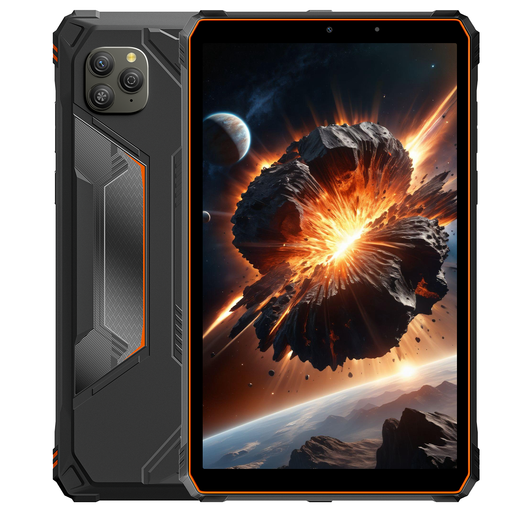
Blackview Active 5 Tablet, Orange
The 8.68-inch screen and the 4G support with Dual-SIM mentioned in the title are relevant if you’re looking for a device for quick revision with a mobile data option.
Android 15; 8.68 inches; 128 GB ROM; 6 GB RAM plus 18 GB virtual RAM; 6,600 mAh.
View at Joybuy
 No image available
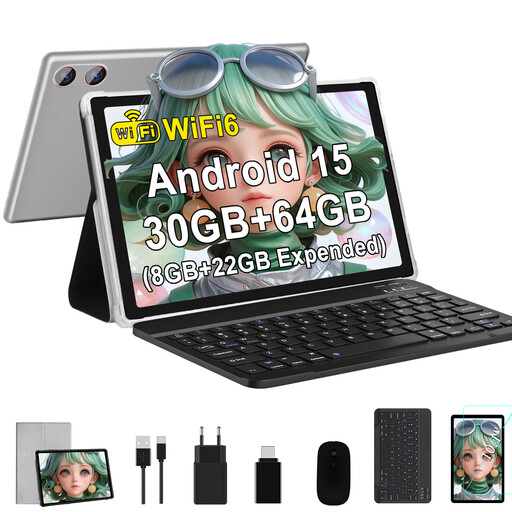
GOODTEL G9, 10.1 inches, Silver
The 10.1-inch screen offers more room for longer lists. The description also mentions a keyboard and mouse set for working with additional materials.
Android 15; 10.1 inches; 1,280 × 800 pixels; 64 GB ROM; Wi-Fi 6.
View at Joybuy
 No image available
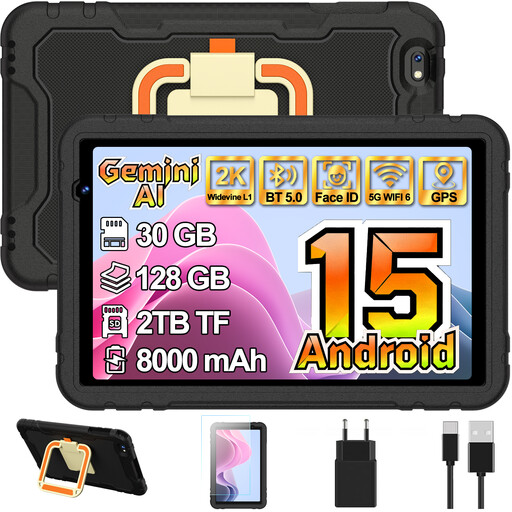
GOODTEL G7 Kids, 10.1 inches, Black
This 10.1-inch model is an option if you’d like more screen space for longer lists than a compact tablet can offer.
Android 15; 10.1 inches; 128 GB ROM; TF expansion up to 1 TB, as stated in the title.
View at Joybuy
 No image available
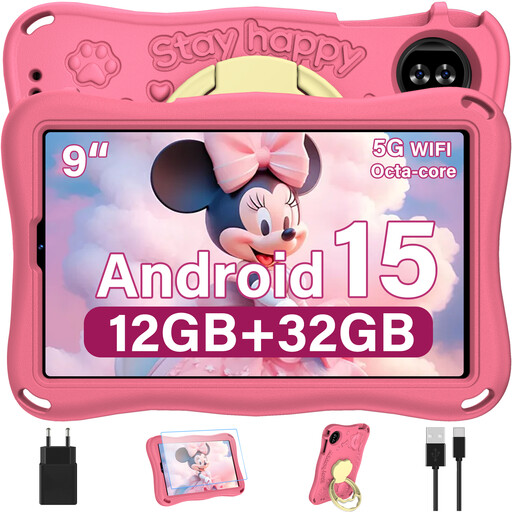
YESTEL T15 Kids, 9 inches, Pink
At 9 inches, this model sits between the smaller and 10.1-inch tablets in this selection. Check that the Kids version is compatible with the learning app you want to use.
Android 15; 9 inches; 1,340 × 800 pixels; 12 GB RAM; TF expansion up to 1 TB, as stated in the title.
View at Joybuy
 No image available
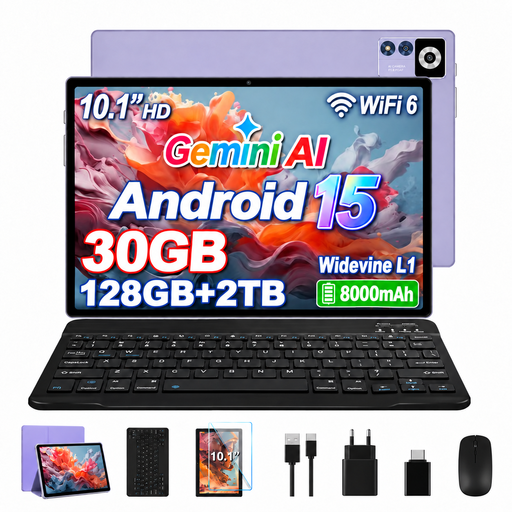
YESTEL T13, 10.1 inches, Purple
The 10.1-inch screen may suit longer study or work sessions. Compare the extra screen space with the room you’ll have available during your journey.
Android 15; 10.1 inches; 1,280 × 800 IPS display; 128 GB ROM; 8,000 mAh; dual-band Wi-Fi.
View at Joybuy
Frequently asked questions
Do I need a tablet with mobile data to use flashcards on the train?
Not necessarily. Download your lists and any media you need beforehand, then test them offline. Deutsche Bahn offers Wi-Fi on all ICE trains, but only on some Intercity trains and selected regional services, and the connection can fluctuate. If your app needs an internet connection during your journey, check its requirements, as well as the mobile data version and a suitable plan.
How do I prepare Anki decks on an iPad for a train journey?
For AnkiMobile, Anki’s instructions say to sync your decks from your computer to AnkiWeb, then from AnkiWeb to your iPad. Wait for the media to finish transferring too, and try opening a few cards with images or audio before you travel. This process applies to AnkiMobile and isn’t a guide to every vocabulary app.
What are my rights in Germany if a new tablet I’ve bought is faulty?
Your statutory rights and a voluntary guarantee are separate. For ordinary claims relating to defects, Section 438 of the German Civil Code (BGB) generally provides for a two-year period from delivery; under Section 439 BGB, the seller bears the necessary costs of putting the item right. The consumer advice centre also explains that purchases made from 31 July 2026 may have a three-year period if the fault is remedied by repair within the two-year statutory period. The circumstances of the specific purchase remain relevant.
Can I use a tablet to study on an ICE train?
You can use a tablet to access study materials you’ve prepared; Deutsche Bahn says that Wi-Fi is available across its ICE fleet. In the quiet coach, it asks passengers to avoid ringtones and other noisy activities. These are the operator’s guidelines for using the service, not a statement about any special legal approval for tablets.


