Puzzle fans without a table
You want to hold your tablet comfortably on short or busy train journeys, so size and weight matter more to you than having the largest possible playing area.


A compact tablet is a good choice for word puzzles on the train, especially if you often play without a table; if you find small letters hard to read, a larger screen may matter more. Before buying, check that your chosen puzzle app is available on the device and works offline. Deutsche Bahn provides Wi-Fi on all ICE trains, but only on some Intercity services and selected regional trains. You don’t necessarily need mobile data or powerful gaming hardware for word puzzles that work offline. And a manufacturer’s battery-life figures won’t tell you how long your app will run at your chosen screen brightness.
You want to hold your tablet comfortably on short or busy train journeys, so size and weight matter more to you than having the largest possible playing area.
As Deutsche Bahn doesn’t offer Wi-Fi on every type of train, you want to keep solving puzzles without a reliable connection. Check whether your chosen app works offline.
You want more room to see letters and word grids, and can rest your tablet on a table or your knees during the journey.
First, check that your preferred puzzle app is available on the device and works without an internet connection. Then weigh up portability, readability and battery life to suit your journey.
| What matters to you | What to check before buying | Who will value it most |
|---|---|---|
| Easy to hold in your seat | Compare the dimensions and weight of the exact model variant. If you use a case, remember to factor that in too. | If I often play without a table, size and weight matter more than having the largest possible playing area; around 25% of consumers put portability first. |
| Offline play | Install the app you want before travelling, download any content you need and test it without an internet connection. Deutsche Bahn provides Wi-Fi on all ICE trains, but only on some Intercity services and selected regional trains. | If my connection is unreliable, I want to be able to carry on with my puzzle; around 25% of consumers say offline play is their top priority. |
| Word-grid readability | Check the app’s font size options and how much of the screen you can comfortably see from your intended seat. | If the letters and word grid look small, I’d rather have more screen space than the lightest device; around 20% of consumers prioritise readability. |
| Battery life for longer journeys | Compare battery-life figures only on the basis they were measured: Lenovo quotes up to 12.5 hours of YouTube streaming for the Tab One, not word-puzzle play. Charge your tablet before setting off and don’t count on having a power socket at every seat. | On longer journeys, I want to play for as long as possible without recharging; around 15% of consumers prioritise battery life. |
| App availability and total cost | Search for the app you want in the device’s app store and check for adverts, in-app purchases or subscriptions. Malpa Games lists adverts and in-app purchases for Fillwords. | If I want to play a particular word game, I check first that it’s available and whether there might be extra costs; around 15% of consumers say app availability and total cost are decisive factors. |
Deutsche Bahn provides Wi-Fi on all ICE trains, but only on some Intercity services and selected regional trains. So you won’t have a connection on every journey.
Install your chosen puzzle app before you travel and test it without an internet connection, rather than relying on mobile data for this purpose.
Samsung offers a compact Android option in the Galaxy Tab A11 Wi-Fi, as well as a larger alternative in the Galaxy Tab A11+.
The Lenovo Tab One combines an 8.7-inch screen with Android, making it an option if you’re looking for a compact device.
The current iPad mini is Apple’s compact iPad option; the iPad (A16) gives you more screen space.
The tablets below are options for playing app-based word puzzles on the go. Before buying, check that your chosen app is available on the device you’re considering.
 No image available
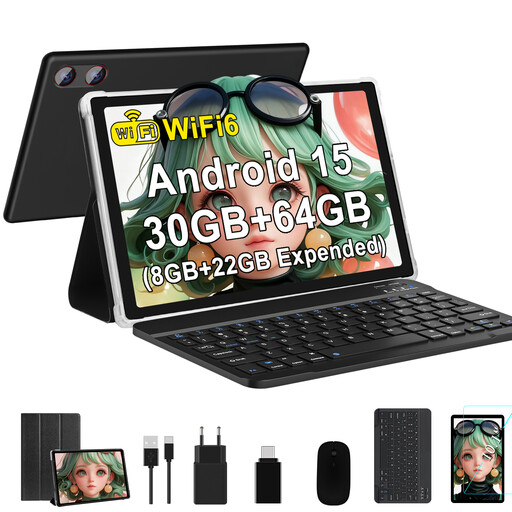
This Android tablet is an option if you want to play word puzzles on a larger screen. Check that your app is available for this specific device.
The product title lists a 10.1-inch display with 1,280 × 800 pixels, Android 15, 8 GB + 22 GB of virtual RAM, 64 GB ROM, up to 2 TB of TF storage and a 6,000 mAh battery.
 No image available
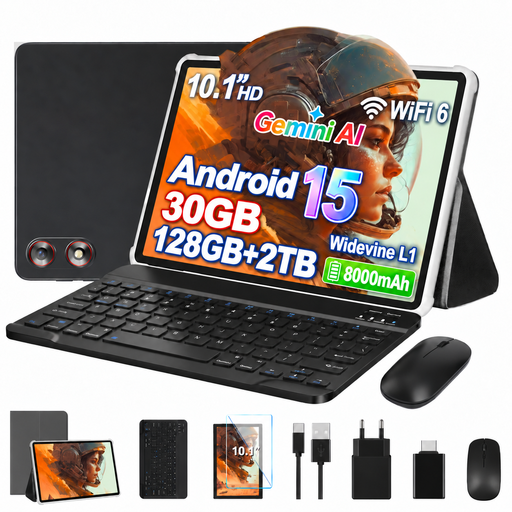
The larger screen could suit you if you prefer seeing word grids on a bigger display. Check beforehand that your chosen puzzle app works on the device.
The product title lists Android 15, a 10.1-inch screen, 8 GB + 22 GB of virtual RAM, 128 GB ROM, up to 2 TB of expandable storage and an 8,000 mAh battery. A keyboard and mouse are also listed.
 No image available
If you’d also like to use a keyboard or case while solving puzzles, check that the accessories listed in the title suit your needs and that your chosen app is available.
The product title lists Android, a 10.1-inch screen, Unisoc T310, 32 GB RAM, 256 GB/1 TB TF storage, plus a keyboard and case.
 No image available
If you’re considering this model for word puzzles, check that your chosen app is available on the device before you decide.
The product title lists 8 GB RAM and 256 GB ROM.
 No image available
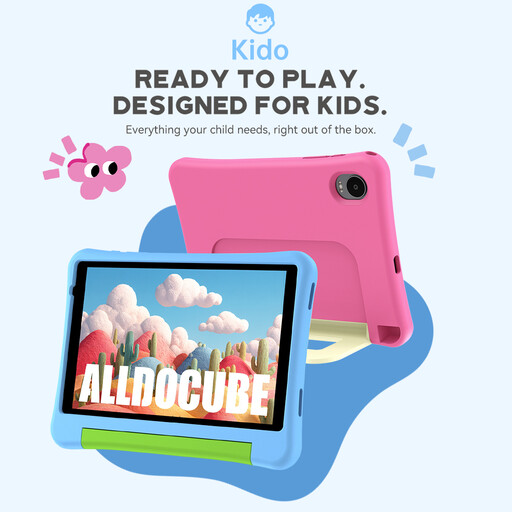
The product title identifies this as a children’s tablet, so check that your chosen puzzle app works with the device configuration and parental controls.
The title lists an 8-inch screen, Android 15, 3 GB RAM + 32 GB storage and a 5,000 mAh battery. A protective case is also listed.
Not necessarily: Malpa Games describes Fillwords as playable offline, and Blackout Lab SL lists offline play for Word Search Quest. This applies to those specific games, not automatically to every puzzle app. Deutsche Bahn provides Wi-Fi on all ICE trains, but only on some Intercity services and selected regional trains, so test your app without an internet connection before travelling.
Install the app and any game content you need before travelling, try playing without an internet connection and charge your tablet. Deutsche Bahn says the number and location of power sockets vary by class and train model, so don’t assume there’ll be a socket at every seat.
A compact tablet is a better fit if you often play without a table. A larger screen can help if letters and word grids look too small on a smaller display. Apple Germany lists an 8.5-inch screen and a weight of 255 g for the current Wi-Fi iPad mini, while the iPad (A16) has a nominal screen size of 11 inches and weighs 477 g. Also check app compatibility.
For a qualifying online distance purchase from a retailer, EU consumer rules, as explained by Your Europe, generally give you 14 days from delivery to withdraw from the purchase. If goods bought from a retailer are faulty, you’re generally entitled to a legal guarantee of at least two years; this is separate from any additional manufacturer’s warranty. Private sales and legal exceptions should be considered separately.
The European Commission says that energy labelling rules have applied since 20 June 2025 to slate tablets newly placed on the EU market within the defined scope. The label includes, among other things, a standardised battery-life figure and a repairability class. Actual battery life with your puzzle app may vary depending on how you use the app, screen brightness and network conditions. This doesn’t mean every older product or every other type of tablet computer has to carry a label.