What should you look for when buying?
Versatile tablet with keyboard
A good fit if: You want to use other tablet apps as well as write, and work on longer passages using physical keys.
Things to consider: Keyboard compatibility and what’s included depend on the specific model; the setup takes up space when open.
Paper Tablet with Type Folio
A good fit if: Focused typing and handwritten annotations matter more to you than a wide choice of apps.
Things to consider: Check in advance whether the editing and syncing features you want on other devices depend on the Connect plan.
First decide what matters most to you: a physical keyboard, working offline or a setup that takes up as little space as possible. Deutsche Bahn lists one power socket per pair of seats in second class on ICE trains, so charge your device before longer journeys.
| What matters |
What to check before buying |
Who is this important to? |
| Typing longer passages |
Check the keyboard’s compatibility and layout, as well as what’s included and how much space the setup takes up. |
When I write longer scenes on the train, I want to type comfortably without the tablet and keyboard wobbling on the table. Around 36% of consumers prioritise a physical keyboard for longer texts. |
| Working on a draft offline |
Check whether your writing app can open and edit the specific file offline, and test the process before your journey. |
If my connection drops while I’m travelling, I want to keep working on my draft rather than rely on cloud access. Around 29% of consumers put offline access first. |
| Space and portability |
Consider the display size and the space the open setup takes up at your usual seat; charge the device beforehand. |
When space on my train table is limited, I need a setup that fits comfortably. Around 21% of consumers prioritise portability and the space a device takes up. |
| Writing with fewer distractions |
Check Type Folio compatibility and the syncing and app features you need. |
When I want to focus on text and handwritten annotations as I draft, a suitable workspace designed for that matters more to me than a wide range of apps. Around 14% of consumers prioritise distraction-free writing. |
Joybuy products for writing on the go
The following Joybuy products are versatile tablets for writing on the go. Several product titles mention a keyboard; for each model, check the exact specification and whether the open setup will fit on your train table.
 No image available
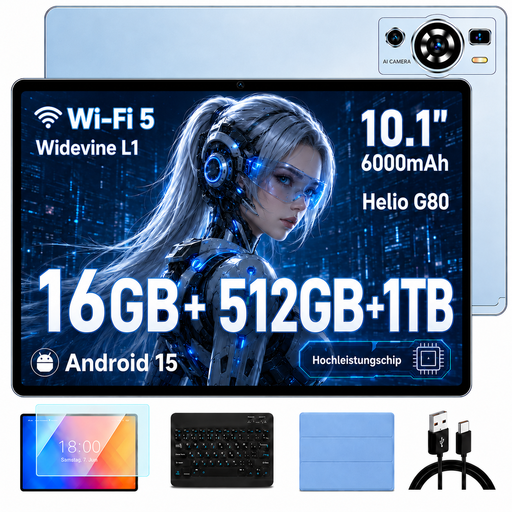
UXD A5 Android tablet with keyboard, mouse and case, blue
The product title mentions a keyboard, making it suitable for longer passages, provided the setup fits at your seat.
10.1-inch HD IPS display; 512 GB storage; expandable by 1 TB; keyboard, mouse and case listed in the product title.
View at Joybuy
 No image available
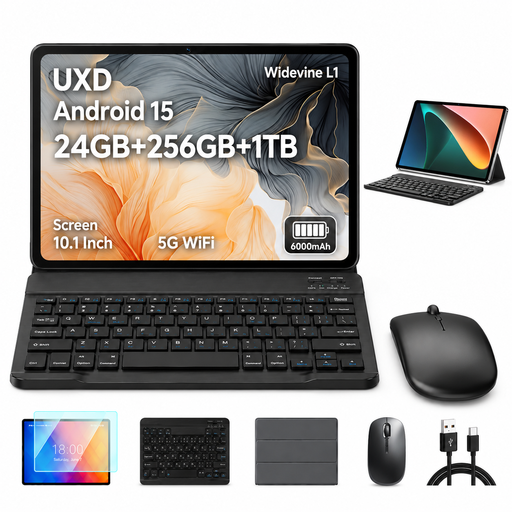
UXD A5 10.1-inch Android tablet with keyboard, mouse and case, grey
The product title lists a keyboard for longer texts, as well as a mouse and case; check how much space the setup takes up at your train seat.
10.1-inch HD IPS display; 256 GB storage; expandable by 1 TB; keyboard, mouse and case listed in the product title.
View at Joybuy
 No image available
Microsoft Surface Pro 11 for Business, 13-inch OLED, Platinum
This 2-in-1 model could be suitable for writing on the go; check in advance which keyboard is included with the configuration you want.
13-inch OLED display; Intel Core Ultra 7 266V; 16 GB RAM; 512 GB SSD; Windows 11 Pro.
View at Joybuy
 No image available
MEBERRY M8 10.1-inch tablet with keyboard, mouse and case, black
The product title mentions a keyboard; check that the setup will fit on your train table.
10.1-inch HD IPS display; 128 GB storage; 8,000 mAh; keyboard, mouse and case listed in the product title.
View at Joybuy
 No image available
VANWIN YC101T310K30 10.1-inch tablet with keyboard and case, black
The product title mentions a keyboard for writing on the go; compare the space the open setup takes up with your usual train table.
10.1-inch display; 256 GB storage; 1 TB TF expansion; keyboard and case listed in the product title.
View at Joybuy
Frequently asked questions
Can I carry on writing my story on the train without Wi-Fi?
Yes, as long as your writing app makes the draft available offline and you’ve set this up before your journey. In Google Docs for Android, you can save a specific file by selecting ‘Make available offline’; try this with your chosen app beforehand. According to Deutsche Bahn, Wi-Fi on DB regional services is available on selected routes only.
Is the on-screen keyboard good enough for a whole short story?
It may be fine for short entries, but CHIP notes that a separate keyboard is more comfortable for longer texts. Before buying, check that the keyboard is compatible with your exact tablet model and that there’s enough room for it on your train table.
What ongoing costs might there be when writing across several devices?
For reMarkable, the Connect overview distinguishes between features available without a subscription and additional subscription features. Consider whether you only want to view notes in the mobile and desktop apps, or create and edit them there too, then check the current features available.
What are my rights if I want to return an online purchase or find a fault in Germany?
For online purchases by consumers, there is generally a 14-day right to cancel from the date you receive the goods, as explained by Verbraucherzentrale. Your statutory rights if a product is faulty are separate from a voluntary manufacturer’s guarantee; in general, you should contact the seller about your statutory rights.


