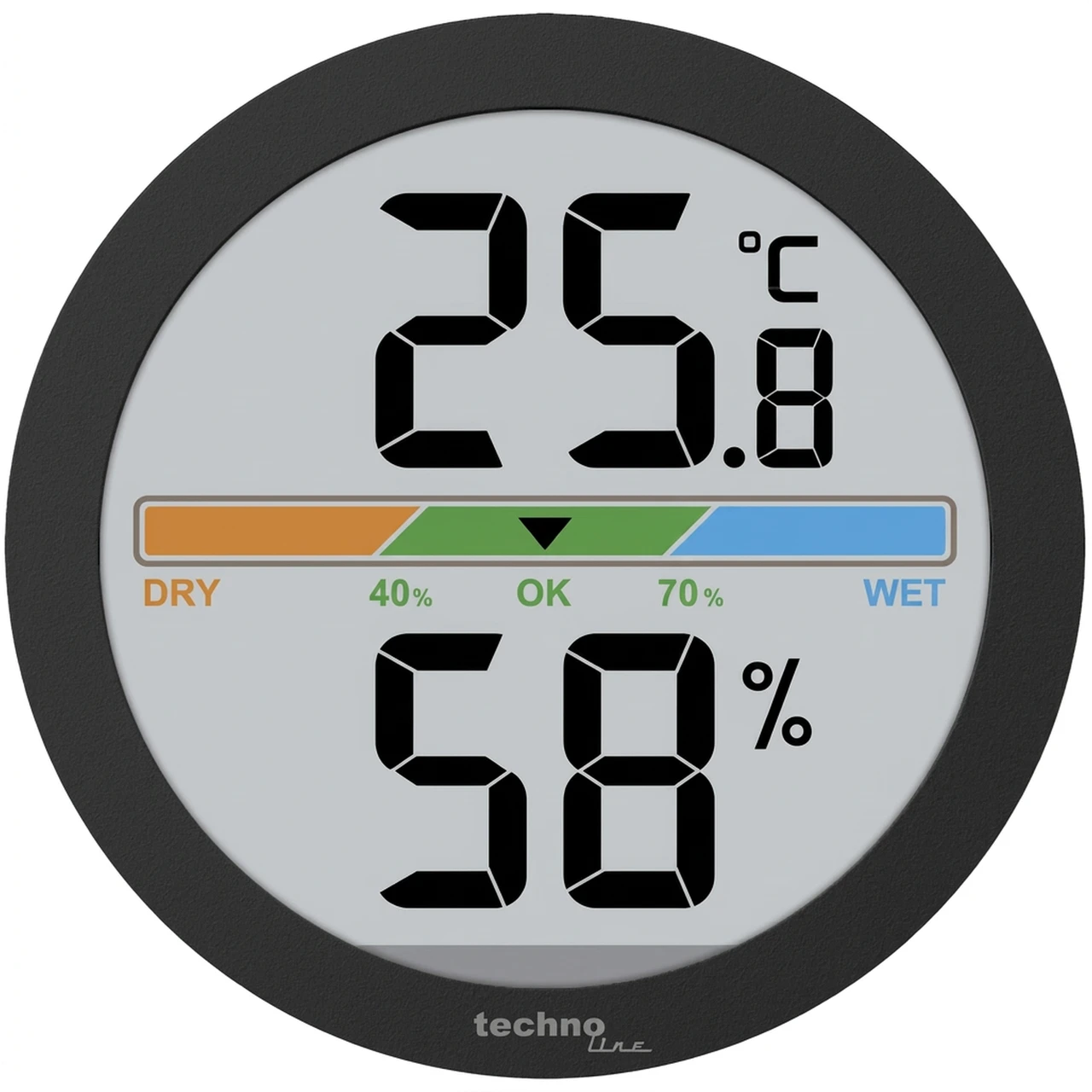
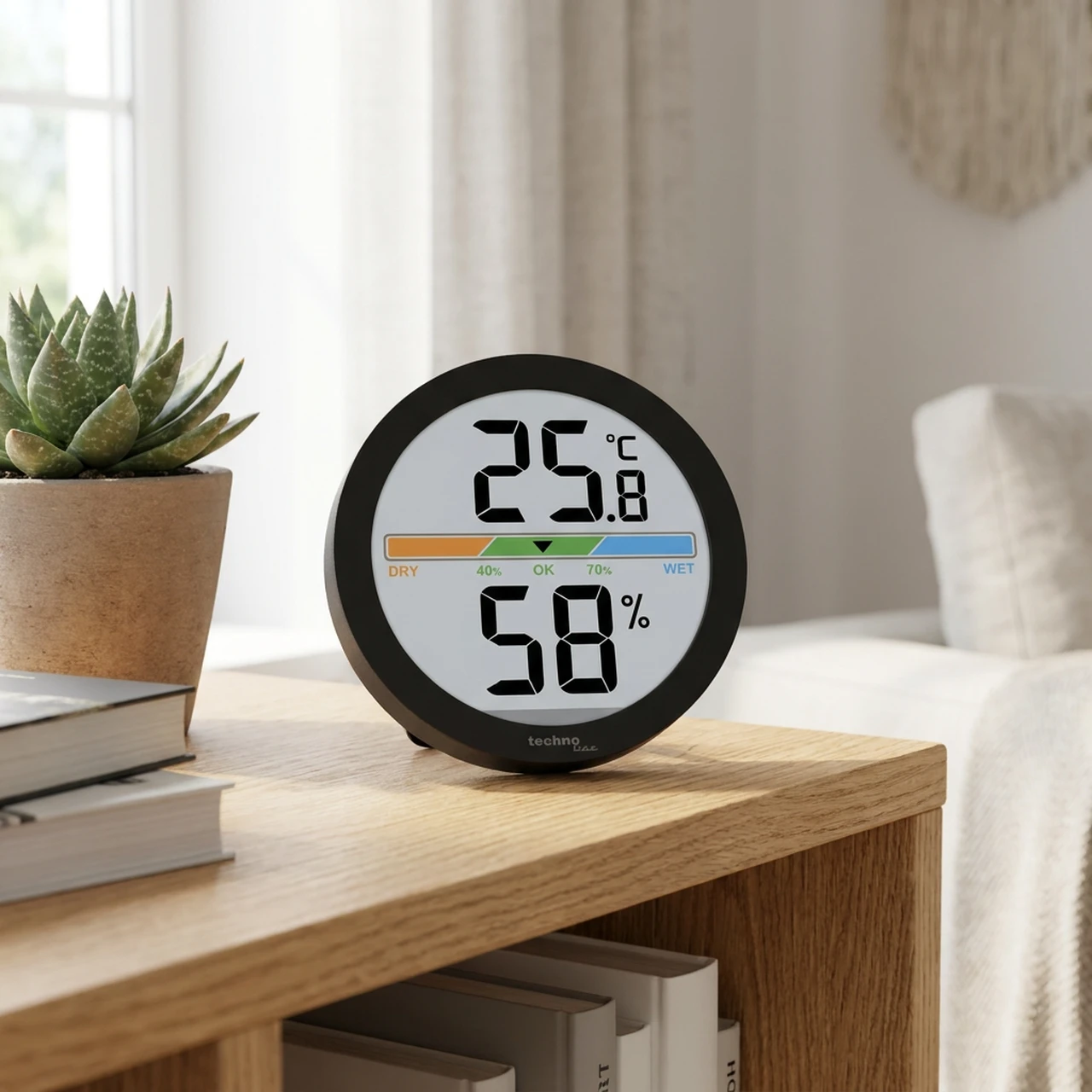
Keep an eye on your room’s indoor climate with the techno line WS 9418 Digital Thermo-Hygrometer, which shows temperature and relative humidity together on a clear screen. Its colour-coded comfort indicator and MIN/MAX memory make it easy to spot changes, while Celsius or Fahrenheit settings and simple controls keep checks straightforward. Place it on a table or mount it on a wall to monitor conditions in living spaces, bedrooms or home offices—ideal for anyone who wants a quick, practical way to track room temperature and humidity.
How to Choose the Right Digital Thermo-Hygrometer
When choosing a digital thermo-hygrometer, consider how accurately it measures temperature and relative humidity, how easy its readings are to check, and whether its functions suit the room where you plan to use it. These points can help you compare models for everyday use at home.
Key Features to Consider
Check the measurement details and display before buying, then consider how the device will fit into your routine.
- Measurement accuracy and range: Look for clearly stated accuracy and temperature and humidity ranges, especially if you want to monitor conditions in rooms such as a bathroom, bedroom or cellar. A clear relative-humidity reading, shown as a percentage, makes it easier to compare conditions over time.
- Display and useful readings: Choose a screen with figures you can read easily from where you intend to place the device. Minimum and maximum readings or a simple comfort indicator can help you spot changes without having to check the display constantly.
- Placement and power: Check the device’s size, battery requirements and whether it can stand on a surface or be mounted, so it suits your available space. For more representative readings, place it away from direct sunlight, radiators, draughts and sources of moisture.
Read the Room at a Glance with Clear Climate Insights
Temperature and Humidity, Together on One Clear Display
Get a helpful snapshot of your indoor conditions with the techno line WS 9418. Its digital screen shows room temperature and relative humidity together, so both readings are easy to check in one place. A colour-coded comfort indicator adds a quick visual guide, helping you see whether the air sits in a dry, comfortable or humid range. This makes it simple to keep an eye on the feel of a room throughout the day, whether you are checking a living space, bedroom or home office.
Track Daily Changes with MIN/MAX Memory
Build a clearer picture of your room’s climate over time with the WS 9418’s MIN/MAX memory. The monitor records the highest and lowest temperature and humidity readings, giving you useful context alongside the values on its display. Check these recorded readings as part of your everyday routine and see how indoor conditions change across the day. With both temperature and relative humidity covered, this practical feature offers an easy way to stay informed about the atmosphere in your home.
Choose Your Units and Find the Right Spot
Make the display work for your routine with a choice of Celsius or Fahrenheit, selected using the straightforward button controls. The monitor can stand on a table or be mounted on a wall, giving you flexible options for placing it where readings are easy to see. Its compact design suits a range of indoor spaces, while simple operation keeps everyday checks refreshingly easy. Set it up in a room you want to monitor and enjoy a clear, convenient view of temperature and humidity whenever you need it.
Digital Thermo-Hygrometer For Everyday Room Checks
Households Checking Room Comfort
When you want a quick sense of whether a room’s air is too
dry, comfortable or too humid, check the temperature and
relative humidity together and use the colour-coded comfort
indicator to read the conditions at a glance. You can decide
when the room needs attention without interpreting separate
readings.
People Tracking Changes In Room Conditions
If room conditions shift while you’re busy or away, use the
MIN/MAX memory to check the highest and lowest recorded
readings. You can see how much conditions have varied instead
of relying only on the current reading.
Shoppers With Limited Display Space
If you need a monitor that fits your room layout, place the
compact unit on a table or mount it on a wall to keep readings
visible without being tied to one surface. You get a practical
spot for checking conditions in your chosen room.
People Who Prefer Fahrenheit
If Fahrenheit is the scale you’re used to, choose it instead
of Celsius when checking your indoor readings. Familiar units
make the display easier for you to interpret during everyday
room checks.
Frequently Asked Questions
What does the techno line WS 9418 show on its display?
The techno line WS 9418 displays indoor temperature and relative humidity together, with a colour-coded comfort indicator showing whether conditions are too dry, comfortable or too humid. Its clear digital screen makes readings easy to check in a living room, bedroom, office or cellar, so you can decide when to air or adjust the room.
Can the WS 9418 show the highest and lowest room humidity readings?
Yes, the WS 9418 stores the minimum and maximum readings for both temperature and relative humidity. Use its buttons to view these values and compare changes over time, which is useful for keeping an eye on room conditions between checks. You can also switch the display between Celsius and Fahrenheit.
How do I handle the CR2032 battery in the WS 9418 safely?
The WS 9418 runs on a CR2032 button cell, which should be handled and stored carefully around children. Keep loose cells out of reach and take a used cell to a battery collection point in Germany rather than putting it in household rubbish. This keeps the monitor powered while helping prevent accidental access and supporting proper battery recycling.
Don't just buy, Joybuy
Discover more of your favourite brands on Joybuy with great offers.