What should you look for when buying?
First check how clearly you can see your map view and whether your specific computer supports an extended desktop. Your colour workflow and monitor setup should also suit your output requirements and desk.
| What matters when buying |
What to look for |
Who it matters most to |
| Map detail and workspace |
Compare screen size, native resolution and scaling based on the map view you typically use. |
If I want to see raster data, hillshading and labels clearly alongside tool windows, the display is crucial. Around 29% of consumers would prioritise readable map details above all. |
| Using two screens |
Check how many displays your computer supports and at what resolution, as well as its connections, dock and cables. |
If you want to use your map and tools on separate displays, you need a computer that supports the extended desktop setup you’re looking for. Around 29% of consumers would prioritise connecting and using the second display above all. |
| Colours for output |
Decide on your output requirements, then compare suitable colour modes and, where necessary, hardware calibration. |
If I’m assessing map colours for a specific output workflow, the monitor, profiles and output process need to work together. Around 24% of consumers would prioritise assessing colour for output above all. |
| Space and ergonomics |
Allow for the width and depth of both devices, including their stands, and consider how they can be adjusted. |
If you want to set up and position two monitors sensibly on your desk, remember to factor in the space they’ll actually take up. Around 18% of consumers would prioritise setup and ergonomics above all. |
Joybuy monitors for map work
The models below offer QHD or 4K workspaces for map views. Check each model’s resolution, connections and setup options against your computer and desk.
 No image available
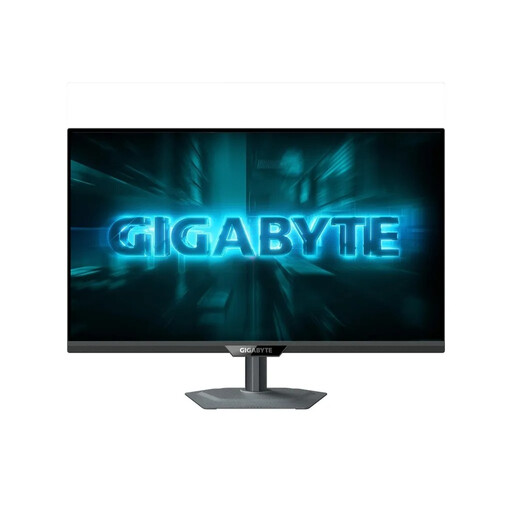
GIGABYTE GS27QCA 27-inch curved QHD monitor
A QHD workspace for map views and tool windows on an additional screen.
27 inches; 2560 × 1440 pixels; DisplayPort 1.4 and HDMI 2.0. Height adjustment, pivot and swivel are listed.
View at Joybuy
 No image available
GIGABYTE G27Q2 27-inch QHD monitor
An additional QHD display for map views, when you choose a resolution and monitor connections that suit your computer.
27 inches; 2560 × 1440 pixels. The description lists DisplayPort, HDMI, USB-C and a USB hub, as well as height adjustment and pivot.
View at Joybuy
 No image available
INNOCN CB27U1 27-inch 4K UHD monitor
A 4K workspace for fine map details, provided scaling and viewing distance make everything easy for you to read.
27 inches; 3840 × 2160 pixels; IPS. Listed features include USB-C with 90 W Power Delivery, HDMI, DisplayPort, PIP and PBP. Height adjustment is also listed.
View at Joybuy
 No image available
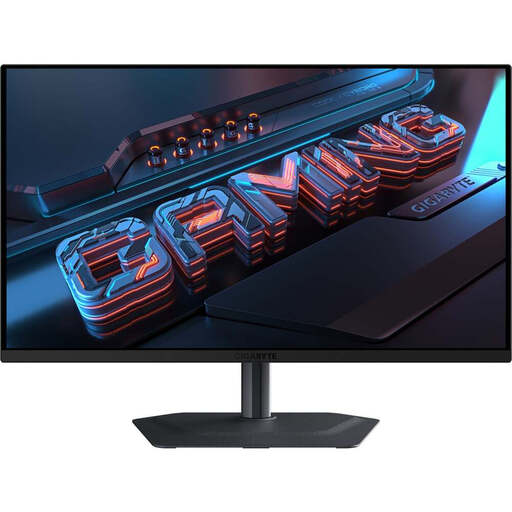
GIGABYTE MO27Q2A 27-inch QHD QD-OLED monitor
A QHD additional display for map views. The listed colour features are only worth considering if they suit your output workflow.
27 inches; 2560 × 1440 pixels; QD-OLED. The description lists DCI-P3, USB-C, HDMI 2.1 and DisplayPort, as well as height adjustment and pivot.
View at Joybuy
 No image available
Dell P2425HE 24-inch Full HD monitor with USB-C
An additional display for a laptop workstation, if USB-C and an integrated USB hub suit your setup.
24 inches; Full HD at 1920 × 1080 pixels; USB-C with up to 90 W Power Delivery and a height-adjustable stand. Its resolution offers fewer pixels than QHD or 4K models for fine map details.
View at Joybuy
Frequently asked questions
Do I need two monitors to use two QGIS map views?
No. QGIS documents additional map views within the application. Using two physical screens is a matter of your preferred layout and workspace, not a requirement for this feature.
What can I check if my second screen shows the same image or isn’t detected?
In Windows, first select ‘Extend’, arrange the detected displays and check the connections. If the screen still doesn’t work, check which external displays your computer and dock support too.
Is a wide colour gamut enough for accurate colour when printing maps?
No, a gamut figure alone isn’t enough. EIZO lists colour gamut presets and hardware calibration for the CS2740; accurate assessment depends on a properly matched monitor, profile and output process.
How do I choose between QHD and 4K for map work?
QHD could be a good fit if an additional map workspace is all you need and 4K detail isn’t a key requirement. If you want to assess fine labels, raster data or hillshading, consider 4K and check that scaling and viewing distance still give you a clear, readable display.
Are USB-C or a monitor hub enough to run two screens from a laptop?
No, the connection and hub alone don’t confirm that your laptop supports two external displays at the resolution you want. Check the capabilities of your specific laptop and dock, along with the video connection, cables and, where necessary, charging power.


