What should you look for when buying?
When reviewing your own theatre footage in daylight, consider reflections, dark areas of the picture, viewing angles, file playback and screen size together.
| Priority |
What to check when buying |
Who is this particularly important to? |
| Window reflections and daylight |
Check for direct and diffuse reflections from your intended viewing position; high brightness alone won’t eliminate mirror-like reflections. |
If I need to assess dark stage settings with the curtains open, I want to keep distracting reflections from my seat to a minimum. Around 31% of consumers prioritise window reflections. |
| Dark stage scenes |
Compare OLED and Mini-LED LCD using similar footage, and assess detail in dark scenes under your room’s lighting conditions. |
If I want to compare expressions and stage design in dark scenes, I need to see the details without reflections disrupting the viewing. Around 25% of consumers prioritise dark scenes. |
| Viewing from several seats |
Check the picture from all the intended seats, and plan the screen size and position together. |
When discussing footage with people sitting to the side, I want to be able to assess it away from the centre of the screen too. Around 19% of consumers put group viewing first. |
| Playing your own recordings |
Check the file system, container, video codec and audio codec against the specifications for the exact model, and test a sample file. |
If I want to play camera files directly on the TV, it needs to support the formats I use. Around 13% of consumers prioritise compatibility with their own files. |
| Screen size and running costs |
Measure your viewing distance and available space; compare the energy label for the exact model and check delivery and installation costs. |
Before buying, I want to weigh up viewing distance, available space and running costs against my preferred screen size. Around 12% of consumers prioritise a suitable size and running costs. |
Joybuy products for reviewing footage
This Joybuy selection includes LED and Mini-LED TVs for reviewing your own footage. For each model, check reflections from your window-side viewing position, picture quality from the side and playback of your specific files.
 No image available
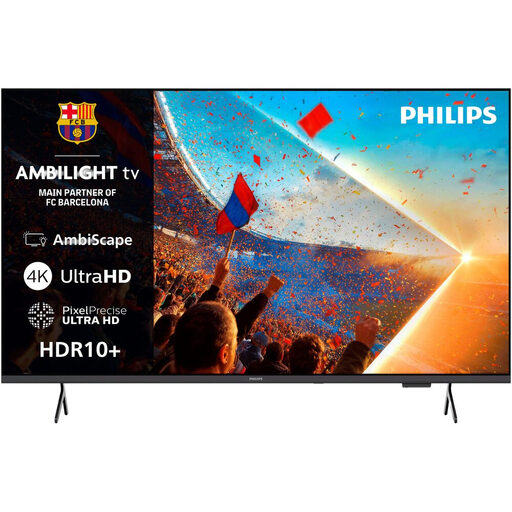
Philips 55PUS8001 4K UHD Ambilight Smart TV
This model is worth considering if 55 inches suits your viewing distance; check playback of your specific files.
The product name lists a 55-inch screen, 4K UHD, HDR10+, Dolby Atmos, Titan OS and 3-Sided Ambilight.
View at Joybuy
 No image available
TCL 98Q7D PRO 98-inch 4K SQD Mini LED TV
The anti-reflection feature mentioned in the product title may be worth checking for daylight viewing; still, assess reflections from your own window-side position.
The product name lists a 98-inch screen, 4K SQD Mini LED, 1,152 local dimming zones, 2,000 nits HDR and 144 Hz. Check first that the screen size will fit your room.
View at Joybuy
 No image available
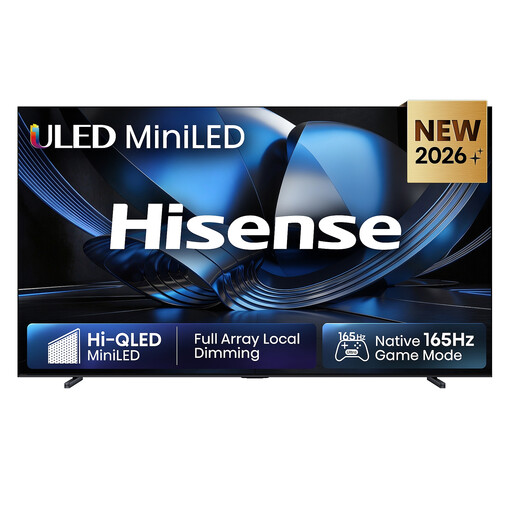
Hisense 100U7DSE 100-inch ULED Mini LED 4K Smart TV
A 100-inch screen could suit a large viewing area, provided you have the space and the viewing distance to match.
The product name lists a 100-inch screen, ULED Mini LED, 4K and 165 Hz.
View at Joybuy
 No image available
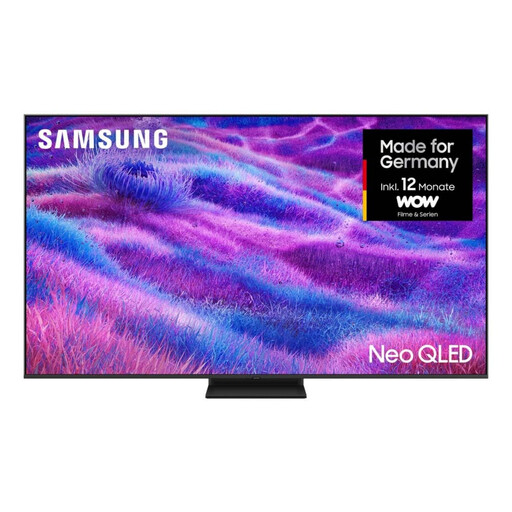
Samsung Neo QLED 4K QN80F 85-inch Mini LED TV
If several people will be watching the footage from a distance, check that the 85-inch screen suits your seating and available space.
The product name lists an 85-inch screen, Neo QLED, 4K and Mini LED. Check the picture from the side seats as well.
View at Joybuy
 No image available
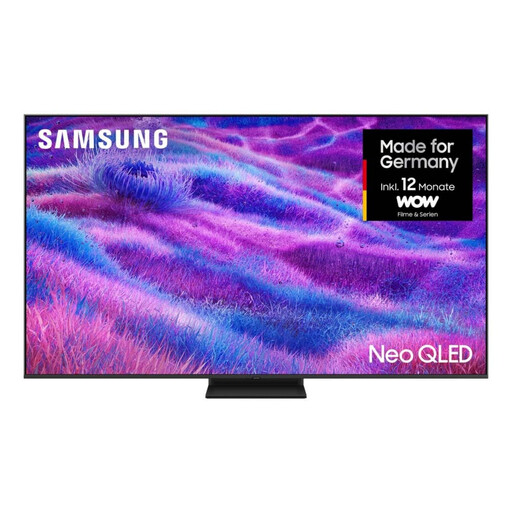
Samsung Neo QLED 4K QN80F 75-inch Mini LED TV
If you need a smaller screen than the 85-inch version, check that 75 inches suits your viewing distance and group viewing setup.
The product name lists a 75-inch screen, Neo QLED, 4K and Mini LED. Check the picture from the side seats too.
View at Joybuy
Frequently asked questions
Can I watch camera files directly from a USB stick on my TV?
Only if the specific TV supports the file system, container, video codec and audio codec used by your file. Sony publishes this information for the K-75XR70, for example; it doesn’t automatically apply to other models. Test a sample file or use a compatible player connected via HDMI.
How do I choose and position a TV for group viewing?
Measure your viewing distance and available space, and check the picture from the side seats. If possible, avoid pointing the screen directly at tall windows. If you’re arranging delivery or installation, check the terms and costs.
What should I consider about running costs and claims after purchase?
Compare the EU energy label for the exact model. If a product is faulty, you have statutory warranty rights against the seller. The Verbraucherzentrale points out that a voluntary guarantee has its own terms and is not the same as your statutory warranty rights.
Can I show a theatre recording to other people or share it online?
Owning the TV or the recording alone doesn’t answer this question. German copyright law distinguishes, among other things, between public performance under § 15 UrhG and making a work available to the public under § 19a UrhG. Whether a particular screening is public, and what rights apply to the play, music and recording, depends on the circumstances. This doesn’t mean you have blanket permission to show or upload it.


