Windows and macOS are both suitable for automated testing with Chromium, Firefox and WebKit. If you want to inspect Safari directly using Apple’s Web Inspector, macOS is the right choice. You should also consider a keyboard that suits you, enough space for your workflow, and the specific memory and port configuration. No laptop can make the ticket shop itself keyboard-accessible: you’ll need to test seat selection, forms and payment carefully.
Which setup is right for you?
Developers focused on keyboard testing
You want to use seat selection, dialogues and checkout without a mouse, and test focus changes in detail. The W3C Web Accessibility Initiative sets out requirements for keyboard accessibility and avoiding keyboard traps.
Developers working with multiple test environments
You work with an editor, a local project and several browser tests at the same time. Compare the exact RAM and SSD specifications, as well as the screen space available on each configuration.
Developers who need to test in Safari
You want to investigate issues directly in Safari on macOS. Apple describes how to do this with Web Inspector; choose your operating system based on the testing tool you actually need.
What should you look for when buying?
Windows laptop
A good fit if: you develop on Windows and want to run automated keyboard-flow tests in Chromium, Firefox and WebKit. Playwright supports these browser engines on Windows.
Bear in mind: A WebKit test is not the same as inspecting a page directly in Safari using Apple’s Web Inspector.
Mac laptop
A good fit if: you want to inspect Safari directly on macOS using Web Inspector and investigate keyboard issues there. Playwright also supports macOS.
Bear in mind: Check the memory and port specifications of the exact model; Apple lists two Thunderbolt 4 ports on the 13-inch MacBook Air M5.
| Buying consideration |
What to look for |
Who should consider it? |
| Testing keyboard accessibility |
Check the exact keyboard layout and whether you can connect your test keyboard. Then complete the ticket-buying journey using only the keyboard. |
If you want to test seat selection, dialogues and payment without a mouse, the accessibility of the entire journey matters. Around 31% of consumers put this keyboard testing first. |
| Using development tools side by side |
Compare the RAM, SSD and display on the exact configuration with your workflow, rather than looking only at the model range name. |
If you use an editor, project and browser tests at the same time, focus on choosing the right configuration. For around 25% of consumers, this ability to work across several tools is the priority. |
| Choosing an operating system for browser testing |
Before you buy, decide whether automated tests with Chromium, Firefox and WebKit are enough, or whether you need to inspect Safari directly using Web Inspector. |
If your tests require a particular browser or tool, your operating system should support it. Around 25% of consumers base their choice mainly on this testing setup. |
| Portability and workspace |
Weigh the display size and ports for an external monitor against how often you’ll move between work locations. Manufacturers’ battery-life figures don’t tell you how long your development workflow will actually run. |
If you work between rehearsal spaces, the office and home, you’ll need to balance portability with having room for code, browsers and test documentation. Around 19% of consumers prioritise moving between work locations. |
Common buying and testing pitfalls
-
Assuming WebKit tests are the same as a full Safari check
Playwright supports browser testing across several operating systems. Apple’s Web Inspector, on the other hand, lets you inspect pages directly in Safari on macOS.
Before you buy, decide whether WebKit automation is enough for your testing plan or whether you need to inspect Safari itself.
You may also need access to a Mac to investigate issues directly in Safari.
-
Assuming you know the keyboard, memory or included accessories from the model range
Configurations within the same model range can differ in keyboard layout, memory upgrade options and what’s included in the box.
Check the full model number, keyboard layout, memory specifications and what’s included with the exact variant.
-
Assuming the laptop proves that a ticket shop is accessible
Accessibility depends on how the booking journey is built, not on the brand or performance of the development device.
Test seat selection, forms and payment using a keyboard, checking for visible focus, accessible features and keyboard traps. Check separately whether the BFSG applies to the operator.
Brands to consider
Apple
Worth considering if you want to inspect Safari directly on macOS as well as develop for the web.
- Apple Germany lists 13-inch MacBook Air M5 configurations with 16 GB of unified memory and a 512 GB SSD, as well as two Thunderbolt 4 ports.
- These specifications don’t confirm how it will perform with a particular project or whether the shop you develop will be accessible. Check the ports you need and the configuration you’re choosing.
HP
The ProBook 4 G2i 14 is a Windows option for development and supported cross-browser Playwright testing.
- According to HP, the German configuration DM9H7EA#ABD has Windows 11 Pro, 16 GB RAM, a 512 GB SSD and a 14-inch display with a resolution of 1920 × 1200 pixels.
- HP notes that the power adapter is sold separately with this offer. Don’t assume these specifications apply to other ProBook configurations.
Lenovo
The ThinkPad E14 Gen 7 Intel range is worth considering if you’re comparing ports and upgrade options across specific Windows configurations.
- Lenovo’s platform specifications list USB-A, HDMI and Ethernet, among other ports; port options vary depending on the processor configuration.
- The documented model 21U2003YEQ has 16 GB of soldered, non-upgradeable memory and an Arabic keyboard. It therefore doesn’t tell you whether the German keyboard version is right for you.
Joybuy products for Windows development
These Windows laptops are options for development and automated browser testing; Playwright supports Windows.
 No image available
Lenovo Yoga Slim 7i Aura Edition, 14-inch, 2.8K OLED, Core Ultra 7 355, 16 GB/1 TB SSD
Positioned as a Windows laptop for browser testing and running development tasks side by side; Playwright supports Windows.
The product listing specifies a 14-inch 2.8K OLED display, 16 GB RAM, a 1 TB SSD and Windows 11 Evo.
Joybuy
 No image available
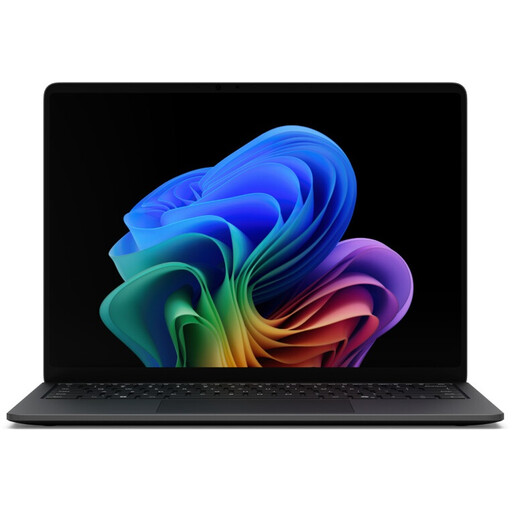
Microsoft Surface Laptop 8 Core Ultra 5, 16 GB/512 GB SSD, Black
Positioned as a Windows laptop for automated browser testing; Playwright supports Windows.
The product listing specifies a Core Ultra 5, 16 GB RAM, a 512 GB SSD and the Black colour option.
Joybuy
 No image available
Microsoft Surface Laptop 8 Core Ultra 5, 24 GB/512 GB SSD, Platinum
Positioned as a Windows laptop for automated browser testing; Playwright supports Windows.
The product listing specifies a Core Ultra 5, 24 GB RAM, a 512 GB SSD and the Platinum colour option.
Joybuy
 No image available
Microsoft Surface Laptop 8 Core Ultra 5, 24 GB/1 TB SSD, Platinum
Positioned as a Windows laptop for automated browser testing; Playwright supports Windows.
The product listing specifies a Core Ultra 5, 24 GB RAM, a 1 TB SSD and the Platinum colour option.
Joybuy
 No image available
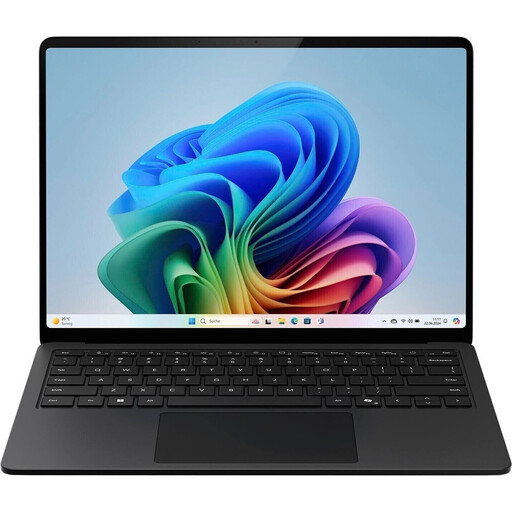
Microsoft Surface Laptop for Business, 7th Edition, Core Ultra 7 266V, 16 GB/512 GB SSD, 15-inch
Positioned as a Windows laptop for development and automated browser testing; Playwright supports Windows.
The product listing specifies Windows 11 Pro, a Core Ultra 7 266V, 16 GB RAM, a 512 GB SSD and a 15-inch display.
Joybuy
Frequently asked questions
Is a good laptop keyboard enough to make a ticket shop usable with a keyboard?
No. Test the website itself: under WCAG 2.2, all functions must generally be operable through a keyboard interface, unless they are specifically exempt. Focus must not get trapped in an element, and it must be visible. Pay particular attention to seat selection, dialogues, forms and checkout.
Can I set up browser tests on a Windows laptop?
Yes. Playwright documents testing with Chromium, Firefox and WebKit on Windows, Linux and macOS. You’ll need to install the browser files required for each environment; a WebKit test does not automatically replace investigating issues directly in Safari.
What should I check is included before buying?
Check whether the power adapter and any adapters you need are included with the exact offer. HP marks the power adapter as sold separately for the ProBook 4 G2i 14 DM9H7EA#ABD; a checked Joybuy offer for a MacBook Air M5 also doesn’t list a power adapter as included. This doesn’t apply as a general rule to all devices or offers.
Does selling theatre tickets online in Germany fall under the BFSG?
An online contract made with consumers may count as an e-commerce service, which generally falls within the scope of the BFSG, in force since 28 June 2025. The Federal Accessibility Authority lists an exemption for microenterprises providing services with fewer than ten employees and annual turnover of no more than 2 million euros. Whether a particular operator qualifies depends on its business model and company details; choosing a laptop does not determine its legal obligations.


