
Lieferung heute & morgen

Qualitätsgarantie

Willkommens-Angebote freischalten: KOSTENLOSE Lieferung | Bis zu 80 % RABATT | Kostenlose 30-Tage-JoyPlus-Testphase
App herunterladen
A single laptop screen is often not enough to manage workflows efficiently, whether you're working from home, studying, or on a business trip. Constantly switching between windows and applications can interrupt your flow and reduce productivity. A portable monitor offers a practical solution here, serving as a second screen on the go and effortlessly expanding your available display area.
This article serves as a guide. We'll explain the key features you should look for when making your choice and present a selection of models designed for various use cases, such as mobile work, creative projects, or gaming.
Choosing the right model depends on your individual needs. The following points summarise the most important technical aspects that can influence your decision.
Connectivity is a crucial factor for user-friendliness. A modern USB-C monitor is often the most practical choice. A single USB-C cable can typically transmit the video signal, power, and, on some models, even touch data, provided your laptop or smartphone supports "DisplayPort Alternate Mode." This reduces cable clutter and significantly simplifies the connection.
For compatibility with older laptops, PCs, or gaming consoles like the Nintendo Switch, an additional HDMI port (usually a Mini-HDMI) is a plus. Note that when connecting via HDMI, a separate power supply for the monitor via a USB cable is generally required.
Most portable monitors offer a screen size of around 15 inches, which strikes a great balance between portability and usable screen real estate. Combined with a Full HD resolution of 1920 x 1080 pixels (1080p monitor), this ensures a sharp and detailed display for text, spreadsheets, and media content.
For creative professionals working with image or video editing, color gamut coverage is an important criterion. A high sRGB value (e.g., 100%) ensures precise and lifelike color reproduction.
A portable touchscreen monitor significantly expands your interaction options. It allows for intuitive control with your finger or a stylus, which is particularly useful for presentations, drawing, or navigating touch-optimised applications.
Also, pay attention to ergonomic features like an integrated, adjustable stand or compatibility with VESA mounts. These allow for flexible positioning of the screen for a comfortable working posture.
Based on the criteria mentioned, we have compiled a selection of monitors suitable for different user groups.
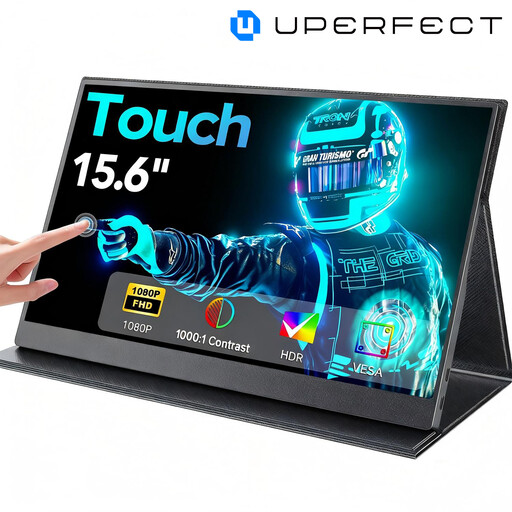
Why It Stands Out This model combines a 15.6-inch Full HD display with responsive touch functionality. Its versatility is highlighted by dual connectivity options via USB-C and Mini-HDMI, making it a flexible external monitor for your laptop, smartphone, and gaming consoles. The slim metal chassis and VESA compatibility round out the package.
Pros
Who It's For This model is an excellent choice for business travellers, students, and creatives looking for a versatile mobile display with touch functionality to boost their productivity and interactivity on the go.
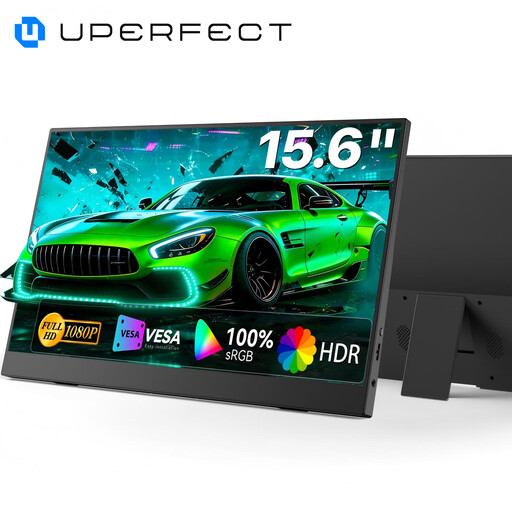
Why It Stands Out The focus of this monitor is on excellent color performance. With 100% sRGB color gamut coverage, the IPS panel delivers vibrant and color-accurate images. Another practical feature is the integrated, adjustable stand, which allows for a quick and stable setup without any extra accessories.
Pros
Who It's For This monitor is aimed at content creators, photographers, and designers who don't want to compromise on precise color reproduction, even when mobile. It's also a great option for users who value high image quality for movies and TV shows.
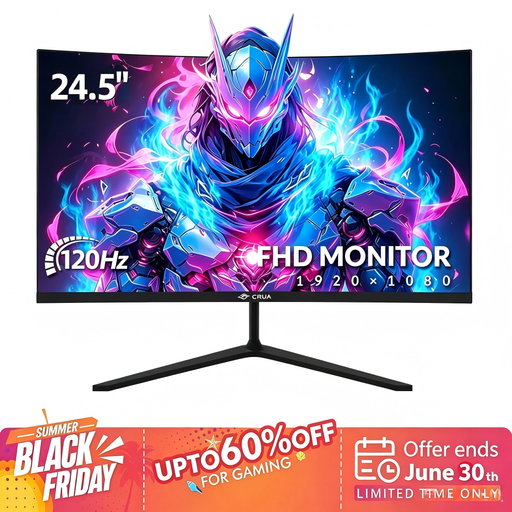
Why It Stands Out Although this isn't a classic portable monitor, this model offers an interesting alternative for semi-permanent setups, like in a dorm room or home office. The 24.5-inch curved screen with a 3000R curvature creates an immersive viewing experience. With a 120 Hz refresh rate and Adaptive Sync, it's also well-suited for smooth gaming.
Pros
Who It's For This model is designed for users who want a larger, immersive screen for gaming and entertainment but still need some portability for occasional moves (e.g., between home and the office).
The selection presented here covers various use cases. If you are specifically interested in more hardware for your gaming setup, from monitors to peripherals, you can find additional options in our broader category.
1. How do I connect a portable monitor to my laptop? The easiest method is to connect it via a single USB-C cable, provided both devices support it. Alternatively, you can use an HDMI cable for the video signal and a separate USB cable for power.
2. Does a mobile screen need an external power supply? It depends on the connection type. When connected via a fully-featured USB-C port, the monitor is usually powered directly by the laptop. With an HDMI connection, an external power source is almost always required, either from a power adapter or another USB port on your laptop.