People working at a fixed desk
You need airflow that you can adjust where you sit. Check whether the outlet height and distance from the fan suit your seating position.


For a fixed desk, what matters is whether you can adjust the airflow to feel comfortable where you sit. So compare noise and airflow at the same usable setting. Oscillation is particularly useful if you want to cover several seats, while a fan moves the air but does not lower the room temperature, as the Consumer Advice Centre and German Environment Agency explain.
You need airflow that you can adjust where you sit. Check whether the outlet height and distance from the fan suit your seating position.
If you want airflow at both your desk and in the living area, consider the fan’s position and oscillation range together.
For focused work, the key question is how noisy the fan is at the setting that moves enough air to reach you.
First check the airflow and direction at your desk, then consider noise, space requirements and, if relevant, coverage of other seats.
| Priority | What to check | Who is this particularly important for? |
|---|---|---|
| Airflow at your desk | Distance, outlet height and direction; consider any stated range in light of the operating conditions specified. | When I’m sitting at a fixed desk, I want to feel the airflow directly and be able to point it where I need it. Around 33% of consumers put airflow at their desk first. |
| Noise while working | Check which setting the noise level refers to, and whether that setting provides enough airflow at your desk. | If you need a quiet environment to work, you’ll need to weigh noise against usable airflow. Around 27% of consumers prioritise keeping noise to a comfortable level. |
| Airflow across several seats | Check the oscillation range and fan position against the location of your desk and any other seats. | If you also want the airflow to reach a sofa or another seat, check whether the oscillation range actually covers both positions. Around 20% of consumers prioritise airflow across several seats. |
| Floor space and positioning | Check the base dimensions, cable length and whether there is a clear, stable place to position the fan. | If you have little spare space beside your desk or sofa, you’ll need to find a position where the fan can stand safely. Around 13% of consumers focus primarily on the space available. |
| Care and running costs | Use the power rating and how long you plan to run the fan to estimate electricity costs; check access for cleaning and follow the instructions for your model. | If I use the fan regularly, I also want to keep cleaning and running costs in mind. Around 7% of consumers prioritise care and running costs. |
A fan moves air, which can cool your skin, but it does not lower the temperature in your living room.
If you want to make your workspace more comfortable, assess the airflow where you sit. You’ll need other measures if you want to lower the room temperature.
For the Rowenta Eole Infinite VU6670, the manufacturer’s figures of around 43 dB(A) and up to 7.5 m apply to different settings.
Compare noise and airflow at the setting you would actually use, rather than combining figures measured under different operating conditions.
A wide angle is of little use if your desk or sofa is outside the area the fan can cover from its intended position.
Before buying, check how the fan will be positioned in relation to your seats and whether its oscillation range covers both.
Cleaning instructions and spare parts vary by model; instructions for one fan do not automatically apply to another.
Read the instructions for the specific model and check how to carry out the recommended cleaning, as well as where to find suitable spare parts.
The Brandson 303143 is a model for shoppers who are focused on airflow distribution where they sit.
The KTF 100 is a tower fan option with basic features for the home.
The Eole Infinite VU6670 is worth considering if you want to assess a wide oscillation range and cover several seats.
The DREO 307S may suit shoppers considering app control, oscillation and access for cleaning.
The Cool AM07 is a tower fan designed for shoppers who want to compare several airflow settings.
The Joybuy products below are options for moving air around a desk or living area; some models also list heating or other features.
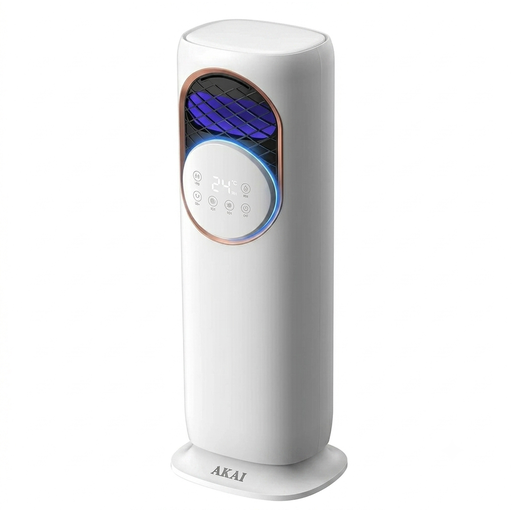 No image available
For living and working spaces where a tower fan with additional features may be a good fit.
The product name lists cooling and heating, as well as an air purifier and humidifier.
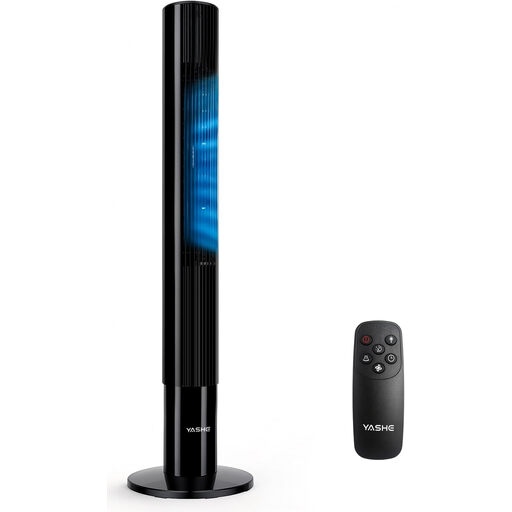 No image available
For a desk or living area where you want airflow to move between several seats.
85° oscillation, three speeds, two modes, a 12-hour timer, remote control and LED display.
The product details state 28 dB; check the operating conditions this figure applies to.
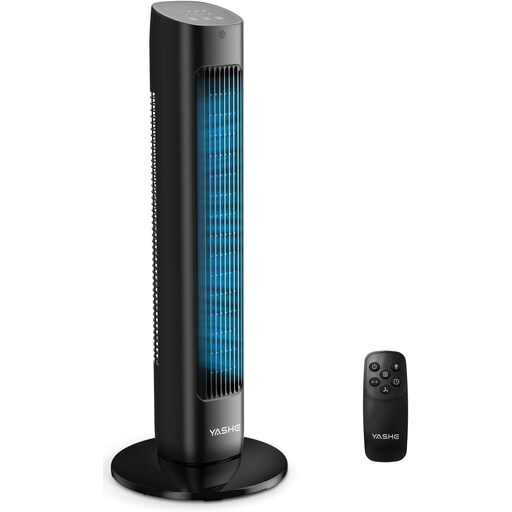 No image available
An option for your workspace if the more compact height of 80 cm suits the intended position.
The product name lists a remote control and 28 dB. Check the conditions under which the noise level is stated.
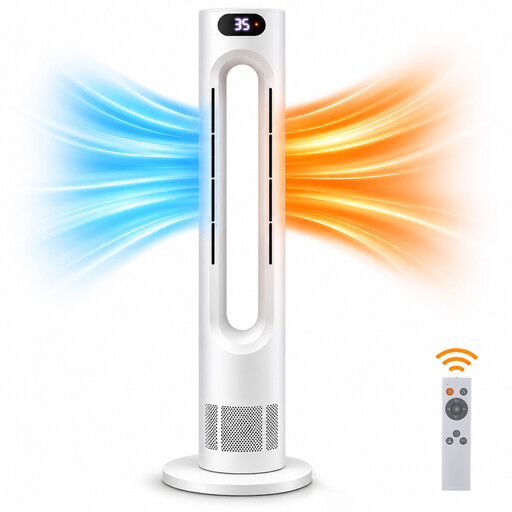 No image available
For shoppers who want to consider a heating function, as well as airflow.
The product name lists 25 W for the fan, 1,700 W for the heater, ten cooling settings, three heating settings, 75° oscillation, a 9-hour timer and a remote control.
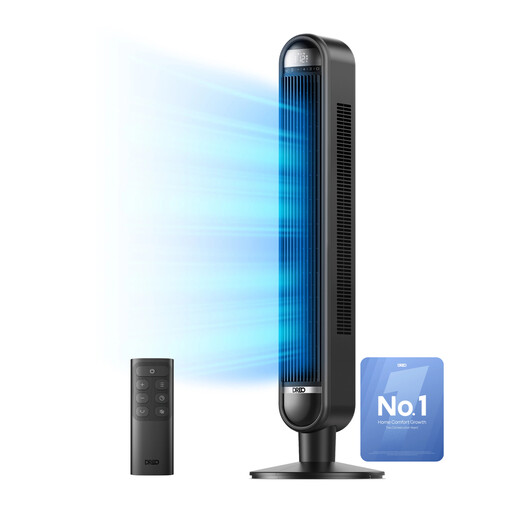 No image available
For a workspace or living area where you want to adjust the airflow and spread it across several seats.
The product name lists 90° oscillation, six speeds, four modes, a 12-hour timer, remote control and a touch control panel.
The product details also state 30 dB and 7.6 m/s. Check the relevant operating conditions before assessing these figures for desk use.
No. Moving air can cool your skin, but it does not lower the room temperature, as the Consumer Advice Centre and German Environment Agency explain. If you want to cool the room, consider other measures such as shading from the sun and ventilating when the air outside is cooler.
Compare figures only for the specific setting they refer to. For the Rowenta Eole Infinite VU6670, the manufacturer states around 43 dB(A) on the lowest setting and a range of up to 7.5 m on the highest; these figures refer to different settings.
Oscillation can be useful if you want the airflow to move between your desk and other seats. Check the oscillation range against the planned position, as each seat will only receive direct airflow for part of the cycle.
Multiply the power consumption in watts by the number of hours the fan runs, then divide by 1,000 to work out its estimated consumption in kWh. Multiply this figure by your electricity price per kWh. Use the power rating and running time for the same appliance.
Position the fan according to the instructions for the specific model, and follow its guidance on cleaning and operating conditions. The German Federal Institute for Occupational Safety and Health describes the instruction manual as an important source of information for using electrical products at home; cleaning advice for one model does not automatically apply to others.