Trainers with people seated at the back
If you’re showing practical steps or labels to a group, check that they’re visible from the furthest seat too.


Choose a screen based on whether people at the back and on the side can make out the actual steps and labels – a large screen size alone doesn’t guarantee this. A business TV may be suitable for regular, lengthy demonstrations; if people need to write on the screen together, consider an interactive model. Before buying, also check the connections, installation and operating requirements of the specific device.
If you’re showing practical steps or labels to a group, check that they’re visible from the furthest seat too.
In daylight or with participants seated to the side, assess the planned position, possible reflections and picture quality in the room itself.
For regular, lengthy demonstrations, check the operating specifications for the specific model. If the group needs to work together on screen, you’ll also need to check whether the display supports input.
A good fit if: you mainly show videos or a camera or laptop feed and don’t need touch input. Check your actual content from the back row.
Things to consider: A large screen size doesn’t guarantee that small details will be legible or that the TV will suit every operating schedule.
A good fit if: demonstrations run for long periods regularly and you can match the stated operating hours to how you plan to use it.
Things to consider: Samsung specifies 16/7 operation and 300 cd/m² for the 75-inch BEHX-H. These manufacturer specifications don’t prove that the TV will suit every room or viewing distance.
A good fit if: trainers or trainees need to write on screen and work on content together during the session.
Things to consider: For the Samsung WEFX, the manufacturer lists HDMI and USB-C connections, as well as writing directly on the display. If you only need to show content, you may not need the interactive features.
First, check that content is clear from the actual seats. Then see whether the operating hours and controls suit your training sessions.
| Requirement | What to check before buying | Who is most affected? |
|---|---|---|
| Details viewed from a distance | Note the viewing distance and furthest seat; view your own demonstration videos and labels there at the planned display size. | If I need to see small movements from right at the back, I’ll test this exact content from the intended seat. Around 39% of consumers cite readability from a distance as their main concern. |
| Room lighting and seats to the side | Check the picture in the planned position with the lights on, and from the furthest seat to the side. | If I’m sitting to the side or daylight falls on the screen, I want to assess reflections and picture quality in the room. Around 23% of consumers with this as their main concern fall into this group. |
| Sources and controls | List the cameras, laptops and adapters you already have; check the inputs and, where relevant, writing features on the specific model. | If I need to connect a particular demonstration source or work together on screen, the connections and controls must suit the session. Around 23% of consumers cite sources and interaction as their main concern. |
| Operating hours and ongoing costs | Compare your planned usage with the specifications for the exact model; consider energy data and potential installation costs separately. | For regular or lengthy training sessions, I want to factor in operating conditions and running costs. Around 15% of consumers cite operation and ongoing costs as their main concern. |
Screen size and resolution don’t tell you whether the smallest labels in your demonstration will be readable from the back row.
Before choosing, test the smallest important details from the seats you plan to use.
Samsung specifies 16/7 operation for the BEHX-H. This applies to the model named and can’t be assumed for other TVs.
Compare your planned operating hours and the management features you need with the specifications for the specific model.
Sony points out that hole spacing alone doesn’t cover all requirements relating to the number and depth of screw holes.
Check the instructions for both the TV and the mount, along with the screws and the condition of the wall.
Depending on the device and wall, you may need a different mount or professional installation.
For training sessions, you also need to consider energy consumption and any installation or connection requirements, not just the cost of the device.
Compare energy data on a like-for-like basis and budget separately for any extra equipment and installation.
Models documented for training include the BEHX-H business TV and the interactive WEFX display.
The 85Q7C is a large-screen TV with QD-Mini-LED technology.
The 86QNED86A6A is a documented 86-inch model.
The BRAVIA 7 K-85XR70 is a documented alternative, with an actual screen size of 84.6 inches according to Sony.
This selection includes TVs for playing training demonstrations. Check that your specific content is readable from the viewing distance in your room.
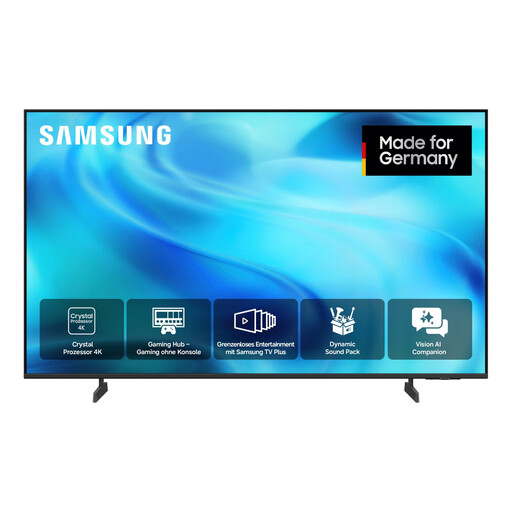 No image available
Listed as a TV for playing demonstration content; check that your content is clear from the back row.
55 inches (138 cm), UHD 4K, Smart TV.
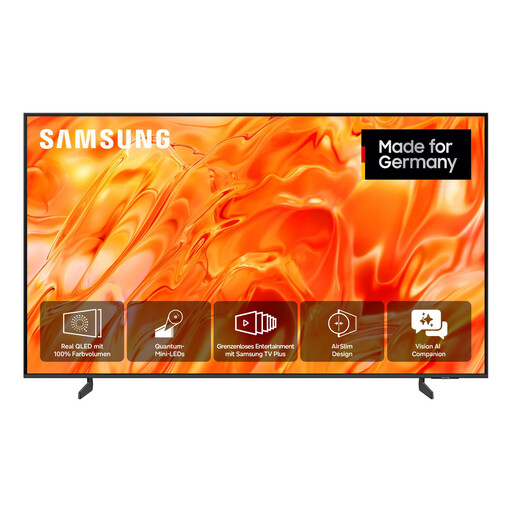 No image available
Listed as a TV for playing demonstration content; check that your content is clear from the back row.
65 inches (163 cm), UHD 4K, Smart TV.
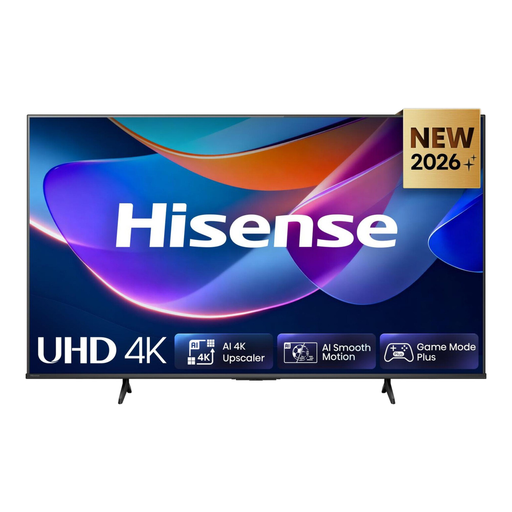 No image available
Listed as a TV for playing demonstration content; check that your content is clear from the back row.
55 inches, 4K UHD, Dolby Vision, VIDAA.
It depends on the viewing distance, the content shown and the seating layout. Test the smallest important steps and labels from the furthest seat and from a seat to the side; the screen size in inches tells you only the diagonal measurement.
Not just to connect a laptop. Samsung lists HDMI and USB-C for the WEFX, as well as the ability to write on the display; whether this interaction is useful depends on how your training session is run.
Check the instructions for the specific TV and mount, including the screws, hole spacing and the condition of the wall. Sony points out that hole spacing alone doesn’t cover all installation requirements.
Compare the energy labels and EPREL data for the specific models on a like-for-like basis. The European Commission lists separate figures for SDR and HDR, among other things, for electronic displays; your costs will also depend on usage time and your electricity tariff.
No. What matters is your planned usage time and the specifications for the specific model. For example, Samsung specifies 16/7 operation for the BEHX-H; this manufacturer specification doesn’t automatically apply to other TVs or prove that the model is suitable for every room.