Ballet fans with daylight coming in
If you watch during the day, you’ll want to see the stage and costumes despite possible reflections. RTINGS highlights reflection handling as an important factor to check in bright rooms.


For watching ballet recordings in daylight, check the specific TV’s reflection handling and SDR brightness separately, rather than choosing based on panel type or peak HDR brightness alone. RTINGS often recommends Mini LED as a starting point for bright rooms; OLED is still an option if the specific model can cope with the room’s light. Also check a typical scene with fast footwork, playback of your own files and the viewing angles from your seats.
If you watch during the day, you’ll want to see the stage and costumes despite possible reflections. RTINGS highlights reflection handling as an important factor to check in bright rooms.
If you want to assess footwork and camera pans, pay attention to how the TV handles motion in a typical recording. The Verbraucherzentrale explains that a higher refresh rate can make fast movement look smoother.
If you play ballet videos from a USB drive or through an existing playback device, check playback compatibility before you buy. LG Deutschland notes that the file extension and codec affect playback.
Start with the room’s lighting and reflections, then check motion and playback sources, and finally consider seating and energy consumption.
| What matters | What to check when buying | Who is it important to? |
|---|---|---|
| Visibility in daylight | Assess the position of your windows and reflection handling separately from the specific model’s SDR brightness. | If I watch during the day, I don’t want to mistake reflections for a need for more brightness. Daylight visibility is a priority for around 31% of consumers. |
| Motion handling | Watch a familiar scene with fast footwork and camera pans using the picture settings you intend to use. | With fast choreography, I want to judge motion using a scene of my own. Around 25% of consumers prioritise motion handling. |
| Playback of your own recordings | Check the file extension and video and audio codecs against the information for the exact model; if you use a playback device, check that it has the connections you need. | If I play my own ballet videos, I want to know in advance whether the file or my playback device will work. Playback of existing recordings is a priority for around 19% of consumers. |
| Screen size and seating | Consider viewing distance, available space and the viewing angles from your usual seats. | If several people watch from seats off to the side, I want to assess the picture from those positions too. Screen size and seating are a key consideration for around 13% of consumers. |
| Energy consumption | Compare the EU energy label and product data sheet figures for SDR and HDR separately. | When I compare the energy requirements of different models, I want to keep SDR and HDR figures separate. Around 12% of consumers put energy consumption first. |
HDR and SDR brightness are separate factors to check; you should also assess direct reflections separately. RTINGS lists brightness and reflection handling as distinct aspects.
Find out which format your typical recording uses, then check the specific model’s SDR brightness and reflection handling.
General trends in display technology are no substitute for comparing models in your room’s lighting. RTINGS often suggests Mini LED as a starting point for bright rooms and OLED for darker viewing; the Verbraucherzentrale also highlights viewing distance and angles.
Keep both options in the running and compare them using a typical recording from your usual seats.
A TV may not be able to play a video file if its codec isn’t supported. LG Deutschland lists the file extension and codec among the relevant requirements.
Check a representative file against the formats and codecs supported by the exact model.
If a file won’t play directly on the TV, you may need a separate compatible playback device.
The BRAVIA 9 II is Sony’s RGB LED range, worth considering when comparing TVs for a bright room.
The C7K range is a QD Mini LED option to compare; TCL specifically lists the 65C7K model.
The OLED55G69LS is an OLED option if you watch in softer lighting or need to accommodate seats off to the side.
Neo QLED is another Mini LED/LCD range to consider when comparing models.
These Joybuy TVs are worth considering for watching ballet recordings in a bright living room; compare the features listed with the lighting, seating and playback source in your home.
 No image available
QD Mini LED and local dimming are features you can assess for daytime viewing alongside how the TV handles reflections where you plan to position it.
4K; 144 Hz; Google TV; HDMI and USB ports, plus Wi-Fi and Bluetooth.
For your own files, check the formats and codec supported by the specific model.
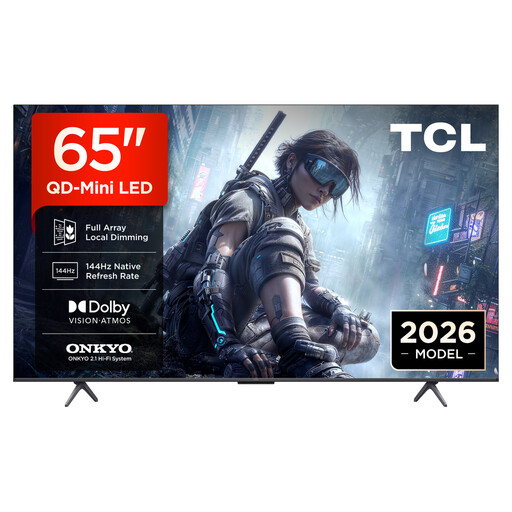 No image available
QD Mini LED and local dimming are features you can assess for daytime viewing alongside how the TV handles reflections where you plan to position it.
4K; 144 Hz; Google TV; HDMI and USB ports, plus Wi-Fi and Bluetooth.
For your own files, check the formats and codec supported by the specific model.
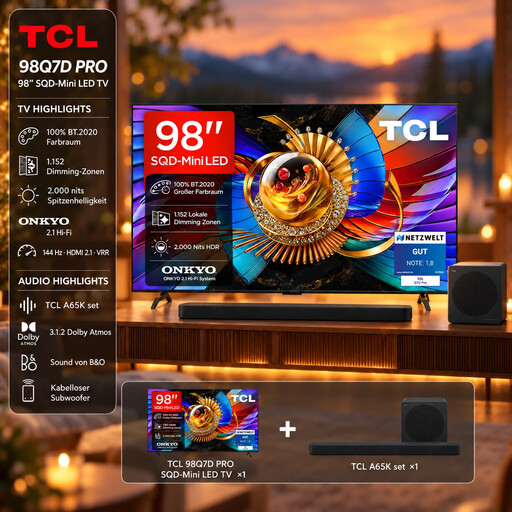 No image available
The listing title mentions Anti-Reflection and QD Mini LED; check how these features match the windows and seating in your room.
4K; 1,152 local dimming zones; 144 Hz; 2,000 Nits HDR according to the title.
Don’t confuse peak HDR brightness with SDR brightness.
A65K soundbar set; Google TV and wireless casting are listed.
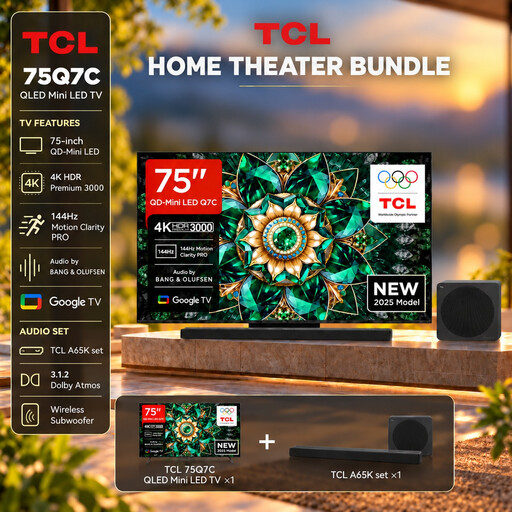 No image available
QD Mini LED is worth considering for daytime viewing; check reflections and how your recording looks where you plan to position the TV.
4K; 144 Hz with VRR; peak brightness up to 2,600 Nits according to the description.
HDMI 2.1; Google TV; A65K soundbar set.
Don’t treat the listed peak brightness as a measurement for SDR recordings.
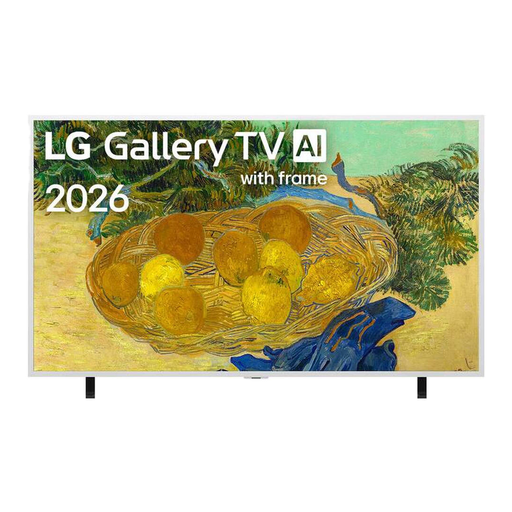 No image available
This TV is described as a Mini LED model for bright living rooms; still, check how the picture looks in your room’s actual lighting.
4K; Mini LED; 60 Hz with VRR; AI Brightness Control.
webOS 26; Google Cast; Apple AirPlay; three HDMI ports.
No, it isn’t the only measure that matters. For SDR recordings in a bright room, check SDR brightness and reflection handling separately; the format of your recording is also important.
There’s no one-size-fits-all answer: RTINGS often suggests Mini LED as a starting point for bright rooms and OLED for darker viewing and motion. This general comparison doesn’t cover newer RGB Mini LED models, so compare reflections and SDR brightness on the specific TV.
For files on a USB drive, check the file extension and video and audio codecs against the information for the exact model. If you already have a playback device, also check that the TV has the connections it needs.
Measure your usual viewing distance and the space available, and take the lighting conditions and viewing angles from your seats into account. If you plan to mount the TV, check the chosen model’s instructions and compatible bracket.
Compare the figures for SDR and HDR separately on the EU energy label and in the product data sheet. The European Commission explains the energy labelling of electronic displays; EU requirements apply to devices within their scope.