Which TV is right for you?

Watching during the day with light coming through the windows

If you want to watch animated films without darkening the room, check how the TV handles reflections where you plan to put it, as well as its brightness in the relevant picture mode. RTINGS and CHIP both treat these as key considerations for bright rooms.

Film fans who watch by day and in the evening

If you want vibrant colours in the afternoon and detailed dark scenes in the evening, compare specific picture test results rather than just panel types. RTINGS outlines the different strengths of Mini LED and OLED depending on room brightness.

Households with several viewing positions

If you watch together, choose a screen size to suit your available viewing positions and seating distance, and check how the specific model performs at an angle. Verbraucherzentrale recommends measuring your usual viewing distance before you buy.

What should you look for when buying?

Mini LED LCD

A good fit if: You mostly watch during the day and find a specific model with impressive performance against reflections and good brightness; RTINGS often recommends Mini LED for bright rooms.

Bear in mind: Mini LED is not automatically reflection-free; viewing angles and potential blooming vary by model.

OLED

A good fit if: Dark scenes matter particularly to you when watching films in the evening; RTINGS describes OLED as especially suited to dark rooms compared with other options.

Bear in mind: Direct reflections from windows may still be visible, depending on the model; if static elements are displayed for long periods, you should also consider the risk of OLED burn-in.

Conventional LED LCD

A good fit if: Little direct light falls on the screen where you plan to put it and a particular model’s brightness and handling of reflections suit your viewing conditions.

Bear in mind: The LCD label alone does not tell you how easy a TV is to see in daylight.

Buying priority What to look for when buying Who is this important for?
Reflections and daylight Consider the windows and lights visible from your seat; compare reflection tests and brightness in Film or Cinema mode for the specific model. If I can see windows or lamps reflected in the screen, visibility where I plan to put the TV matters most to me. Around 36% of consumers prioritise reducing direct reflections.
Colours and film contrast Check independent results for colour, contrast and HDR for the exact model, and take the intended Film picture mode into account. If vibrant colours in animated films and clearly visible dark scenes in evening films matter to me, I compare both on the specific TV. Around 29% of consumers prioritise colour and film contrast.
Screen size and seating Measure your viewing distance and available space; if you sit off to the side, consider the model’s viewing-angle performance. If several people watch from different seats, the screen size needs to suit the room and seating positions. Around 21% of consumers prioritise screen size and being able to watch together.
Electricity and overall costs Compare the SDR and HDR consumption figures on the EU energy label for the size you want; check any delivery or installation costs separately. If I want to weigh up the purchase price and ongoing costs together, I compare the stated power consumption rather than just the efficiency rating. Around 14% of consumers put cost first.

Common buying misconceptions

  • Assuming the highest brightness figure guarantees good visibility with a window opposite

    A bright screen can still reflect a light source opposite it very clearly. Reflections and brightness in Film mode are separate things to check.

    Take the position of your windows into account and compare independent reflection tests and measurements in the relevant picture mode for the specific model.

  • Applying a test result to similarly named models or other screen sizes

    The model code, screen size and features can vary; a similar name does not prove that it is the same version.

    Check the full model code and the features that matter for where you plan to put the TV before relying on a test result.

  • Comparing only the energy rating or purchase price

    Power consumption and purchase price are different things; for TVs, the stated consumption figures for SDR and HDR can differ.

    For the screen size you want, compare the SDR and HDR figures on the EU energy label and check for any delivery or connection costs before placing your order.

Key brands at a glance

Samsung

The QN90F range includes Mini LED models; check the features and surface finish against the full screen size and model code.

  • Samsung describes the surface of certain QN90F models as “Glare Free”. COMPUTER BILD describes the anti-reflective finish on the tested GQ55QN90FAT as good.
  • This assessment applies to the tested model and does not prove that every size or version performs just as well against reflections.

TCL

The C7L and C8L ranges are examples of Mini LED models; use the full model name when comparing them.

  • COMPUTER BILD describes the tested 55C8L as bright, with vivid colours.
  • For the tested 55C8L, COMPUTER BILD notes that setup is fiddly and that signing in to Google TV is required. These points apply to this model.

Sony

The BRAVIA 5 range includes Mini LED models; the documented K-65XR5 features local dimming and a 120 Hz panel.

  • Sony’s technical specifications list Mini LED, local dimming and 120 Hz for the K-65XR5.
  • Sony does not list “X-ANTI REFLECTION” as a feature of the K-65XR5. Mini LED alone therefore tells you nothing about whether it has a specialist anti-reflective finish.

LG

The OLED65G69LS is an example of an OLED alternative with a display that the manufacturer promotes as having low reflectivity.

  • LG lists Dolby Vision for this model and promotes its display surface as having low reflectivity.
  • The manufacturer’s specifications are not an independent measurement of visibility from your own seat by the window; the trade-offs between OLED and Mini LED vary by model.

Hisense

The tested 55U7DS Pro is an example of a Mini LED LCD model.

  • COMPUTER BILD describes the picture on the tested 55U7DS Pro as bright and high-contrast.
  • For this model, COMPUTER BILD notes that viewing angles are limited.

Joybuy TVs for bright living rooms

The Joybuy models below are Mini LED LCD TVs to compare for watching animated films in bright rooms. Check reflection performance, screen size and power consumption for each specific version.
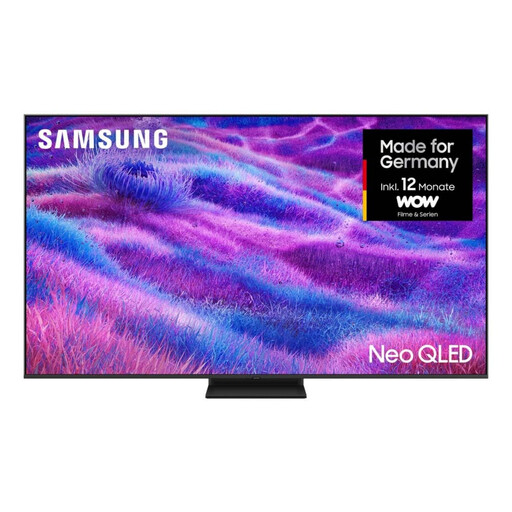
Samsung Neo QLED 4K QN80F Mini LED TV, 85 inches

Samsung Neo QLED 4K QN80F, 85 inches

As an 85-inch Mini LED model, this TV may suit a large viewing distance and a correspondingly spacious area for the set. Measure your room before choosing.

Features listed include 4K resolution, HDR10+, 120 Hz, Mini LED HDR and Quantum Matrix Technology Core.

The product name lists energy class F; compare the stated power consumption with other TVs of a suitable size.

View at Joybuy
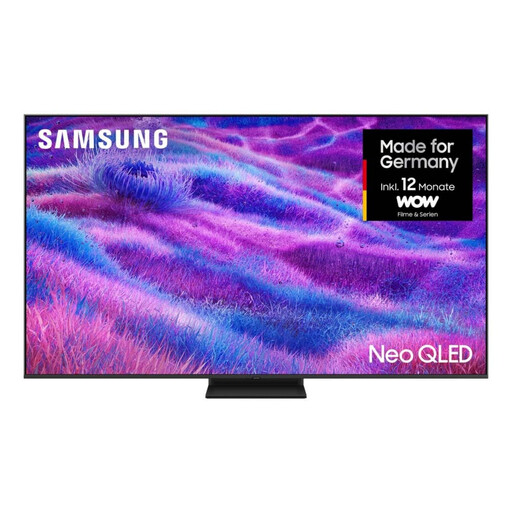
Samsung Neo QLED 4K QN80F Mini LED TV, 75 inches

Samsung Neo QLED 4K QN80F, 75 inches

Before settling on this 75-inch version, consider how it compares with your available viewing distance and the space you have for the TV.

Features listed include 4K resolution, HDR10+, 120 Hz, Mini LED HDR and Quantum Matrix Technology Core.

The product name lists energy class F; compare the stated power consumption with other TVs of a suitable size.

View at Joybuy

TCL 55Q7D PRO, 55 inches, 4K SQD Mini LED TV

TCL 55Q7D PRO, 55 inches

The product name lists Anti-Reflection; this is a feature specification, not independent proof of how well the TV handles reflections where you plan to put it.

Features listed include 4K SQD Mini LED, 480 Local Dimming Zones, 2,000 Nits HDR and 144 Hz.

Dolby Vision and Google TV are also listed in the product name.

View at Joybuy

TCL 75T8D, 75 inches, QLED TV with QD Mini LED Dimming

TCL 75T8D, 75 inches

This 75-inch QLED model with QD Mini LED Dimming is worth including when comparing screen sizes for film nights with friends or family; make sure your viewing distance and available space are suitable.

The product specifications list 4K, HDR, 144 Hz and Filmmaker Mode.

View at Joybuy
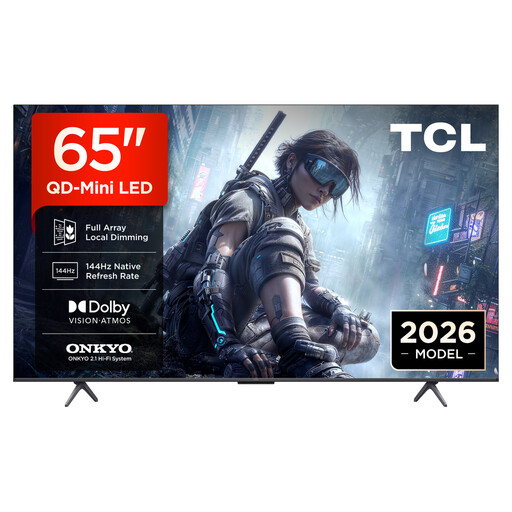
TCL 65T8D, 65 inches, QLED TV with QD Mini LED Dimming

TCL 65T8D, 65 inches

Compare this 65-inch version with larger models, taking your viewing distance and available space into account.

The product specifications list 4K, HDR, 144 Hz and Filmmaker Mode.

View at Joybuy

Frequently asked questions

Is a high stated peak brightness enough to counter a window opposite the TV?

No. Brightness alone will not eliminate direct reflections. Check how the specific model handles reflections too, and compare its brightness in Film or Cinema mode.

What should I measure before positioning or connecting my TV?

Measure your viewing distance and available space, then check from your seat where windows and lights appear on the screen. Also check which connections you need and whether delivery or connection charges may apply.

How can I compare ongoing electricity costs?

For the screen size you want, compare the stated SDR and HDR consumption figures on the EU energy label. Without knowing how long you use the TV and your electricity tariff, you cannot work out your personal cost in euros from these figures alone.

What are my rights if a TV bought online is faulty?

For purchases from professional sellers in the EU, you are generally entitled to a minimum two-year legal guarantee from the date you receive the goods; EU consumer information identifies the seller as your point of contact. Online purchases also generally come with a 14-day right to cancel, subject to legal exceptions. Any additional manufacturer’s guarantee does not replace these rights.

What information does the EU energy label show for a TV?

For covered electronic displays, the EU energy label shows information including energy consumption for SDR and HDR, screen size and resolution. Check the details for the full model code.