Comedy fans with a sunny living room
You often watch during the day and want to make out faces clearly, even with windows or lamps in the room. RTINGS.com highlights reflection handling and brightness as key things to check for bright rooms.


For classic comedies in a bright living room, first check how well the specific TV handles reflections from windows and lamps, and how standard TV programmes look in daylight. RTINGS.com assesses reflection handling and brightness separately. For DVDs and older programmes, sensible upscaling and the right picture format matter: RTINGS.com notes that heavy sharpening can change the look of an image, while Sony explains how the correct picture format can prevent distortion. Then choose the screen size, reception method and energy use to suit your viewing distance and existing sources, as recommended by the Verbraucherzentrale.
You often watch during the day and want to make out faces clearly, even with windows or lamps in the room. RTINGS.com highlights reflection handling and brightness as key things to check for bright rooms.
You watch DVDs, older broadcasts or lower-resolution streams, and want to set sharpening and picture format so the original image isn’t unnecessarily altered or stretched. RTINGS.com and Sony explain what to look out for.
You want to match the size, viewing distance and reception method to your living room and the sources you already have. The Verbraucherzentrale recommends measuring your viewing distance and checking your reception method in advance.
Start by checking reflections where you plan to position the TV, along with how it displays standard TV programmes. Then look at older recordings, viewing distance, reception method and energy use.
For this particular living room and viewing setup, the percentages below give a rough indication of the main priorities.
| Priority | What to look for when buying | Who is this important to? |
|---|---|---|
| Reflections and daylight | Make a note of windows and seating positions; check reflection handling and how standard TV programmes look in daylight on the exact model variant. | When I watch during the day, I want to make out faces clearly, even with windows or lamps in the room. Around 31% of consumers are likely to rank reflections and daylight visibility as their top priority. |
| Older recordings | Try a familiar DVD or older TV scene; assess scaling, sharpness and picture format separately. | With DVDs or older programmes, I want an image that is as undistorted as possible, without excessive sharpening. Around 25% of consumers are likely to prioritise how older recordings look. |
| Size and positioning | Measure your viewing distance and available space; take light sources into account from your usual viewing angles. | I want to choose a screen size that suits my room and avoid distracting reflections from my seat. Around 19% of consumers are likely to put size and positioning first. |
| Reception and connected devices | Decide how you’ll receive TV and check for the right tuner and any connections you need. | If I want to use my existing reception setup or connected devices, the TV needs to work with them. Around 13% of consumers are likely to consider reception and sources their main priority. |
| Energy use and additional equipment | Compare the EU energy label for the exact variant and check what extra equipment your reception method requires. | I want to factor in energy use and any additional devices when choosing. Around 12% of consumers are likely to consider energy use and extra reception equipment first. |
Bright room lighting can cause reflections, and classic TV programmes aren’t automatically in HDR. So an HDR specification alone won’t tell you how standard programmes will look in a bright room.
Check reflection handling and picture quality with standard TV programmes separately for the exact model variant.
Lower-resolution sources need to be upscaled. Excessive sharpening can alter the image, while the wrong picture format can stretch it.
Watch a familiar older scene and check its picture-format setting rather than assuming the strongest picture enhancement is best.
Even a compatible TV won’t automatically unlock encrypted private channels received via an aerial. And if the built-in tuner isn’t suitable, you may need an extra receiver.
First check how you receive your programmes and which channels you want to watch; then check the tuner and any additional requirements.
The Verbraucherzentrale points out that larger TVs and models with more features generally use more electricity. Viewing distance, available space and light sources also affect which TV is right for you.
Measure your viewing distance and available space, and compare the EU energy label for the exact screen size. Before ordering, check whether delivery, connection or installation is included.
The BRAVIA 9 and BRAVIA 9 II use different LCD technologies. According to Sony, the BRAVIA 9 II uses RGB LED, rather than the Mini LED backlight found in the BRAVIA 9.
The GQ55QN90FATXZG is a documented Neo QLED Mini LED TV that you can compare with other LCD models.
The OLED65G58LW is a documented OLED G5 variant, making it an alternative to LCD models.
The documented 65Q6C offers another QD Mini LED approach, with an AiPQ Pro processor and an integrated ONKYO 2.1 system.
According to Philips, the 65MLED950/12 combines QD Mini LED with Ambilight Plus and P5 picture processing.
The Joybuy models below use Mini LED LCD technology. Compare the variants listed by size and features, and check for reflections where you plan to position the TV.
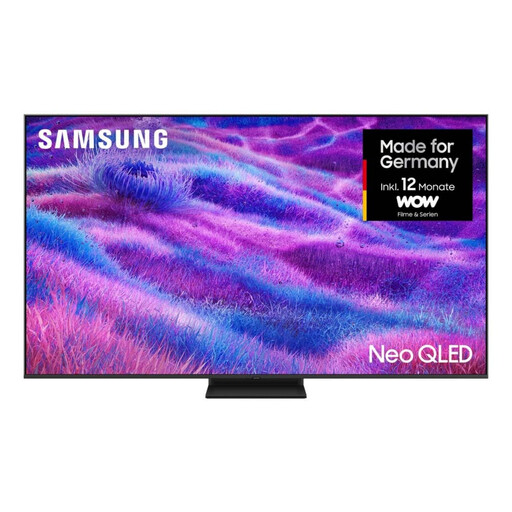 No image available
Worth considering if you’re comparing Mini LED LCD TVs for a bright room; the model name doesn’t replace checking for reflections in your own space.
85 inches, 4K, Mini LED, NQ4 AI Gen2 processor, 4K upscaling and energy efficiency class F, according to the product name.
 No image available
The product name mentions Anti-Reflection, but it’s still worth checking how windows and lamps reflect on the screen from your planned seating position.
4K SQD Mini LED, 480 local dimming zones, 2,000 nits HDR, 144 Hz and Google TV, according to the product name. The HDR specification doesn’t indicate the brightness of standard TV programmes.
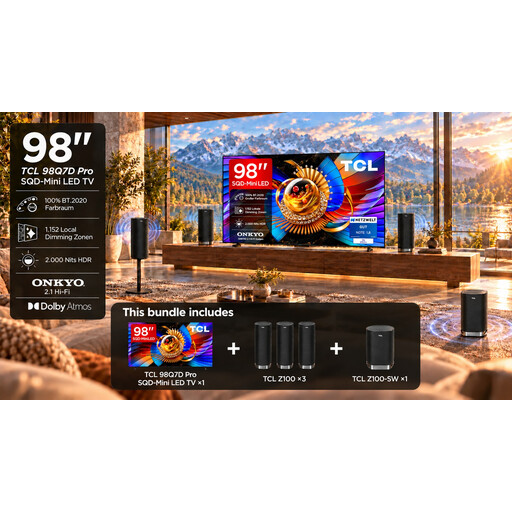 No image available
This set variant is only worth considering if a 98-inch screen suits your room and viewing distance; the stated Anti-Reflection feature doesn’t replace checking the TV in person.
98 inches, 4K SQD Mini LED, 1,152 local dimming zones, 2,000 nits HDR and 144 Hz, according to the product name. At least two people are needed to handle and install it; professional installation is recommended for wall mounting.
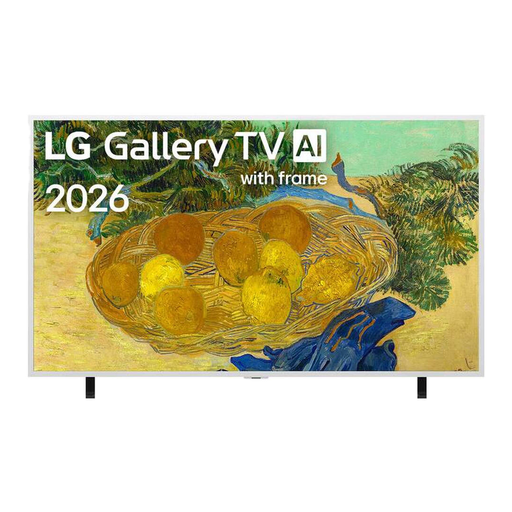 No image available
This model is worth considering when comparing Mini LED TVs with picture processing features; try older recordings with the settings on the exact variant.
4K Mini LED, α7 Gen9 AI processor, Dynamic QNED Color and webOS 26, according to the product name.
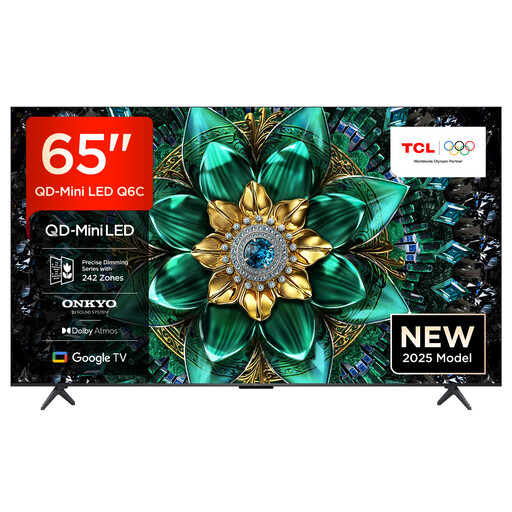 No image available
The product name mentions QD Mini LED; separately, check how the TV displays standard programmes and handles reflections in your own living room.
4K HDR, Dolby Vision IQ and Dolby Atmos, ONKYO 2.1 sound, 144 Hz, HDMI 2.1 and Google TV, according to the product name.
No. Also consider direct and indirect reflections, and how standard TV programmes look in daylight. Check these features on the exact model rather than relying only on its panel type.
Check the picture-format setting across your playback setup and avoid stretching the image unintentionally. Try the sharpness and upscaling settings with a familiar recording instead of assuming the strongest picture enhancement is best.
That depends on your reception method and the TV’s built-in tuner. A suitable tuner may mean you don’t need an extra receiver; also check whether encrypted programmes have any additional requirements.
Measure your viewing distance and available space, and check for window reflections from your usual seating positions. Before buying, find out whether delivery, connection or installation is included or needs to be arranged separately.
Compare the EU energy label for the exact model variant. The Verbraucherzentrale points out that larger TVs and models with more features generally use more electricity.