Sofa co-op sessions
If you want to play a particular adventure together on one TV, check the local mode, player count and controls for that specific version of the game. A general mention of multiplayer isn’t enough.


Start by choosing the games you want to play together, then check that the specific console version supports local co-op, how many players it allows and which controllers you’ll need. Switch 2 and TV-compatible Switch models also let you play without a TV; with PlayStation 5 and Xbox, the game’s specific support and the console’s disc-drive version are key. A large screen specification alone won’t tell you whether a game supports local co-op or whether the bundle includes all the input devices you need.
If you want to play a particular adventure together on one TV, check the local mode, player count and controls for that specific version of the game. A general mention of multiplayer isn’t enough.
If you’re playing as a pair, check whether the game supports split-screen and what view each player gets. The console needs to be able to output a picture to your TV; the game determines the display mode.
If you want to switch between playing on your TV and playing without one, check the modes supported by the exact console model. Nintendo Switch Lite doesn’t support TV mode; other TV-compatible Switch models can also be used without a TV.
A good fit if: You want to play Nintendo adventures locally on your TV and without one.
Things to note: Nintendo specifies TV output of up to 4K only for supported games and compatible TVs; 4K output is limited to a maximum of 60 frames per second. Not every older Switch game is fully compatible.
A good fit if: The co-op games you want are Switch titles and you don’t need a specific Switch 2 title.
Things to note: Switch Lite isn’t an option for playing on a TV. When you play on your TV, the picture appears on the TV, not on the OLED screen.
A good fit if: The games you want to play on PS5 offer local co-op; PlayStation lists It Takes Two as supporting couch co-op with split-screen.
Things to note: The PS5 Digital Edition doesn’t have a disc drive. Also check that the bundle includes enough compatible controllers for your group.
A good fit if: The co-op games you want are available for Xbox and you’d like to play on this platform.
Things to note: Microsoft lists versions with and without a disc drive. The Series X Digital Edition also doesn’t have a disc drive, so check the exact model rather than relying on the name alone.
| What you’re looking for | What to check before buying | Who should pay particular attention? |
|---|---|---|
| Game and local mode | Check the platform and edition of the game you want, whether it supports local co-op rather than online-only play, and how many players it allows. | If we want to play a particular adventure together on one console, finding the right game mode comes first. Around 36% of consumers prioritise games they can play together and local co-op. |
| Playing on a TV | Check for TV mode or a suitable TV output, as well as the game’s display mode. For resolution specifications, check the requirements for the game and screen. | If we’re playing as a pair on a big TV, we want to know whether the game uses split-screen and what each person will see. Around 29% of consumers prioritise playing together on a TV. |
| Games, disc drive and controllers | Check for a disc drive, what’s included in the box, and the number and type of controllers the game requires. | If we own games on disc or need several input devices, we check the exact version and what’s included before buying. Around 21% of consumers pay particular attention to media and accessories. |
| Playing with and without a TV | Check whether the exact model supports TV, tabletop and handheld modes; Switch Lite doesn’t support TV mode. | If we want to move between places to play, the console should work with both our TV and the places where we play without one. Around 14% of consumers prioritise this flexibility. |
Nintendo Switch Lite doesn’t support TV mode, so it won’t meet the requirement of playing together on a TV.
Check the full model name and choose a console with TV mode for this kind of gaming.
Some digital versions don’t have a disc drive. The model name alone doesn’t confirm that you can use your existing game discs directly.
For the exact version, make sure you check whether a disc drive is included.
You can’t use existing physical game discs directly with a model that doesn’t have a disc drive.
The controllers included won’t necessarily work with every co-op game or suit every player count.
First check what your chosen games require, then compare that with what’s included in the box.
Depending on the game and the size of your group, you may need additional compatible controllers.
Nintendo’s 4K output for Switch 2 depends on supported games and a compatible TV. According to Nintendo, the maximum frame rate at 4K output is 60 frames per second.
Check the requirements for the specific game and screen instead of basing your decision solely on the console’s maximum specification.
A good option if the co-op games you’re interested in are available for Switch or Switch 2 and you also want to play without a TV.
A good option if the adventures you want to play on PS5 offer local co-op.
A good option if the games you want are available for Xbox and you choose the right version for your needs, with or without a disc drive.
The products below include TV and console bundles, as well as HDMI retro consoles. For each model, check separately whether the games you want are included or available on the platform and support local co-op.
 No image available
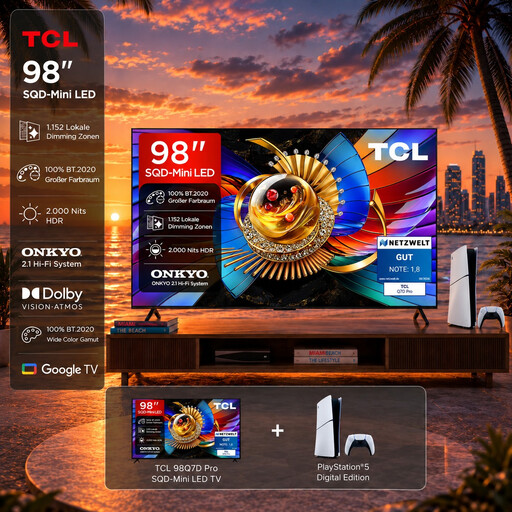
This bundle pairs a large TV with a PS5. Check that your games support local co-op and what controllers you’ll need.
The product name specifies a 98-inch 4K QD Mini-LED TV with 144 Hz VRR and Google TV. It includes a PS5 Slim Digital Edition 825GB without a disc drive.
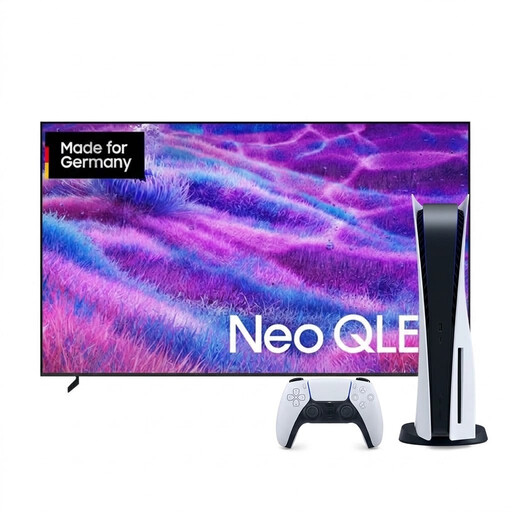 No image available
This bundle pairs a TV with a PS5 Digital Edition. Check that your games support the local co-op mode you want and meet your controller requirements.
The product details list a 100-inch 4K TV and a PS5 Slim Digital Edition with 825GB. The console doesn’t have a disc drive.
 No image available
An HDMI retro console could be an option for gaming on your TV. Before buying, check that the games you want and local mode are actually included.
The product name specifies 4K HDMI output, plug-and-play use, two 2.4 GHz wireless controllers and 23 emulators. It also lists more than 20,000 classic games.
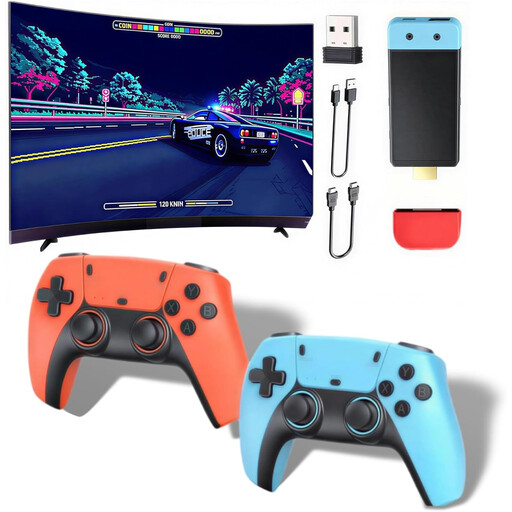 No image available
This console is designed to connect to a TV. Check whether the games included support the local co-op you’re looking for.
The product details specify HDMI output at 1080P/720P, two wireless controllers and support for up to four players. The controllers require four AAA batteries, which aren’t included.
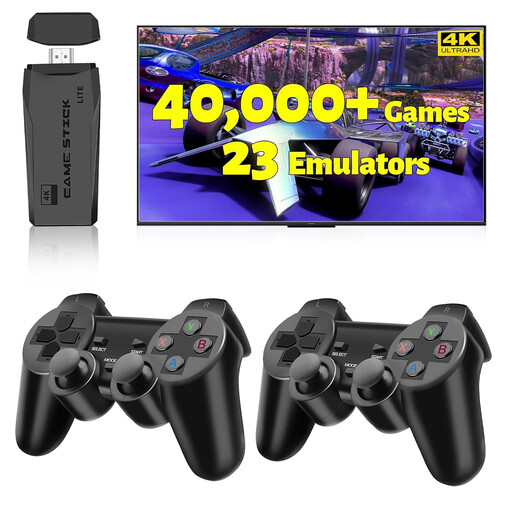 No image available
This HDMI game stick is described as suitable for use with a TV. Check the games list and local multiplayer support against the games you want to play.
The product name specifies 4K HDMI output, two wireless controllers, plug-and-play use and support for 23 emulators. These details alone don’t confirm that a particular game you want is included.
No. Check that the specific version of the game explicitly supports local co-op, how many players it allows and whether it offers split-screen. PlayStation lists couch co-op and online co-op as separate modes for It Takes Two.
To use TV mode, place the Switch 2 in its dock. Nintendo lists the dock, power adapter and HDMI cable as included with the standard console bundle; according to Nintendo, the original Switch dock isn’t compatible.
Information about online co-op doesn’t tell you what’s required for local play. Check the difference between couch co-op and online co-op for the game in question; PlayStation lists these as separate modes for It Takes Two.
When you buy goods as a consumer, you have statutory rights against the seller if they’re faulty; these are separate from any voluntary manufacturer’s warranty. According to the European Union, a 14-day cancellation period generally applies to qualifying online distance purchases. Exceptions and the terms of your specific purchase should be checked.
Check the age rating for the specific game and look out for information about features such as chats or in-game purchases. The USK explains the age ratings; section 12 of Germany’s Youth Protection Act specifically regulates making certain game media publicly accessible to minors. This doesn’t mean that a console or all its games have a single blanket age rating.