What to look for when buying
| What matters |
What to check when buying |
Who it matters most to |
| Window reflections and daylight |
Check for direct reflections from your planned viewing position, and see how clearly the specific model displays images in ambient light. |
If I watch during the day with the curtains open, I want to make out the details in dance videos despite possible window reflections. Around 36% of consumers put reflection handling first. |
| Steps and camera pans |
Watch a typical video of your own and assess judder, blur and any artefacts separately. |
If fast steps and camera pans matter to me, I want to follow the movement clearly without distracting artefacts. Around 29% of consumers put motion handling first. |
| Playing existing recordings |
Check the source device and connector; for USB files, also check the file system and codecs supported by the exact model. |
If I want to play videos I already have, I want to know before buying whether my drive or playback device will work with the TV. Around 21% of consumers prioritise compatibility with their recordings. |
| Screen size and seating |
Measure your viewing distance and available space, and check the picture from your usual seat, including seats off to the side. |
If several people watch from different seats, I want a suitable screen size and a good view from each one. Around 14% of consumers put screen size and seating first. |
The Verbraucherzentrale recommends considering the lighting and viewing angle in your room, as well as your viewing distance, when choosing a screen size. Also compare the energy labels for specific models and screen sizes rather than estimating energy consumption from the panel type alone.
Joybuy TVs at a glance
These Joybuy TVs offer a range of screen sizes and connections for playing recorded dance videos. Check for reflections from your intended viewing position, and make sure your playback device is compatible with the specific model.
 No image available
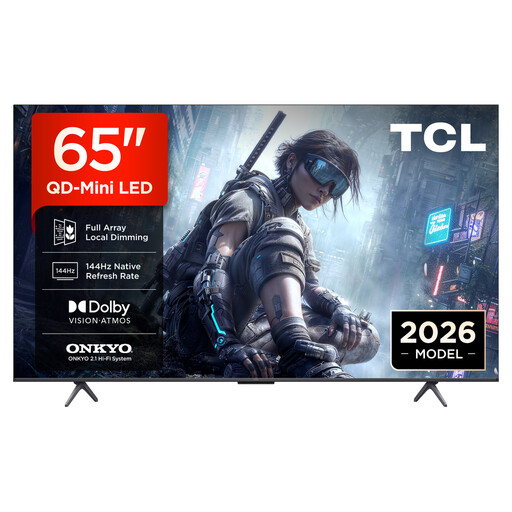
TCL 65T8D 65-inch QLED TV
This model may suit you if you use an external player, as HDMI is listed in the product description. Check whether a 65-inch screen suits your viewing distance.
Listed features include QD Mini LED, 4K, HDR, 144 Hz VRR, HDMI and USB. The refresh rate alone does not prove how a particular recording will look.
View at Joybuy
 No image available
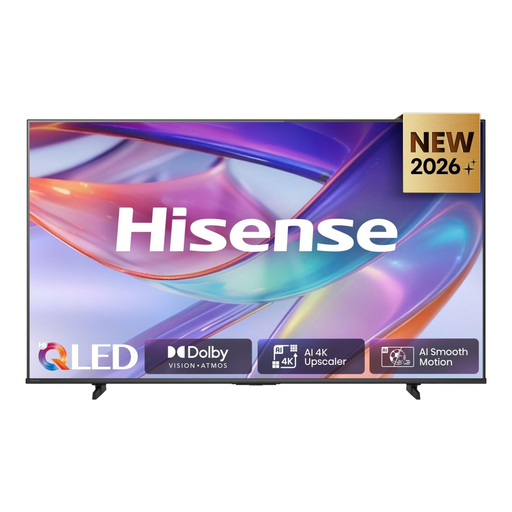
Hisense 55E7S 55-inch QLED TV
If you want to play USB files or use an external device, the USB and HDMI connections listed in the description are relevant. Check that your particular file format is supported.
Listed features include a 55-inch screen, 4K, QLED, 60 Hz, HDMI, USB and a media player. The MEMC and AI Smooth Motion specifications do not confirm how a particular dance video will look, either.
View at Joybuy
 No image available
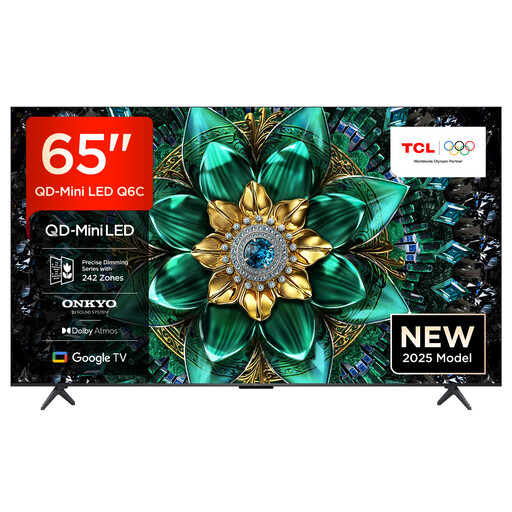
TCL 65Q6C 65-inch QLED Mini LED TV
If a 65-inch screen suits your viewing distance and available space, you could consider this model when choosing a size. The matte HVA panel does not remove the need to check for direct window reflections.
Listed features include QD Mini LED, 4K HDR, a matte HVA panel, 144 Hz, HDMI and USB.
View at Joybuy
 No image available
TCL 75Q7C 75-inch QLED Mini LED TV
The 75-inch screen may be a good option if it suits your viewing distance and available space. Check how the picture looks from your usual seats, including those off to the side.
Listed features include QD Mini LED, 4K HDR, 144 Hz VRR, HDMI and USB. The refresh rate alone does not tell you how your recording will look.
View at Joybuy
 No image available
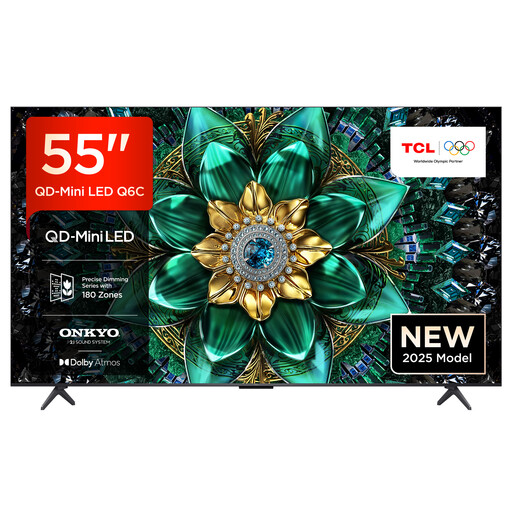
TCL 55Q6C 55-inch QLED Mini LED TV
If a 55-inch screen suits your viewing distance, this version has a smaller screen than the 65-inch models. Check for direct reflections from your intended viewing position, even with the matte HVA panel.
Listed features include QD Mini LED, 4K HDR, 144 Hz, a matte HVA panel, HDMI and USB.
View at Joybuy
Frequently asked questions
Will a matte screen prevent reflections from tall windows?
Not necessarily. The surface finish alone does not tell you that. Check for direct reflections and see how the specific model looks in ambient light from your intended viewing position.
Does a TV for dance videos need to have 144 or 165 Hz?
No. A high advertised refresh rate is not essential and, on its own, does not prove that the TV handles motion well. Compare it with a typical video and, if available, check how adjustable motion smoothing looks.
Can I connect an old video recorder or any USB video file directly?
Not necessarily. The Verbraucherzentrale notes that older devices with Scart often need an adapter to connect to newer TVs. For USB files, the file system and codecs must match the specifications for the exact model; Sony’s codec list for the BRAVIA 9 does not automatically apply to other TVs.
How do I compare the energy consumption of different TVs?
Compare the energy labels for the specific models and screen sizes, along with their SDR figures and, if relevant to how you watch, their HDR figures. To estimate your own costs, you’ll also need to know how long you plan to use the TV and your electricity tariff.
Where can I take my old TV in Germany?
Electrical and electronic waste must not go in household rubbish. Take it to an authorised collection point or use a take-back scheme. Under section 17 of the ElektroG, retailers that meet the specified criteria must, subject to the legal conditions, take back an old appliance free of charge when you buy a new appliance of the same type. The law also covers collection when the new appliance is delivered to your home. Check the take-back arrangements for your specific purchase.


