What to look for when buying
The Verbraucherzentrale recommends taking viewing distance, resolution, lighting conditions and viewing angles in your room into account when choosing a screen size. If possible, assess TVs in conditions similar to those in your living room.
| Priority |
What to check |
Who this matters to |
| Reflections and daytime picture quality |
Check the position of the windows from your seat; assess reflection tests and brightness for the exact model together. |
If I watch during the day in front of bright windows, I want to be able to make out faces even in dark scenes. Around 33% of consumers are likely to prioritise daytime visibility. |
| Clear dialogue |
Check the voice features and audio connections on the exact model; listen to a typical dialogue scene at the volume you plan to use. |
If I want to follow a film with lots of dialogue, clear voices matter to me. Around 27% of consumers are likely to have this as their main priority. |
| Screen size and multiple seats |
Measure viewing distances and available space; check the picture from the seat furthest to the side that you’d normally use. |
If several people watch from different seats, the screen needs to suit the room and remain clear for everyone. Around 20% of consumers are likely to put this first. |
| Purchase and running costs |
Compare the EU energy labels and stated consumption figures for the specific TVs. To estimate running costs, also consider how long you use the TV and your electricity tariff. |
If overall cost comes before my other priorities, I want to consider the purchase price and electricity use together. Around 20% of consumers are likely to have this as their main focus. |
Joybuy models for film nights and brighter living rooms
These models range from Mini LED TVs to an LED set. Compare the screen size and specifically listed features with the window positions, seating and available space in your living room.
 No image available
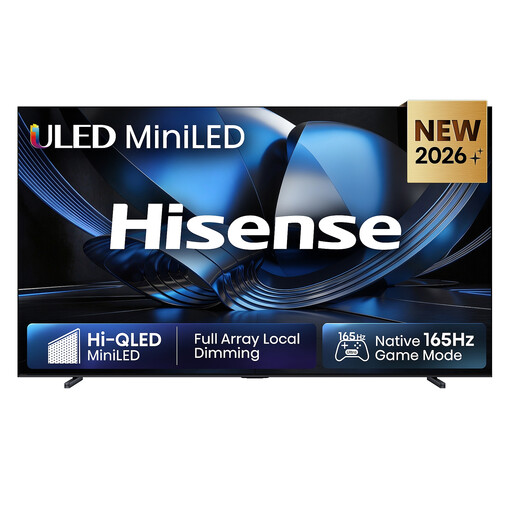
Hisense 100U7DSE 100 Zoll ULED Mini LED 4K Smart TV
For changing ambient light, the product description lists Automatic Brightness Control. Check whether the 100-Zoll screen is a good fit for your room and setup.
4K; Dolby Atmos is listed as a feature. The set needs a secure, suitable surface or mounting.
View at Joybuy
 No image available
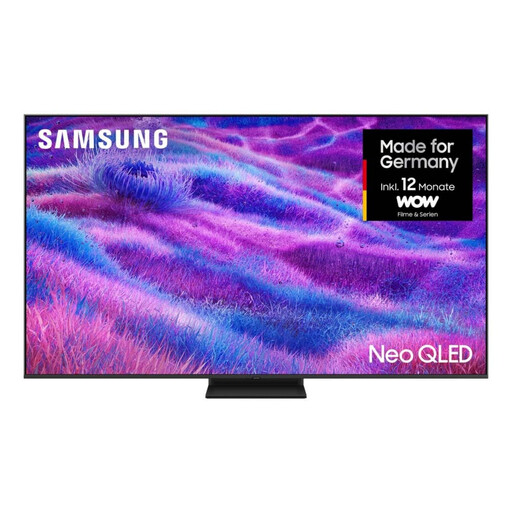
Samsung Neo QLED 4K QN80F 75 Zoll Mini LED TV
If you watch together with several people, take the 75-Zoll screen into account when checking viewing distance and available space.
4K; 120 Hz; Mini LED HDR; Dolby Atmos.
View at Joybuy
 No image available
TCL 55Q7D PRO 55 Zoll 4K SQD-Mini LED TV
The product title lists Anti-Reflection. Even so, check how reflections look from your seat with your specific window position.
55 Zoll; 4K; 480 local dimming zones; 2.000 nits HDR; 144 Hz; Dolby Vision IQ and Dolby Atmos.
View at Joybuy
 No image available
TCL 75T8D 75 Zoll QLED TV with QD Mini LED
If several people will be watching, check that the 75-Zoll screen suits your viewing distance, room and available space.
QD Mini LED; 4K HDR; Dolby Vision and HDR10+; 144 Hz VRR; integrated Onkyo 2.1 system.
View at Joybuy
 No image available
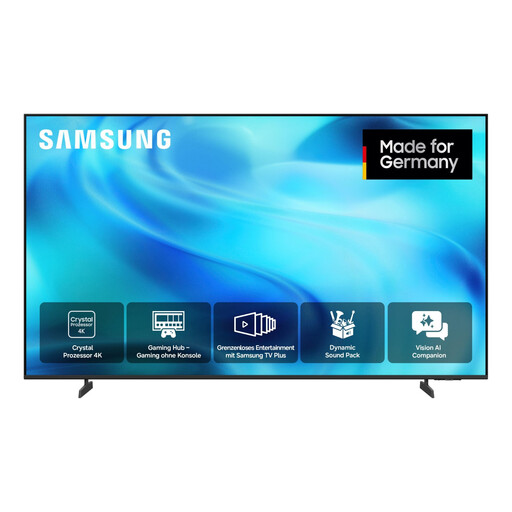
Samsung GU85U8079H Crystal UHD U8079H 85 Zoll 4K Smart TV
With an 85-Zoll screen, it’s particularly important to check available space and viewing distance before you choose.
4K UHD; 60 Hz; Adaptive Sound; OTS Lite; HDR10+.
View at Joybuy
Frequently asked questions
Can a matte or anti-reflective screen help when there are windows opposite the TV?
What matters is how the specific model handles reflections in your room. An anti-reflective surface won’t eliminate reflections completely, and brightness alone isn’t enough to judge performance. RTINGS assesses direct and indirect reflections in its TV tests.
How do I choose the screen size and where to put the TV?
Measure your viewing distance and available space, and check the picture from all the seats you’d normally use. The Verbraucherzentrale also lists resolution, lighting conditions and viewing angles as factors when choosing a screen size.
Can a voice feature make dialogue clearer?
A model-specific voice feature is worth trying, but it doesn’t guarantee clearer dialogue in every programme. Sony promotes Voice Zoom 3 on the German BRAVIA 7 K75XR70PAEP; if possible, listen to a typical dialogue scene on the exact model.
How can I clean a TV screen gently?
LG recommends unplugging the TV, letting the screen cool and gently wiping it with a soft microfibre cloth. LG advises against using glass cleaners or the other chemicals it lists, and says not to spray water directly onto the display. For other brands, check the instructions for your specific model too.
What does the EU energy label tell me about electricity use?
The EU energy label rates the energy efficiency of electronic displays on a scale from A to G, with separate information for HDR content. To work out your running costs, you’ll also need to consider how long you use the TV and your electricity tariff.


