Which buying criteria matter?
First check that everyone can read the screen from their seat. Then consider how you’ll play, followed by extra features, space and energy consumption.
| What matters when buying |
What to check |
Who should consider it? |
| Readability in a small space |
Measure the viewing distance and space available; check the questions from the seats you’ll usually use. |
If we need questions that are easy to read but don’t want the TV to take up too much room, choosing the right size matters more than simply going for the largest screen possible. Around 28% of consumers put readability first when space is limited. |
| Game compatibility |
Choose the game and platform; check the HDMI connection for an external device or the app availability for the exact TV model. |
If we want to play a particular quiz, it needs to run on our console or computer, or directly on the TV. Around 22% of consumers focus primarily on whether the specific game is compatible. |
| Viewing from the side |
Check the seating arrangement and screen position; make sure the text is clear from the seats at either side, too. |
If some players will be sitting at an angle to the screen, we’ll want them to be able to read the questions and answer options, too. Around 17% of consumers prioritise visibility from seats at the side. |
| Game mode and responsiveness |
Check for a game mode or ALLM on the HDMI input you’ll use; don’t assume that the refresh rate tells you the measured input lag. |
If the TV will be used for other games as well as quiz nights, responsive controls may matter more. Around 17% of consumers focus first on how responsive it feels and how easy it is to use game mode. |
| Energy use and operation |
Compare the energy labels of similar models; consider the space needed and any installation requirements separately. |
If we’re weighing up running costs and extra features, we don’t want to pay for more than we need. Around 16% of consumers focus on energy use and operation. |
Joybuy TV picks: 43-inch TVs
This selection features 43-inch TVs to consider as a shared screen for quiz nights. Whether the game you want will run directly on the TV depends on the specific title and model.
 No image available
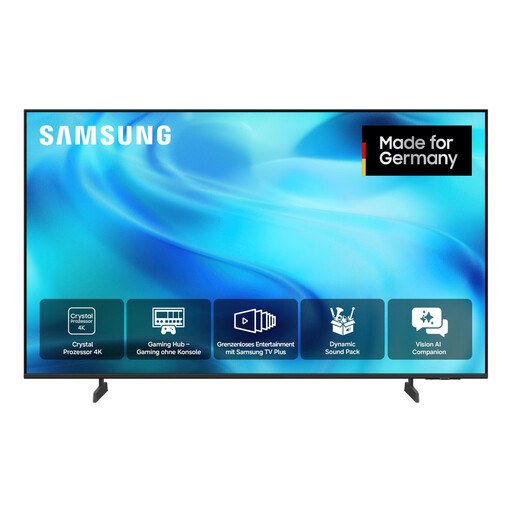
Samsung GU43U8079H Crystal UHD 4K Smart TV, 43 inches
A 43-inch screen may be a good fit if it suits your available space and viewing distance; check how easy it is to read from your usual seats.
43 inches; 4K; smart TV.
Joybuy
 No image available
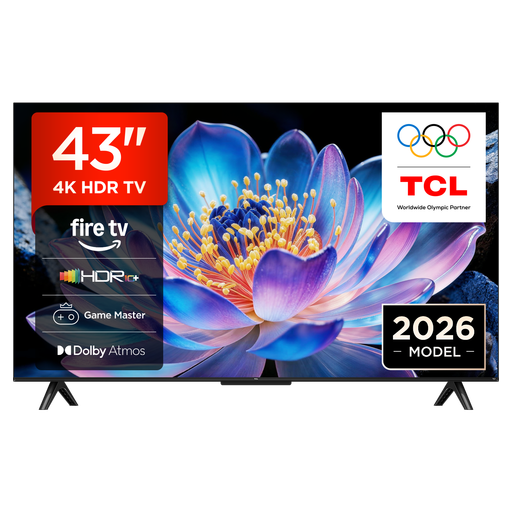
TCL 43V6D 43-inch 4K UHD Smart TV with Fire TV
If you’re looking for a 43-inch TV to share with the family, first check that it will fit in your room and how you can start the quiz on this model.
43 inches; 4K UHD; Fire TV; Game Master.
Joybuy
 No image available
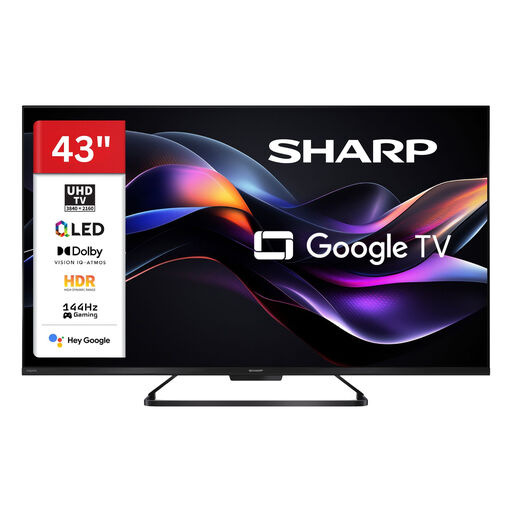
SHARP 43HR7765E QLED Smart TV, 43 inches, 4K UHD, 144 Hz (2026)
If you’ll also use the TV for other games, the gaming specifications in the product name may be useful for comparison; they don’t replace checking how easy the screen is to read in your room.
43 inches; 4K UHD; Google Smart TV; 144 Hz.
Joybuy
 No image available
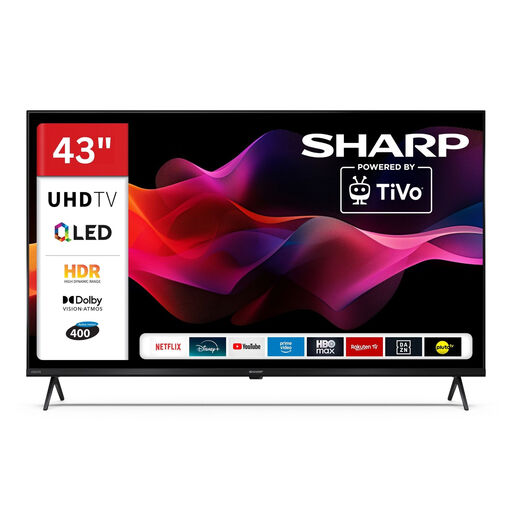
SHARP 43HM5745E QLED Smart TV with TiVo, 43 inches, 4K UHD (2026)
This model is an option if you’re looking for a 43-inch TV to share for quiz nights; check in advance whether the game will run through TiVo or an external device.
43 inches; 4K UHD; TiVo Smart TV.
Joybuy
 No image available
LG 43QNED86B6B, 43 inches, Mini LED, 144 Hz VRR
If you also plan to use the same TV regularly for other games, the gaming features listed may be worth considering. The refresh rate alone doesn’t tell you the input lag.
43 inches; Mini LED; 144 Hz; VRR.
Joybuy
Family quizzes and TVs: frequently asked questions
Is a smart TV enough for a Jackbox family quiz, without any other devices?
Not necessarily: Jackbox Games says direct installation is only available on certain smart TVs and compatible streaming devices. Check whether the specific title is available in your TV model’s app selection. Alternatively, a compatible host device can display the game while players use internet-connected devices to enter their answers.
How do we set up a quiz using a console?
Connect the console to a suitable HDMI input and select game mode if needed; ALLM can switch automatically when used with a compatible source. With Jackbox, the host device displays a room code on the shared screen, which players enter at jackbox.tv.
What should we check before wall-mounting a TV in a small living room?
Check the exact model’s compatible bracket, mounting-hole spacing, wall type and installation instructions. Sony recommends using an authorised professional installer to wall-mount its BRAVIA TVs; this manufacturer recommendation isn’t a general legal requirement.
What does the EU energy label tell us about electricity use?
The EU energy label for electronic displays shows, among other things, the energy efficiency class and information for SDR and HDR content. Compare the information for the specific models; actual electricity use also depends on how you use the TV and its settings.
What are our rights if a TV bought online in Germany is faulty?
For a consumer purchase from a business seller, the seller is generally liable for defects under a statutory guarantee of at least two years, as explained by the European Union’s Your Europe. Online purchases generally come with a 14-day right to cancel, subject to legal exceptions; a voluntary manufacturer’s guarantee doesn’t replace your statutory rights.


