First, measure your viewing distance and available space, and check where your family videos are stored. The German Consumer Advice Centre recommends choosing a screen size based on viewing distance. A compact OLED TV could be a good choice if picture technology is your priority. For LCD and QLED models, compare the connections, ease of use and energy label: the panel type alone won’t tell you whether your videos can be played.
Who is this selection for?
Families short on space
You want to watch videos together without the TV taking over the room or dominating your furniture. Measure your viewing distance and available space, then compare the dimensions of the TV and its stand. The German Consumer Advice Centre recommends choosing a screen size based on viewing distance.
Families with videos on their phones
Your recordings are mostly on a smartphone. Check whether your specific device works with your chosen TV via AirPlay or Google Cast. Samsung notes that AirPlay support varies by model, while Google says Cast requires, among other things, both devices to be on the same Wi-Fi network.
Families with a video archive
You want to play videos from a USB drive or an older camera. Check that the file formats and connections work with the playback method you plan to use. The German Consumer Advice Centre points out that newer TVs often no longer have a Scart connection.
What should you look for when buying?
Compact OLED TV
A good fit if: A 42-inch TV fits your room and picture technology is a priority for you.
Keep in mind: OLED won’t solve problems caused by missing connections or incompatible files.
Compact LCD or QLED TV
A good fit if: A suitable 43-inch model fits your available space and connections, ease of use or playback options are your main priorities.
Keep in mind: QLED alone doesn’t guarantee compatibility with your videos or tell you how much electricity the TV uses. Compare the specifications for the specific model and its EU energy label.
The German Consumer Advice Centre, Apple Germany, Google and Samsung Germany outline important checks for viewing distance, connections and streaming from a smartphone. The key is to choose a TV that suits your room and the way you actually plan to play your videos.
| Priority |
What to check when buying |
Who is this particularly important to? |
| Size for the room and viewing position |
Measure the viewing distance; compare the TV and stand dimensions with the space available. |
If space on the furniture is limited, I want us to be able to watch together without the TV or stand dominating the area. Around 29% of consumers say getting the right size is their top priority. |
| Playing videos you already own |
Check where the videos are stored and how you’ll transfer them; check the model supports AirPlay, Cast, USB formats or the connections you need. |
If our videos are on phones, USB drives or older devices, I want to be able to play them using a suitable method. Around 29% of consumers prioritise playing videos they already have. |
| Picture quality when watching together |
Compare the model’s resolution and picture technology, then check its space requirements and connections. |
If picture quality is my priority when we watch together, I’ll compare the picture technology without overlooking video compatibility. Around 24% of consumers prioritise picture quality. |
| Energy use and accessories |
Compare the EU energy label for the specific model and check whether you’ll need an adapter for your existing devices. |
If I want to keep an eye on running costs and any extra accessories I might need, I’ll check both for the specific model and playback method. Around 18% of consumers make total costs their top priority. |
Common buying mistakes
-
Focusing only on screen size and overlooking the stand
The screen size doesn’t tell you whether the TV, including its stand, will fit on your furniture. For example, Panasonic lists separate overall dimensions with the stand for its 43-inch TV-43W80AEZ.
Before buying, compare the available space with the full dimensions of the specific TV, including its stand.
If the TV or stand doesn’t fit, you may need different furniture or a suitable wall mount.
-
Assuming “Smart TV” means it can play all your family videos
AirPlay support depends on the model, Cast needs a compatible receiving device, and older cameras may require different connections.
First, work out where a typical video is stored and how you want to play it. Then check that the specific model supports your chosen method, and check the formats and connections you need for USB drives or older devices.
-
Assuming LCD, QLED or OLED tells you how much energy a TV uses
The picture technology doesn’t indicate energy consumption. The EU energy label gives information for the specific model and distinguishes between SDR and HDR use.
Compare the energy label for the exact model rather than trying to work out energy use from the panel type.
Brands to consider
LG
LG lists the OLED42C5ELB as a 42-inch OLED TV for the German market.
- For this model, LG lists 4K OLED, Dolby Vision and webOS 25.
- These manufacturer specifications don’t tell you whether a particular family video file can be played. Check the dimensions and connections of the specific model.
Samsung
Samsung lists the GU43U8079FUXZG as a 43-inch 4K Crystal UHD model for Germany.
- Samsung describes AirPlay as a model-dependent feature for sharing photos and videos.
- AirPlay isn’t supported on every Smart TV. Check compatibility for the model you’re considering.
TCL
TCL has several 43-inch models in Germany, including the QLED 43T6C.
- The manufacturer’s range includes 43-inch TVs with FHD and 4K.
- Don’t assume a TV’s resolution or streaming features from the brand name or QLED label alone. Check the specifications of the specific model.
Panasonic
Panasonic lists the TV-43W80AEZ as a 43-inch 4K QLED model with Fire TV built in.
- Panasonic gives the model’s dimensions as 957 mm wide and 230 mm deep with the stand.
- Fire TV and the advertised picture features don’t guarantee that a particular video file you already own can be played.
Sony
Sony lists the XR42A90KAEP as a more compact 42-inch OLED model with 4K.
- The manufacturer’s specifications for this specific model cover OLED and 4K.
- These specifications don’t guarantee compatibility with your video archive. Sony also recommends installing software updates.
Joybuy products for compact living spaces
The Joybuy models below are listed as 43-inch TVs. Before buying, check that their dimensions, connections and playback options suit your room and family videos.
 No image available
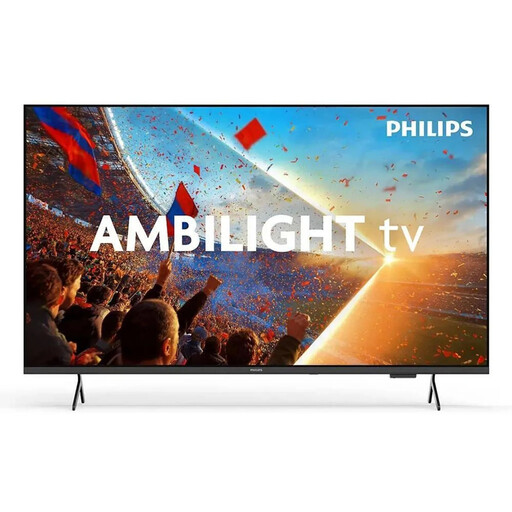
PHILIPS Ambilight TV 43PUS8001/12
This 43-inch TV could be a good option if its size suits your viewing distance and available space.
4K UHD, QLED and HDR; 3 HDMI and 2 USB connections.
View at Joybuy
 No image available
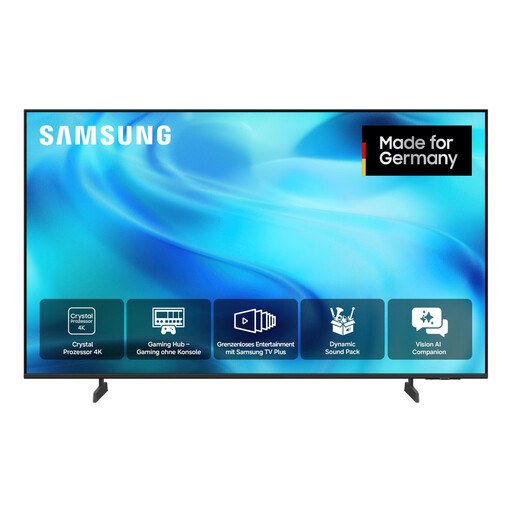
SAMSUNG GU43U8079H Crystal UHD U8079H
The listed DLNA compatibility could be useful if you want to play videos over your home network. Check that it suits the way you plan to play them.
43-inch, 4K UHD, HDR10+/HLG and DLNA compatibility.
View at Joybuy
 No image available
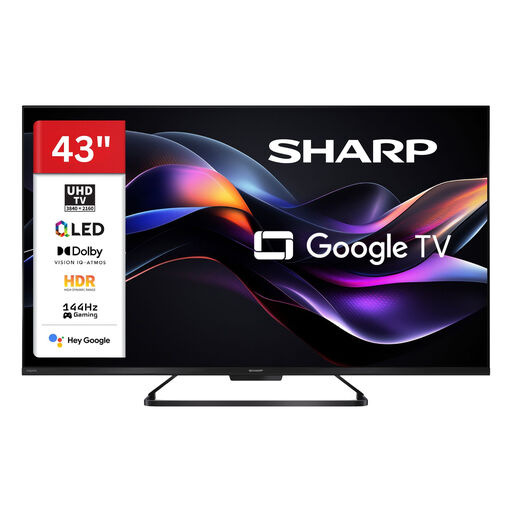
SHARP 43HR7765E QLED TV
Google TV and the listed streaming apps may be useful for Smart TV features. For your family videos, also check that you have a suitable way to transfer them.
43-inch, 4K UHD, QLED and Dolby Vision IQ.
View at Joybuy
 No image available
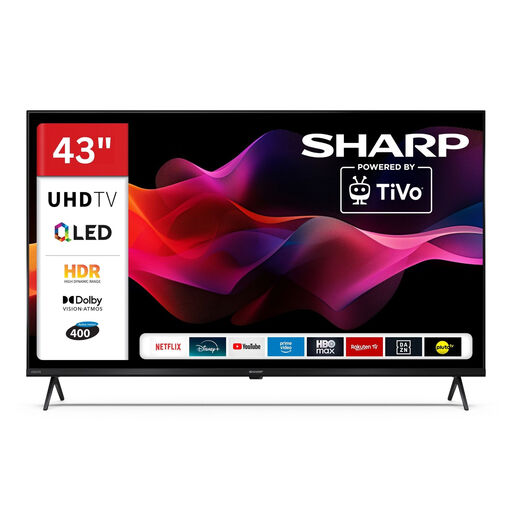
SHARP 43HM5745E QLED TV
The listed USB playback for a range of media formats could work for videos stored on a USB drive. Check that your file formats are supported.
43-inch, 4K UHD, Dolby Vision HDR and Smart TV apps.
View at Joybuy
 No image available
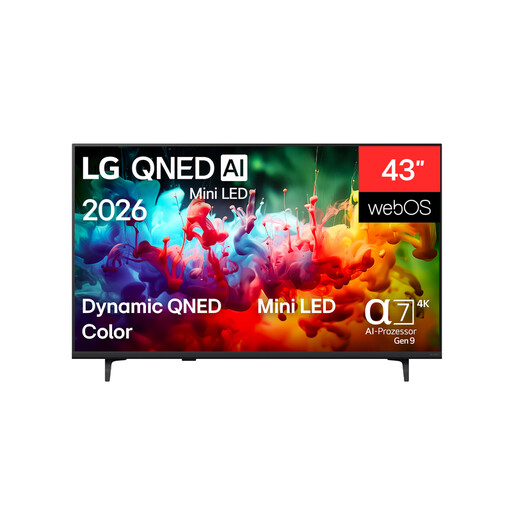
LG 43QNED72B6B
The three listed HDMI and USB connections could be useful for multiple devices or storage drives. Check that they suit the devices you have.
43-inch, 4K UHD, Mini LED, webOS, plus 3 HDMI and 3 USB connections.
View at Joybuy
Frequently asked questions
Is a 42- or 43-inch TV big enough for a small living room?
Room size alone won’t tell you. Measure your usual viewing distance and the space available for the TV and stand. The German Consumer Advice Centre recommends choosing a screen size based on viewing distance.
How can I play videos from my smartphone on the TV?
For Apple devices, you could use a TV that supports AirPlay. To stream an Android screen, you’ll need a Cast-enabled receiving device. Google recommends connecting both devices to the same Wi-Fi network, among other things. Check that the feature is supported by the specific TV model.
Can I connect an older video camera directly?
It depends on the camera’s outputs and the TV’s inputs. The German Consumer Advice Centre points out that newer TVs often no longer have a Scart connection, so you may need an adapter. Check the connections on both devices before buying.
Which label helps me compare energy consumption?
Compare the EU energy label for the specific model. The European Commission explains that covered electronic displays require an energy label, which includes information about energy consumption in SDR and HDR.
What are my rights when buying online in Germany?
Online purchases generally come with a 14-day right to cancel. The German Consumer Advice Centre distinguishes the statutory legal guarantee for faulty goods from a voluntary warranty. Check the terms of any additional warranty separately.


