Families with a sofa far from the TV
Compare viewing distance, screen size and available space to make sure the picture is easy to see from the sofa. Germany’s consumer advice centre recommends measuring your usual viewing distance before you buy.


First, measure the distance from your usual seat and the space available for the TV. When you’re sitting further away, a larger screen may matter more than advanced display technology. Then check whether the specific model supports your video files or the playback method you plan to use: a USB port alone doesn’t guarantee that every format will play. For bright rooms, consider a Mini LED model; OLED may be an option if you mostly watch films in a darkened room. What matters is the performance of the specific TV.
Compare viewing distance, screen size and available space to make sure the picture is easy to see from the sofa. Germany’s consumer advice centre recommends measuring your usual viewing distance before you buy.
If you want to show your own recordings from a USB drive, computer or other playback device, check how you plan to play them and whether the specific model supports your files. Sony Germany points shoppers to the format support listed for each model.
If you watch at different times of day and from several seats, room lighting, reflections and viewing angles are important things to check. Energy consumption may also matter if you use your TV regularly.
First measure your viewing distance and available space, then check how the specific model suits your playback needs and living-room conditions.
| Buying consideration | What to check | Who it matters most to |
|---|---|---|
| Screen size for long viewing distances | Measure your usual viewing distance, the TV’s width and the space available; use screen-size recommendations as a guide. | If you sit a long way from the screen, you’ll want a large enough picture to make faces and details easy to see, without taking up more space than you have. Around 36% of consumers put choosing the right screen size first. |
| Playing personal videos | Check a sample file’s format and codec, along with its file system, against the manual for the exact model number. Alternatively, check the HDMI device you plan to use. | If you want to show your own phone or camera recordings, you’ll want to check in advance that your files work with your chosen playback method. Around 29% of consumers with file playback as their main consideration say this is a priority. |
| Room lighting and seating | Take windows and other light sources into account, as well as your usual seating positions; compare reflections and viewing angles on the specific TV. | If daylight falls on the screen or family members sit to the side, picture quality from your actual seats matters. Around 21% of consumers put room lighting and seating first. |
| Energy consumption | For the exact model number, compare the energy efficiency class and the separate SDR and HDR consumption figures on the EU energy label. | If you watch videos regularly, you may also want to consider the TV’s running costs. Around 14% of consumers prioritise energy consumption when choosing a TV. |
The right screen size depends on the room. Viewing-distance charts are useful guides, not strict rules.
Before comparing screen sizes, measure the distance from your usual seat, the TV’s width and the space available.
Supported file systems and codecs can vary by model and playback method.
Check one of your own sample files against the manual for the exact model number. If needed, consider a suitable external playback device instead.
Using a different playback method or converting a file may involve extra set-up steps.
Bright and dark living rooms call for different things. Reflections and the performance of the specific model also matter.
Compare TVs in lighting conditions and from seating positions that reflect your living room.
The EU energy label lists separate consumption figures for different types of picture content.
For the model numbers you’re considering, compare both the SDR and HDR figures.
Sony’s file playback information varies by model. For the K-75XR5, Sony Germany lists USB file systems and supported codecs.
The Philips 77OLED910/12, documented for the German market, combines a 77-inch OLED screen with four-sided Ambilight and an integrated sound system.
For the 77-inch OLED S95H sold in Germany, Samsung lists anti-glare Glare-Free technology and a separate One Connect Box.
The LG OLED77G68LW sold in Germany is a documented OLED model with a 77-inch screen.
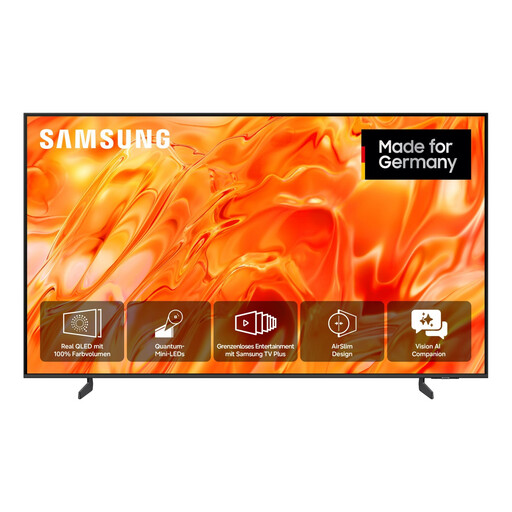
The TCL 75X11L sold in Germany is a 75-inch SQD Mini LED model. TCL lists Local Dimming and peak HDR brightness as model-specific features.
This selection includes large-screen TVs for family videos, including 75- and 85-inch models with different display technologies. Match the screen size to your viewing distance and available space, and check that the model can play your files.
 No image available
The 75-inch screen could suit a longer viewing distance, provided it fits your room and available space.
75 inches; 4K; SQD Mini LED.
Check that your video files will play by consulting the manual for this model.
 No image available
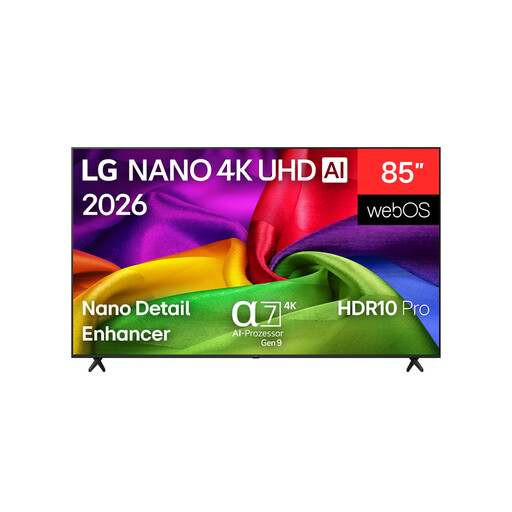
An 85-inch model could suit a large viewing distance, as long as there’s enough room for its width and the place where you plan to install it.
85 inches (214 cm); 4K; Neo QLED.
The product description advises taking care with the AirSlim design during installation.
 No image available
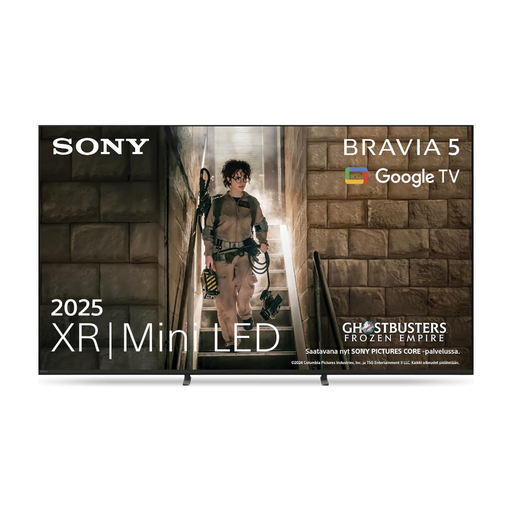
The 85-inch screen is an option if your viewing distance and available space can accommodate a large TV.
85 inches; 4K; HDR; 60 Hz; webOS.
The product description states that at least two people are needed for transport and installation, and that a qualified professional should carry out wall mounting.
 No image available
This 75-inch Mini LED model could suit a long viewing distance, provided its dimensions work for the space where you plan to put it.
75 inches; Mini LED.
Check the manual for this model to see whether it supports your specific files.
 No image available
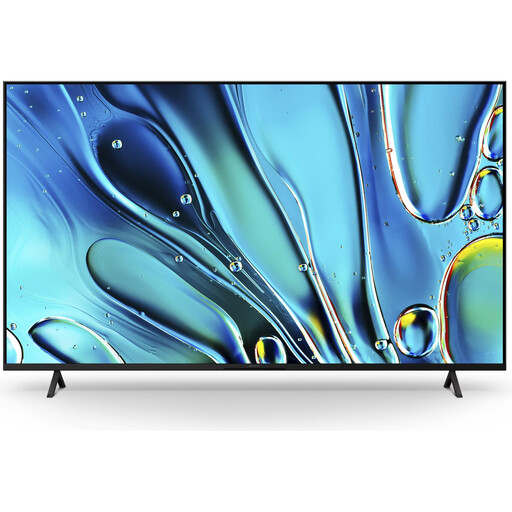
The 75-inch screen is an option for longer viewing distances, provided it fits your room.
75 inches; Direct LED; Dolby Vision; Google TV (2025).
Check the specifications for the specific model against your video formats and the playback method you plan to use.
You’ll need to consider your viewing distance and available space to work that out. Measure the distance from your usual seat to the screen and compare a few sizes. Germany’s consumer advice centre recommends measuring the distance, while RTINGS.com treats viewing-distance recommendations as a starting point rather than a strict rule.
No. A USB port alone doesn’t guarantee playback. The file format, codec and file system must be supported by the specific model number. Sony Germany refers users to the help guide for each model; check a sample file there or use a suitable external HDMI playback device.
That depends in part on whether you mostly watch in a bright or darkened room. RTINGS.com describes OLED as better suited to darker rooms and Mini LED as a possible option when there’s a lot of ambient light. Also compare reflections and viewing angles on the specific model. If static images stay on screen for long periods, remember that OLED can be at risk of permanent image retention.
For the exact model number, compare the SDR and HDR figures on the EU energy label. The European Commission gives consumption in kWh per 1,000 hours of use; actual consumption also depends on how you use the TV and the content you watch.
For the exact model number, check which mount is suitable, the hole spacing, the installation instructions and whether your wall is suitable. Sony warns that its BRAVIA models may pose a risk of injury and recommends installation by a professional. This is the manufacturer’s recommendation, not a general legal requirement stated here.