Brands to consider
The notes below refer to the model ranges mentioned. They’re no substitute for checking your files or the specific TV.
LG
The OLED-G5 range is an option for film nights where picture quality matters.
- LG positions the OLED-G5 range as TVs for films and viewing.
- LG says you should check file extensions, codecs and other USB playback requirements against the manual for the specific model.
Samsung
The OLED S95F is worth comparing if picture quality in a brighter room is important to you.
- In its independent review of the S95F, Netzwelt praised the picture in bright surroundings.
- This assessment applies to the model tested and doesn’t tell you whether your local files will play on that TV or other Samsung TVs.
Sony
The BRAVIA-8-II range is worth considering for film nights where the sound from the TV itself matters too.
- Sony highlights the contrast and colours of the BRAVIA 8 II.
- Sony lists additional requirements for USB subtitles on some models. On certain models, the video and subtitle files must have matching names.
Philips
According to Philips, the OLED910 combines four-sided Ambilight with an integrated Bowers & Wilkins sound system.
- These features are specific to the OLED910 model.
- You’ll still need to check separately whether the specific TV supports your local film files.
TCL
The C9K and Q6C ranges offer LCD alternatives with different sizes and features.
- TCL promotes Mini LED dimming and an ONKYO 2.1 system on the 55Q6C.
- Features of the C9K and manufacturer specifications for the Q6C can’t automatically be assumed to apply to the other range.
TVs for playback via an external HDMI device
These TCL Q6C models are listed for film nights using an external player or computer connected via HDMI. Also check that your chosen player supports your files, and that the screen size and placement suit your room.
 No image available
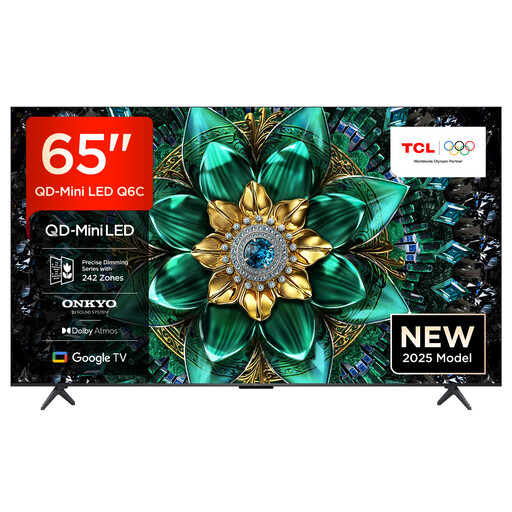
TCL 65Q6C QLED Mini LED TV
HDMI 2.1 is listed for playing local files through an external player or computer.
QD-Mini-LED, 4K HDR Premium and an integrated Onkyo 2.1 sound system are listed in the product specifications.
View at Joybuy
 No image available
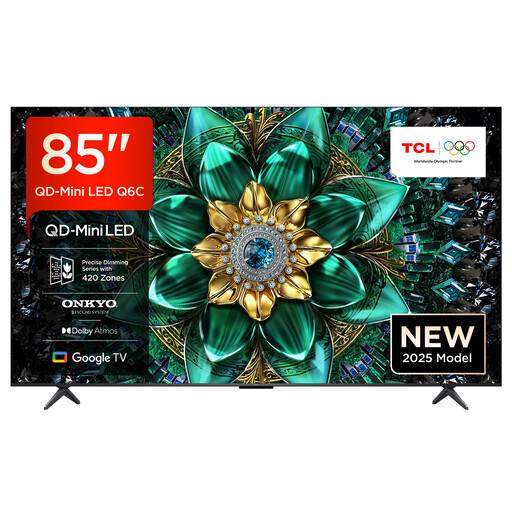
TCL 85Q6C QLED Mini LED TV
HDMI 2.1 is listed for playing local files through an external player or computer.
85 inches, 4K HDR Premium and an integrated Onkyo 2.1 sound system are listed in the product specifications.
View at Joybuy
 No image available
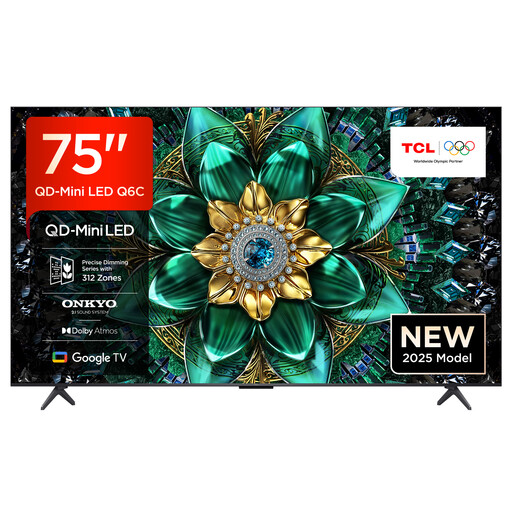
TCL 75Q6C QLED Mini LED TV
HDMI 2.1 is listed for playing local files through an external player or computer.
75 inches, 4K HDR Premium and an integrated Onkyo 2.1 sound system are listed in the product specifications.
View at Joybuy
 No image available
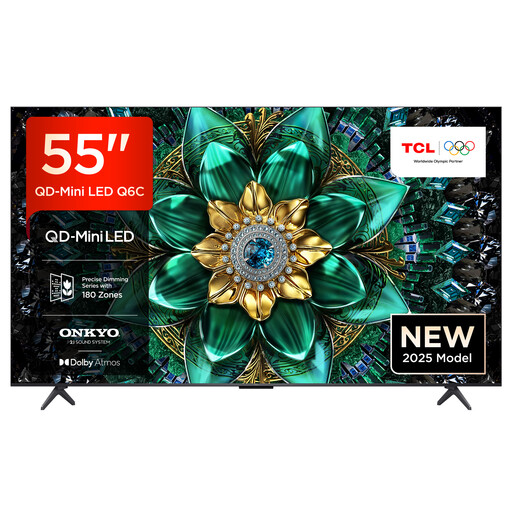
TCL 55Q6C QLED Mini LED TV
HDMI 2.1 is listed for playing local files through an external player or computer.
55 inches, 4K HDR Premium and an integrated Onkyo 2.1 sound system are listed in the product specifications.
View at Joybuy
 No image available
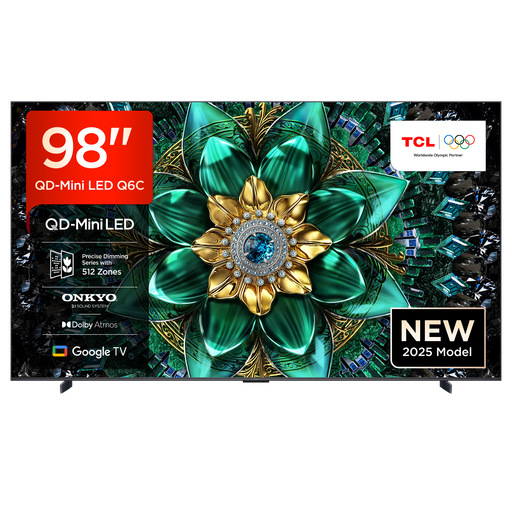
TCL 98Q6C QD-Mini-LED TV
HDMI 2.1 is listed for playing local files through an external player or computer.
98 inches, 4K HDR Premium and an integrated Onkyo 2.1 sound system are listed in the product specifications. The TV needs plenty of space and a stable surface. At least two people are required to handle it. Professional installation is recommended for wall mounting.
View at Joybuy
Frequently asked questions
Is a USB port enough for my film files?
No, a USB port alone isn’t enough. The file extension and video and audio codecs must be compatible with the specific TV model. Compare a sample file with the manual, or use a suitable external player connected via HDMI.
What can I do if separate subtitles don’t appear?
Check the guidance for your specific model. For affected models, Sony recommends, among other things, saving the video and subtitles in the same folder. Some models also require the file names to match.
What additional costs should I consider before buying?
Check whether you’ll need to make any additional arrangements for delivery, connection or installation. To compare running costs, look at the information on the EU energy labels for the specific TVs.
Which energy label applies to TVs?
TVs covered by EU regulations carry an energy label with an efficiency scale from A to G. The European Commission also provides information for HDR. Check the label for the specific model rather than trying to infer energy use from the display technology.
What should I do with my old TV?
Don’t put it in your household rubbish. Germany’s Federal Environment Agency lists local collection points, as well as free take-back of a large old appliance when you buy a similar new one, including online purchases delivered to your home.


