What to look for when buying
First, work out how far away the furthest seat is and which photo sources you’ll use. Then consider the view from the side, the room’s lighting and where you’ll put the TV.
| What matters when buying |
What to check |
Who it matters most to |
| Seeing the picture from the back row |
Measure the distance to the furthest seat, view your own photos on different screen sizes and compare the energy label for the specific model. |
If I want to show costume details and captions to guests at the back, I’ll check how my photos look at different screen sizes. Around 36% of consumers put visibility from a long viewing distance first. |
| Playing photos from the devices I plan to use |
Test AirPlay, Google Cast or USB with your own devices and image files; check the slideshow order and controls too. |
If photos will be added from a phone during the party or I want to run a prepared collection, having a suitable way to share them matters to me. Around 29% of consumers prioritise hassle-free photo sharing. |
| Viewing from the side and in a bright room |
Check reflections and any changes to colour or contrast on the specific model, from the seats you’ll actually be using. |
If guests will be sitting to the side or light falls on the screen, I want to be able to see how the photos look from those seats. Around 21% of consumers focus on seating to the side or in bright areas. |
| Placement and power consumption |
Check the dimensions, stand width, weight and suitable mounts. Also look at the energy label and product specifications for the specific model. |
If space is limited or wall mounting is needed, and the TV will be used regularly, I need to make sure the placement and power consumption work for me. Around 14% of consumers give these points top priority. |
Joybuy models for displaying photos on a large screen
These Joybuy models are a good starting point for comparing large-screen 4K photo displays. Some also offer wireless sharing features.
 No image available
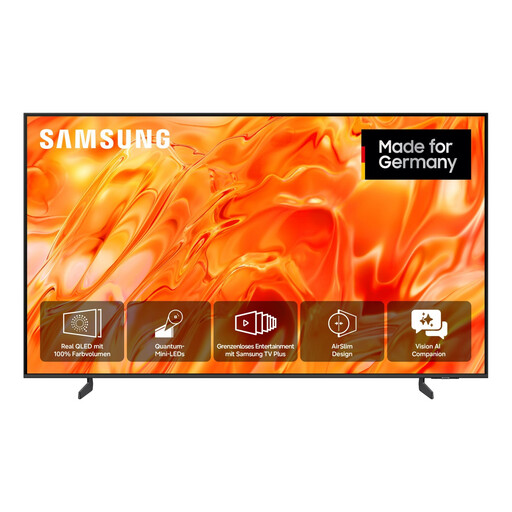
Samsung GQ85QN70H Neo QLED QN70H, 85-inch, 4K UHD Smart TV
The listed screen size could be a good option for sharing photos with a group from further away. Check how clearly they can be seen from the furthest seat.
The product specifications list an 85-inch screen, 4K UHD and Neo QLED.
Place the TV on a stable, level surface and keep the ventilation openings clear.
Joybuy
 No image available
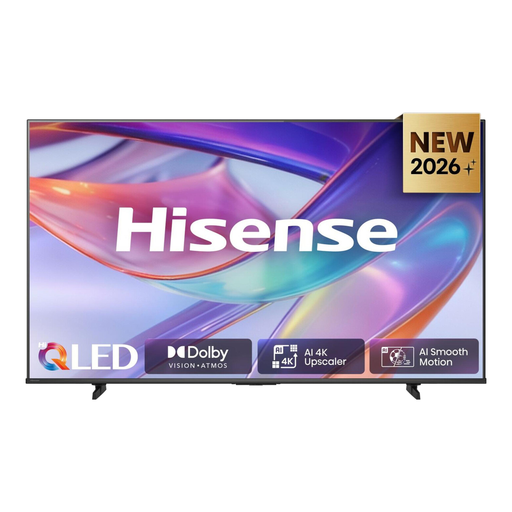
Hisense 75E7S QLED Smart TV, 75-inch, 4K UHD, HomeOS, AirPlay 2
If you want to show photos from a compatible Apple device, test AirPlay 2 with your specific device set-up.
The product specifications list a 75-inch screen, 4K UHD, QLED and AirPlay 2.
Joybuy
 No image available
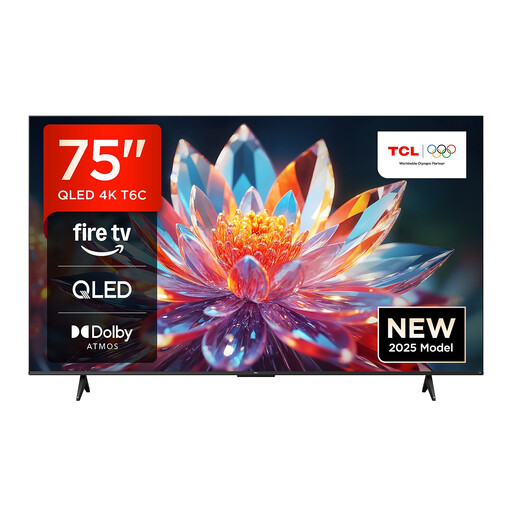
TCL 75T6C QLED TV, 75-inch, 4K UHD, Fire TV, Google Cast, AirPlay 2
Google Cast and AirPlay 2 are listed as features for sharing photos from a phone. Check which option works with your phone and the app you’re using.
The product specifications list a 75-inch screen, 4K UHD and QLED.
Joybuy
 No image available
TCL 75Q7C QD-Mini LED TV, 75-inch, 4K, Google TV, AirPlay 2, 144 Hz
If you’re looking for a large picture and want to share photos from a compatible Apple device, consider how the screen size and AirPlay 2 will work in your room and with your phone.
The product specifications list a 75-inch screen, 4K, QD-Mini LED, Google TV and AirPlay 2. TCL lists a refresh rate of 144 Hz for this model.
Make sure the TV is securely fixed, whether you’re placing it on a stand or mounting it on the wall.
Joybuy
 No image available
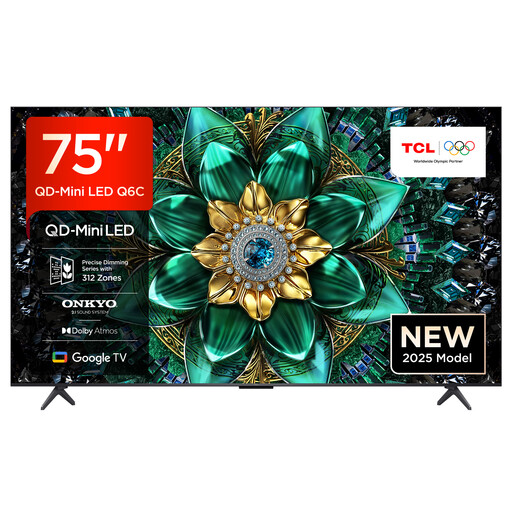
TCL 75Q6C QD-Mini LED TV, 75-inch, 4K, Google TV, AirPlay 2
For sharing photos on a large screen from a phone, the listed screen size and AirPlay 2 are useful points of comparison. Test the feature with your own devices.
The product specifications list a 75-inch screen, 4K, QD-Mini LED, Google TV and AirPlay 2.
Place the TV on a stable surface or secure it safely to the wall.
Joybuy
Frequently asked questions
How do I choose the right size for the back row?
Measure from where you plan to position the screen to the furthest guest, then view your own costume photos and captions from that spot. Samsung Germany suggests around 2.3 m for a 75-inch 4K TV and around 2.6 m for an 85-inch model for a comfortable viewing experience. These are guidelines, not maximum viewing distances or limits for reading text in photos.
Can I show photos from a USB stick without an internet connection?
A TV with a suitable USB media player can play prepared files locally. Check which image files and USB connections the specific model supports. LG Germany notes that file extensions and codecs can vary by model.
Is “Google TV” all I need for a Google Photos slideshow?
Not if you have a particular way of controlling it in mind. Google Streaming Help lists additional requirements for starting a Google Photos slideshow by voice command. Check that your devices, accounts and planned connection are compatible.
What should I check before mounting a TV on the wall?
Check the model code, dimensions, weight and mount compatibility. Sony lists a VESA hole spacing of 30,0 × 30,0 cm and a weight of approximately 38,1 kg without the stand for the K-75XR95M2. These specifications apply to this model only, not other TVs.
What energy label must a new TV display when sold online in Germany?
The online listing must clearly display the EU energy label that applies to the specific model. EU requirements provide for labelling products at the point of sale, including in online shops. The scale for TVs runs from A to G, but buyers aren’t required to choose a particular minimum class.


