Learners using subtitle files
If you watch lessons with separate subtitles, check whether the media player on the specific TV can display these files. LG and Sony list format, codec and file naming among the things to check.


For German lessons using local files, a TV is suitable if its specific media player supports your files’ video, audio and subtitle formats; having a USB port alone doesn’t guarantee this. Check compatibility first, then choose a screen size based on viewing distance and subtitle readability. If the built-in player can’t play your files, a separately checked HDMI player may be an alternative, but it means extra equipment and another device to operate.
If you watch lessons with separate subtitles, check whether the media player on the specific TV can display these files. LG and Sony list format, codec and file naming among the things to check.
If your lessons come in different file formats, compatibility with the specific video and audio formats is key. LG points out that supported file extensions and codecs can vary by model.
If you’re learning with others or sitting further away, check that subtitles are easy to read from your usual seat. The consumer advice centre recommends taking your typical viewing distance into account when choosing a screen size.
LG and Sony list model-specific checks, including codecs, subtitle formats, folders and file names. Compare these details with the full model number and a representative file of your own.
| Buying priority | What to check | Who is this important to? |
|---|---|---|
| Playing local files | Compare the supported file extensions and video and audio codecs with your own files; test a sample file if possible. | I want to switch between different lessons and play the files without extra steps. Around 33% of consumers prioritise being able to play different local files. |
| Displaying subtitles | Check support for separate or embedded subtitles; for separate files, check the folder and file names too. | I need suitable subtitles to follow along, not just a picture on screen. Around 27% of consumers put subtitle display first. |
| Reading from your seat | Take your usual viewing distance into account and check subtitle readability; compare the energy information for the specific model. | When I’m learning from my usual seat, I want to be able to read the words on screen easily. Around 20% of consumers prioritise readability from their usual viewing distance. |
| Hearing speech clearly | Check the sound from your usual listening position; consider connections for your existing audio equipment and the EU energy label for the specific model. | During longer lessons, I want to understand spoken content clearly and keep an eye on energy use. Around 20% of consumers prioritise clear speech and running costs. |
Video, audio and subtitles can each have their own compatibility issues. A file may work on your computer but still fail to play on your TV because its codec isn’t supported.
Check the full requirements for the specific model and compare them with a representative file of your own.
Manufacturer guidance may apply only to specific models. LG also notes that supported file extensions and codecs vary between models.
Check the exact model number, including its suffix, against the relevant documentation.
A larger screen takes up more space and may use more electricity; subtitles can also be harder to read from further away.
Measure your usual viewing distance, check subtitle readability from that position and compare the energy information for the specific models.
Worth considering if you want to check the limitations of a built-in USB player and how subtitles are displayed.
Worth considering if you want to use subtitle files with the media player on a USB device.
The 32PFS6000/12 and 32PFS6900/12 are examples of compact Full HD TVs.
The GU43U8079FUXZG is a larger-screen alternative in the 43-inch Crystal UHD range.
The models below are compact TVs, including some with a USB media player specifically listed. You’ll need to check whether your particular video, audio and subtitle files work with each model.
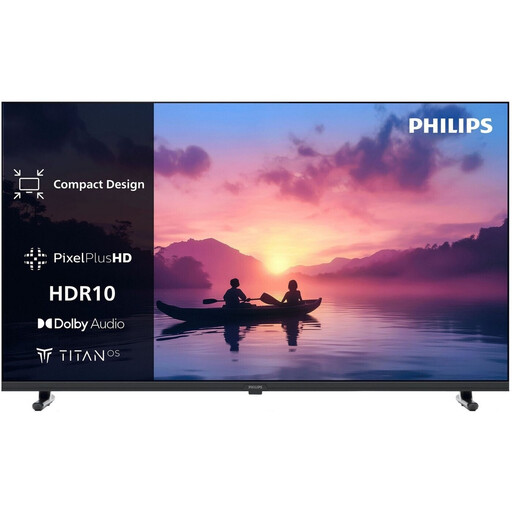
 No image available
The 32-inch screen could suit a compact study space; check whether this model can play your specific videos and subtitles.
32 inches; Full HD; QLED; Tizen OS; Dolby Audio.
 No image available
The listed USB media player is useful if you want to play local lessons directly on your TV; check the file formats and subtitles against the details for the exact model.
32 inches; Full HD with 1920 × 1080 pixels; USB media player; 12 W stereo speakers; 3 × HDMI and 2 × USB.
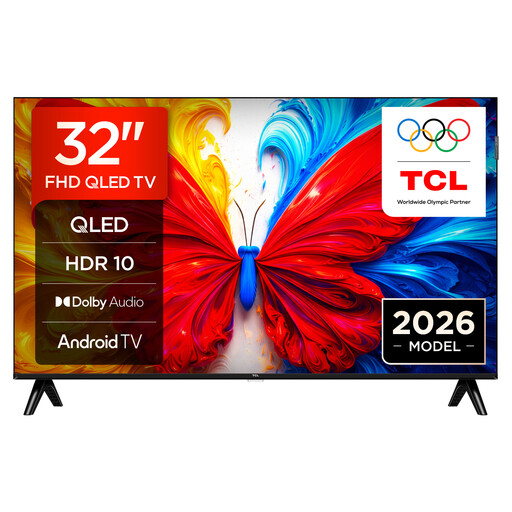 No image available
The product details state that you can play your own media via USB; before buying, check whether the formats used for your lessons and subtitles are supported.
32 inches; Full HD with 1920 × 1080 pixels; QLED; Android TV; 60 Hz; Dolby Audio.
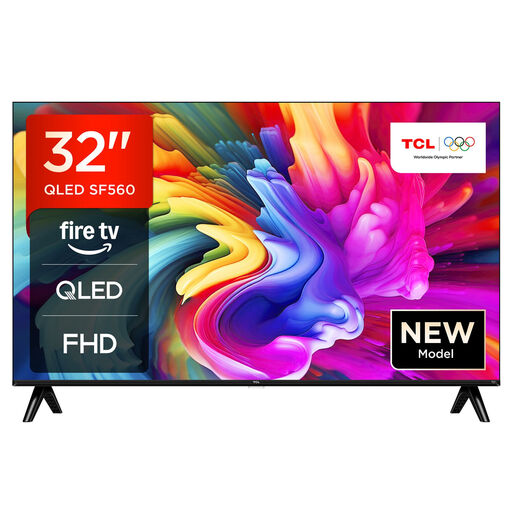 No image available
As a 32-inch model, this TV could suit a compact study space; the product details available don’t confirm support for your local files or subtitles.
32 inches; Full HD; QLED; Fire TV; HDR; energy efficiency class F.
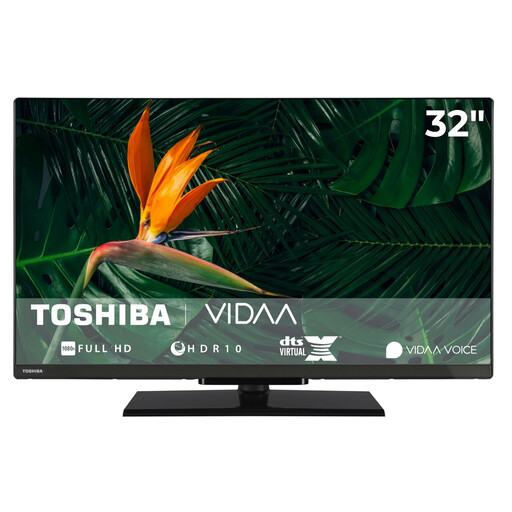 No image available
The listed USB media player may be useful for local lessons; check whether your video and subtitle formats are supported by the exact model.
32 inches (80 cm); Full HD with 1920 × 1080 pixels; VIDAA; HDR10 and HLG; USB media player; 12 W audio output; Triple Tuner DVB-T2/C/S2.
No. For the specific TV model, check the file extension and the video and audio codecs as well as the port. LG points out that a file which plays on a computer may still fail on a TV because its codec isn’t supported.
First, check whether your model supports the format. Sony also recommends putting the subtitle file and video in the same folder for the media players concerned; for some models, the file extension and matching file name may matter. LG mentions potential codec and encoding issues. This guidance doesn’t guarantee compatibility across every model range.
You don’t need internet access to play local files using a suitable built-in USB media player. However, internet-based features such as HbbTV do require a connection.
Compare the energy information for the specific TVs rather than relying on screen size alone; the EU energy label helps you make comparisons. If there’s a fault, remember that your statutory rights against the seller are separate from any voluntary guarantee.
No. Owning a file doesn’t automatically give you permission to copy it. Under certain conditions, § 53 UrhG allows individual copies for private use, but excludes, for example, works that were clearly made or made available to the public unlawfully. What matters is the lawful source and the usage rights for the specific lesson.