Quiet-evening viewers
If someone else is sleeping in the same bedroom or needs some peace and quiet, private audio is key. Easy-to-use controls may matter more than especially powerful bass.


In a shared bedroom, headphones that deliver private audio and fit comfortably are a good choice when the other person needs peace and quiet. A wired model can work if you have the right connection and can route the cable safely. A wireless TV system gives you more freedom to move around, but it needs a compatible connection to your TV. Direct Bluetooth headphones are another option if your TV supports them and the picture and sound stay in sync.
If someone else is sleeping in the same bedroom or needs some peace and quiet, private audio is key. Easy-to-use controls may matter more than especially powerful bass.
If you want to listen wirelessly, first check whether your TV has Bluetooth audio, an optical output or a headphone socket. The connections available determine which options will work.
If you want to hear the presenter clearly at a comfortable, relatively low volume, check the fit and, if available, look for a speech mode. Features like these vary by model and aren’t guaranteed across an entire brand.
A good fit if: You have a suitable headphone output, your seat is close enough and you can route the cable safely.
Things to consider: No wireless pairing or headphone battery is needed, but cable length, trip hazards and your TV’s speaker settings still matter.
A good fit if: You want to move around without a cable and adjust the volume yourself, and your TV has a compatible audio output.
Things to consider: You’ll need a transmitter base and a power supply; depending on the model, your TV’s audio format may also need to be compatible.
A good fit if: You already have suitable Bluetooth headphones and your particular TV supports Bluetooth audio.
Things to consider: A Bluetooth specification alone doesn’t guarantee compatibility or synchronised sound and picture. Test both with your specific devices.
| What matters when buying | What to look for | Who it matters to |
|---|---|---|
| Keeping the room quiet | Check for private audio output and your TV’s speaker settings; noise cancellation doesn’t do this for you. | If I want to listen to a documentary while someone else is sleeping in the room, I want to make sure the TV sound isn’t still coming through the room’s speakers. Around 36% of consumers put keeping things quiet for the other person first. |
| TV connection | Check the available outputs before buying; if you’re using an optical connection, also check which audio format is required. | If I don’t yet know which audio outputs my TV has, I want to find the right connection before choosing a system. Around 29% of consumers prioritise a compatible TV connection. |
| Clear dialogue | Check whether the specific model has a speech mode, then try it with the programme you’re watching. | If I want the presenter to remain clear at a low personal volume, I’d look for suitable settings rather than turning the volume up all the time. Around 21% of consumers put clear dialogue first. |
| Fit and ease of use | Try the design and fit for yourself. For wired models, plan the cable route; for wireless systems, consider where to charge them and how to power the base. | If I want to listen to a whole programme in bed or from my usual seat, a comfortable fit and easy-to-reach controls matter to me. Around 14% of consumers prioritise comfort and ease of use. |
Noise cancellation works through the headphones, but it doesn’t automatically make sure the TV stays quiet in the room.
First, check for private audio output and the speaker settings on your specific TV. Then consider the headphones’ design and fit.
According to Avantree, the Avantree Ensemble needs an optical or 3.5-mm audio output. For an optical connection, the manufacturer specifies PCM or Stereo as the setting.
Check the sockets on your TV and the connection and audio guidance for the exact model variant before ordering.
Depending on the connections available, you may also need a suitable connection solution. Check before you buy.
Sony notes that compatibility and latency aren’t guaranteed for every TV and headphone combination. Even when pairing is possible, you may still need to check for a delay between sound and picture.
Try a scene with visible speech on your specific TV and headphones before relying on this connection.
A long cable needs to be routed safely to your seat; a wireless transmitter base needs a suitable place and a power supply.
Plan the cable route or position of the base to suit your bedroom.
The TV listening systems mentioned here vary by model in their design, transmitter connection and listening features.
The Ensemble is a TV headphone set with its own transmitter and charging station.
The SHP2500/10 is a wired TV option with volume control on the cable.
The RP-HT090 is a wired over-ear headphone with a 5-m cable.
The WH-CH720N is a closed-back Bluetooth over-ear headphone which, according to Sony, can also be used with a cable.
The products below are designed for private listening to your TV: Bluetooth headphones and TV headphones with a 2.4-GHz base station or dongle. Whether a connection works depends on the audio features and connections of your specific TV.
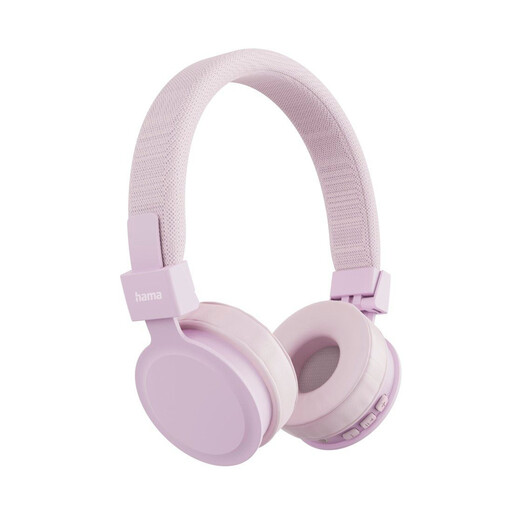 No image available
May suit you if your TV supports Bluetooth audio; also check that the sound and picture stay in sync.
Bluetooth 5.4; on-ear design; foldable.
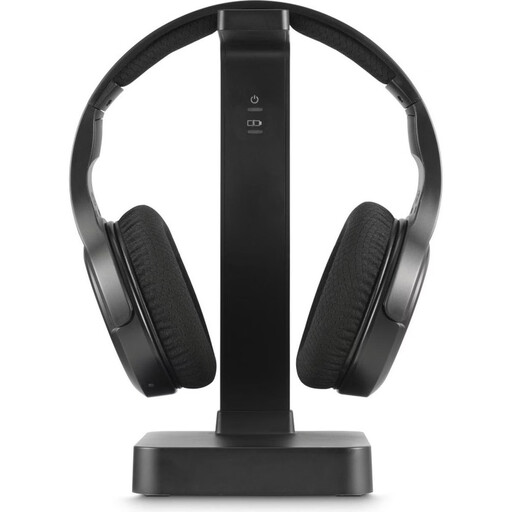 No image available
May be suitable for private TV listening if your TV has a compatible audio output for the base station.
2.4-GHz base station; Bluetooth®; volume control. The product details say an optical connection isn’t included; a 3.5-mm connection is also listed as an option.
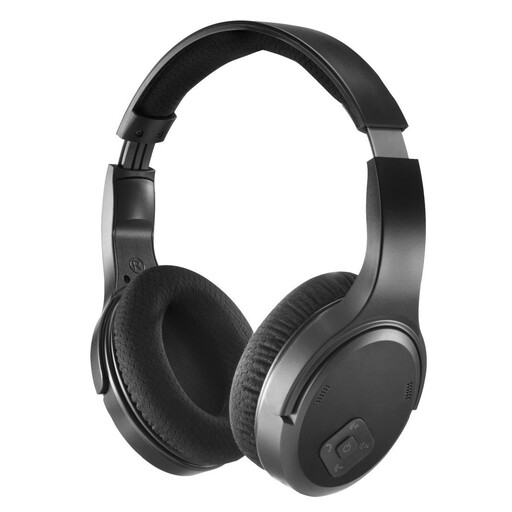 No image available
Before buying, check whether your TV supports the described USB-A dongle as an audio source.
2.4-GHz dongle; Bluetooth®; volume control. The wireless connection described uses a USB-A dongle plugged into the TV.
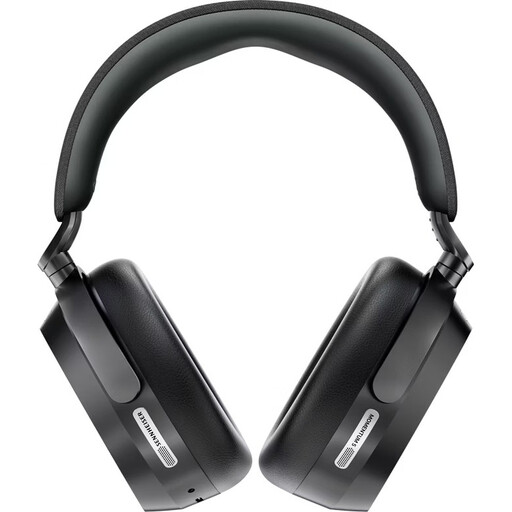 No image available
For TV audio over Bluetooth, these are suitable only if your specific TV supports the connection and a test shows no distracting delay between sound and picture.
Closed-back design; Bluetooth 5.4; Active Noise Cancellation. Noise cancellation doesn’t replace muting the TV speakers.
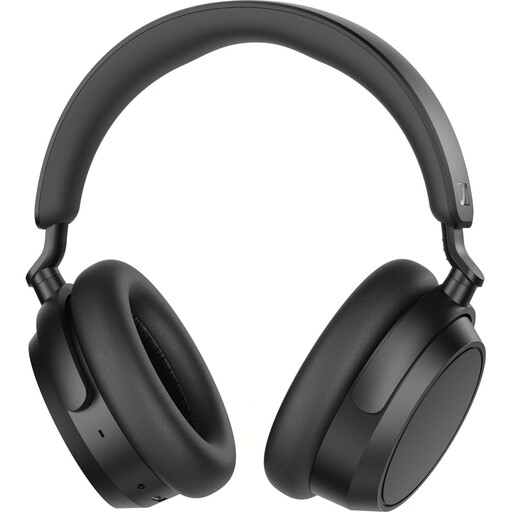 No image available
Check the Bluetooth connection with your specific TV model; the product is also described as having a detachable cable.
Bluetooth 5.2; aptX; detachable cable.
Not necessarily. Check whether your specific TV model supports Bluetooth audio and test whether the sound and picture stay in sync. For affected Google TV and Android TV devices, Sony specifies A2DP and doesn’t guarantee compatibility or latency for every combination.
According to Avantree, the issue with the Ensemble may be your TV’s audio output format: for an optical connection, the TV should be set to PCM or Stereo. Connections and menu labels vary from one device to another.
That depends on the TV and the connection. Sony describes both settings for separate volume levels on some models and connection setups that don’t allow simultaneous output. The manual for your specific TV model is the best guide.
The World Health Organization recommends keeping the volume low and taking listening breaks. Volume, duration and frequency all contribute to your sound exposure; don’t keep turning it up to compensate for parts that are hard to understand.
According to the Verbraucherzentrale, consumers generally have a right to cancel an online purchase, usually within 14 days of receiving the goods; check for exceptions and details. Your statutory rights against the seller are not the same as a voluntary guarantee. The Bundesnetzagentur explains that products covered by relevant EU harmonisation legislation must carry CE marking; a CE mark alone doesn’t prove listening comfort or compatibility with your TV.