If you regularly sit well off to the side, start by checking the viewing angle of the specific TV. OLED is one option; an IPS LCD is another. Then assess your slides from your actual viewing distance, and check for reflections, speech clarity and the connections you need. If slides are often left on screen for long periods, also bear in mind the risk of OLED burn-in.
Who should consider this choice?
Viewers sitting off to the side
If you watch lectures from the edge of a wide seating area, you’ll want to see the slides clearly from there, without noticeable changes to the picture. RTINGS.com highlights viewing angle as an important factor for wide seating arrangements.
Viewers sitting further away
Dates, map labels and subtitles need to be readable from your actual seat. The Verbraucherzentrale notes that the right screen size depends on several factors, including viewing distance.
Viewers who pause on slides for a long time
If presentations are often paused or the same slides stay on screen for a long time, consider your viewing habits when choosing a display. Sony Deutschland identifies static images displayed for long periods or repeatedly as a potential burn-in risk for OLED.
What should you look for when buying?
OLED TVs
A good fit if: several people sit well off to the side and you want a consistent-looking picture. Check your slides and subtitles from the furthest seat to the side.
The trade-off: Static slides displayed for a long time or repeatedly can leave permanent visible marks on OLED screens. Follow the care guidance for the model.
IPS LCD TVs
A good fit if: you have a wide seating area and often leave lecture slides on screen. Check the panel type and picture quality of the specific TV from the side.
The trade-off: According to RTINGS.com, IPS typically offers wider viewing angles than VA, but lower contrast.
VA LCD TVs
A good fit if: you can sit closer to the centre of the screen, or higher typical contrast matters more to you than a very wide viewing angle.
The trade-off: RTINGS.com says VA LCD typically has narrower viewing angles. So be sure to assess the picture from the side seat you plan to use.
First, decide what matters most for your seating position and presentation source. Then you can compare specific models more effectively.
| Priority |
What to look for |
Who it matters most to |
| Consistent viewing angles |
Check the specific model from the furthest seat to the side; for LCD TVs, the panel type also matters. |
If I want to follow slides from a seat at the edge without noticeable changes to the picture, viewing angle is my priority. Around 36% of consumers put viewing angle consistency first. |
| Slide readability |
Check your own sample slides from the furthest seat, and consider screen size and viewing distance together. |
If I need to read dates and map labels from my seat, clarity comes first. Around 29% of consumers put slide readability first. |
| Audio and connections |
Check that the app or connection you need is available, and listen to a typical lecture recording through the TV. |
If I want to use a specific source and hear speech clearly, I check both before buying. Around 21% of consumers prioritise sound and connections. |
| Still images and running costs |
Consider pauses and how long still images stay on screen when weighing up OLED; compare the EU energy labels for the specific models. |
If my lectures often pause on one slide for a long time, I consider the potential burn-in risk and running costs. Around 14% of consumers put still images and running costs first. |
Avoid common buying mistakes
-
Judging the picture only from the front
A good picture when you’re sitting directly in front of the TV doesn’t show how slides will look from the furthest seat to the side.
Check the picture with your own slides from the side angle you plan to use.
-
Assuming “LED” or “Mini-LED” tells you the viewing angle
LCD TVs can have different typical viewing angle and contrast characteristics depending on the panel type.
Check the specifications for the specific model and assess the picture from the side, rather than making assumptions based on the backlighting label.
-
Overlooking slides left on screen for a long time with OLED
Static content displayed for a long time or repeatedly can leave permanent visible marks on OLED screens. Sony Deutschland describes this risk for OLED displays.
Consider how long your presentations are actually paused for, and follow the care guidance for the specific TV.
Brands and model ranges to consider
LG
LG lists the OLED55C58LA as a 55-inch OLED TV with 4K and webOS 25.
- The model and specification details quoted are from LG.
- They don’t confirm a specific viewing angle for this model. If slides are often left on screen, bear in mind the general risk of OLED burn-in.
Philips
The 55OLED811/12 is an OLED Ambilight model from Philips for anyone considering both side viewing and Ambilight.
- Philips promotes this model’s picture quality when viewed from the side.
- This is a manufacturer claim, not an independent viewing angle test. Ambilight isn’t essential for reading lecture slides.
Panasonic
According to Panasonic, the TV-65Z95BEG is a 65-inch OLED TV with Fire TV and built-in speakers, listed for the German market.
- This model combines the screen and speakers in one device.
- These features don’t confirm whether your slides will be readable or whether the TV is better suited to side seating.
Samsung
The GQ65S95HFT is an OLED model documented in Germany and also considered for use in bright rooms.
- A test by BILD’s buying guide, updated on 16 October 2026, described this model as having low reflections and a good picture when viewed from the side.
- The same test notes that Dolby Vision and DTS are not supported. This assessment does not apply to all Samsung TVs.
Sony
The BRAVIA 8 II K-65XR8M2 is another documented 65-inch OLED model range.
- Sony publishes technical details for the specific model.
- Those details alone don’t tell you whether your slides will be easy to read from a side seat. Sony also explains how to care for OLED screens displaying static content.
Joybuy models at a glance
The Joybuy models below vary in screen size and display type. Check how readable your slides are and how the viewing angle performs on each specific model.
 No image available
KOORUI K32Q1FFQ-T8 32-inch Full HD QLED smart TV
This compact 32-inch model may suit a smaller room; check how the picture looks from the side seat you plan to use.
32 inches, QLED, Full HD, Tizen OS and Dolby Audio.
View at Joybuy
 No image available
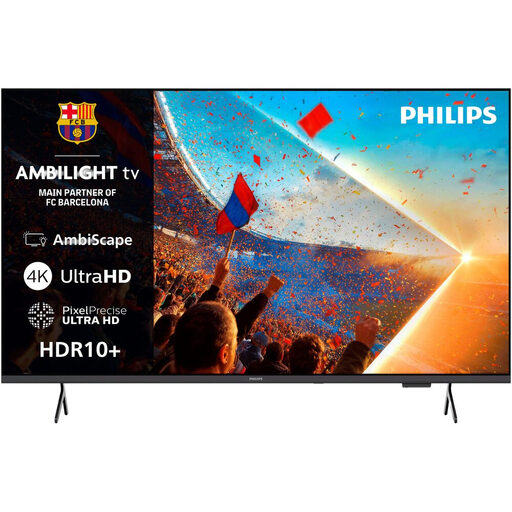
Philips 55PUS8001 55-inch 4K UHD LED TV with Ambilight
If you use a 4K presentation source, this 55-inch model is worth considering. Check your own slides and the picture from the side on the actual TV.
LED, 4K UHD, HDR10+, Dolby Atmos, Titan OS and 20 W audio.
View at Joybuy
 No image available
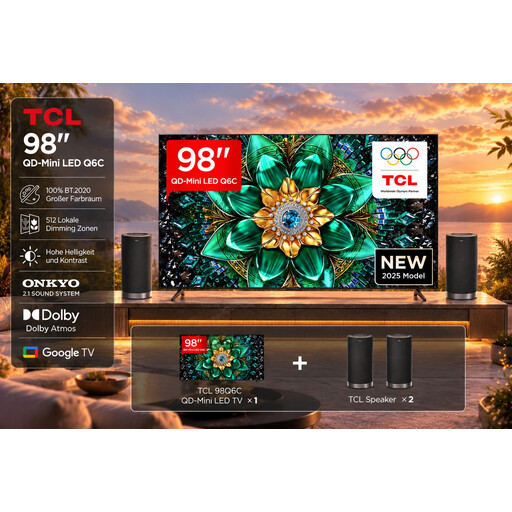
TCL 98Q6C with Z100 speaker set
The large screen is an option if you want to view your slides from further away; check that they’re readable from your actual seat.
98 inches, 4K, HDR and Google TV; the Z100 speaker set is included in the product name.
View at Joybuy
 No image available
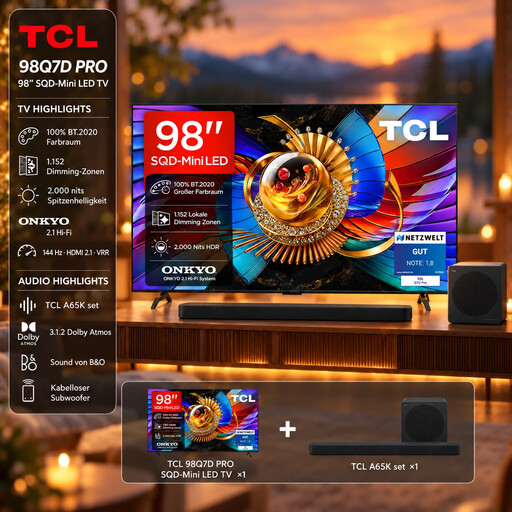
TCL 98Q7D PRO with A65K soundbar
The product description lists anti-reflection features; check how reflections and slides look from your seat in your own room.
98 inches, 4K, SQD Mini-LED, 1,152 local dimming zones, 2,000 nits HDR and 144 Hz.
View at Joybuy
 No image available
LG OLED83C67LA 83-inch OLED Evo 4K smart TV
The product details mention wide viewing angles, but still check your slides from the furthest seat to the side. Static content displayed for a long time or repeatedly can leave permanent visible marks on OLED screens, as Sony Deutschland explains.
83 inches, OLED, 4K, webOS and integrated 40 W speaker system.
View at Joybuy
Frequently asked questions
How do I check what screen size is right for lecture slides?
Measure the distance to the furthest seat you expect people to use, then check one of your own slides from there, using the font sizes you plan to show. The Verbraucherzentrale notes that the right screen size depends on several factors, so there’s no single screen size that will suit every lecture.
What should I bear in mind if a slide stays on screen during a long pause?
With OLED, avoid leaving still images on screen unnecessarily for long periods or displaying them repeatedly, and check the care and protection features of the specific model. Sony Deutschland identifies static images as a potential cause of burn-in; protection features don’t eliminate the risk.
Where can I check power consumption and my rights if the TV develops a fault?
Compare the specific TV’s EU energy label or its corresponding EPREL entry. If the TV develops a fault, your statutory consumer rights against the seller are separate from any voluntary manufacturer’s warranty. The Verbraucherzentrale explains these rights and the conditions that apply.


