What should you look for when buying?
Start with your viewing distance and available space. Then check how you’ll play your lectures and how clearly speech comes through. Compare energy information between similar TVs for the most useful results.
| Priority |
What to look for when buying |
Who should prioritise this? |
| Readability and space |
Check the viewing distance and stand dimensions against the space available; view slides from your usual seat. |
If I need to read slide text from the sofa and have limited space, I’ll choose a size that suits the distance and furniture. For around 36% of consumers, readability comes first when space is limited. |
| Clear speech |
Try a typical speech video from your seat; check whether subtitles are available from the specific video source. |
For long talks, I want to hear voices clearly and use subtitles when needed. Around 29% of consumers put clear speech first. |
| Access to lectures |
Check that the required app is available on the specific model; if you’ll use a laptop, check the connection and cable requirements. |
If my lectures come from different sources, I want to watch them directly on the TV or through a laptop. Around 21% of consumers prioritise access to their lectures. |
| Energy use |
Compare EU energy labels and model-specific information for similar TVs; consider SDR and HDR separately. |
For frequent, long talks, I want to take running costs into account and compare TVs using their energy information. Around 14% of consumers focus first on running costs. |
Joybuy TVs for watching lectures
These Joybuy TVs are worth considering for watching lectures in a small living room. Choose a size that works from your seat and check that your lecture can be streamed through a suitable app or connected device.
 No image available
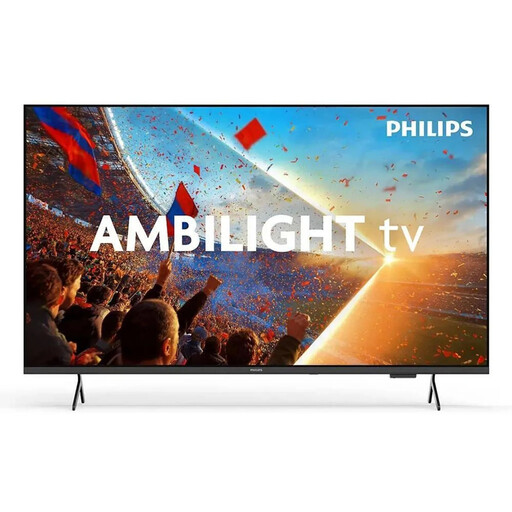
Philips 43PUS8001/12, 43-inch 4K QLED Smart TV
If you want to watch a lecture directly through an app, check whether your platform is available on this model.
43 inches; 4K; QLED; Smart TV.
View at Joybuy
 No image available
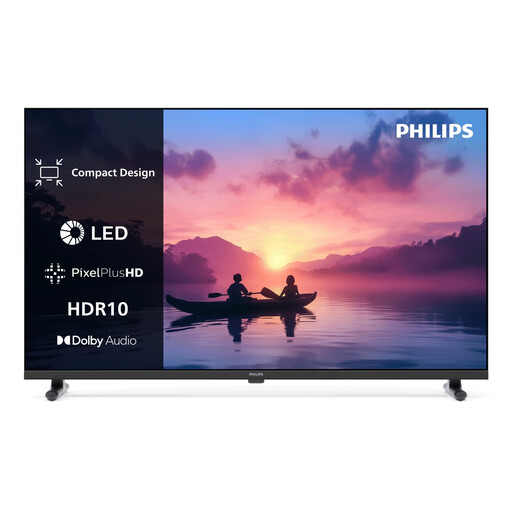
Philips 24PHS6050/12, 24-inch HD LED Smart TV
If you have limited space for your TV, compare the 24-inch size with your viewing distance and check whether typical slides are easy to read.
24 inches; HD; LED; Smart TV.
View at Joybuy
 No image available
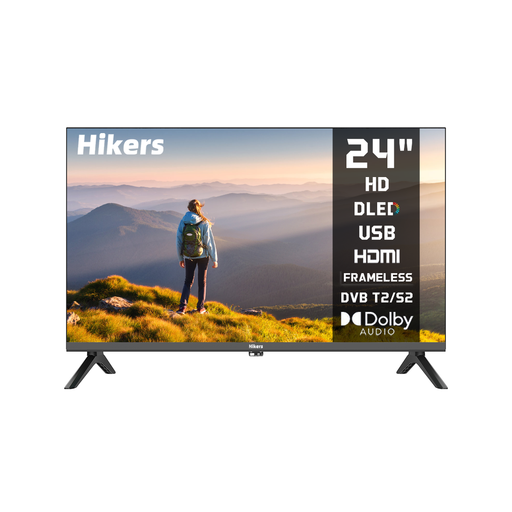
Hikers HD LED TV, 24 inches
If your lecture comes from a laptop or another connected device, factor in the connection you’ll need and the extra device to operate.
24 inches; HD; no Smart TV; HDMI and USB.
You’ll need an external device to stream content directly from the internet.
View at Joybuy
 No image available
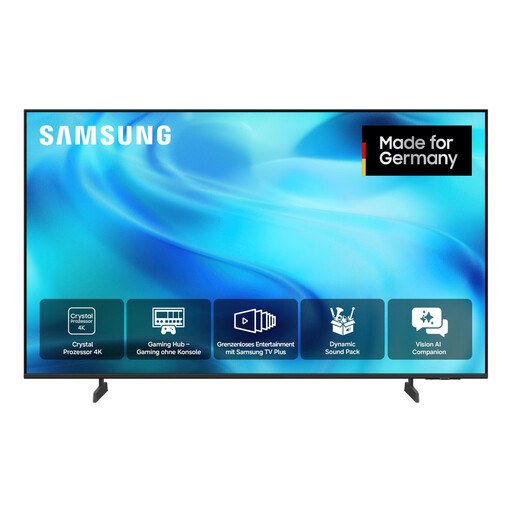
Samsung GU43U8079H Crystal UHD U8079H, 43-inch 4K Smart TV
If you want to watch lectures through an app or external devices, check that the specific model supports the platform you need and has the right connection.
43 inches; UHD 4K; Smart TV.
View at Joybuy
 No image available
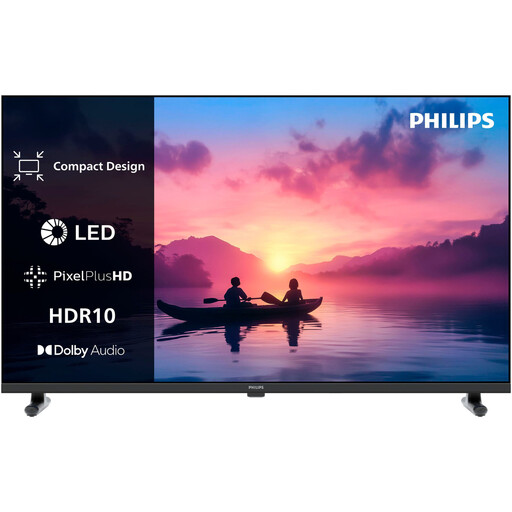
Philips 32PHS6060/12, 32-inch HD Ready LED Smart TV
If a mid-sized TV seems right for your space, check slides and subtitles from your intended viewing distance.
32 inches; HD Ready; 1366 × 768 pixels; 60 Hz.
View at Joybuy
Frequently asked questions
Is 43 inches always the right size for a small living room?
No. Match the screen size to your viewing distance and check that the TV will fit where you plan to put it. View typical slides and subtitles from your seat.
Do I need a smart TV for online lectures?
No, a compatible connected device is another option. If you want to watch directly on the TV, check that the specific model has the app you need. Internet-based smart TV features require an internet connection.
How can I check whether a lecture has subtitles?
Check the subtitles available from the relevant video source. In the ARD Mediathek, the ‘UT’ symbol generally indicates that a programme has subtitles; this doesn’t necessarily apply to other platforms.
How can I compare energy use without guessing the cost?
Compare the model-specific information on the EU energy label, and distinguish between SDR and HDR figures. Your personal electricity costs also depend on how long you use the TV and your electricity tariff.
What rules apply when buying a TV online in Germany?
Consumers generally have a right to cancel an online purchase. The period is usually 14 days, although when it starts depends on the type of contract. This is separate from any voluntary returns policy offered by the retailer. TVs covered by EU regulations must also have the required energy label.


