What should you consider when choosing?
First, check the furthest seat and how your files will be played. Then consider the room lighting, viewing angles and – if the venue is open for longer hours – the stated operating time for the specific model.
| What matters |
What to check before buying |
Who should consider this? |
| Readability from the back row |
Sony Deutschland relates minimum viewing distances to perceiving individual pixels, not to text readability. Test the smallest text on an original slide from the furthest seat. |
If I need to show maps and small labels to people at the back, I test a challenging original slide from that exact seat. Around 33% of consumers put readability from this seat first. |
| Playing local slides |
Sony lists JPEG as a USB codec for the K-85S3. Check the model manual for your other formats and the slideshow controls. HDMI is a possible alternative if you use an external player. |
If I want to show files from a local archive without a complicated set-up, I test the folders, playback order and file formats on the specific device. Around 27% of consumers prioritise simple, reliable file playback. |
| Room lighting and side seats |
Check how your actual slides look in the venue’s lighting and from seats at the side. TCL’s advertised HDR figures don’t show how clearly SDR slides will appear in your room. |
If lamps, windows or seats at the side could make viewing difficult, I check how typical files look from those positions. Around 20% of consumers put challenging viewing conditions first. |
| Operating time and set-up |
Samsung Business Deutschland lists 16/7 for certain signage models, not every display. Compare the stated operating time, dimensions and weight, and the EU energy label for each device. |
If slides will be shown regularly during longer opening hours, I check the operating time and space requirements before choosing. Around 20% of consumers prioritise exhibition use and a practical set-up. |
Joybuy products
Large-screen TVs for supervised presentations featuring local history slides.
 No image available
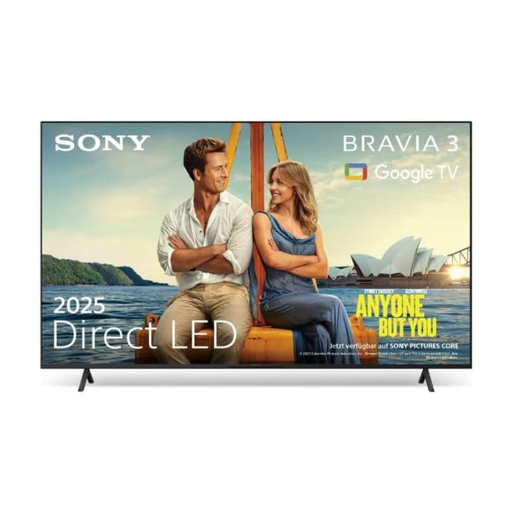
Sony BRAVIA 3 LED TV, 85-inch
The 85-inch screen is designed for presentations viewed from further away. Test the smallest text on an original slide from the furthest seat.
Check the manual for the specific model to confirm supported file formats, USB playback and the playback sequence you need.
View on Joybuy
Frequently asked questions
What screen size do I need for a long viewing distance?
Measure the distance to the furthest seat you expect people to use, then check the smallest text on a real slide from there. Sony’s example of an approximate minimum viewing distance of 1.6 m for an 85-inch 4K TV relates to perceiving individual pixels. It isn’t a recommended maximum distance for reading historical labels.
Can I show photos as a slideshow directly from a USB stick?
It depends on the specific model and file formats. Sony lists JPEG as a USB codec for the K-85S3 and refers you to the model manual for playable file types. Test your folders, sorting and automatic image changes. Alternatively, a player can control the presentation via HDMI.
What should I check before wall-mounting a TV?
Check the weight, mounting hole spacing and installation instructions for both the TV and the bracket against the wall you plan to use. Sony lists the K-85S3 as weighing 42.2 kg without its stand, with a 40 × 40 cm mounting hole spacing. These details apply to this model and don’t confirm that your existing wall is suitable.
How do I compare energy consumption, and what are my rights if something goes wrong?
Compare the energy consumption figures on the EU energy labels for the specific models and factor in your actual hours of use. The European Commission includes electronic displays on this energy efficiency scale. According to Verbraucherzentrale, consumers buying in Germany generally have statutory rights against the seller for two years from receipt of the goods. A manufacturer’s guarantee is separate.
Can I show historical photos on a TV in a public setting?
There’s no general answer without knowing which images you’ll use and what rights apply. Under § 15 UrhG, the author generally has the exclusive right to communicate their work to the public. Whether you need permission for particular photos or an exception applies depends on the material and how you plan to use it. Check the rights and sources before holding an exhibition that’s open to the public.


