When choosing a TV for nature documentaries in a small living room, start by measuring your viewing distance and available space; room size alone doesn’t determine the right screen size. If you often watch in the evening and prioritise contrast, a compact OLED could be a good option. If your priorities are different, compare specific LCD or QLED models. Also check that the TV supports your preferred broadcast reception, streaming services and connections, and compare its EU energy label.
Who is a TV for nature documentaries in a small living room suitable for?
Viewers short on space
If you have limited furniture or wall space, check your viewing distance and the TV’s dimensions rather than assuming a particular screen size will fit. The consumer advice centre recommends choosing a screen size based on your viewing distance.
Fans of high-contrast nature scenes
If you often watch nature documentaries in the evening and care about detail in darker scenes, also consider how the TV performs in daylight. When testing the LG OLED 42C5, CHIP Test Centre noted its high contrast and good picture quality, but rated its brightness as average.
Viewers who prefer streaming
If you watch series through apps or catch-up services, check that the services you need, your internet connection and the controls suit your everyday routine. Germany’s Federal Office for Information Security recommends considering security updates and access options when choosing a smart TV.
Which buying criteria matter most?
First check that the TV and stand will fit your room. Then consider picture quality, how you’ll access your series and energy use when choosing the right features.
| What matters |
What to look for when buying |
Who it matters most to |
| Size and placement |
Check the viewing distance, available space and stand dimensions for the specific model. |
If my sofa is close to the TV or my furniture has limited space, I want to consider screen size and placement together; around 36% of consumers focus mainly on size and space requirements. |
| Picture quality |
Check picture quality in your own lighting conditions and match HDR formats to the source you use. |
If I want to enjoy both dark forest scenes and bright landscapes, I compare the picture quality of the specific TV rather than relying on a format or technology logo; around 29% of consumers put picture quality first. |
| Streaming and reception |
Check the services you need, reception type, internet connection and connections. For smart TVs, also check information about security updates. |
If I want to watch a nature documentary through an app, catch-up service or existing device, the services and connections need to work with my source; around 21% of consumers prioritise access to series and ease of use. |
| Energy and costs |
Compare the EU energy label’s SDR and HDR figures, and consider optional services separately. |
If I want to keep an eye on electricity use as well as the purchase price, I compare the figures for how I plan to use the TV; around 14% of consumers focus mainly on upfront and ongoing costs. |
Which mistakes should you avoid?
-
Assuming a small living room calls for a particular screen size
Screen size, viewing distance, furniture and resolution all affect how large the picture looks from your sofa and whether the TV will actually fit.
Measure your viewing distance and available space before choosing a screen size or wall mount.
The wrong size can make setting up your TV more complicated.
-
Treating an HDR logo or the QLED name as proof of picture quality
Supported formats and technology labels alone don’t show how a particular model displays bright and dark nature scenes. When testing the LG OLED 42C5, CHIP Test Centre found high contrast but average brightness.
Assess picture quality separately for your bright and dark viewing conditions, and match HDR formats to the source you use.
-
Comparing energy use using just one viewing mode
The EU energy label shows energy use for SDR and HDR content, so a single figure won’t tell you how the TV performs in both modes.
For TVs of a similar screen size, compare the figures for both modes in the product data sheet.
Electricity use can add to your running costs over the lifetime of the TV.
-
Taking conflicting refresh rate information at face value
Joybuy’s information for the TCL 43QLED780 lists both 60 Hz in the specifications and a native 144 Hz display in the description. This doesn’t confirm the TV’s native refresh rate.
Check the model number and confirm the disputed feature against the relevant manufacturer data sheet before using it as a buying criterion.
TV brands worth considering
LG
The LG OLED42C57LA from the C5 range is a 42-inch OLED model for limited spaces, with a focus on contrast.
- LG lists Dolby Vision and webOS 25 for this model.
- When testing the LG OLED 42C5, CHIP Test Centre highlighted its contrast and picture quality, but noted its average brightness and lack of HDR10+. Manufacturer specifications and test results are different types of evidence.
TCL
The 43T6C is a 43-inch QLED model. You can check its listed HDR formats against the picture sources you use.
- TCL lists Dolby Vision and HDR10+ for this model.
- The manufacturer’s format specifications alone don’t confirm the measured picture performance of this model or other TCL TVs.
Samsung
The GQ43Q7F2AUXZG, listed in Germany, is a 43-inch QLED model with Samsung’s smart TV features.
- Samsung lists Quantum Dot technology and security features.
- The model has an EU energy rating of G. If energy use is a priority, compare the product data sheet figures with those of suitable alternatives. The security information comes from the manufacturer; it isn’t an independent test of the model.
Philips
According to Philips, the 43PUS9000/12 combines a 43-inch QLED screen with Ambilight, for viewers who also want to consider the lighting behind the TV.
- Philips lists Ambilight, Dolby Vision and Titan OS for this model.
- This description of its performance comes from the manufacturer. Check whether the lighting suits your viewing habits and fits your small room.
Joybuy TVs for compact living spaces
This selection includes 42- and 43-inch models with OLED or LCD/QLED technology and smart TV features. Before deciding, remember to check your viewing distance, available space and the services you need.
 No image available
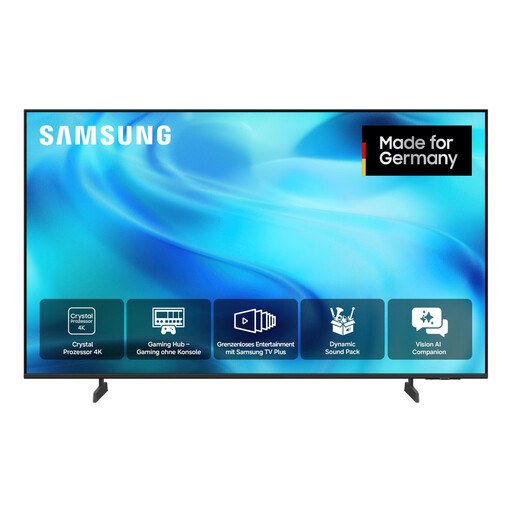
Samsung GU43U8079H Crystal UHD U8079H, 43 inches, 4K smart TV
A 43-inch option for buyers who want to consider both streaming and traditional TV reception.
4K; Tizen; DVB-T2 HD, DVB-C and DVB-S/S2.
View at Joybuy
 No image available
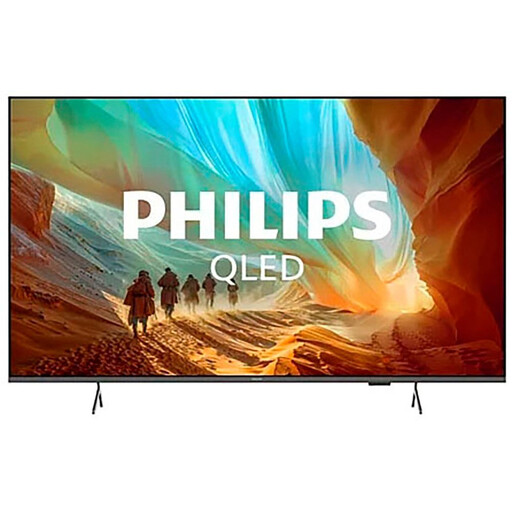
Philips 43PQS7801/12, 43 inches, 4K QLED smart TV
A 43-inch QLED option for buyers who want to match streaming features to the HDR formats used by their source.
4K; HDR10+ and HLG; Titan OS; 3 HDMI connections with eARC and VRR.
View at Joybuy
 No image available
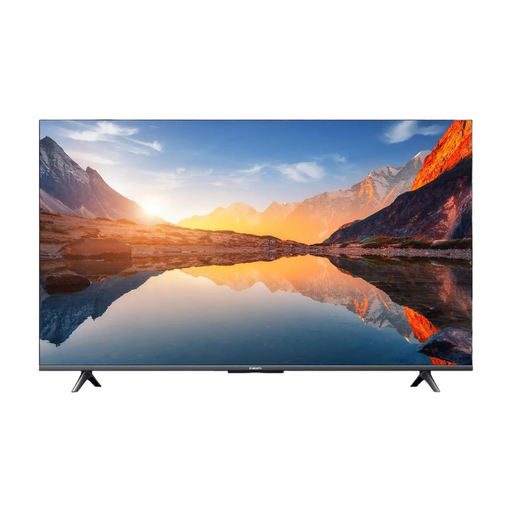
Xiaomi TV A 43 2025, 43 inches, 4K smart TV
A 43-inch option for buyers who want to stream series through Google TV.
4K; HDR10 and HLG; Google TV; energy rating G.
View at Joybuy
 No image available
LG OLED42C67LA OLED evo AI C6, 42 inches, 4K smart TV (2026)
A compact OLED option for buyers looking for a 42-inch model with streaming features.
4K; Dolby Vision, HDR10 and HLG; webOS 26.
View at Joybuy
 No image available
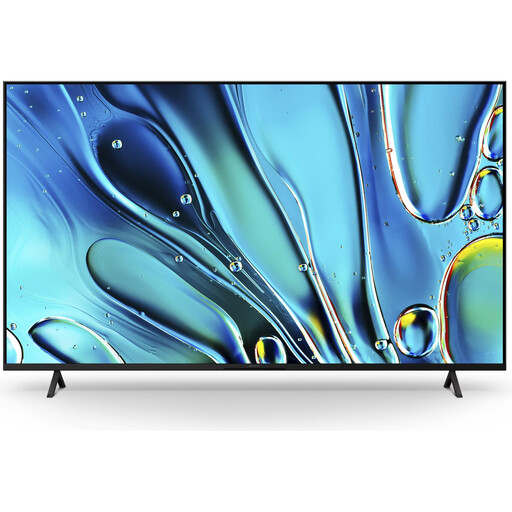
Sony BRAVIA 3 K43S32, 43 inches, 4K smart TV
A 43-inch option for buyers who want to consider streaming and the HDR support offered by their picture source.
4K; Dolby Vision, HDR10 and HLG; Google TV, Google Cast and Apple AirPlay 2.
View at Joybuy
Frequently asked questions
Will a 43-inch TV suit every small living room?
No. The right size depends on factors including your viewing distance and the space available. For HDTV, the consumer advice centre gives a recommended viewing distance of 1.60 to 2.10 m for a 42-inch TV; this isn’t a universal recommendation for 4K.
Do I need a 4K connection to watch a nature documentary?
It depends on how you watch the series. The consumer advice centre notes that streaming services offer a wider range of UHD content, which requires a sufficiently fast internet connection. TV broadcasts don’t all offer UHD.
What should I consider when setting up or passing on a smart TV?
When setting up your TV, check that it has the apps you need and that your network connection works. Germany’s Federal Office for Information Security recommends considering security updates and access options. Before selling or passing on your TV, remove your personal data and login details.
Which energy label should I look for when buying a TV?
TVs covered by EU rules must meet energy labelling and ecodesign requirements. The EU scale runs from A to G, and the label includes figures for SDR and HDR, among other information. It doesn’t require you to choose a particular efficiency rating.


