Who this TV comparison is for

For anyone who sits a long way from the screen

If you want to make out the stage and subtitles from your usual seat, start by measuring the distance and watching a typical recording at the screen size you’re considering. Germany’s consumer advice centre recommends taking your usual viewing distance into account; Sony’s minimum viewing distances don’t guarantee that subtitles will be easy to read.

For anyone who mainly watches opera in the evening

In dim lighting, dark stage sets, bright spotlights and reflections can all influence your choice. Compare picture quality in your usual room lighting and, if it matters to you, from seats to the side as well.

For anyone who likes to listen closely to the singing and orchestra

If sound is an important part of your decision, judge the audio using an opera recording and check whether the TV can connect to an existing or planned external sound system.

What to look for when buying

What to consider What to check before buying Who it matters to
Screen size and readability Measure your viewing distance and available space; watch a recording with subtitles from your usual seat. If I sit a long way from the screen, I want to be able to make out the action and subtitles clearly. Around 36% of consumers say choosing the right screen size is their top priority.
Picture quality and room lighting Compare dark and bright scenes in your usual lighting; consider reflections and seats to the side. If dark stage sets and colour matter to me, I compare picture quality in my own room. Around 29% of consumers give this priority.
Singing and orchestra Listen to a familiar recording using the sound setup you plan to use; check that the TV and sound system have compatible connections. If I want to hear voices and the orchestra clearly, I check the TV’s sound or how to connect my sound system. Around 21% of consumers prioritise sound.
Source and running costs Check that your recording, app or player is compatible; compare the SDR and HDR figures on the EU energy label. If I want to play my recordings reliably and keep energy use in mind, I check the source and energy label. Around 14% of consumers put these points first.

Common buying mistakes to avoid

  • Assuming a viewing-distance chart guarantees readable subtitles

    Sony’s stated minimum viewing distances are based on screen height and resolution, not on whether subtitles in a particular recording will be easy to read.

    Try a typical opera recording from your actual seat. Also check that subtitles are available and adjustable in the app or source you use.

  • Choosing OLED or Mini LED based on the technology name alone

    Room lighting, reflections, viewing angles and the specific model all affect which picture compromises will work best in your room.

    Compare the TVs using similar content and in your usual lighting. Remember to check from any seats to the side that you regularly use.

  • Going for the biggest screen without checking space and energy use

    Germany’s consumer advice centre notes that energy use generally increases with larger screens. The TV and its packaging also need to fit the space where it will be installed and the route used to transport it.

    Check the measurements before you buy. For TVs of a similar size, compare the SDR and HDR energy figures on the EU energy label.

    Setting up or mounting the TV can take extra time and cost more; a larger screen may also increase your ongoing electricity use.

  • Assuming a format logo guarantees great opera sound

    A TV may support Dolby formats, but that doesn’t mean the recording or playback setup will provide audio in those formats.

    Check the audio track, playback connection and ports. Listen to the singing and orchestra through the speakers you actually plan to use.

    An external sound system takes up extra space and may add to the cost.

Key brands at a glance

Sony

The German-market K-85XR5 and K-85XR95M2 are two different 85-inch LCD options to compare when looking at large TVs.

  • Sony lists Mini LED, local dimming and eARC/ARC for the K-85XR5, and RGB LED and an 85-inch screen for the K-85XR95M2.
  • Manufacturer specifications for individual models aren’t an independent performance comparison. Check the connections, installation requirements and picture quality for the model you’re considering.

LG

The OLED83G67LW adds an 83-inch OLED TV to the comparison.

  • LG lists Dolby Vision, Dolby Atmos and an integrated wall mount for this model.
  • Check that the wall mount is suitable for your wall and that your opera recording actually provides the picture or audio formats listed.

TCL

The 85Q6C is an 85-inch QD Mini LED model to compare with other large TVs.

  • TCL lists an ONKYO 2.1 system and a native refresh rate of 144 Hz for the 85Q6C.
  • Don’t assume that the maximum number of dimming zones stated for the series applies to the 85-inch version. Judge the picture and sound on the specific model.

Samsung

The GQ85QN90FATXZG is an 85-inch model in the Neo QLED range, adding another large LCD TV to the comparison.

  • Samsung describes the model as an 85-inch 4K Neo QLED TV with Mini LED.
  • The model name and screen technology alone won’t tell you how noticeable reflections will be or how singing and orchestra will sound in your room.

Panasonic

The TV-77Z95BEG adds a 77-inch OLED TV to the selection.

  • Panasonic lists OLED, 4K and a 77-inch screen for this model.
  • As it has a smaller screen than the 83- and 85-inch models mentioned, it’s especially important to check how clearly you can see everything from your usual seat.

Joybuy TVs for viewing from a distance

This selection includes large 85-inch LCD and Mini LED TVs, so you can compare screen size, features and built-in audio. Check how easy it is to read the subtitles on your recordings and whether the connections suit your room and devices.
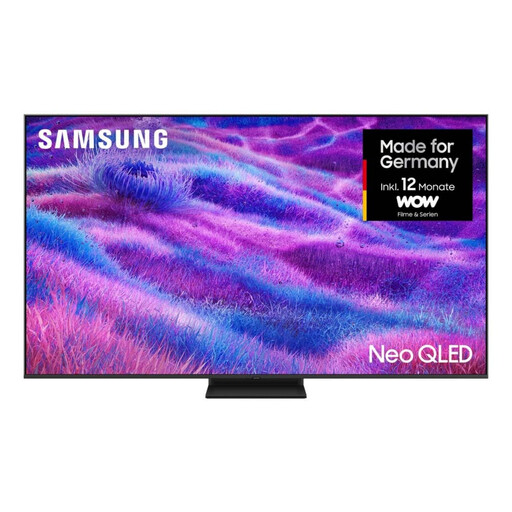
Samsung QN80F 85-inch Neo QLED 4K Mini LED TV

Samsung QN80F 85-inch Neo QLED 4K Mini LED TV

The 85-inch screen gives you plenty of viewing area; check how clearly you can make out the stage and subtitles from your seat.

4K resolution, Mini LED, 120 Hz and an integrated 5.1-channel system with Dolby Atmos.

View at Joybuy

TCL 85Q7D PRO 85-inch 4K SQD Mini LED TV

TCL 85Q7D PRO 85-inch 4K SQD Mini LED TV

The 85-inch screen is worth considering if you’re comparing large TVs; try watching a recording with subtitles from your intended seat.

4K, SQD Mini LED, 144 Hz, Dolby Vision IQ and Dolby Atmos; the description also lists an ONKYO 2.1 system.

View at Joybuy
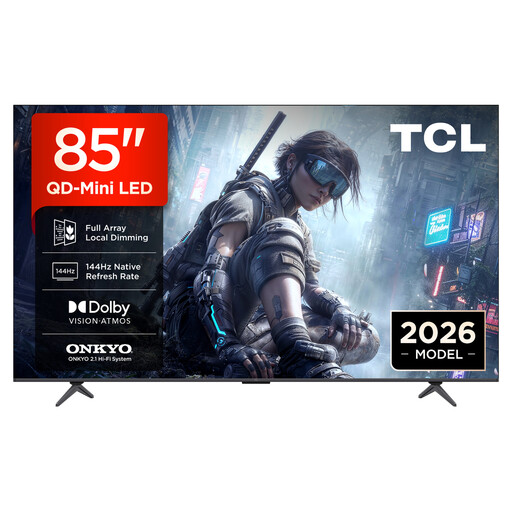
TCL 85T8D 85-inch QLED TV with QD Mini LED dimming

TCL 85T8D 85-inch QLED TV

The 85-inch screen could be a good option for viewing from further away, but what matters most is whether you can see the recording clearly from your seat.

4K HDR with QD Mini LED dimming, 144 Hz VRR, Dolby Vision, HDR10+ and Dolby Atmos; an ONKYO 2.1 system and Google TV are also listed.

View at Joybuy
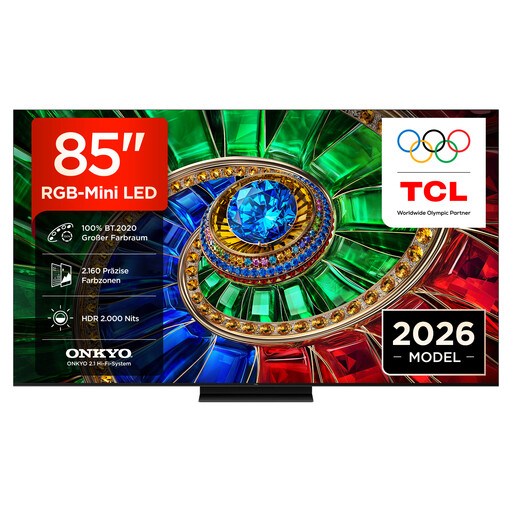
TCL 85RM7L 85-inch 4K RGB Mini LED TV

TCL 85RM7L 85-inch 4K RGB Mini LED TV

The 85-inch screen gives you plenty of viewing area; check how easy it is to follow your favourite opera recording from your usual seat.

RGB Mini LED, 144 Hz VRR, Dolby Vision IQ and Dolby Atmos; the product name also lists an ONKYO 2.1 system, Google TV and Apple AirPlay 2.

View at Joybuy

Hisense 85E8S 85-inch 4K Mini LED TV

Hisense 85E8S 85-inch 4K Mini LED TV

The 85-inch screen is designed for a big-picture experience; check subtitles and stage details using a recording you know well.

4K, Mini LED, 144 Hz and VIDAA; Dolby Vision IQ, Dolby Atmos and a built-in subwoofer are also listed.

View at Joybuy

Frequently asked questions

Are minimum viewing distances a recommendation for readable opera subtitles?

No. Sony describes the stated figures as minimum viewing distances based on screen height and resolution, not as a guarantee that subtitles will be easy to read. Check the subtitles in a typical recording from your actual seat; availability and settings also depend on the app and content.

Does a TV sold in Germany have to carry an EU energy label?

EU energy labelling rules apply to electronic displays, including TVs. The European Commission cites Delegated Regulation (EU) 2019/2013, among other legislation. For the specific model, compare the SDR and HDR figures; energy use is shown in kWh per 1,000 hours.

How do I connect an existing sound system to my TV?

First, check that the TV and sound system have compatible connections. For example, Sony lists eARC/ARC for the K-85XR5; whether you can connect your sound system this way also depends on its input. Then listen to a familiar opera scene using the connection you plan to use.

Who is responsible for the statutory guarantee if something goes wrong?

For purchases made in Germany, the seller is generally responsible for the statutory guarantee. Germany’s consumer advice centre says that new goods are generally covered for two years; this is separate from any voluntary manufacturer’s guarantee.

What can I do with my old TV when I buy a new one?

Germany’s Federal Environment Agency notes that large old appliances such as TVs can be returned free of charge when you buy a similar appliance, including with online purchases delivered to your home. Check how returns are handled before ordering; old TVs must not go in household waste.