When watching quiz shows from further away, the key is choosing a screen size that makes the questions and answer options easy to read from your usual seat. Measure the distance and check how on-screen graphics look from there; Germany’s consumer advice centre recommends considering viewing distance and screen size together. Then compare speech clarity, subtitles and how you receive TV signals, rather than paying for features you don’t need.
Who should consider this?
Quiz fans who sit further away
If you want to read questions and answer options from your usual sofa, choose a screen size based on your measured viewing distance, not just the number of inches. Germany’s consumer advice centre recommends considering viewing distance and screen size together.
People who rely on speech or subtitles
If you want to follow the presenter and answers reliably, check the sound and subtitles using the way you receive TV signals. The ARD explains that subtitles can be switched on using a button or menu on your TV or receiver, depending on the device.
Viewers with a set way of receiving TV
If you want to watch quiz shows via aerial, cable, satellite or the internet, check which connection and reception equipment you need beforehand. Germany’s consumer advice centre points out that your reception method needs to support the programmes you want to watch.
What should you look for when buying?
First, measure the distance from your usual seat. Then check the sound, subtitles and reception. This helps you choose a screen and features that suit the way you actually watch TV.
| What matters |
What to check when buying |
Who is it important to? |
| Readability from a distance |
Measure your viewing distance; assess the screen dimensions and on-screen graphics from a similar distance. |
If I want to read quiz questions from my usual sofa, being able to see the on-screen graphics clearly matters to me. This is a priority for around 36% of consumers. |
| Speech and subtitles |
Check speech clarity from your listening position; switch on subtitles using your usual reception method. |
If I can’t reliably understand the answers by listening, I need clear speech or easy-to-access subtitles. Around 29% of consumers prioritise this. |
| Receiving the programmes you want |
Identify your channels and existing connection; check that the tuner, receiver and, if necessary, decryption options are compatible. |
If you want to watch specific quiz shows, first check whether they’re available through your existing reception method. Programme availability is the main concern for around 21% of consumers. |
| Energy use and running costs |
Compare the energy label for the specific model; factor in your reception method and any extra equipment you need. |
If I want to keep running costs in mind, I consider both electricity use and the requirements of my reception method. Around 14% of consumers prioritise this. |
Common buying mistakes
-
Focusing on resolution instead of readability
High resolution can’t make up for a screen that looks too small from your seat. Germany’s consumer advice centre recommends considering screen size and viewing distance together.
Start by checking your viewing distance, how on-screen graphics look and how much space you have for the TV. Then compare resolution and other features.
-
Assuming a built-in tuner gives you access to every channel
Having the right tuner alone doesn’t guarantee that you can receive all the programmes you want without meeting other requirements. Private channels on DVB-T2 HD require decryption.
Decide which channels you want and how you’ll receive them before buying. Then check whether you need a receiver or a subscription activation.
-
Choosing a screen size without considering energy use and installation
Germany’s consumer advice centre points out that larger TVs with more features generally use more electricity. Make sure you also have enough space, and that delivery and connection arrangements suit where you plan to put the TV.
Compare the energy label for the specific model and check before ordering which delivery and connection services you’ll need.
Brands to consider
Philips
The tested 77OLED910 may be worth considering if you’re interested in a large screen, sound quality and viewing from the sides.
- COMPUTER BILD praises the speech clarity of the 77OLED910.
- COMPUTER BILD notes that it lacks USB recording. Philips describes OLED, four-sided Ambilight and Bowers-&-Wilkins sound for the 77OLED910/12 variant; these are manufacturer claims and don’t apply to every Philips TV.
Sony
The tested K-75XR95M2 is a large LCD option if HDR picture quality and adjustment options matter to you.
- COMPUTER BILD gives this specific model a positive assessment for picture and sound.
- The review notes that it has two HDMI-2.1 ports. This verdict applies to the model and doesn’t demonstrate any particular advantage for watching quiz shows.
Samsung
The tested GQ77S95HFT may be worth considering in rooms with reflections or if you sit to the side of the screen.
- COMPUTER BILD praises this model’s anti-reflection properties and viewing-angle stability.
- The review notes that Dolby Vision and DTS are missing. These findings don’t apply across the board to other Samsung models.
LG
The tested OLED77G68LW is an option for buyers looking for a large OLED screen to watch quiz shows and more.
- COMPUTER BILD praises the picture and sound of this specific model.
- The review notes that it lacks DTS. This doesn’t establish a general ranking of LG TVs, nor is DTS essential for watching quiz shows.
TCL
The tested 75X11L is a large LCD/Mini LED option if you also need to take the room’s brightness into account.
- COMPUTER BILD praises this model’s display brightness and contrast.
- The review criticises the advertising in the Google TV menu. This verdict applies to this model, not all TCL TVs.
TVs on Joybuy
This selection includes large LCD, Mini LED and OLED TVs with stated screen sizes of 75 to 85 inches. The key is whether the screen suits your measured viewing distance and the space available.
 No image available
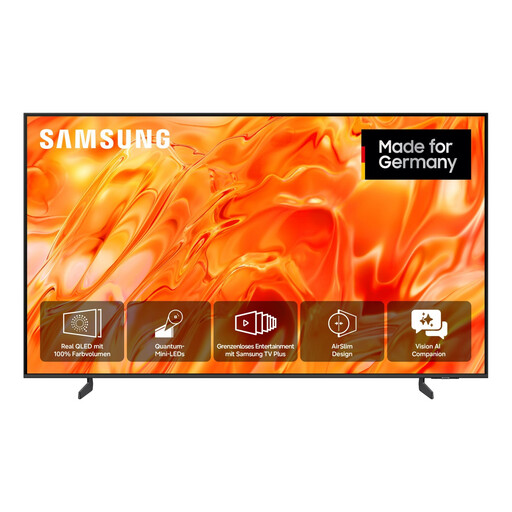
Samsung GQ85QN70H Neo QLED QN70H 4K Smart TV, 85 inches
The stated 85-inch screen size may suit buyers who watch TV from further away.
Neo QLED; 4K; DVB-T2 HD, DVB-C and DVB-S/S2.
View on Joybuy
 No image available
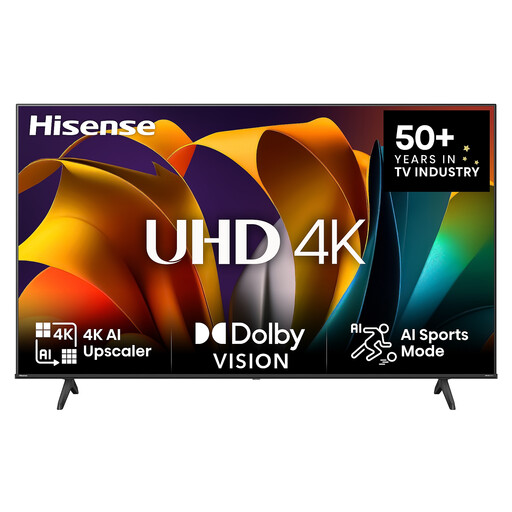
Hisense 75E6NT 75-Inch 4K UHD Smart TV
The stated 75-inch screen size may be worth considering if you sit further away; check how easy the on-screen graphics are to read from your usual seat.
LED; 4K UHD; triple tuner for DVB-C/S/S2/T/T2.
View on Joybuy
 No image available
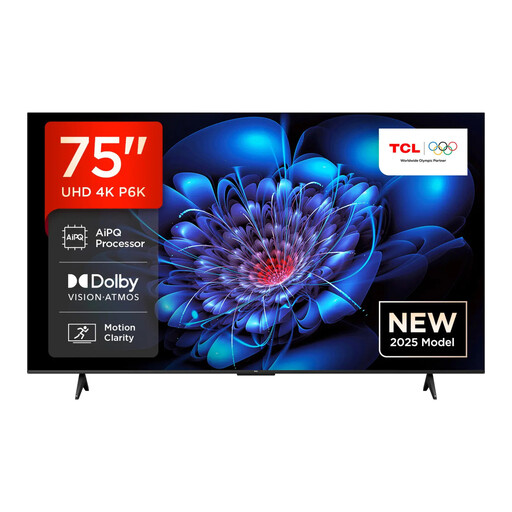
TCL 75P6K 75 Inch Direct LED 4K HDR Smart TV
The stated 75-inch screen size is a useful guide, but check how quiz graphics look from your actual viewing distance.
Direct LED; 4K HDR; 30 W 2.0 audio system; DVB-T2, DVB-C and DVB-S2.
View on Joybuy
 No image available
Hisense 75E8S 75-inch Mini LED 4K Smart TV
The stated 75-inch screen size may suit a longer viewing distance; compare how on-screen graphics look from your usual viewing angle.
Mini LED; QLED; 144 Hz; Dolby Vision; DVB-T2 HD, DVB-C and DVB-S2.
View on Joybuy
 No image available
LG OLED77G67LW OLED Evo AI G6 77-Inch 4K Smart TV
The stated 77-inch screen size is an option for longer viewing distances; check how easy the on-screen graphics are to read from your seat.
OLED; Dolby Vision; Clear Voice Pro; DVB-T2, DVB-C and DVB-S2.
View on Joybuy
Frequently asked questions
Is 75 inches always the right size if you sit further away?
No. Measure the distance from your usual seat and check whether you can read the on-screen graphics from there. Germany’s consumer advice centre gives a guide range of 3,10 to 3,80 m for a 75-inch screen when watching HDTV. This is neither a required screen size nor a guarantee that quiz questions will be easy to read.
How do I switch on subtitles while watching a programme?
The ARD explains that, depending on your device, you can use a subtitle button or menu. If you use an external receiver, change the setting with its remote control. Also check whether subtitles are available for the programme and whether they’re easy to read from your seat.
Can I receive private quiz shows via DVB-T2 HD?
Yes, provided you have the necessary decryption set up. Germany’s consumer advice centre distinguishes between encrypted private channels and public-service channels, which are available unencrypted via DVB-T2 HD. Check beforehand what equipment your reception method requires.


