PC gamers playing on a TV
If you want to control stories from the sofa, check that both the game and the connection between your controller and PC support it. Valve points out that not every game on Steam supports controllers.


First, check whether the specific game supports controller input and whether the controller is compatible with your platform: a big screen alone doesn’t make a game suitable for a gamepad. If you’re playing from the sofa, you’ll also need to check that the wireless connection works or that a cable can reach your seat. Extra features are only worth considering if the game uses them.
If you want to control stories from the sofa, check that both the game and the connection between your controller and PC support it. Valve points out that not every game on Steam supports controllers.
If you play on PlayStation or Nintendo Switch, choose a gamepad that’s compatible with your console and its generation. Sony and Nintendo each specify platform requirements and limitations.
For longer sessions, a well-designed button layout and comfortable controls can make a difference. Also check whether a controller you already own will do the job and whether the game can be played entirely with a gamepad.
For interactive stories on the big screen, the first hurdle is support from the game and platform. After that, consider the connection from your seat, how comfortable the controls are, and whether you really need to buy a new controller or extra accessories.
| What matters | What to check before buying | Who it matters most to |
|---|---|---|
| Game and platform compatibility | Check whether the specific game supports controllers, and confirm the supported platform and operating system version. | If I’m looking for a gamepad for a particular story game, I want to know first whether the game and platform support it. Around 36% of consumers say compatibility is their top concern. |
| Connection from the sofa | Check the connection type for your device and, if you’re using a cable, whether it will reach your seat. | If you play from the sofa, you don’t want to have to run a cable across the room only to find it’s too short. Around 29% of consumers put the connection to their seat first. |
| Comfortable controls | Check the button layout, directional pad and, where relevant, assignable extra buttons on the specific model. | During long conversations and lots of decision-making, it matters that the buttons are comfortable to reach. Around 21% of consumers give comfort the greatest weight. |
| Total cost and extras | Try the input devices you already own, and check what’s included as well as whether you’ll need a receiver, batteries or a charging cable. | If I want to avoid unnecessary extra purchases, I’ll first see whether a device I already own will do the job. Around 14% of consumers say total cost is their main buying concern. |
You can navigate the Steam interface with a controller even if an individual game requires a mouse or keyboard. Valve distinguishes between full and partial controller support.
Before buying, check the controller support label for the specific game.
8BitDo distinguishes the Ultimate 2C Wireless for Windows and Android from the Ultimate 2C Bluetooth for Switch. The Wireless model uses different connection types depending on the platform.
Check the full model name, platform and connection method against your device.
A cable needs to reach your seat, and some extra features depend on whether the game supports them. PowerA lists a 10-foot USB-C cable for the Advantage Plus Wired; whether that’s long enough for your setup depends on the distance.
Measure the distance from the port to your seat and check that your game supports the features you want.
The Xbox Wireless Controller is listed for Xbox consoles. Microsoft also names Windows PCs and iOS and Android devices as supported devices.
The DualSense is designed for PS5 users and, according to Sony, can also connect to PCs, Macs and mobile devices that meet certain operating system requirements.
According to Nintendo, the Switch 2 Pro Controller is designed for Switch 2. An older Switch Pro Controller can also be used wirelessly with Switch 2.
8BitDo offers the Ultimate 2C Wireless for Windows and Android, as well as a separate Ultimate 2C Bluetooth version for Switch.
According to PowerA, the Advantage Plus Wired is a wired option for Xbox Series X|S, Xbox One and Windows 10/11.
The Joybuy products below include wired and wireless controllers for PC, Xbox, Smart TV, Switch 2 and PlayStation 5. The right option depends on your platform, the specific game and where you’re sitting.
 No image available
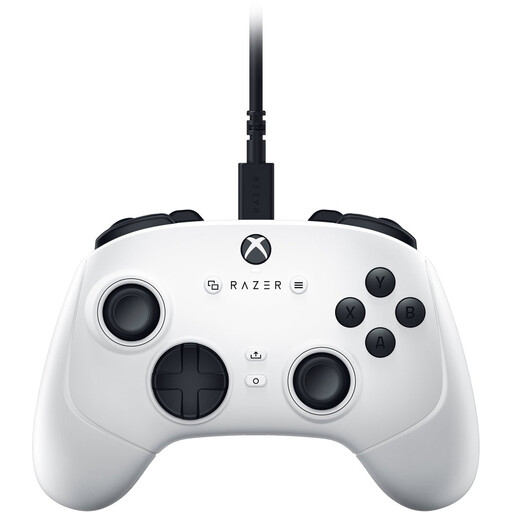
For supported games on a Windows PC or Xbox; connects via cable.
Four rear paddles and six assignable buttons; detachable 3-m USB-C cable.
 No image available
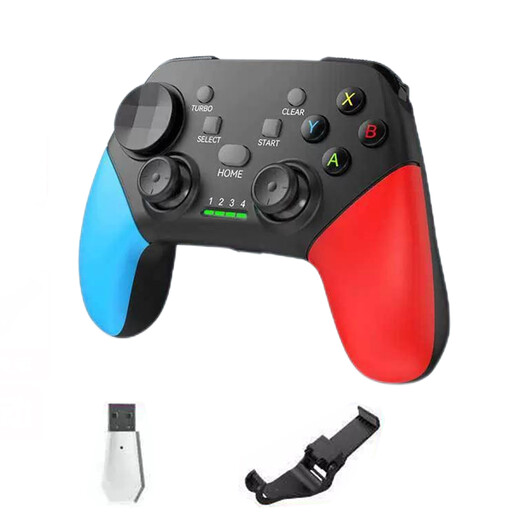
For a supported game; the product information lists platforms including PC and Smart TV.
Bluetooth 5.2, 2.4 GHz wireless, dual vibration and a detachable smartphone holder are listed. Check the connection for your specific device.
 No image available
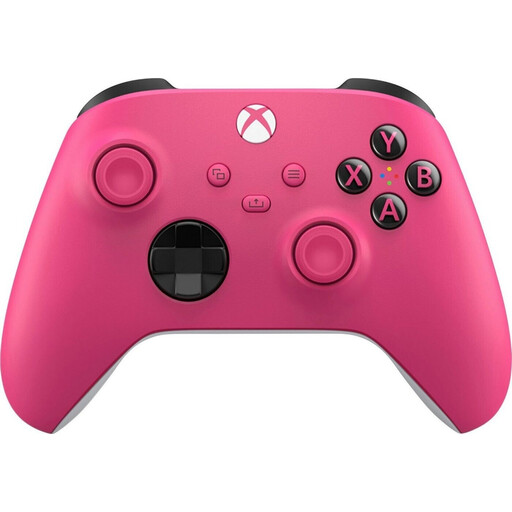
For supported games on Xbox consoles or a PC; the product information lists Xbox Wireless and Bluetooth.
The description mentions textured grip surfaces. Check that the connection you plan to use is compatible with your device.
 No image available
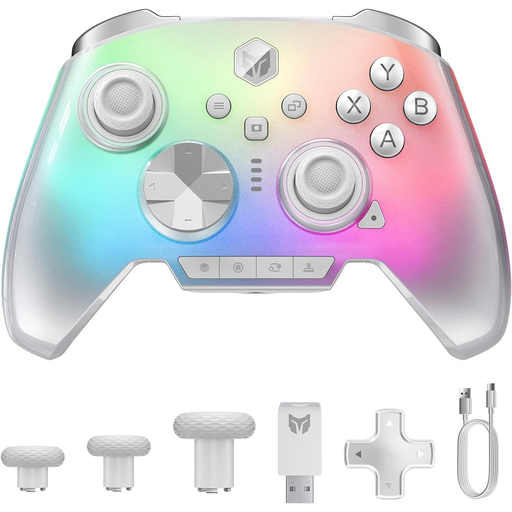
The product title lists PC and Switch 2 as platforms; the game itself must also support controller input.
16 mechanical buttons and a 3.5-mm audio jack are listed.
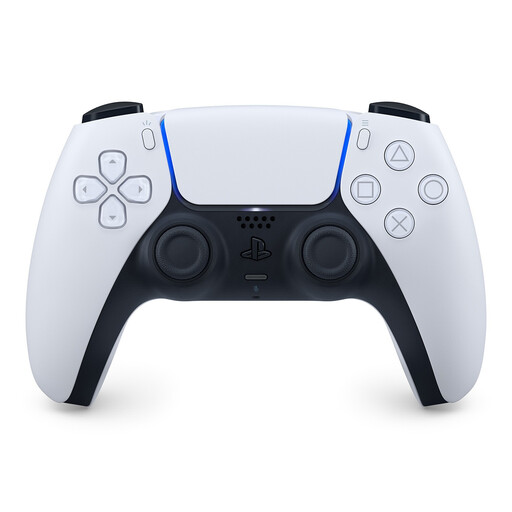 No image available
For supported PS5 games; the product information also lists PC, Mac and Android.
Haptic feedback, adaptive triggers, a touchpad, and Bluetooth and USB-C connectivity are listed. On PC, some features depend on the game and connection.
No. Valve points out that not every Steam game supports controllers; with partial support, you may need a mouse or keyboard. Check the information for the specific game before buying a controller.
For this model, 8BitDo lists a 2.4-GHz receiver or a wired connection for Windows. Bluetooth is listed for Android; the Ultimate 2C Bluetooth for Switch is a different model.
According to Sony, you can connect via USB or Bluetooth, provided your device meets the requirements. To pair via Bluetooth, hold down the PS and Create buttons until the light bar flashes, then select the controller on your device. According to Sony, haptic feedback on PC requires a USB connection and support from the game.
Battery life depends on the model and how you use it. Nintendo explicitly describes the Switch 2 Pro Controller’s approximate 40-hour battery life as an estimate, and recommends contacting its customer service if the battery needs replacing.
For a standard online purchase from a business, you generally have a 14-day right to cancel from the date of delivery; exceptions and possible return costs should be taken into account. The EU consumer portal also explains that faulty goods are covered by a legal guarantee of at least two years. This is separate from any additional manufacturer’s warranty.